DexoPad
HID Remote for Any Computer
Conçue pour iPhone, iPad, iPod touch
Gratuit
- Classification d’âge4+
- CatégorieUtilitaires
- DéveloppeurPalmblock Technology Co., Limited
- LanguesAnglais
- Taille31,1 Mo
Renvoie vers la page App Store officielle
Download.org n’héberge aucun fichier de DexoPad. Le bouton ouvre la page de l’application sur App Store, où Palmblock Technology Co., Limited la publie. Fiche vérifiée pour la dernière fois le 16/11/2026.
Captures d’écran

À propos
Le développeur n’a pas fourni ce texte dans votre langue.
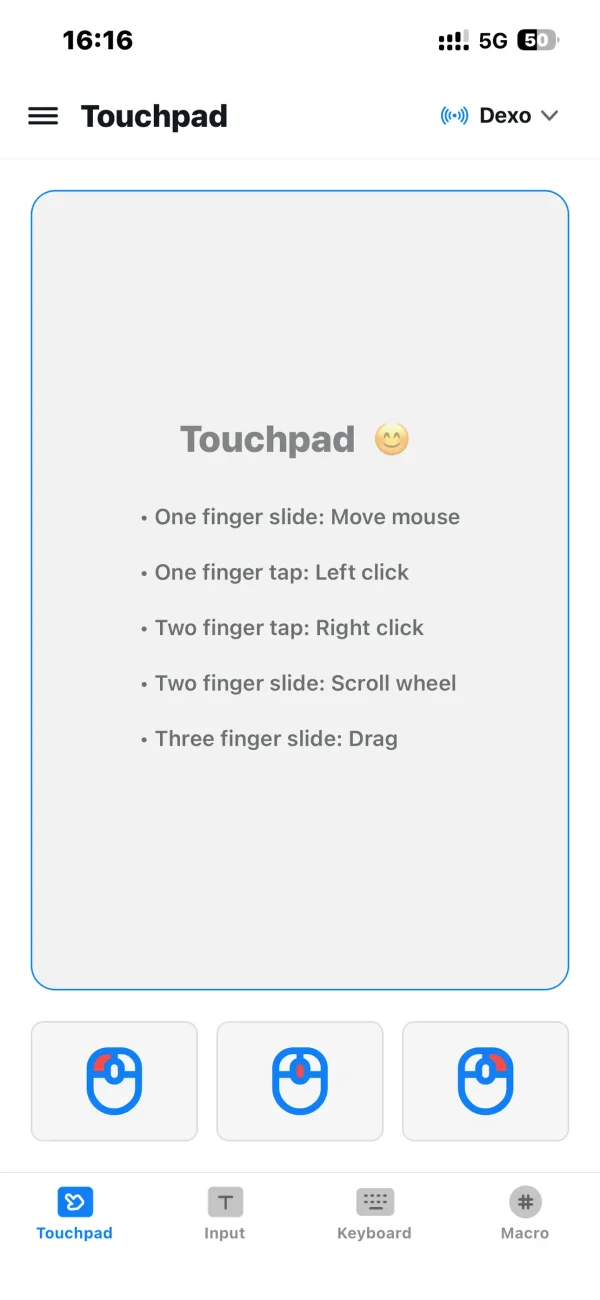
DexoPad is a companion app for the DexoPad hardware dongle — a wireless BLE-to-USB HID bridge that turns your iPhone or iPad into a keyboard, trackpad, and shortcut controller for any computer. The DexoPad dongle (sold separately) plugs into your target computer's USB port and communicates with the app over Bluetooth Low Energy — no drivers, no companion software, no network configuration required.
Because the DexoPad dongle presents itself to your computer as a standard USB keyboard and mouse (HID), it works everywhere: Windows, macOS, Linux, ChromeOS, and even at the BIOS/UEFI level before any operating system boots. Type into BIOS setup, navigate boot menus, unlock encrypted drives, or run keyboard-only servers — DexoPad works when nothing else can.
Key features:
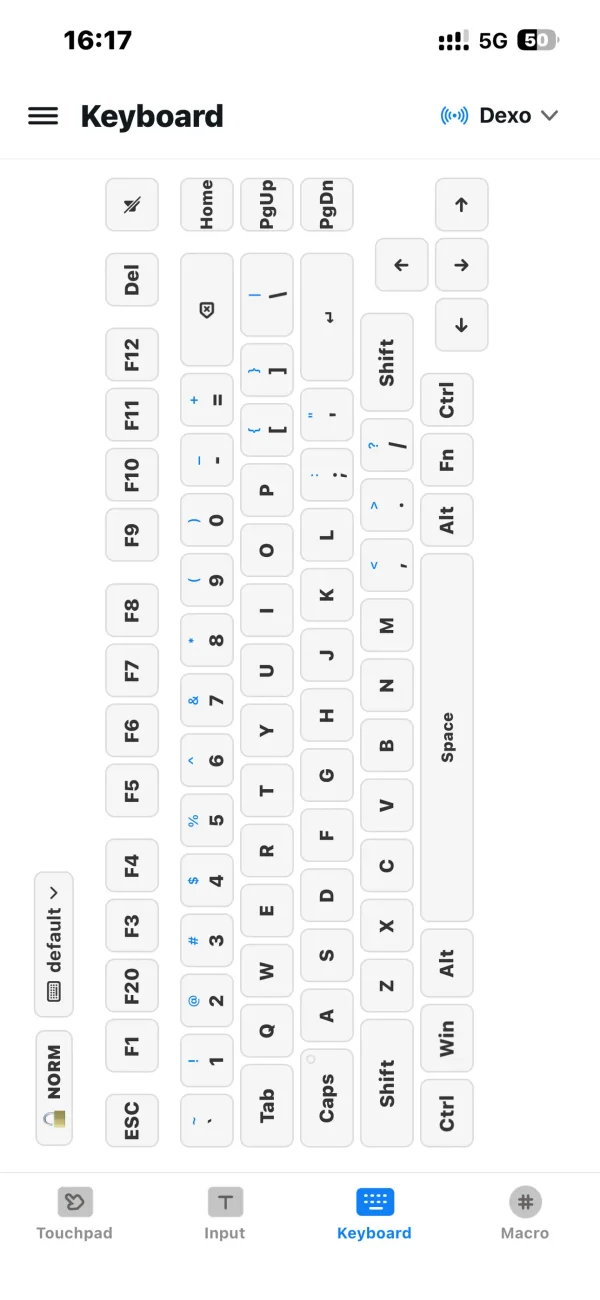
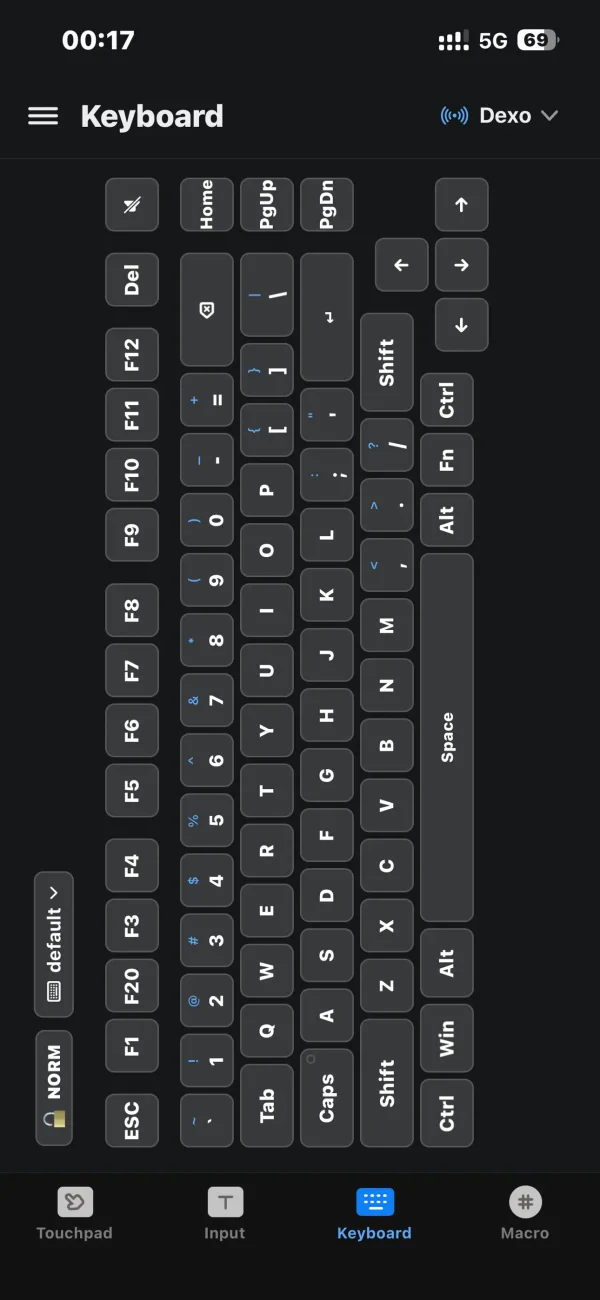
• Full keyboard input with modifier combos: Ctrl+C, Cmd+V, Ctrl+Alt+Del, Win+R, and every F-key (F1–F12) plus arrow, Home/End, PageUp/Down, and Insert/Delete.
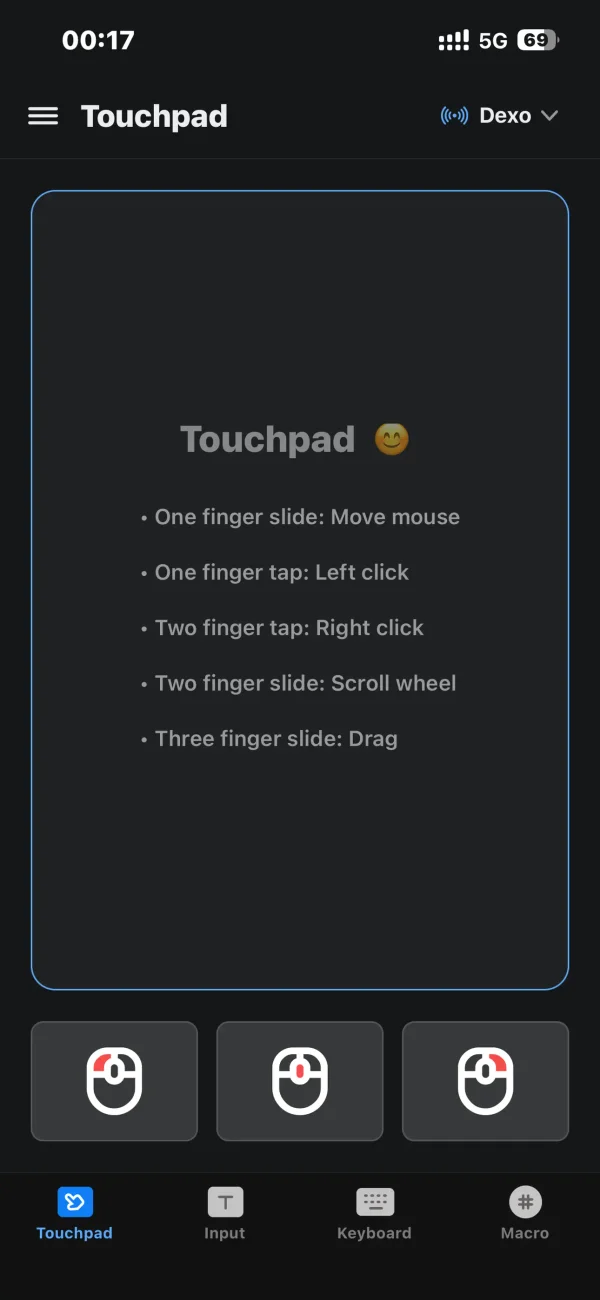
• Precision touchpad with two-finger scroll, tap-to-click, drag, and left/right/middle mouse buttons.
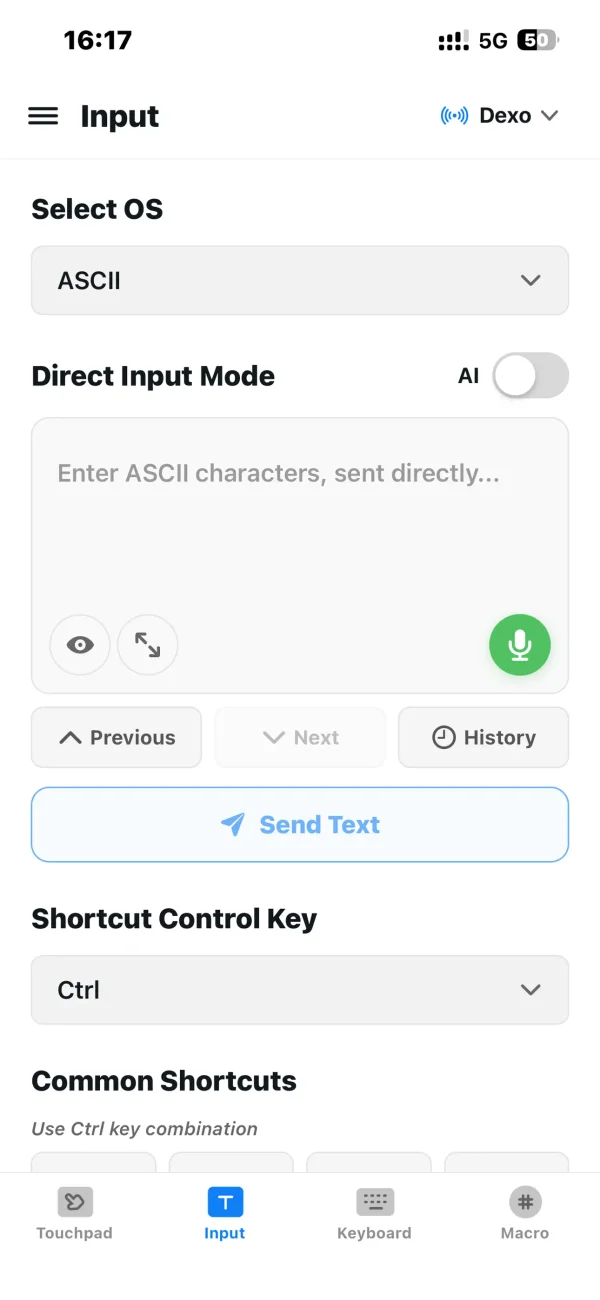
• Multi-OS Unicode input: Type Chinese, Japanese, Korean, emoji, and other Unicode characters into any target OS — DexoPad handles keyboard layout translation for Windows (Alt+Numpad), macOS (Unicode Hex Input), and Linux (Ctrl+Shift+U).
• ASCII mode for pre-OS environments: Send raw HID scancodes when no IME is available (BIOS, GRUB, recovery consoles, embedded systems).
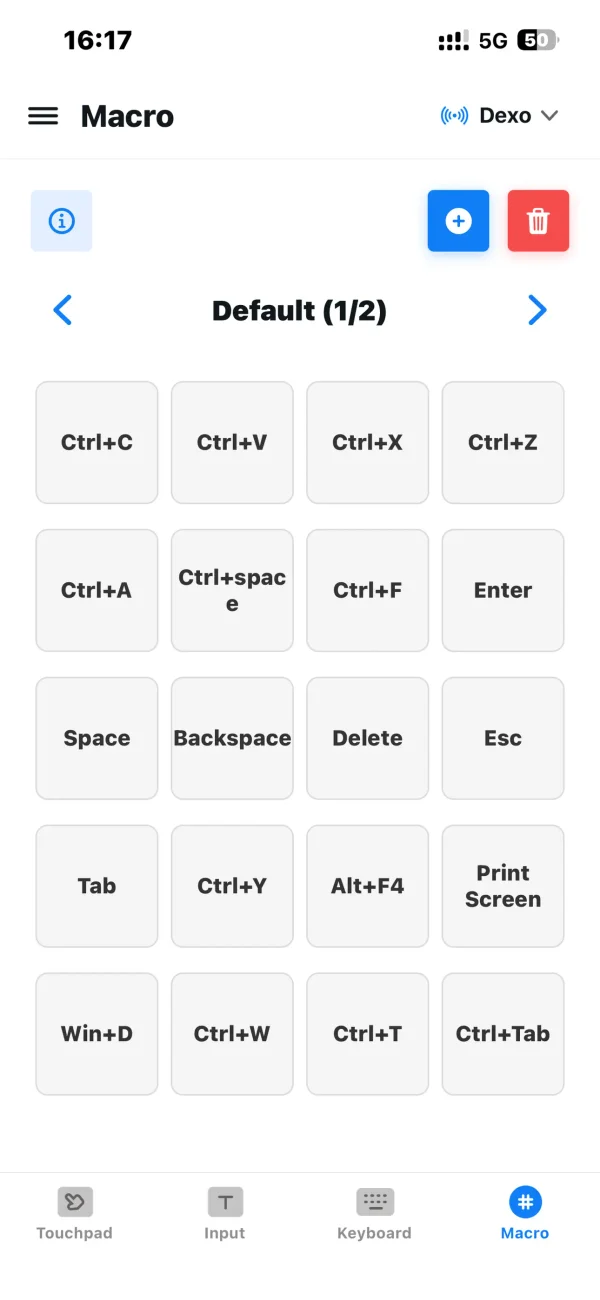
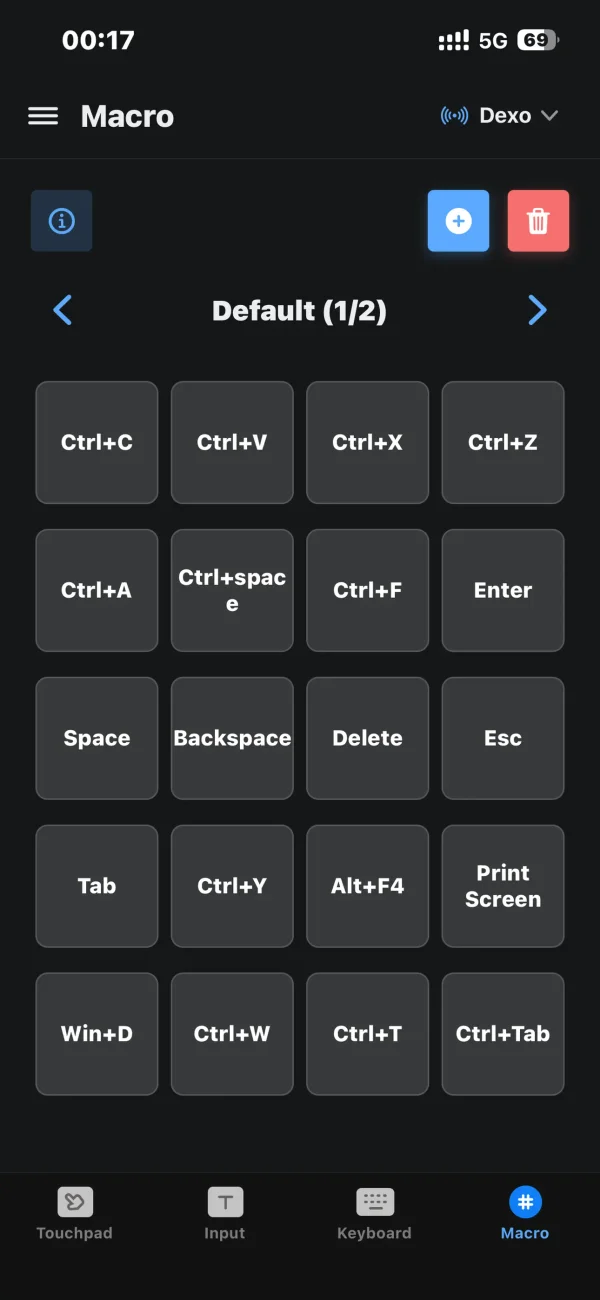
• Custom shortcut buttons: Save your favorite key combinations as one-tap actions.
• Low-latency BLE: Real-time typing and pointer control over Bluetooth.
• Multi-device pairing: Manage several DexoPad dongles from one iPhone.
Perfect for:
• Remote IT support and system administration
• Developers working with headless machines and embedded devices
• Presenters who need a discrete, wireless remote
• Anyone who wants their phone to double as a keyboard/mouse for a nearby computer
Confidentialité de l’application
Ce que Palmblock Technology Co., Limited déclare sur l’App Store au sujet du traitement des données par cette application.
-
Données établissant un lien avec vous
Peuvent être collectées et liées à votre identité.
- Coordonnées
- Identifiants
- Données d’utilisation
-
Données n’établissant aucun lien avec vous
Peuvent être collectées, mais ne sont pas liées à votre identité.
- Identifiants
- Diagnostic
Les pratiques en matière de confidentialité peuvent varier, notamment en fonction des fonctionnalités que vous utilisez ou de votre âge.
Informations
- Vendeur
- PalmBlock Technology Co., Limited
- Catégorie
- Utilitaires
- Version
- 1.0
- Mis à jour
- 13/08/2026
- Publié
- 13/08/2026
- Taille
- 31,1 Mo
- Nécessite
- iOS 15.1 ou version ultérieure
- Classification d’âge
- 4+
- Prix
- Gratuit
- Langues
- Anglais
- Copyright
- © 2026 PalmBlock Technology Co., Limited
Vous aimerez peut-être aussi
-
 MakaGiC L7Utilitaires
-
 MyOwnKeyboard PHONEUtilitaires
-
 Morrell NMSUtilitaires
-
 Sidrion Pointer: TouchpadUtilitaires
-
 PadKeysUtilitaires
-
 Pocket Board Clavier mobileSouris et trackpad Bluetooth
-
 MeshView - 3D & VR ViewerUtilitaires
-
 TranslateOff:Local AI modelUtilitaires
-
 Simple Ruler inch/cmUtilitaires
-
 Life Recorder: Sauvez le passéEnregistreur rétroactif