DexoPad
HID Remote for Any Computer
Diseñada para iPhone, iPad, iPod touch
Gratis
- Clasificación por edad4+
- CategoríaUtilidades
- DesarrolladorPalmblock Technology Co., Limited
- IdiomasInglés
- Tamaño31,1 MB
Enlaza a la página oficial de App Store
Download.org no aloja ningún archivo de DexoPad. El botón abre la página de la aplicación en App Store, donde la publica Palmblock Technology Co., Limited. Ficha comprobada por última vez el 16/11/2026.
Capturas de pantalla

Acerca de
El desarrollador no ha proporcionado este texto en tu idioma.
DexoPad is a companion app for the DexoPad hardware dongle — a wireless BLE-to-USB HID bridge that turns your iPhone or iPad into a keyboard, trackpad, and shortcut controller for any computer. The DexoPad dongle (sold separately) plugs into your target computer's USB port and communicates with the app over Bluetooth Low Energy — no drivers, no companion software, no network configuration required.
Because the DexoPad dongle presents itself to your computer as a standard USB keyboard and mouse (HID), it works everywhere: Windows, macOS, Linux, ChromeOS, and even at the BIOS/UEFI level before any operating system boots. Type into BIOS setup, navigate boot menus, unlock encrypted drives, or run keyboard-only servers — DexoPad works when nothing else can.
Key features:
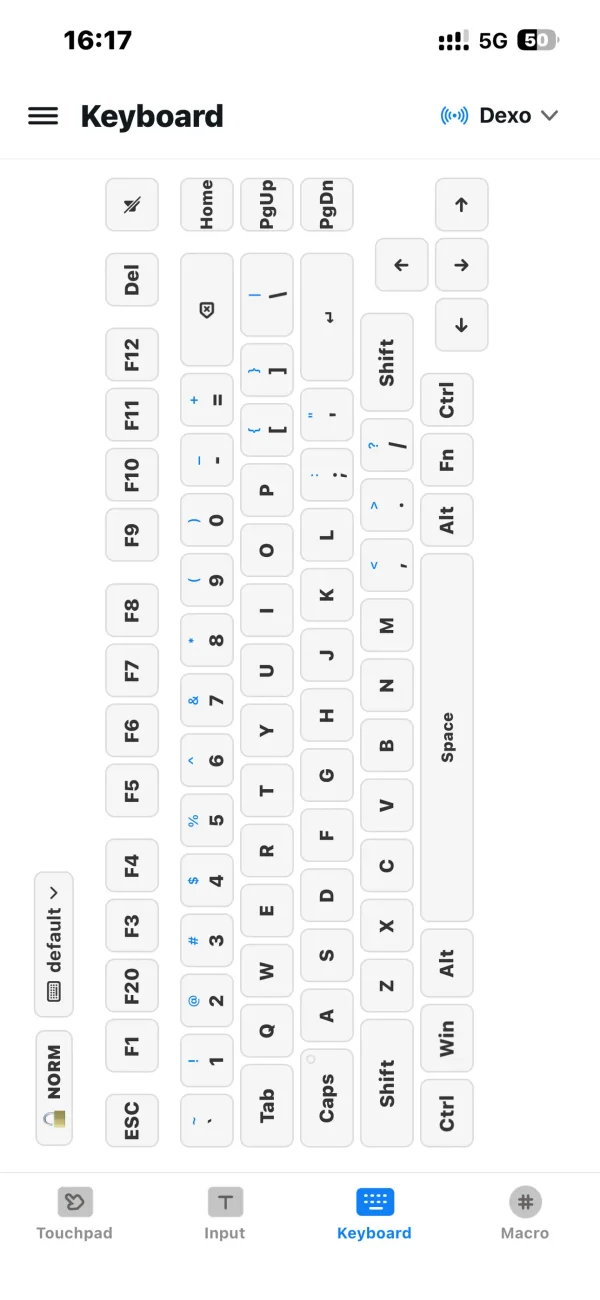
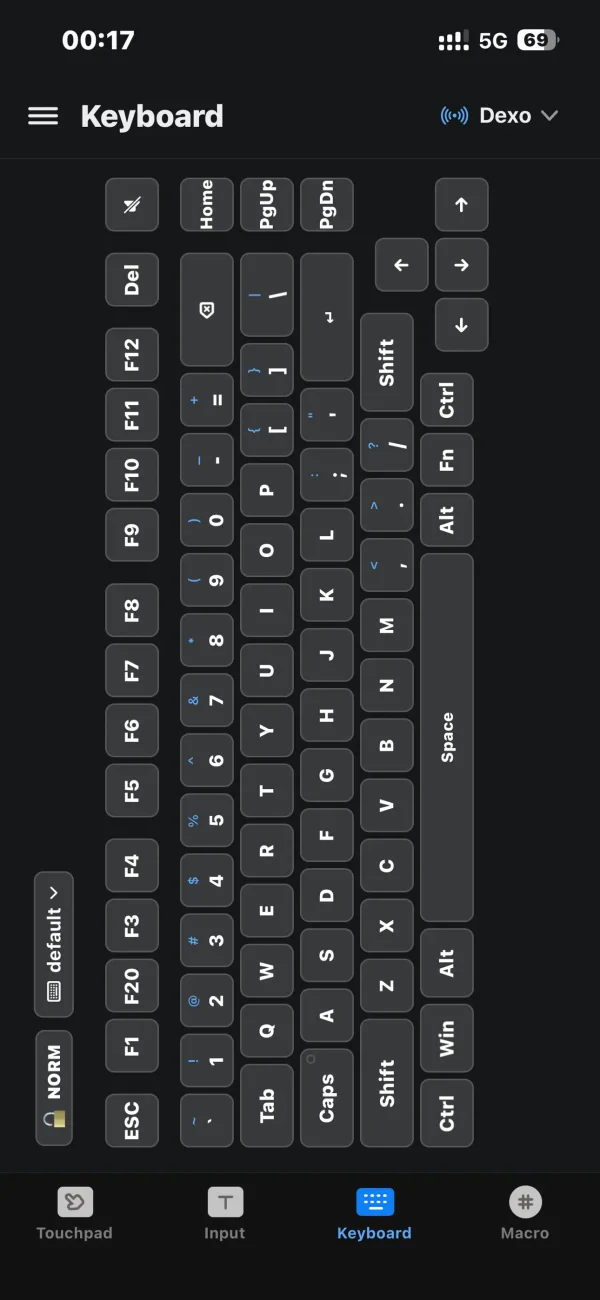
• Full keyboard input with modifier combos: Ctrl+C, Cmd+V, Ctrl+Alt+Del, Win+R, and every F-key (F1–F12) plus arrow, Home/End, PageUp/Down, and Insert/Delete.
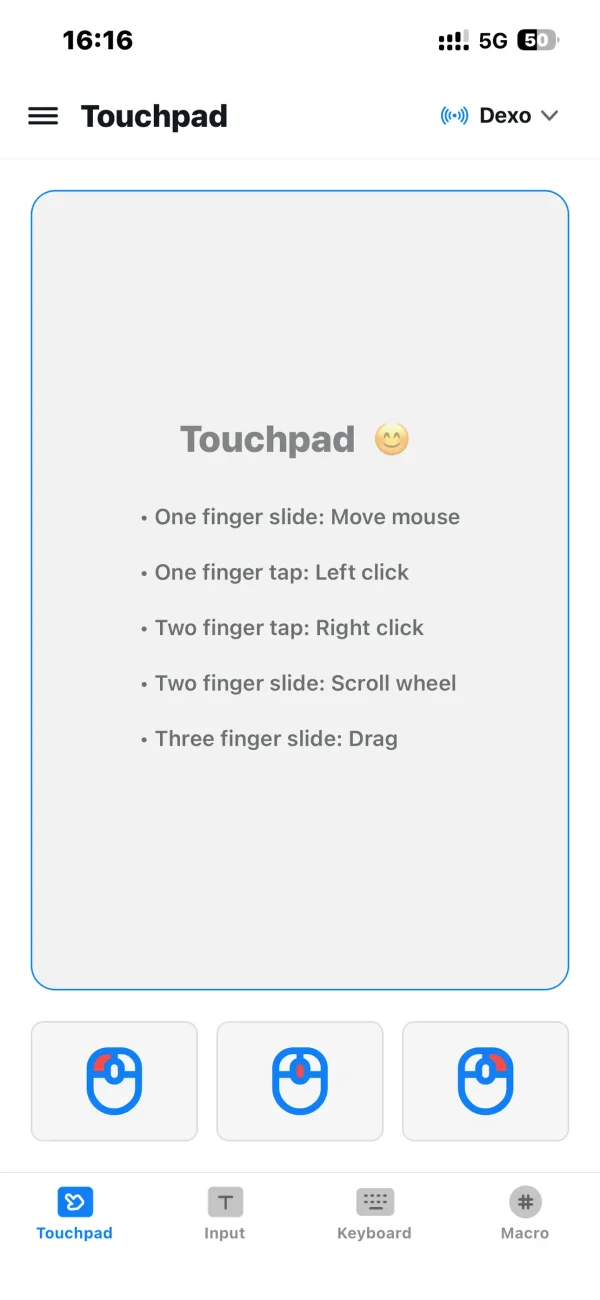
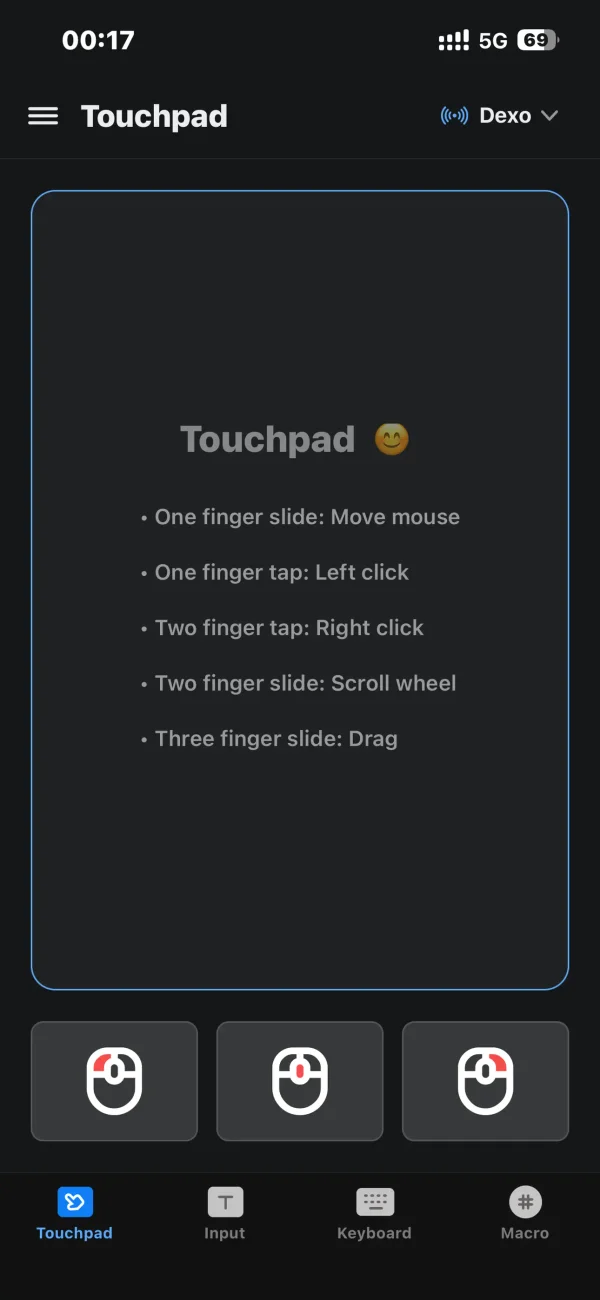
• Precision touchpad with two-finger scroll, tap-to-click, drag, and left/right/middle mouse buttons.
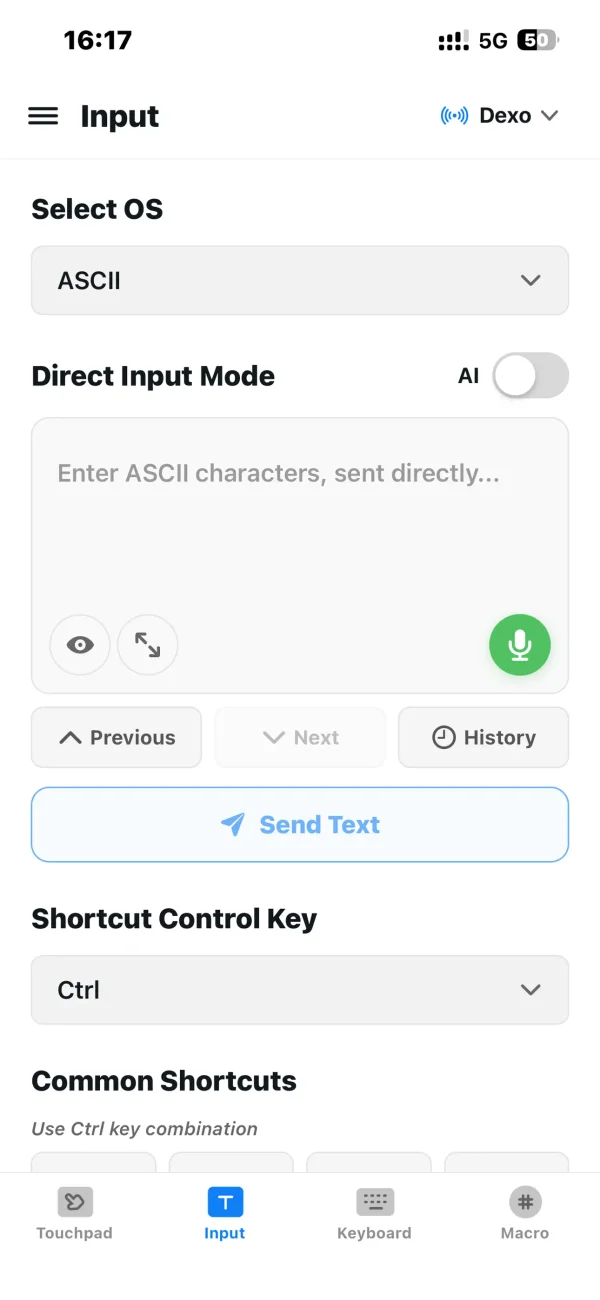
• Multi-OS Unicode input: Type Chinese, Japanese, Korean, emoji, and other Unicode characters into any target OS — DexoPad handles keyboard layout translation for Windows (Alt+Numpad), macOS (Unicode Hex Input), and Linux (Ctrl+Shift+U).
• ASCII mode for pre-OS environments: Send raw HID scancodes when no IME is available (BIOS, GRUB, recovery consoles, embedded systems).
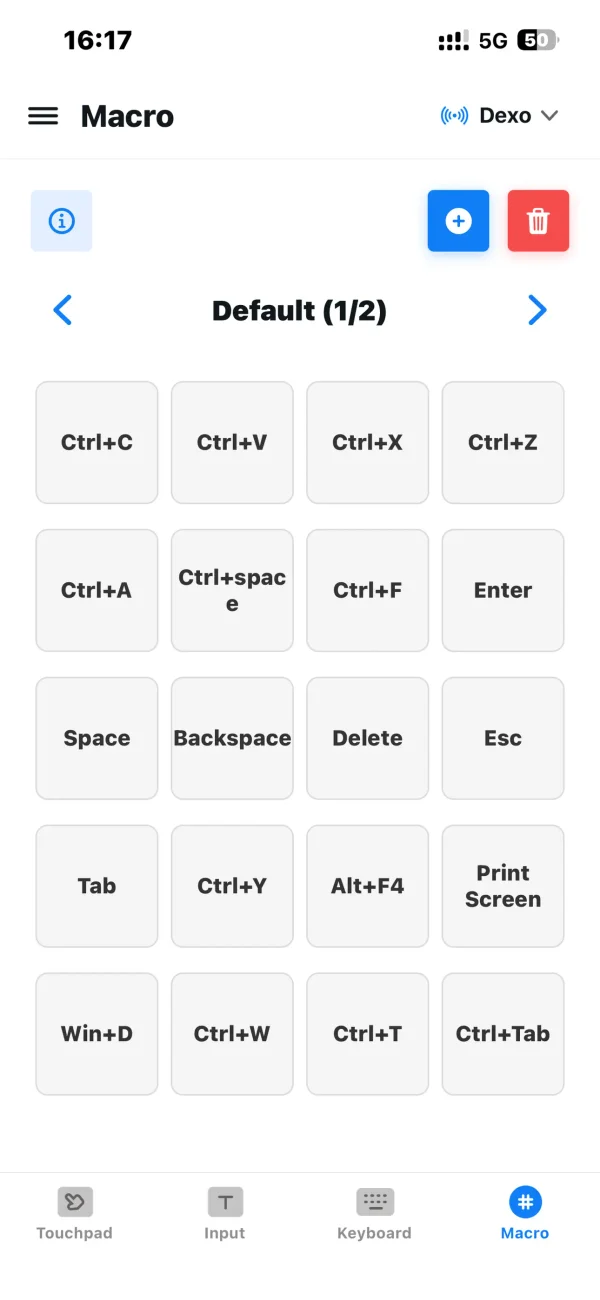
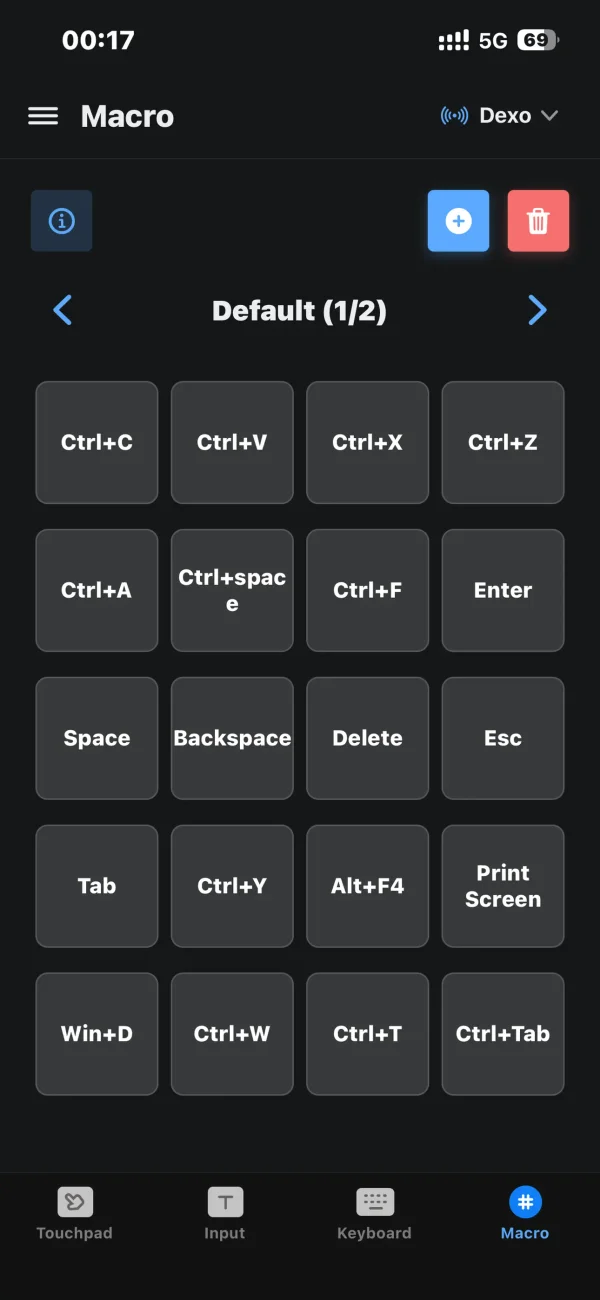
• Custom shortcut buttons: Save your favorite key combinations as one-tap actions.
• Low-latency BLE: Real-time typing and pointer control over Bluetooth.
• Multi-device pairing: Manage several DexoPad dongles from one iPhone.
Perfect for:
• Remote IT support and system administration
• Developers working with headless machines and embedded devices
• Presenters who need a discrete, wireless remote
• Anyone who wants their phone to double as a keyboard/mouse for a nearby computer
Privacidad de la aplicación
Lo que Palmblock Technology Co., Limited declara en App Store sobre cómo esta aplicación gestiona los datos.
-
Datos vinculados a ti
Pueden recopilarse y vincularse a tu identidad.
- Información de contacto
- Identificadores
- Datos de uso
-
Datos no vinculados a ti
Pueden recopilarse, pero no se vinculan a tu identidad.
- Identificadores
- Diagnóstico
Las prácticas de privacidad pueden variar, por ejemplo, según las funciones que uses o tu edad.
Información
- Vendedor
- PalmBlock Technology Co., Limited
- Categoría
- Utilidades
- Versión
- 1.0
- Actualizado
- 13/8/2026
- Publicado
- 13/8/2026
- Tamaño
- 31,1 MB
- Requiere
- iOS 15.1 o posterior
- Clasificación por edad
- 4+
- Precio
- Gratis
- Idiomas
- Inglés
- Copyright
- © 2026 PalmBlock Technology Co., Limited
Quizá también te guste
-
 MakaGiC L7Utilidades
-
 MyOwnKeyboard PHONEUtilidades
-
 Morrell NMSUtilidades
-
 Sidrion Pointer: TouchpadUtilidades
-
 PadKeysUtilidades
-
 Pocket Board Teclado y RatónBluetooth y panel táctil
-
 MeshView - 3D & VR ViewerUtilidades
-
 TranslateOff:Local AI modelUtilidades
-
 Simple Ruler inch/cmUtilidades
-
 Life Recorder: Graba el pasadoGrabadora retroactiva