- Classification d’âge4+
- CatégorieProductivité
- DéveloppeurSoonho Bahng
- LanguesAnglais
- Taille52,5 Mo
DOXcanner n’est peut-être pas disponible sur App Store pour le moment
La fiche de la boutique était inaccessible lors de notre dernière vérification. Le lien mène toujours à la page App Store officielle.
Captures d’écran
À propos
Le développeur n’a pas fourni ce texte dans votre langue.
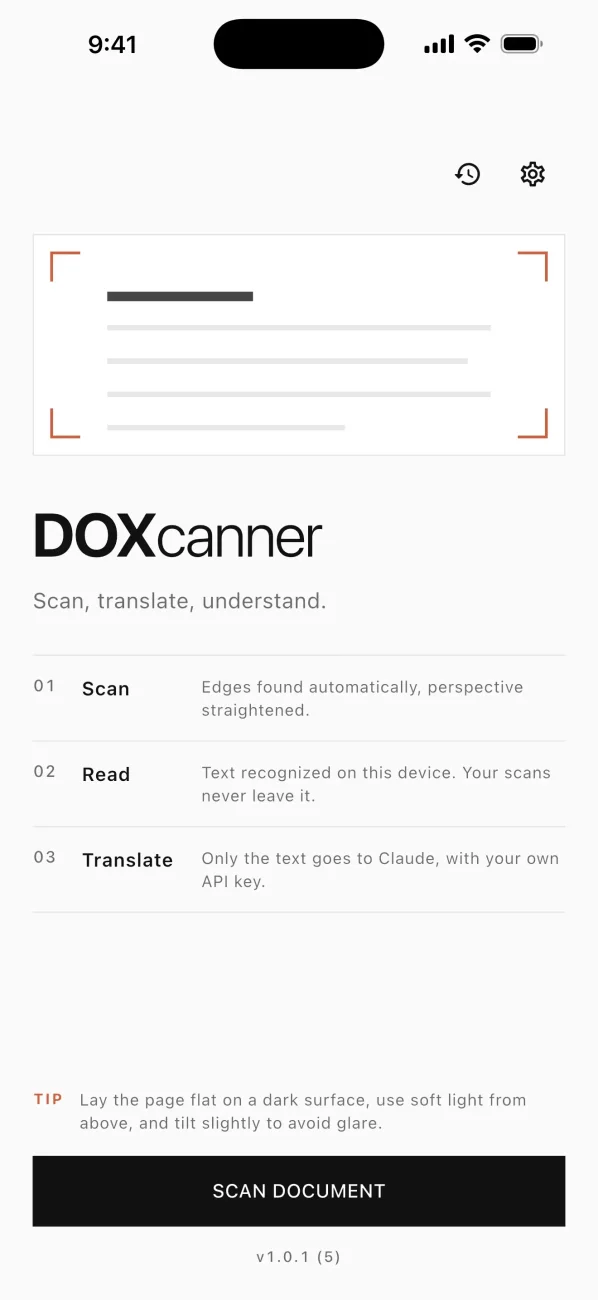
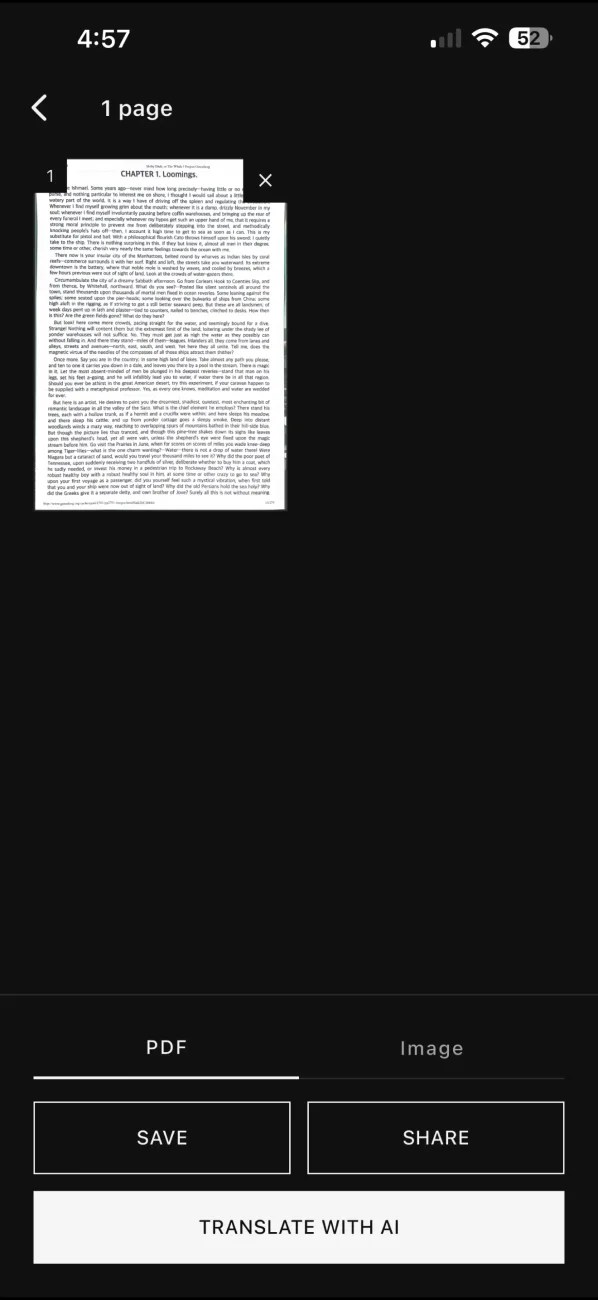
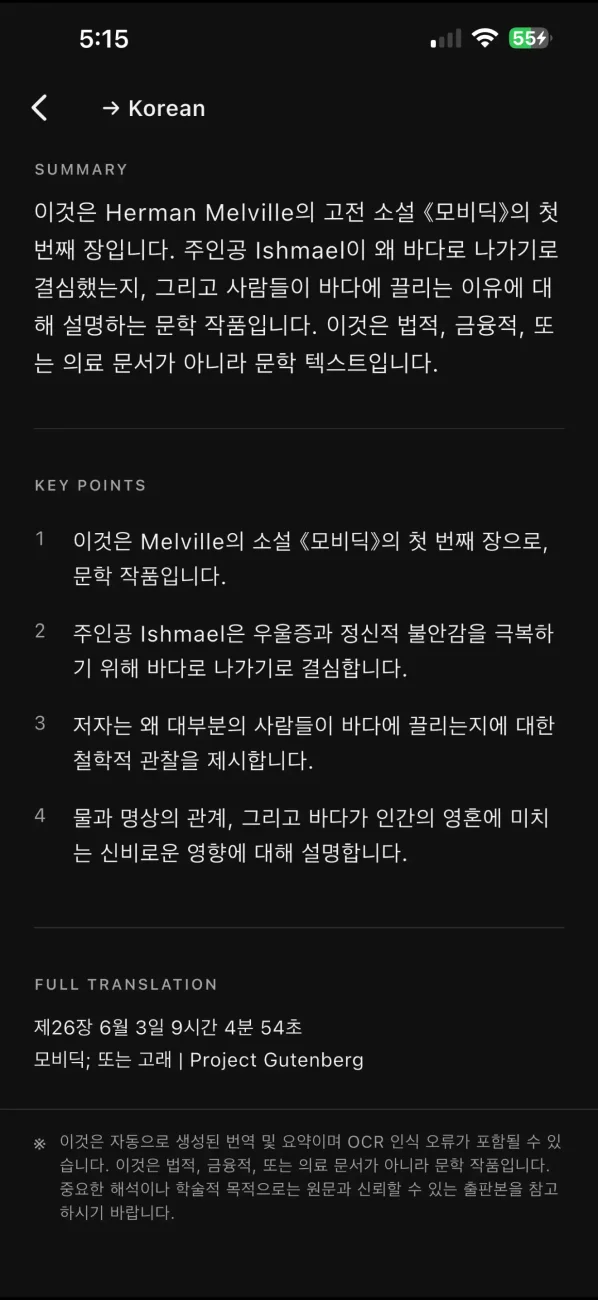
DOXcanner is a minimal document scanner that turns paper into text on-device and lets you translate or summarize it with your own Claude API key.
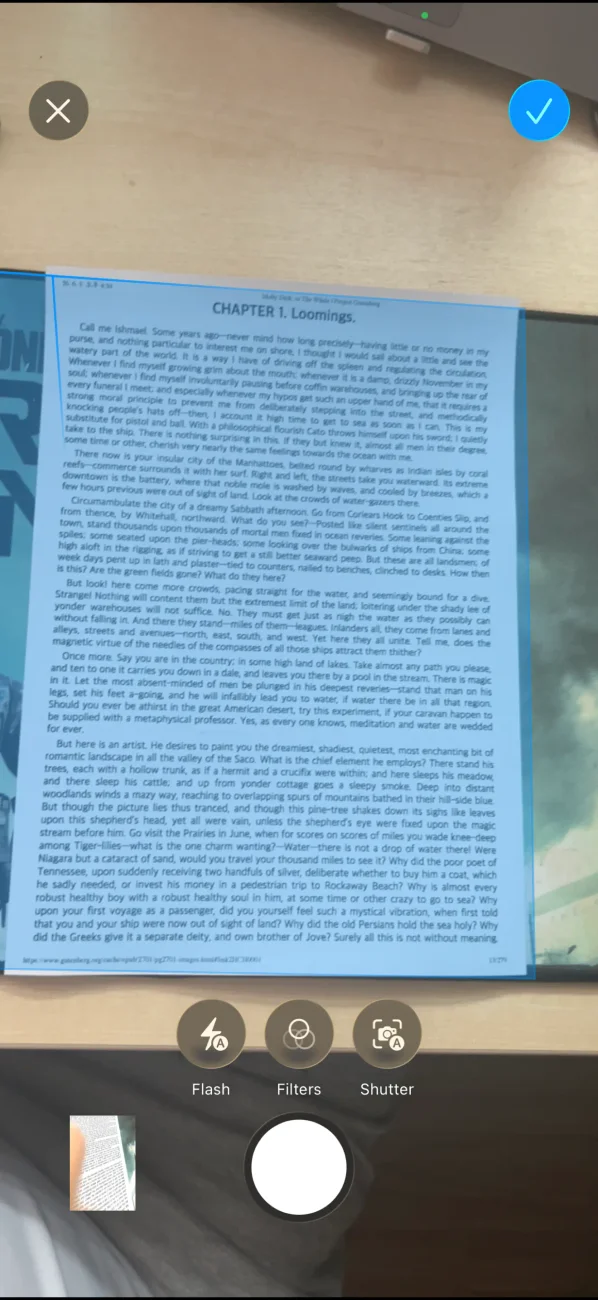
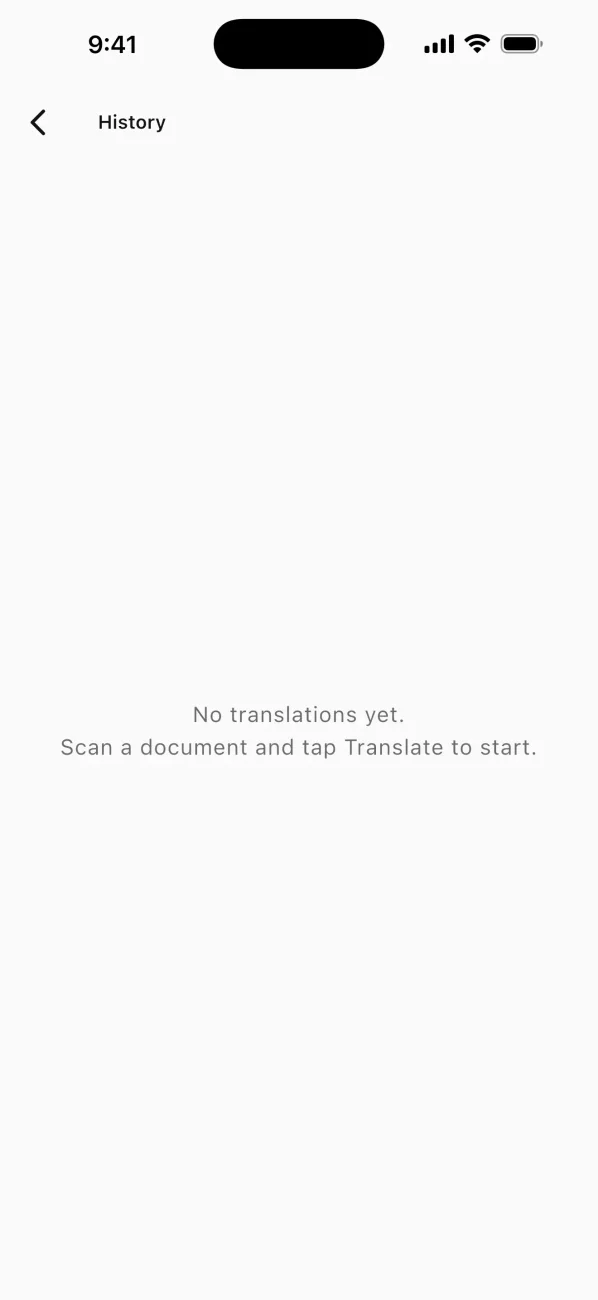
— What it does • Auto edge-detection scanning, multi-page capture • On-device OCR (English + Korean) • Claude haiku for translation, summary, key points, watch-outs, and action items • Local SQLite history with original images preserved on-device • PDF and text export through the share sheet
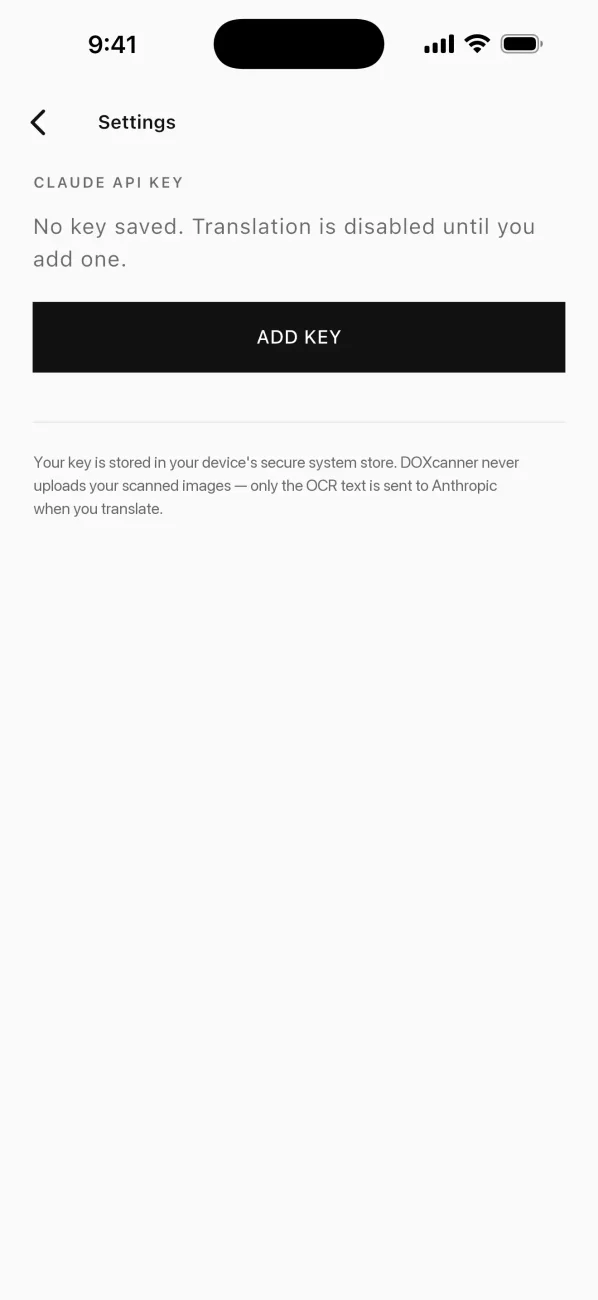
— Privacy first • Scanned images never leave your device. Only the OCR'd text is sent to Anthropic. • Your Claude API key is stored in the iOS Keychain. • No backend, no accounts, no ads, no cloud sync.
— Bring your own Claude API key Set your Anthropic API key once in Settings. Usage and billing stay entirely on your Anthropic account.
— Design Near-monochrome ink on near-white paper, thin sans-serif headlines, square buttons, hairline dividers — an editorial tone that stays out of your way.
— Good for Skimming foreign-language documents, organizing receipts and invoices, summarizing meeting notes or whiteboard captures, understanding signage and forms on the go.
DOXcanner is published as a portfolio / reference build. It has no dependencies beyond your own API key.
Nouveautés
Version 1.0.1 · 20/11/2026
Better scans.
· Page corners are now detected automatically. If they're off, drag the four corners yourself, with a magnifier to help you place them precisely.
· Documents shot at an angle are straightened for you.
· Added a step that evens out uneven lighting and shadows before text is recognized.
· Rescan just the pages you're not happy with.
Tidier storage.
· Temporary scan files are cleaned up automatically.
· See how much space scans and saved PDFs use under Settings > Storage, and clear them there.
Refined look.
· Refreshed design for the Home, Review and Crop screens.
· The app version now shows on the Home screen.
Confidentialité de l’application
Ce que Soonho Bahng déclare sur l’App Store au sujet du traitement des données par cette application.
-
Données non collectées
Le développeur ne collecte aucune donnée à partir de cette application.
Les pratiques en matière de confidentialité peuvent varier, notamment en fonction des fonctionnalités que vous utilisez ou de votre âge.
Informations
- Vendeur
- Soonho Bahng
- Catégorie
- Productivité
- Version
- 1.0.1
- Mis à jour
- 20/11/2026
- Publié
- 10/06/2026
- Taille
- 52,5 Mo
- Nécessite
- iOS 15.5 ou version ultérieure
- Classification d’âge
- 4+
- Langues
- Anglais
- Copyright
- © 2026 GSInsight Co., Ltd.