- Batasan usia4+
- KategoriProduktivitas
- PengembangSoonho Bahng
- BahasaInggris
- Ukuran52,5 MB
Tertaut ke halaman resmi App Store
Download.org tidak menyimpan file DOXcanner apa pun. Tombol ini membuka halaman aplikasi di App Store, tempat Soonho Bahng menerbitkannya. Halaman terakhir diperiksa pada 20/11/2026.
Tangkapan layar
Tentang
Pengembang belum menyediakan teks ini dalam bahasa Anda.
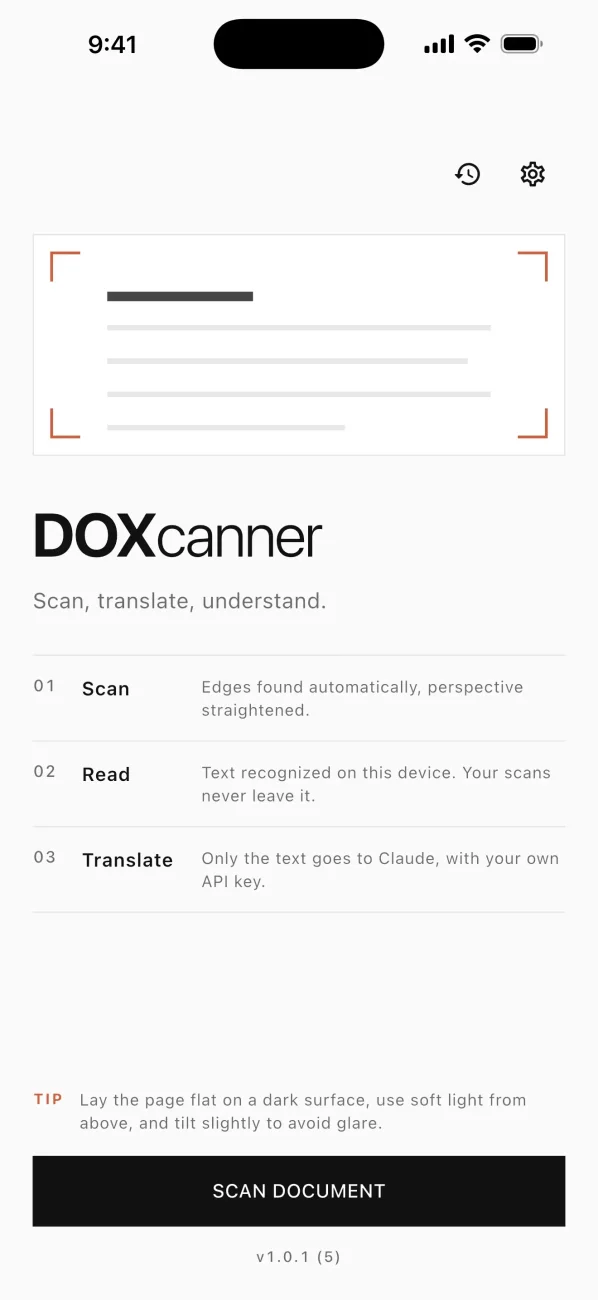
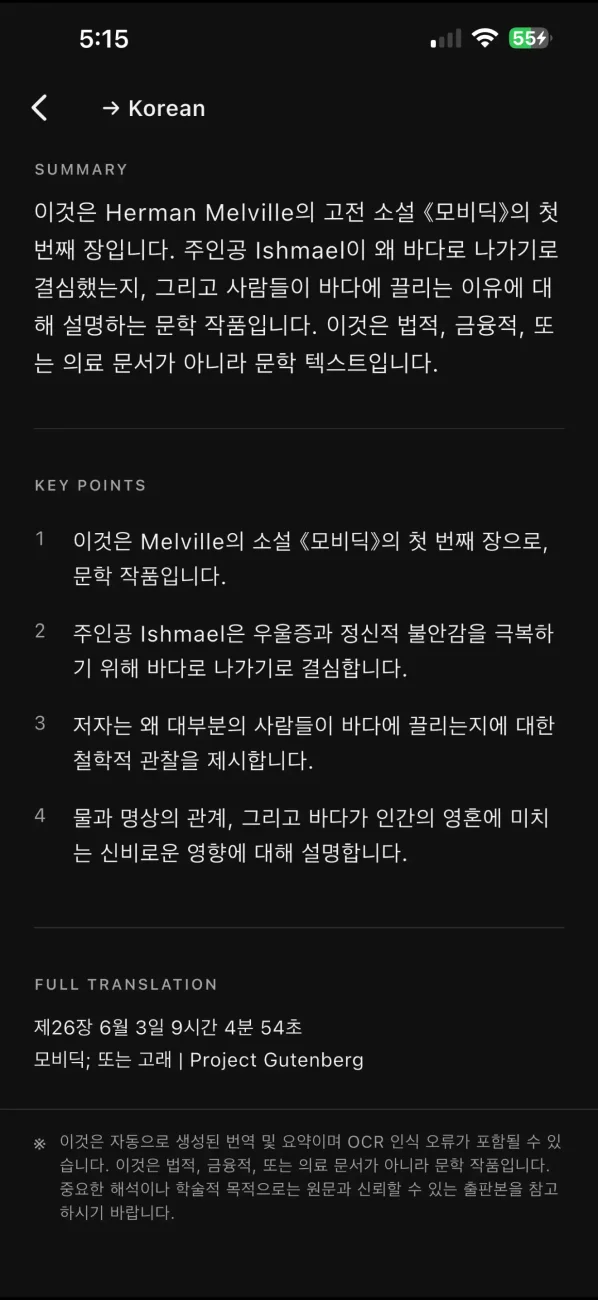
DOXcanner is a minimal document scanner that turns paper into text on-device and lets you translate or summarize it with your own Claude API key.
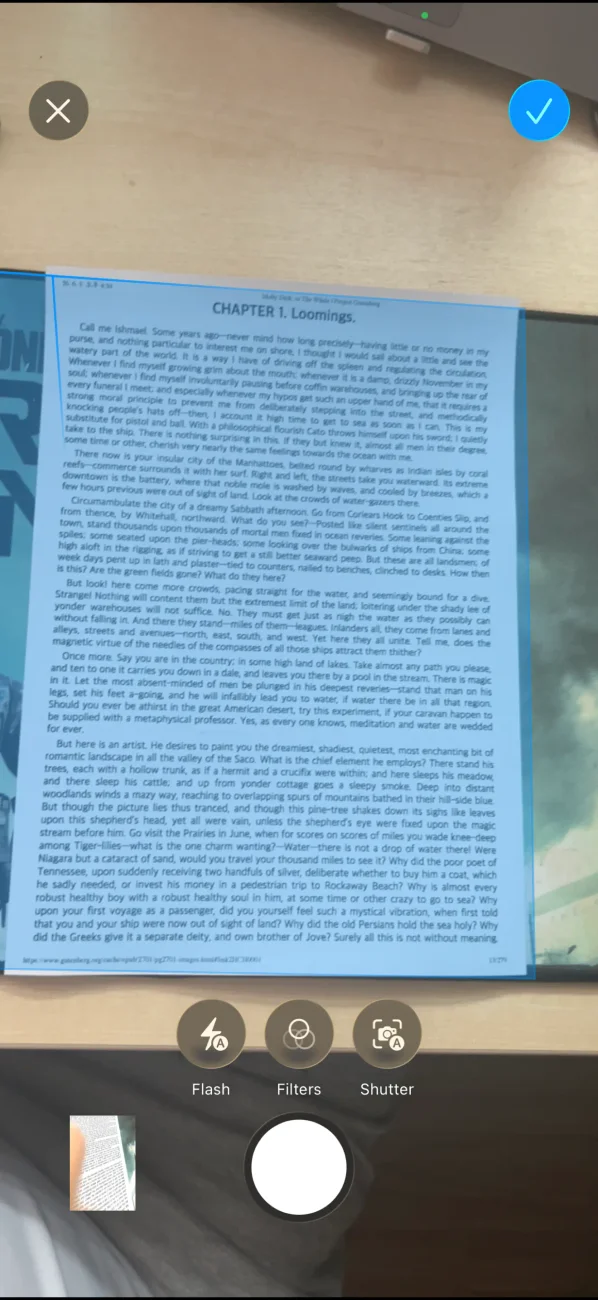
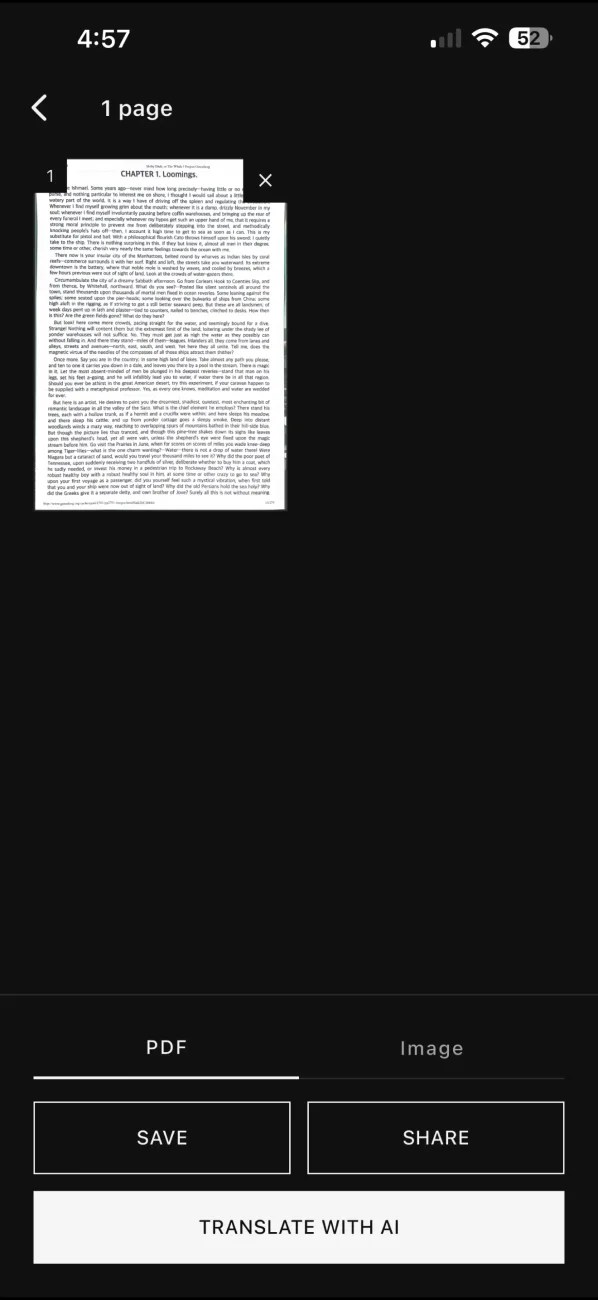
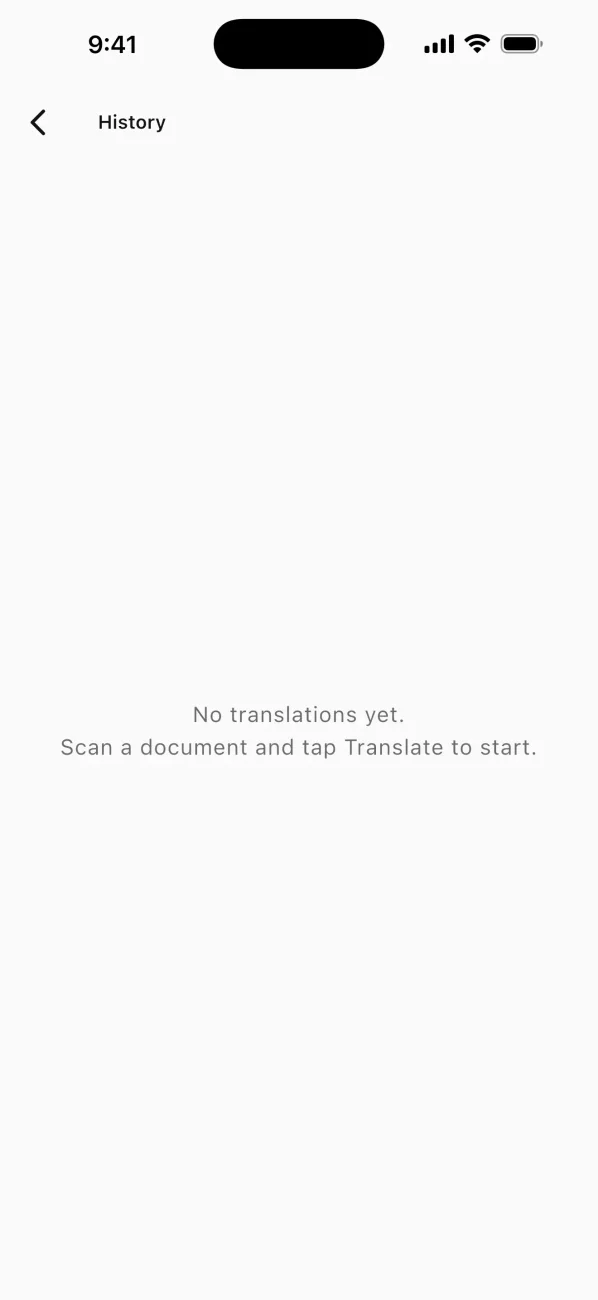
— What it does • Auto edge-detection scanning, multi-page capture • On-device OCR (English + Korean) • Claude haiku for translation, summary, key points, watch-outs, and action items • Local SQLite history with original images preserved on-device • PDF and text export through the share sheet
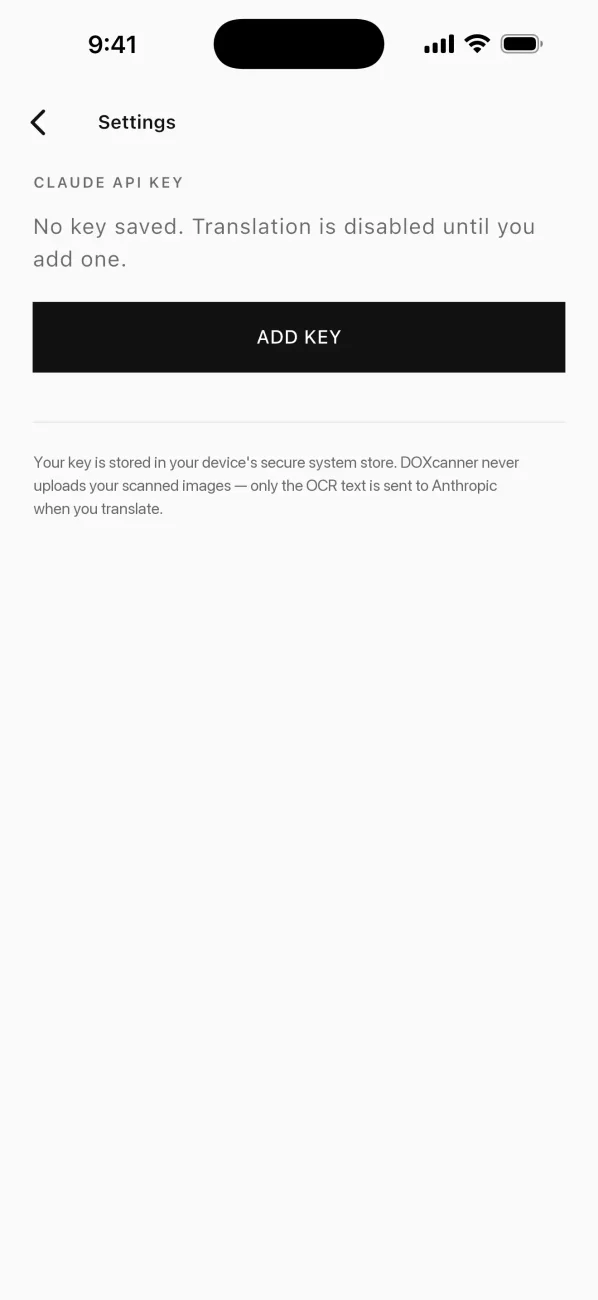
— Privacy first • Scanned images never leave your device. Only the OCR'd text is sent to Anthropic. • Your Claude API key is stored in the iOS Keychain. • No backend, no accounts, no ads, no cloud sync.
— Bring your own Claude API key Set your Anthropic API key once in Settings. Usage and billing stay entirely on your Anthropic account.
— Design Near-monochrome ink on near-white paper, thin sans-serif headlines, square buttons, hairline dividers — an editorial tone that stays out of your way.
— Good for Skimming foreign-language documents, organizing receipts and invoices, summarizing meeting notes or whiteboard captures, understanding signage and forms on the go.
DOXcanner is published as a portfolio / reference build. It has no dependencies beyond your own API key.
Yang baru
Versi 1.0.1 · 20/11/2026
Better scans.
· Page corners are now detected automatically. If they're off, drag the four corners yourself, with a magnifier to help you place them precisely.
· Documents shot at an angle are straightened for you.
· Added a step that evens out uneven lighting and shadows before text is recognized.
· Rescan just the pages you're not happy with.
Tidier storage.
· Temporary scan files are cleaned up automatically.
· See how much space scans and saved PDFs use under Settings > Storage, and clear them there.
Refined look.
· Refreshed design for the Home, Review and Crop screens.
· The app version now shows on the Home screen.
Privasi aplikasi
Yang dinyatakan Soonho Bahng di App Store tentang cara aplikasi ini menangani data.
-
Data tidak dikumpulkan
Pengembang tidak mengumpulkan data apa pun dari aplikasi ini.
Praktik privasi dapat bervariasi, misalnya berdasarkan fitur yang Anda gunakan atau usia Anda.
Informasi
- Penjual
- Soonho Bahng
- Kategori
- Produktivitas
- Versi
- 1.0.1
- Diperbarui
- 20/11/2026
- Dirilis
- 10/6/2026
- Ukuran
- 52,5 MB
- Memerlukan
- iOS 15.5 atau yang lebih baru
- Batasan usia
- 4+
- Harga
- Gratis
- Bahasa
- Inggris
- Hak cipta
- © 2026 GSInsight Co., Ltd.