
- Age rating4+
- CategoryProductivity
- DeveloperSoonho Bahng
- LanguagesEnglish
- Size52.5 MB
Links to the official App Store page
Download.org hosts no file of DOXcanner. The button opens its official App Store page, published by Soonho Bahng. Listing last checked on Nov 20, 2026.
Screenshots
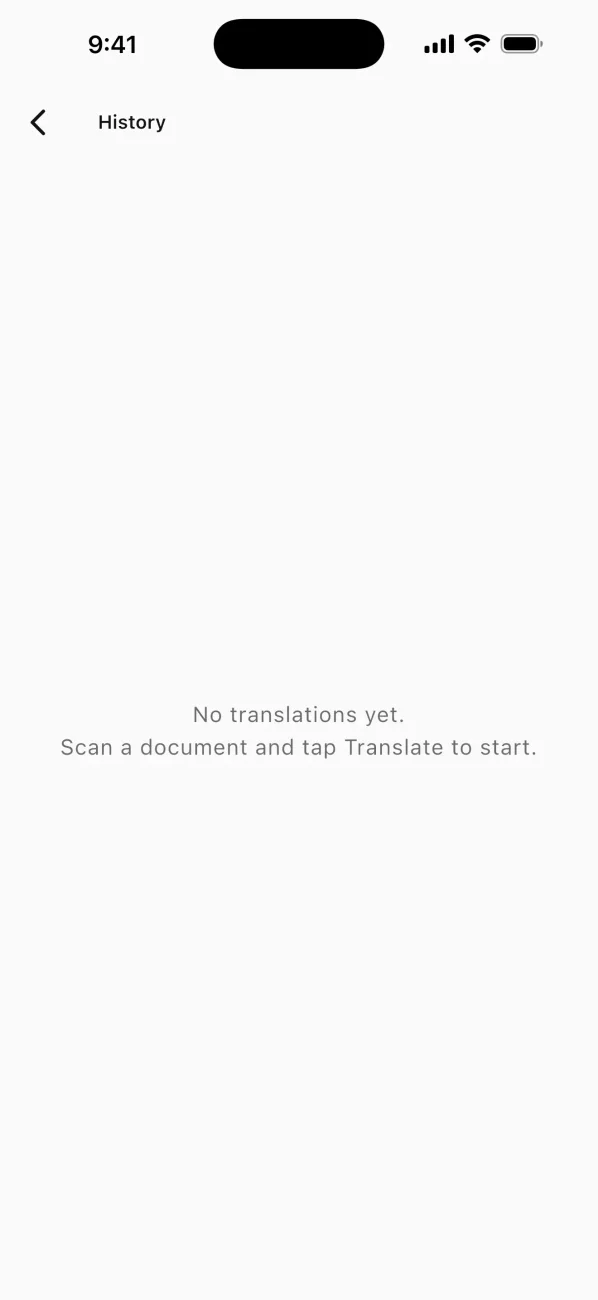
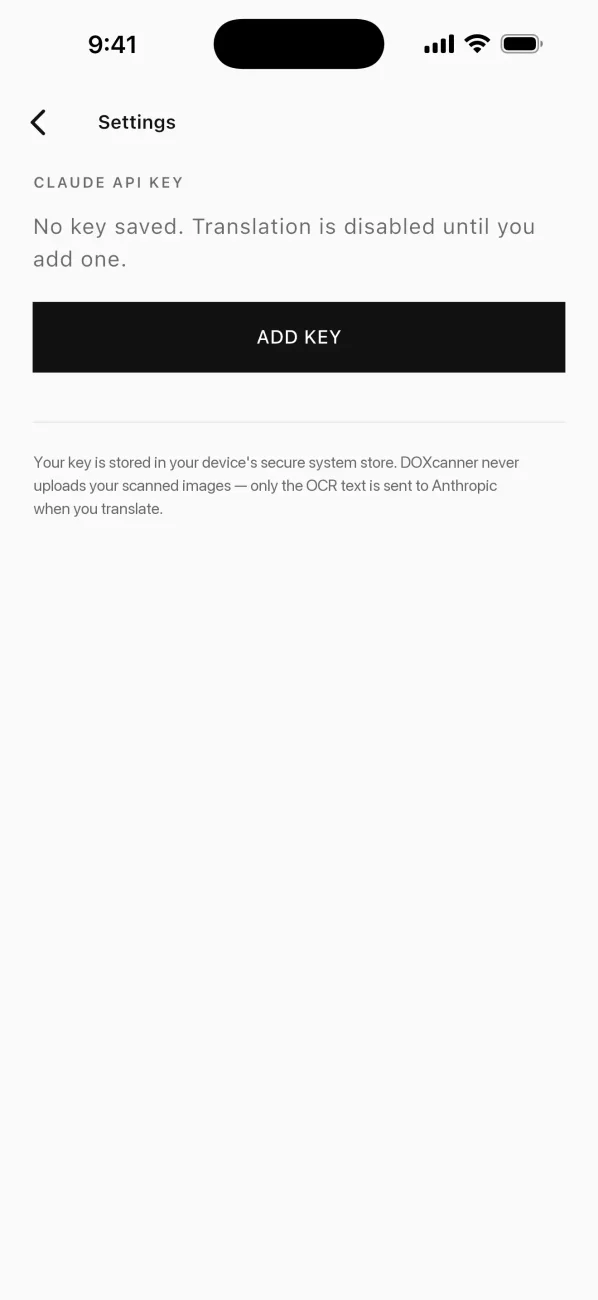
About
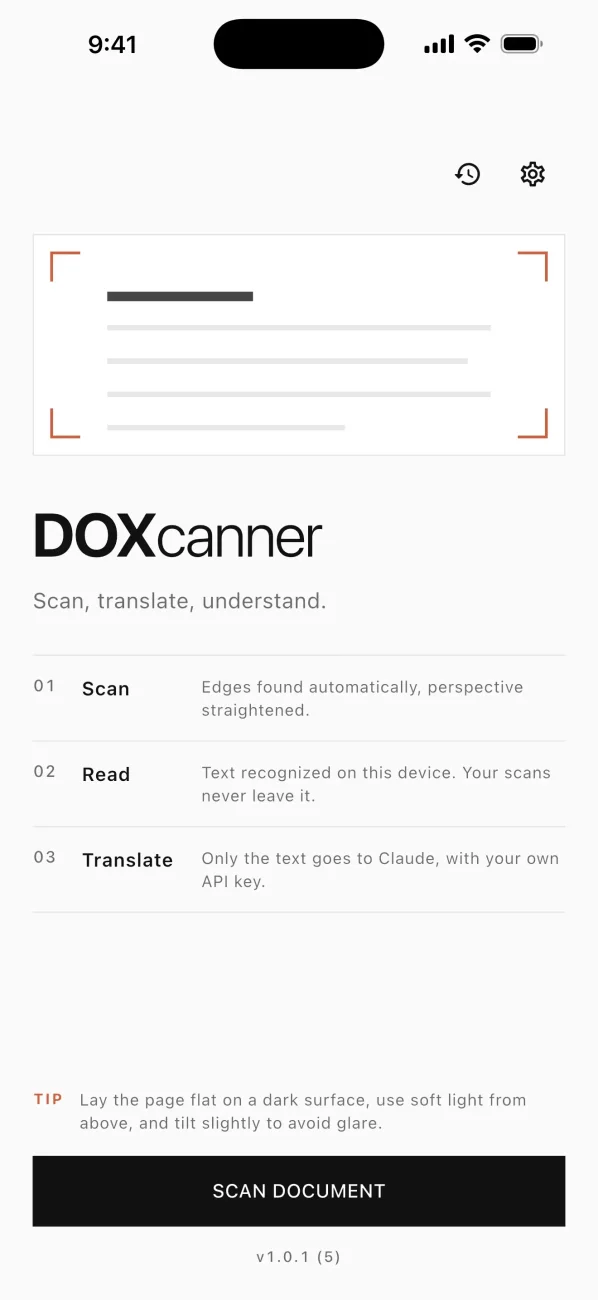
DOXcanner is a minimal document scanner that turns paper into text on-device and lets you translate or summarize it with your own Claude API key.
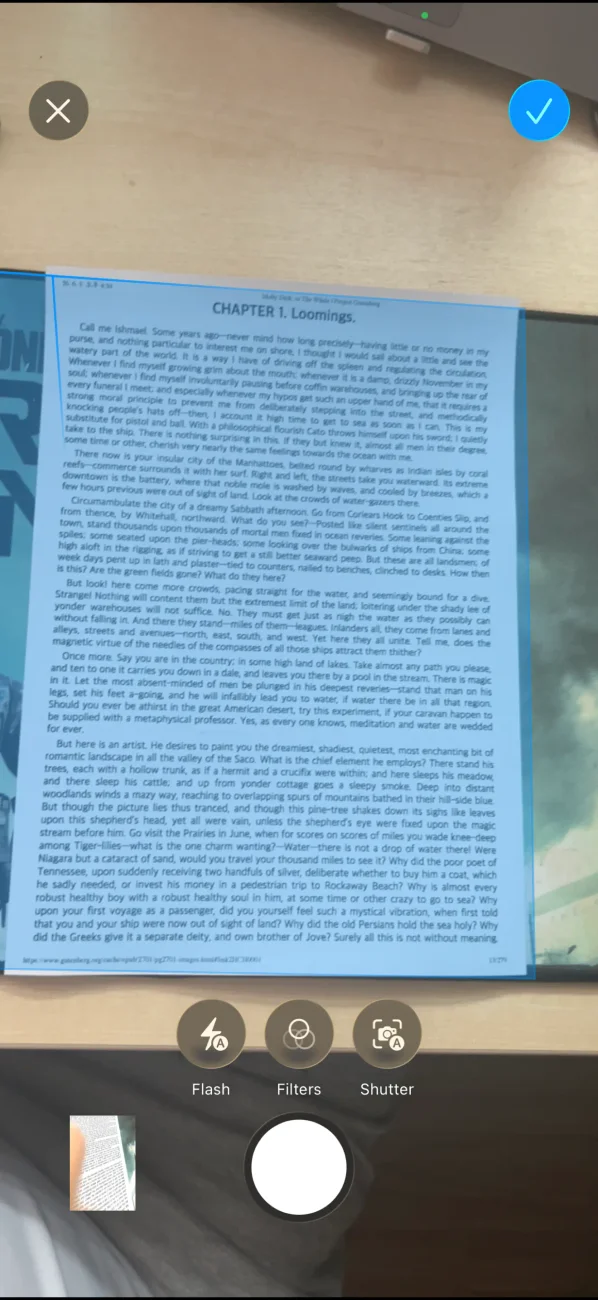
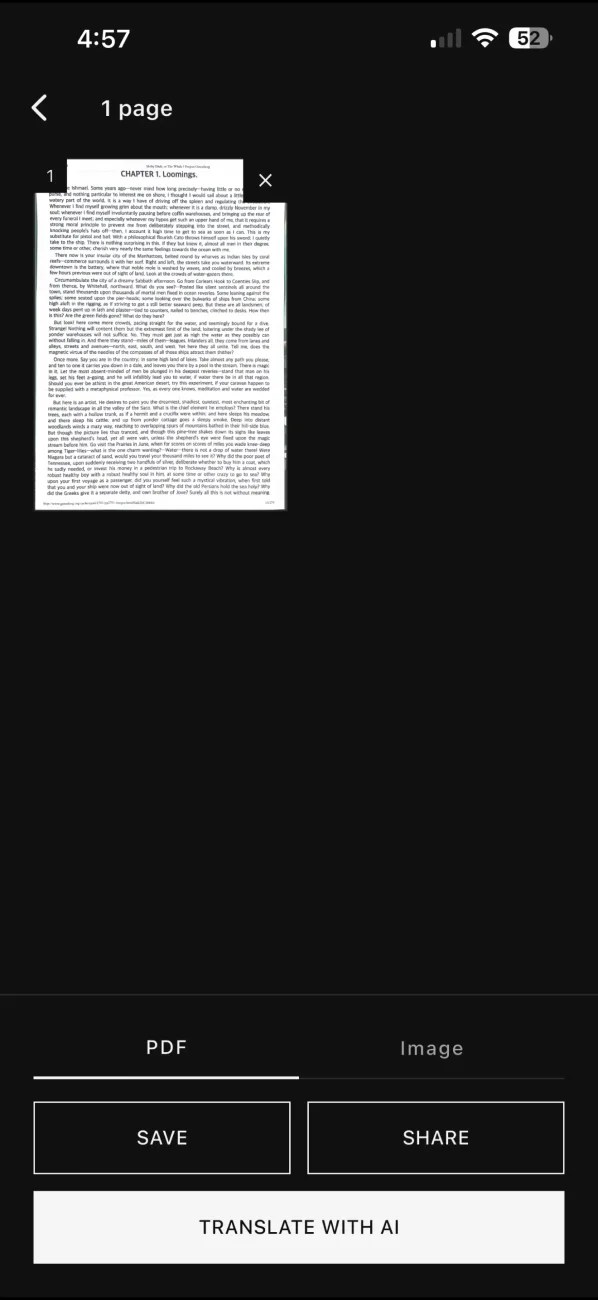
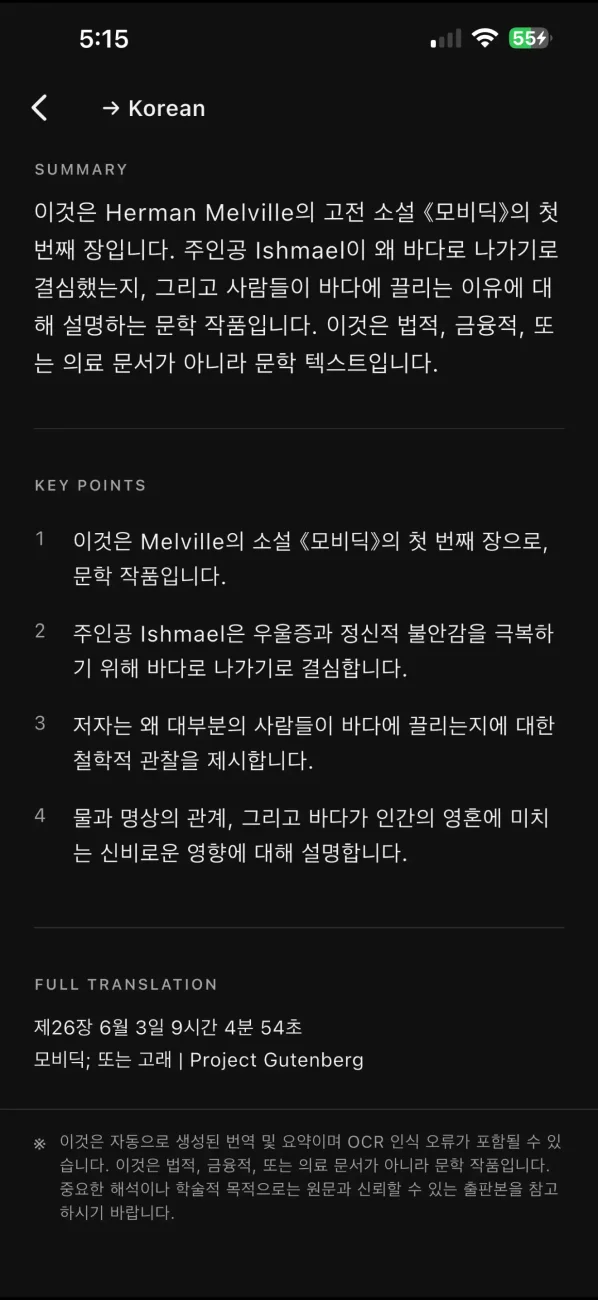
— What it does • Auto edge-detection scanning, multi-page capture • On-device OCR (English + Korean) • Claude haiku for translation, summary, key points, watch-outs, and action items • Local SQLite history with original images preserved on-device • PDF and text export through the share sheet
— Privacy first • Scanned images never leave your device. Only the OCR'd text is sent to Anthropic. • Your Claude API key is stored in the iOS Keychain. • No backend, no accounts, no ads, no cloud sync.
— Bring your own Claude API key Set your Anthropic API key once in Settings. Usage and billing stay entirely on your Anthropic account.
— Design Near-monochrome ink on near-white paper, thin sans-serif headlines, square buttons, hairline dividers — an editorial tone that stays out of your way.
— Good for Skimming foreign-language documents, organizing receipts and invoices, summarizing meeting notes or whiteboard captures, understanding signage and forms on the go.
DOXcanner is published as a portfolio / reference build. It has no dependencies beyond your own API key.
What’s new
Version 1.0.1 · Nov 20, 2026
Better scans.
· Page corners are now detected automatically. If they're off, drag the four corners yourself, with a magnifier to help you place them precisely.
· Documents shot at an angle are straightened for you.
· Added a step that evens out uneven lighting and shadows before text is recognized.
· Rescan just the pages you're not happy with.
Tidier storage.
· Temporary scan files are cleaned up automatically.
· See how much space scans and saved PDFs use under Settings > Storage, and clear them there.
Refined look.
· Refreshed design for the Home, Review and Crop screens.
· The app version now shows on the Home screen.
App privacy
What Soonho Bahng declares on the App Store about how this app handles data.
-
Data not collected
The developer does not collect any data from this app.
Privacy practices may vary, for example with the features you use or your age.
Information
- Seller
- Soonho Bahng
- Category
- Productivity
- Version
- 1.0.1
- Updated
- Nov 20, 2026
- Released
- Jun 10, 2026
- Size
- 52.5 MB
- Requires
- iOS 15.5 or later
- Age rating
- 4+
- Price
- Free
- Languages
- English
- Copyright
- © 2026 GSInsight Co., Ltd.
You might also like
-
 Punch BuddyProductivity
-
 flow - AI Collaboration toolAll-in-one Collaboration Tool
-
 ICリーダー - 電子マネー残高確認アプリProductivity
-
 Deep Cleaner - Phone CleaningClean Up Storage&Delete Photos
-
 Scan MyPDF ProScan and Share PDF Documents
-
 Forma: PDF Document EditorForm filler: edit files & docs
-
 FSaver - Video, Story, ReelsSave and Repost Videos