edEdit – Markdown & Notes
Markdown, Code, and Notes
Conçue pour iPhone, iPad
Gratuit · Achats intégrés
- Classification d’âge4+
- CatégorieUtilitaires
- DéveloppeurCHING FENG WANG
- LanguesChinois traditionnel+ 4 de plus
- Taille17,1 Mo
Renvoie vers la page App Store officielle
Download.org n’héberge aucun fichier de edEdit – Markdown & Notes. Le bouton ouvre la page de l’application sur App Store, où CHING FENG WANG la publie. Fiche vérifiée pour la dernière fois le 08/11/2026.
Captures d’écran


À propos
Le développeur n’a pas fourni ce texte dans votre langue.
edEdit is a native text editor for Mac and iPhone/iPad that brings notes, Markdown, and source code editing into one app.
WHY edEdit
• Truly native: AppKit on macOS, SwiftUI on iOS — no web view sluggishness.
• Consistent across platforms: your notes and files sync between Mac, iPhone, and iPad via iCloud.
• Standard file formats only: everything is .md / .txt / .swift / .json — open elsewhere whenever you want.
KEY FEATURES
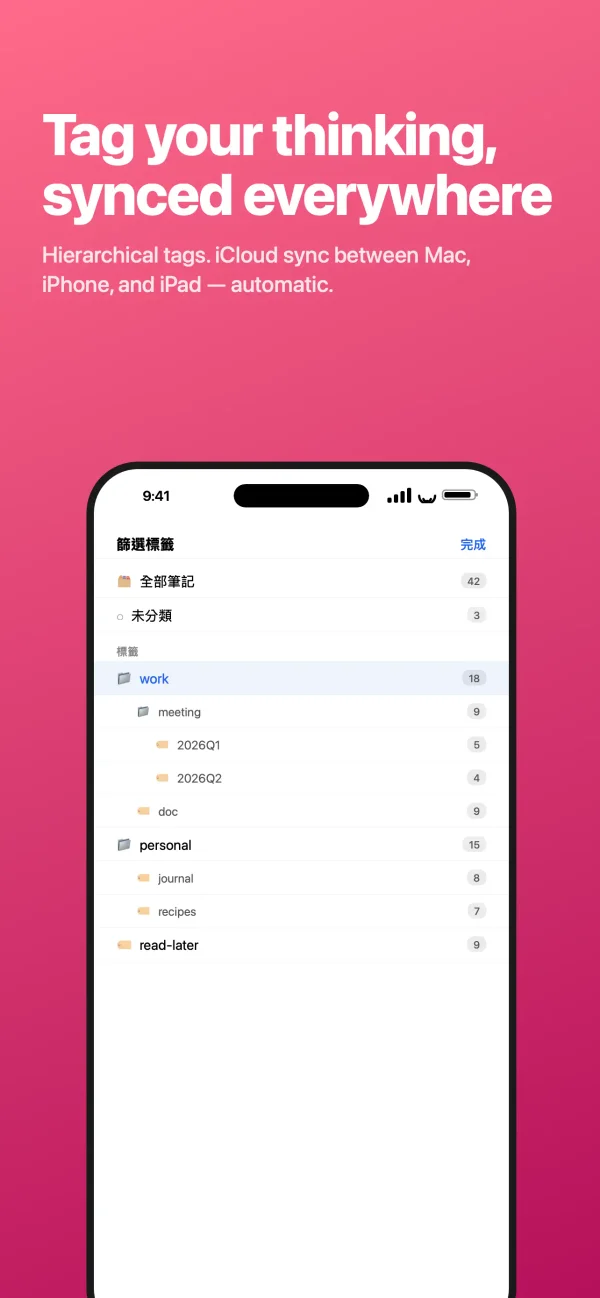
Notes — Apple Notes-style organization, with plain Markdown content:
• Hierarchical tags (work/meeting/2026Q1)
• iCloud sync across devices
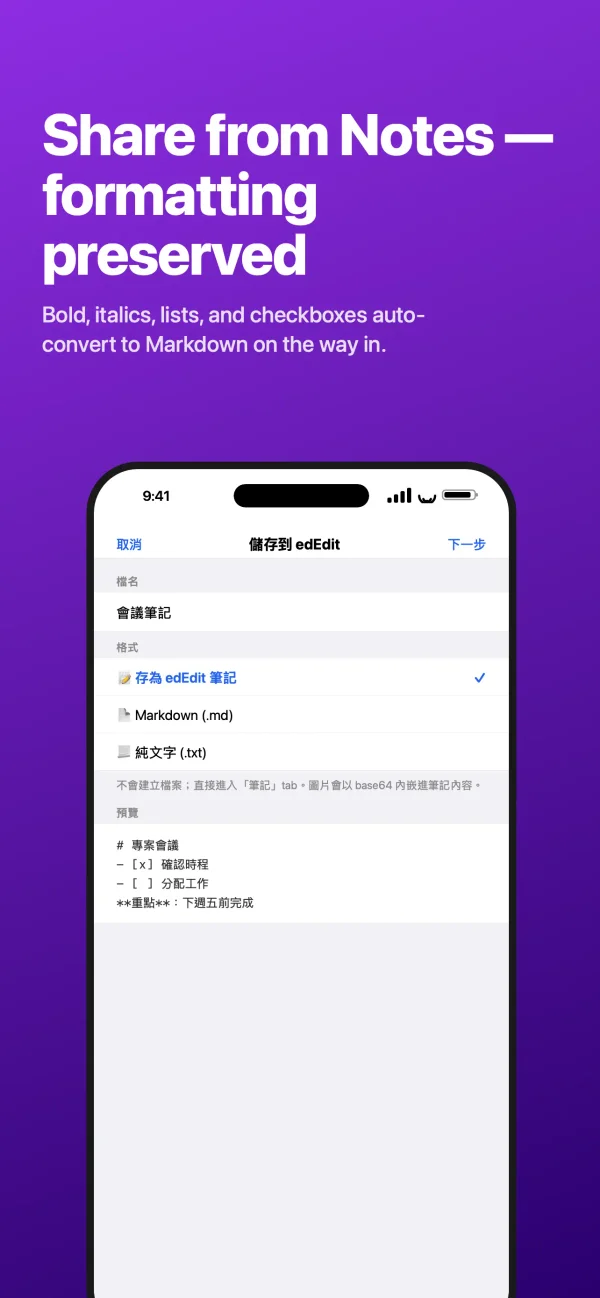
• Share from Apple Notes and we'll auto-convert formatting to Markdown — bold, italic, headings, lists, and checklists are preserved.
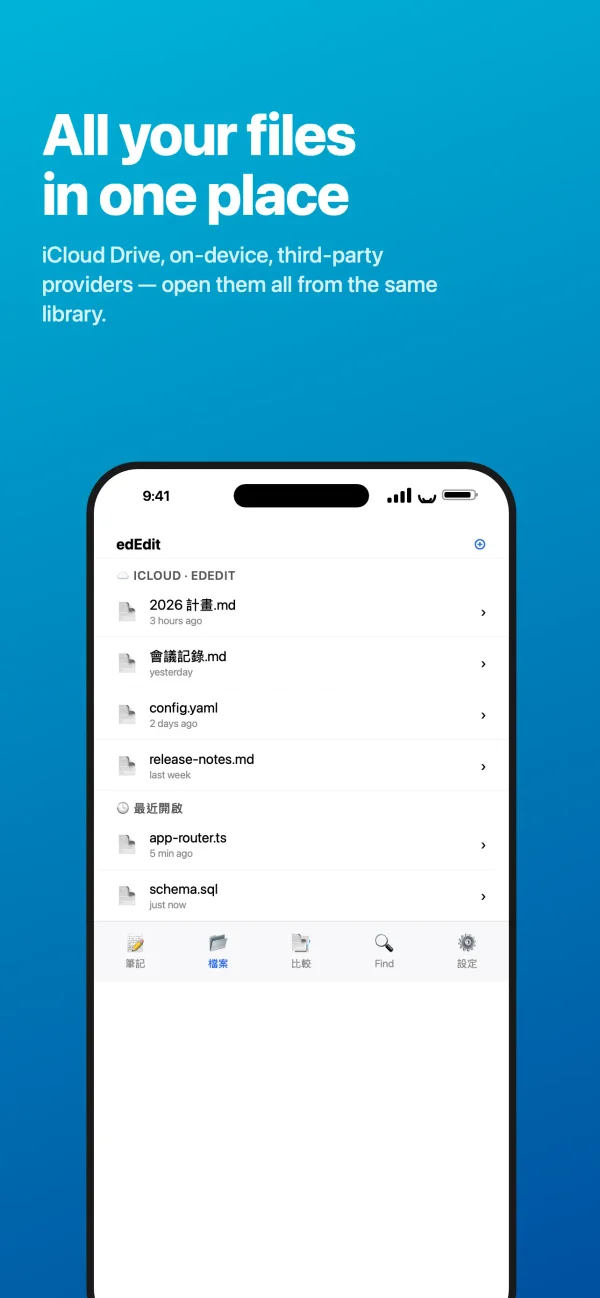
Files — Open and edit any text file on your device:
• Pull from the Files app, iCloud Drive, On My iPhone, or any provider
• Automatic encoding detection (UTF-8, Big5, Shift-JIS, GB18030, …)
• Syntax highlighting for Swift, JavaScript, TypeScript, Python, Go, Rust, C/C++, Java, HTML, JSON, YAML, Shell, Markdown, and more
• Line numbers, light and dark themes
• Save edits back to the original location
iCloud Drive integration — Automatically creates an "edEdit" folder in iCloud Drive that syncs across all your devices.
Dedicated Markdown editing:
• Keyboard accessory bar: headings, bold, italic, lists, tasks, quotes, links, images
• Hardware keyboard shortcuts: ⌘B (bold) / ⌘I (italic) / ⌘K (link) / ⌘E (code) / ⌘1-6 (headings)
• Smart list continuation: pressing Enter in a list line auto-continues; pressing Enter on an empty item exits the list
• Paste an image straight from the clipboard — we save it next to the .md file and insert a Markdown reference
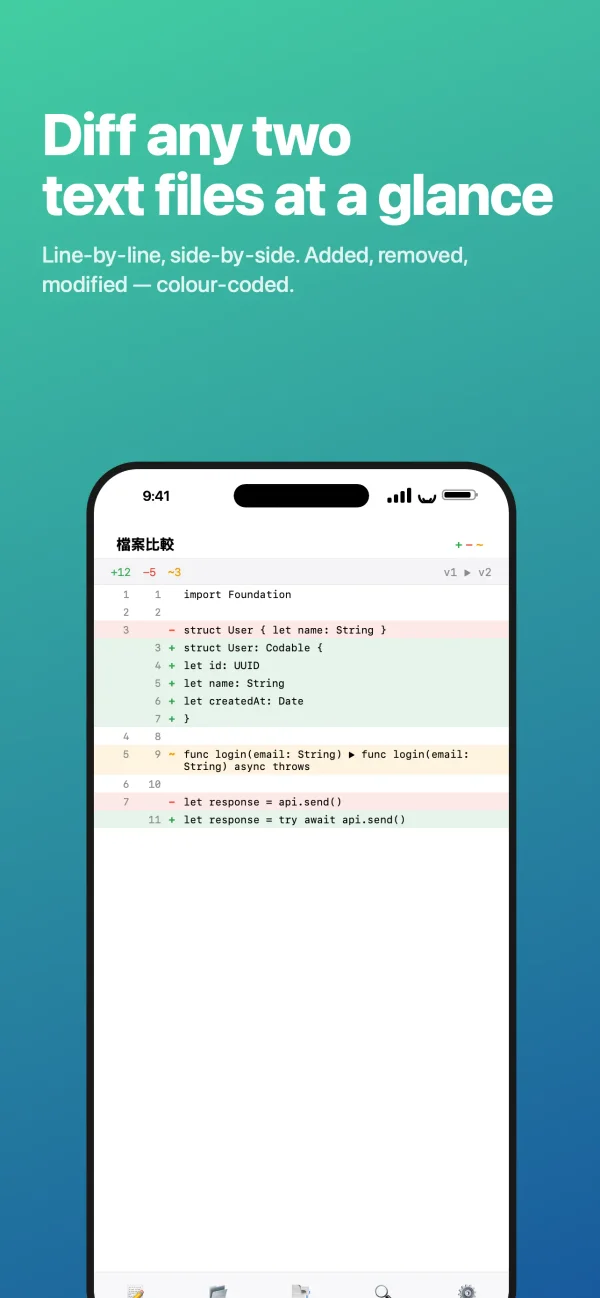
File compare — Visualize the differences between two files line-by-line, with added/removed/modified highlights.
Find in Files — Recursively search a folder you pick, filterable by filename glob.
Share & print — Built-in ShareLink, with AirPrint support.
WHO IT'S FOR
• Developers writing docs, reading logs, editing config files
• Writers using Markdown for blog posts and drafts
• Anyone who wants their files to stay theirs — no proprietary lock-in
• People who switch between editing on Mac and quick capture on iPhone
PRIVACY & COMPLIANCE
• Notes, files, and images stay on your device or in your own iCloud — our servers never see them
• Free tier includes ads served by Google AdMob (shown on app launch and occasionally when closing the note editor)
• Upgrade to Pro to remove all ads
Nouveautés
Version 1.3 · 24/06/2026
1. Bugs fixed
2. Enable CSV file previewing and adjusting column width and height
Confidentialité de l’application
Ce que CHING FENG WANG déclare sur l’App Store au sujet du traitement des données par cette application.
-
Données utilisées pour vous suivre
Peuvent être utilisées pour vous suivre sur des applications et des sites web appartenant à d’autres sociétés.
- Identifiants
- Données d’utilisation
-
Données établissant un lien avec vous
Peuvent être collectées et liées à votre identité.
- Achats
- Contenu utilisateur
-
Données n’établissant aucun lien avec vous
Peuvent être collectées, mais ne sont pas liées à votre identité.
- Identifiants
- Données d’utilisation
- Diagnostic
Les pratiques en matière de confidentialité peuvent varier, notamment en fonction des fonctionnalités que vous utilisez ou de votre âge.
Informations
- Vendeur
- CHING FENG WANG
- Catégorie
- Utilitaires
- Version
- 1.3
- Mis à jour
- 24/06/2026
- Publié
- 13/05/2026
- Taille
- 17,1 Mo
- Nécessite
- iOS 17.0 ou version ultérieure
- Classification d’âge
- 4+
- Prix
- Gratuit
- Achats intégrés
- Oui
- Langues
- Chinois traditionnel, Japonais, Chinois simplifié, Anglais, Coréen
- Copyright
- © MomoSoft