edEdit – Markdown & Notes
Markdown, Code, and Notes
iPhone, iPad için tasarlandı
Ücretsiz · Uygulama içi satın alma
- Yaş sınırı4+
- KategoriYardımcılar
- GeliştiriciCHING FENG WANG
- DillerGeleneksel Çince+ 4 dil daha
- Boyut17,1 MB
Resmi App Store sayfasına bağlanır
Download.org, edEdit – Markdown & Notes için hiçbir dosya barındırmaz. Düğme, uygulamanın App Store üzerindeki sayfasını açar; uygulamayı orada CHING FENG WANG yayınlar. Sayfanın son kontrolü: 08.11.2026.
Ekran görüntüleri


Hakkında
Geliştirici bu metni dilinizde sunmamış.
edEdit is a native text editor for Mac and iPhone/iPad that brings notes, Markdown, and source code editing into one app.
WHY edEdit
• Truly native: AppKit on macOS, SwiftUI on iOS — no web view sluggishness.
• Consistent across platforms: your notes and files sync between Mac, iPhone, and iPad via iCloud.
• Standard file formats only: everything is .md / .txt / .swift / .json — open elsewhere whenever you want.
KEY FEATURES
Notes — Apple Notes-style organization, with plain Markdown content:
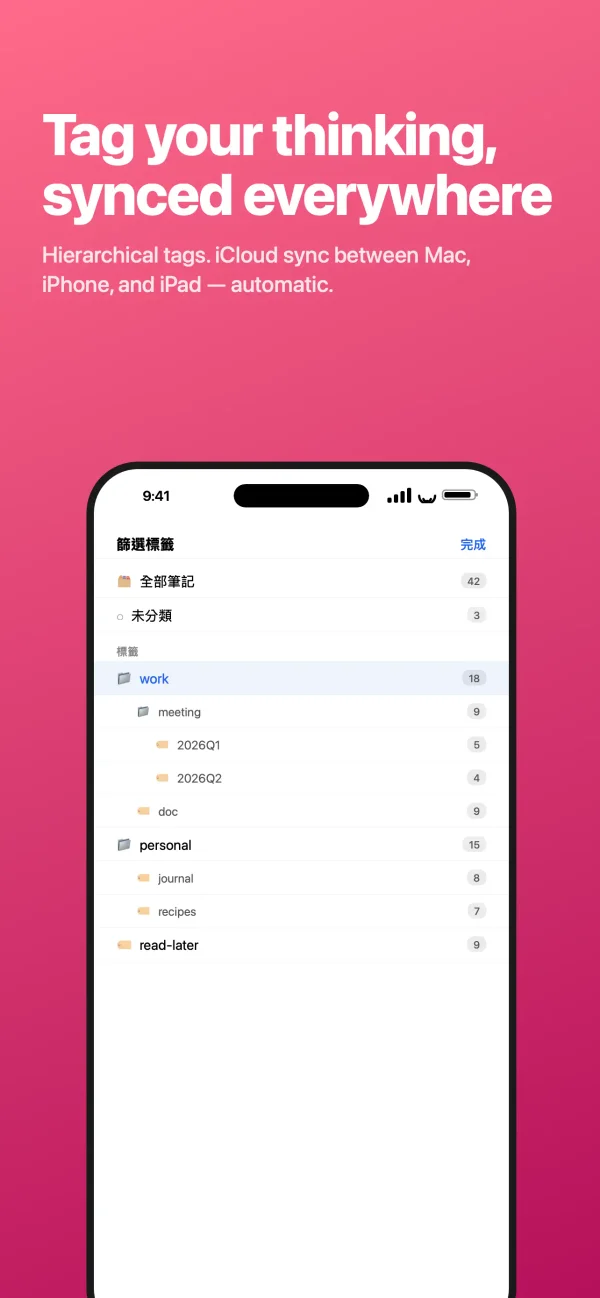
• Hierarchical tags (work/meeting/2026Q1)
• iCloud sync across devices
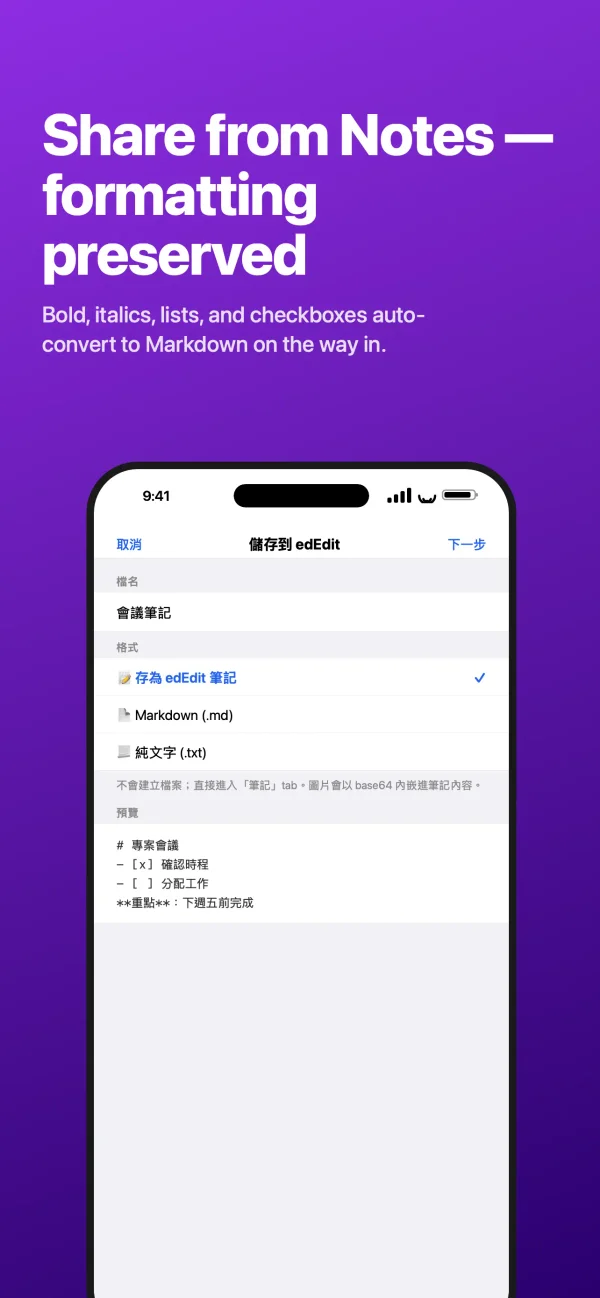
• Share from Apple Notes and we'll auto-convert formatting to Markdown — bold, italic, headings, lists, and checklists are preserved.
Files — Open and edit any text file on your device:
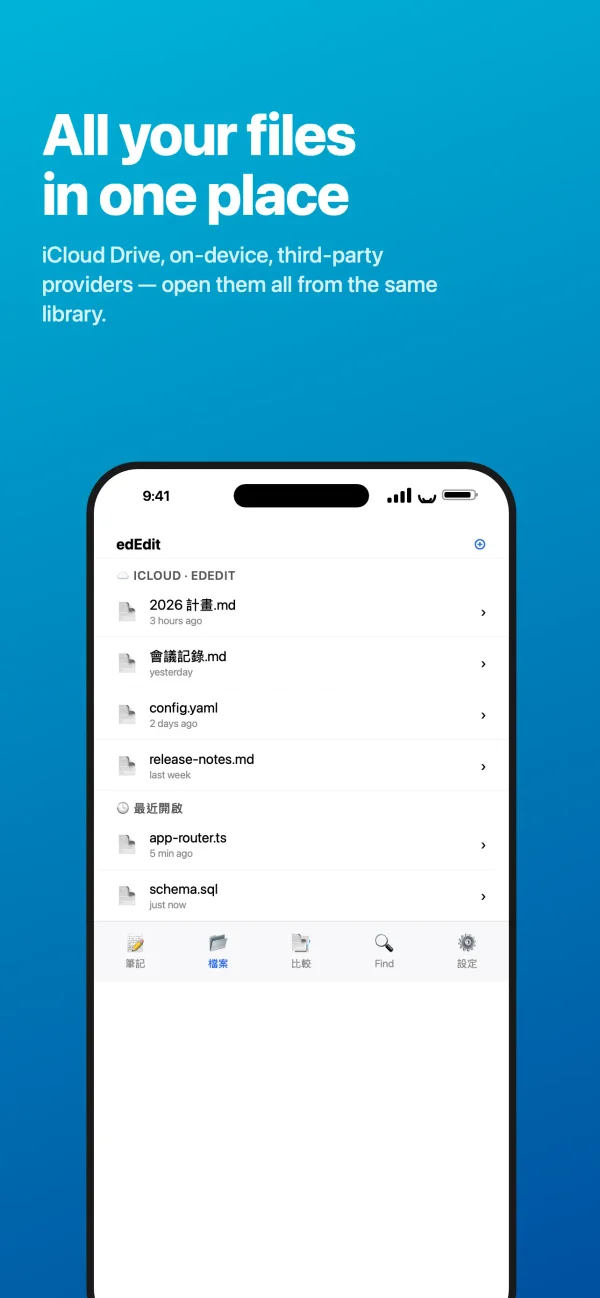
• Pull from the Files app, iCloud Drive, On My iPhone, or any provider
• Automatic encoding detection (UTF-8, Big5, Shift-JIS, GB18030, …)
• Syntax highlighting for Swift, JavaScript, TypeScript, Python, Go, Rust, C/C++, Java, HTML, JSON, YAML, Shell, Markdown, and more
• Line numbers, light and dark themes
• Save edits back to the original location
iCloud Drive integration — Automatically creates an "edEdit" folder in iCloud Drive that syncs across all your devices.
Dedicated Markdown editing:
• Keyboard accessory bar: headings, bold, italic, lists, tasks, quotes, links, images
• Hardware keyboard shortcuts: ⌘B (bold) / ⌘I (italic) / ⌘K (link) / ⌘E (code) / ⌘1-6 (headings)
• Smart list continuation: pressing Enter in a list line auto-continues; pressing Enter on an empty item exits the list
• Paste an image straight from the clipboard — we save it next to the .md file and insert a Markdown reference
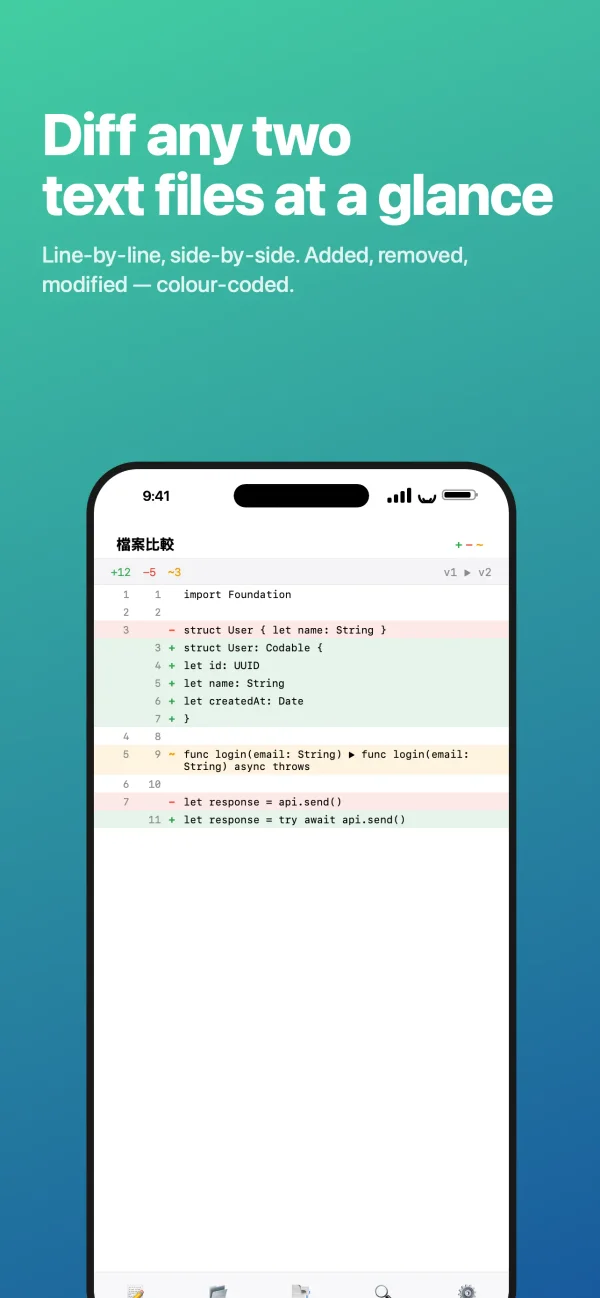
File compare — Visualize the differences between two files line-by-line, with added/removed/modified highlights.
Find in Files — Recursively search a folder you pick, filterable by filename glob.
Share & print — Built-in ShareLink, with AirPrint support.
WHO IT'S FOR
• Developers writing docs, reading logs, editing config files
• Writers using Markdown for blog posts and drafts
• Anyone who wants their files to stay theirs — no proprietary lock-in
• People who switch between editing on Mac and quick capture on iPhone
PRIVACY & COMPLIANCE
• Notes, files, and images stay on your device or in your own iCloud — our servers never see them
• Free tier includes ads served by Google AdMob (shown on app launch and occasionally when closing the note editor)
• Upgrade to Pro to remove all ads
Yenilikler
Sürüm 1.3 · 24.06.2026
1. Bugs fixed
2. Enable CSV file previewing and adjusting column width and height
Uygulama gizliliği
Bu uygulamanın verileri nasıl işlediği hakkında CHING FENG WANG tarafından App Store üzerinde yapılan beyan.
-
Sizi izlemek için kullanılan veriler
Başka şirketlere ait uygulamalarda ve web sitelerinde sizi izlemek için kullanılabilir.
- Tanımlayıcılar
- Kullanım verileri
-
Sizinle ilişkilendirilen veriler
Toplanabilir ve kimliğinizle ilişkilendirilebilir.
- Satın alımlar
- Kullanıcı içeriği
-
Sizinle ilişkilendirilmeyen veriler
Toplanabilir ancak kimliğinizle ilişkilendirilmez.
- Tanımlayıcılar
- Kullanım verileri
- Tanılama
Gizlilik uygulamaları, örneğin kullandığınız özelliklere veya yaşınıza göre değişiklik gösterebilir.
Bilgiler
- Satıcı
- CHING FENG WANG
- Kategori
- Yardımcılar
- Sürüm
- 1.3
- Güncellendi
- 24.06.2026
- Yayın tarihi
- 13.05.2026
- Boyut
- 17,1 MB
- Gereksinim
- iOS 17.0 veya sonrası
- Yaş sınırı
- 4+
- Fiyat
- Ücretsiz
- Uygulama içi satın alma
- Evet
- Diller
- Geleneksel Çince, Japonca, Basitleştirilmiş Çince, İngilizce, Korece
- Telif hakkı
- © MomoSoft