FlashMob -Smart LED Flashlight
Strobe torch Night screen lamp
Conçue pour iPhone, iPod touch
Gratuit · Achats intégrés
- Classification d’âge4+
- CatégorieUtilitaires
- DéveloppeurJungmoon Jo
- LanguesAnglais+ 4 de plus
- Taille37,8 Mo
Renvoie vers la page App Store officielle
Download.org n’héberge aucun fichier de FlashMob -Smart LED Flashlight. Le bouton ouvre la page de l’application sur App Store, où Jungmoon Jo la publie. Fiche vérifiée pour la dernière fois le 20/11/2026.
Captures d’écran
À propos
Le développeur n’a pas fourni ce texte dans votre langue.
■ FlashMob is a smart and easy flashlight application for concerts, clubs, sports games, candlelight-rallies and flash mobs.
■ There are many times when we come together with strangers at a place. These strangers together go wild about the same musician, cheer the same team, dance to the same rhythm, or cry for the same idea. Together, we share the same enthusiasm and thoughts gathered in one place. FlashMob was developed as a tool to actively express such thoughts and enthusiasm.
■ Of course, you can also use it when you listen to music at home and you want to feel like you’re at a club. And you can use it to create a mood light in various colors. Or you can type in “yummy” and hold the phone out next to a delicious food when taking a photo of it. If there’s someone to take that photo, of course. Or when you finally meet an alien, you can type in “not for eating” and ask for a handshake. Hm... Please share your tips for using FlashMob in Review.
■■■ Main functions ■■■
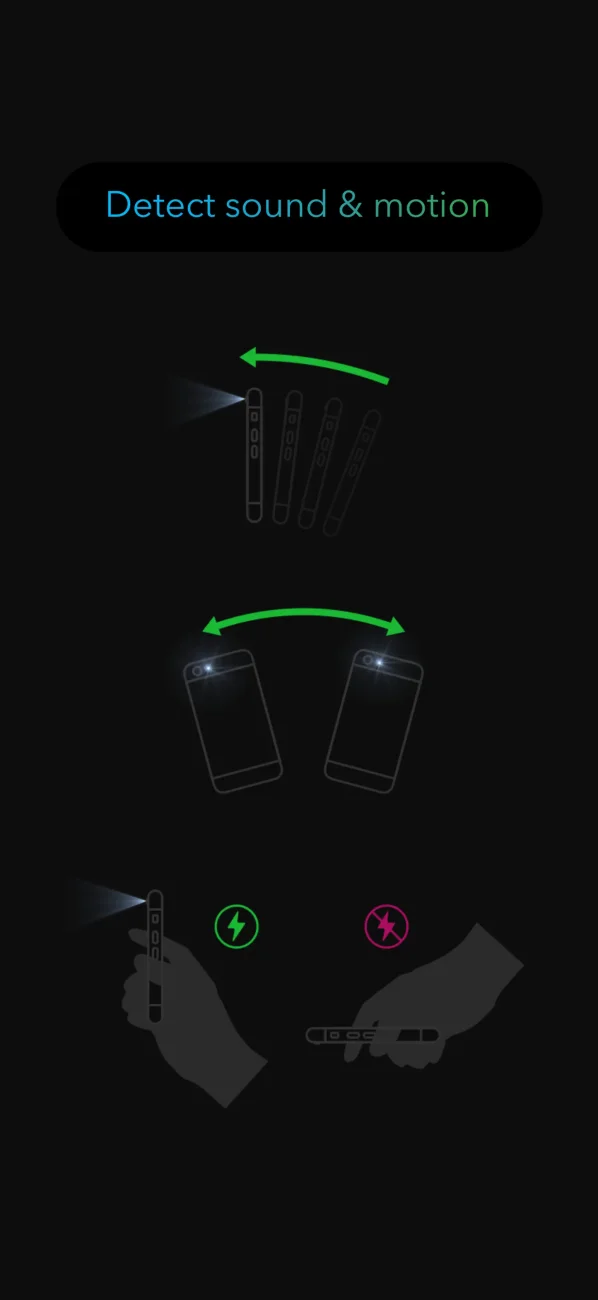
1. FlashMob detects sound and motion, and it controls background, text colors and the flashlight accordingly.
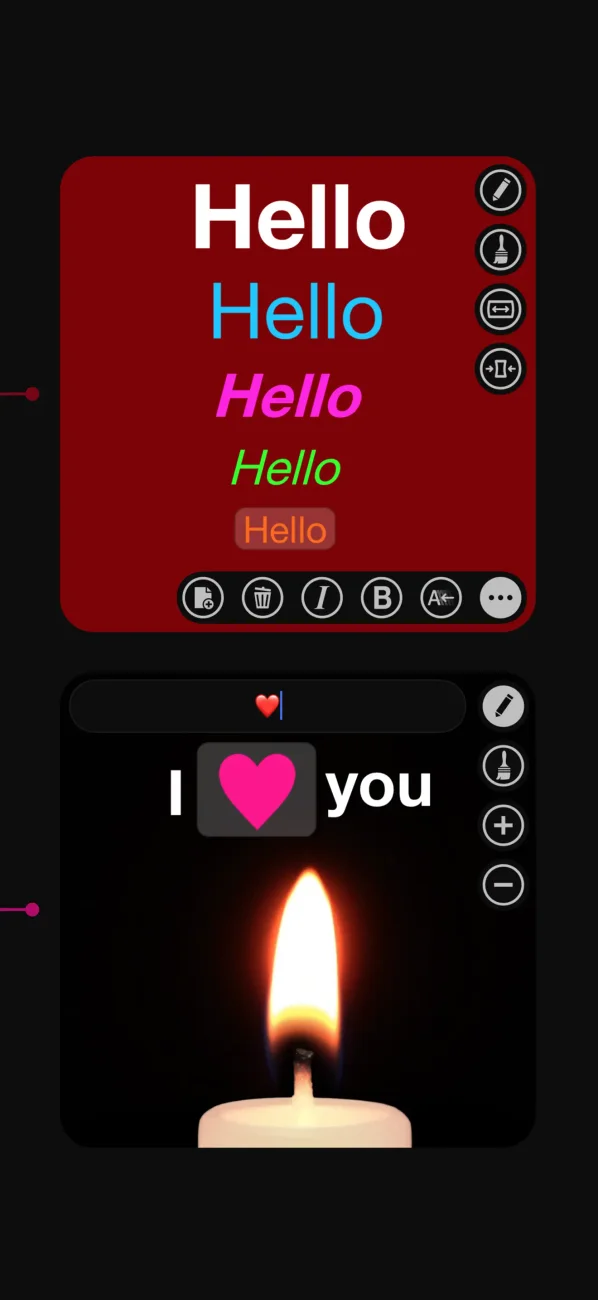
2. You can enter simple texts in the screen.
3. You can freely transform the text’s size and set its position. If the text is too long, you can apply an animation and make it scroll from the right to the left side.
4. You can change the background and text colors. You can also control their setting so the colors respond to sound and motion.
5. Automatic color change – You can set the app so that it changes color according to changing time. If this function is turned on, the app users will see their screens changing to same colors (choose the rainbow button in color selecting menu.)
6. You can enter a simple message on FlashMob’s candlelight image. (The image is a moving image, not a still one.)
7. FlashMob detects various motions including back/forth and left/right movement, which is the most basic motion for cheering, and you can also use the Smart On-Off function.
8. When you use the Smart On-Off function, the flashlight will automatically turn on when you hold it up and turn off when you hold it down. (You can turn this on in the Option menu.)
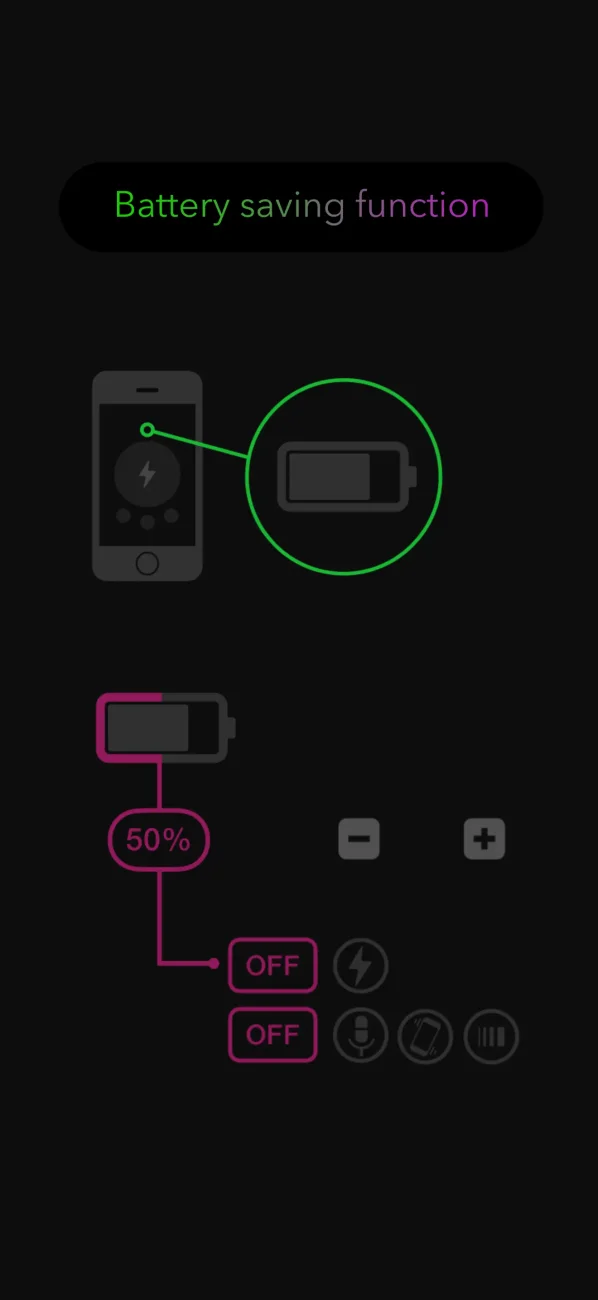
9. Battery saving function - You can make power-consuming functions turn off automatically when the battery runs out and reaches below the level you set while using FlashMob. (You can turn this on in the Option menu.)
■■■ Interface ■■■
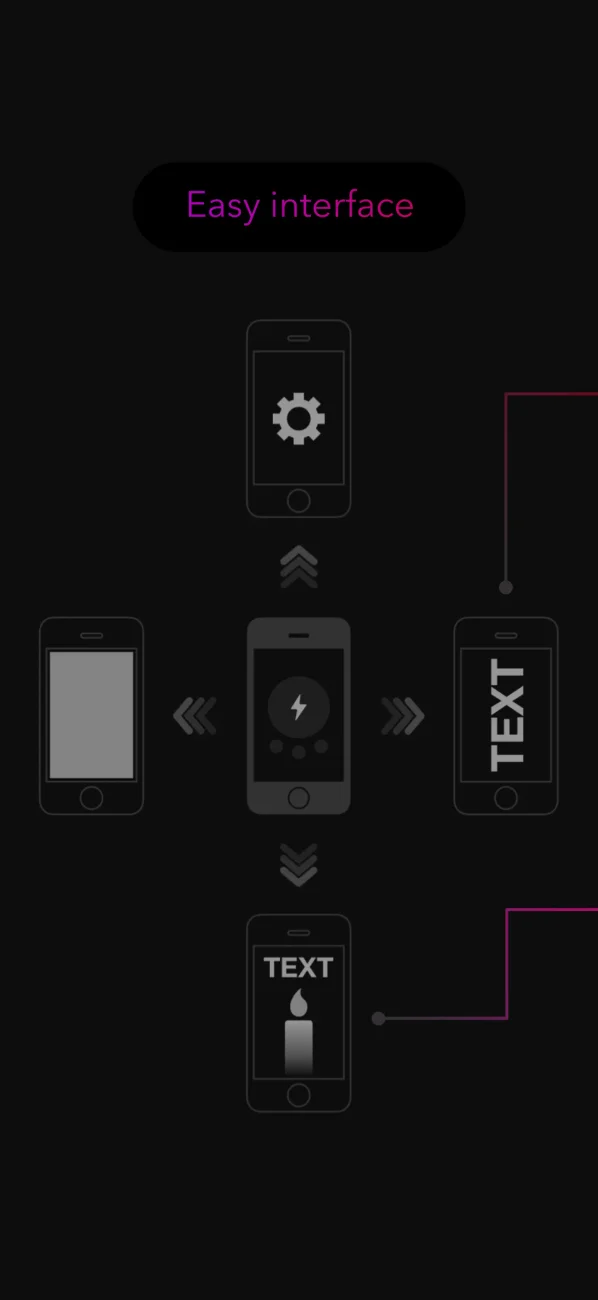
FlashMob’s interface consists of four modes laid out in the shape of a cross, with the main mode in the center. By simply scrolling up and down or sideways, you can quickly move on to the mode you want.
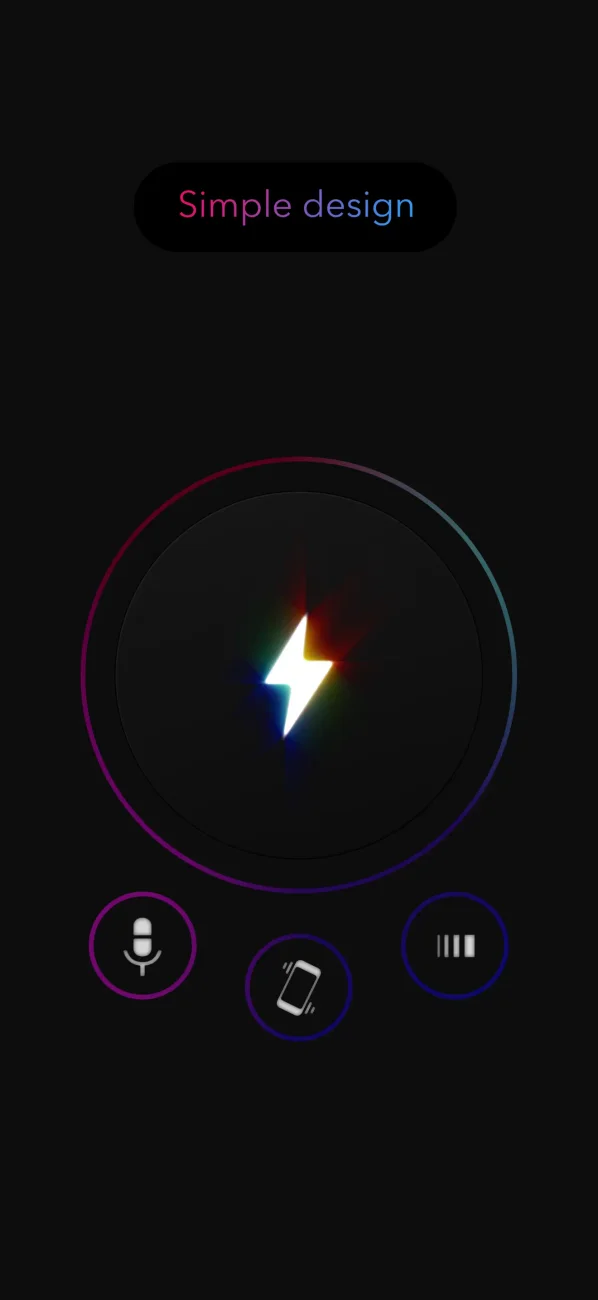
1. Center : Main (Flashlight, microphone, motion sensor, flicker on/off)
2. Top : Options (Motion-sensor’s option, battery saving function, etc)
3. Bottom : Image mode (You can enter simple text on the candlelight image)
4. Left : Flashlight screen mode (You can use the entire screen as flashlight)
5. Right : Text mode (You can select the background color and enter simple text)
■■■ In App Purchase ■■■
Left : Touch-drawing LED Screen ( temporarily FREE )
Down : Rose+Lights Screen ( temporarily FREE )
Top : Upgrade ( Remove Ads )
Nouveautés
Version 1.3.0 · 26/04/2026
Bug fixes and performance improvements.
Confidentialité de l’application
Ce que Jungmoon Jo déclare sur l’App Store au sujet du traitement des données par cette application.
-
Données utilisées pour vous suivre
Peuvent être utilisées pour vous suivre sur des applications et des sites web appartenant à d’autres sociétés.
- Emplacement
- Identifiants
- Données d’utilisation
- Diagnostic
-
Données établissant un lien avec vous
Peuvent être collectées et liées à votre identité.
- Emplacement
- Identifiants
- Données d’utilisation
- Diagnostic
Les pratiques en matière de confidentialité peuvent varier, notamment en fonction des fonctionnalités que vous utilisez ou de votre âge.
Informations
- Vendeur
- Jungmoon Jo
- Catégorie
- Utilitaires
- Version
- 1.3.0
- Mis à jour
- 26/04/2026
- Publié
- 02/03/2017
- Taille
- 37,8 Mo
- Nécessite
- iOS 15.6 ou version ultérieure
- Classification d’âge
- 4+
- Prix
- Gratuit
- Achats intégrés
- Oui
- Langues
- Anglais, Japonais, Coréen, Chinois simplifié, Chinois traditionnel
- Copyright
- © Appurr Co.
Vous aimerez peut-être aussi
-
 iLed FlashlightMinuteur et clap
-
 Flashlight & Morse UtilityEnvoyer un code Morse
-
 Flashlight, LED Banner & MorseUtilitaires
-
 Flashlight GoodTorchUtilitaires
-
 Best Flash Light! - lampe torcLampe torche avec loupe
-
 Lampe torche ◎ LED brillanteBrightest LED torchlight app
-
 Lampe torche ×Que la lumière soit avec toi
-
 Lampe torche ProLampe torche multifonction
-
 Lampe Torche LED HDla plus puissante
-
 FlashLight -Torch Light WidgetUtilitaires