
- Classification d’âge4+
- CatégorieProductivité
- DéveloppeurFOXIT SOFTWARE INCORPORATED
- LanguesAnglais+ 15 de plus
- Taille42,2 Mo
Renvoie vers la page App Store officielle
Download.org n’héberge aucun fichier de Foxit eSign. Le bouton ouvre la page de l’application sur App Store, où FOXIT SOFTWARE INCORPORATED la publie. Fiche vérifiée pour la dernière fois le 18/11/2026.
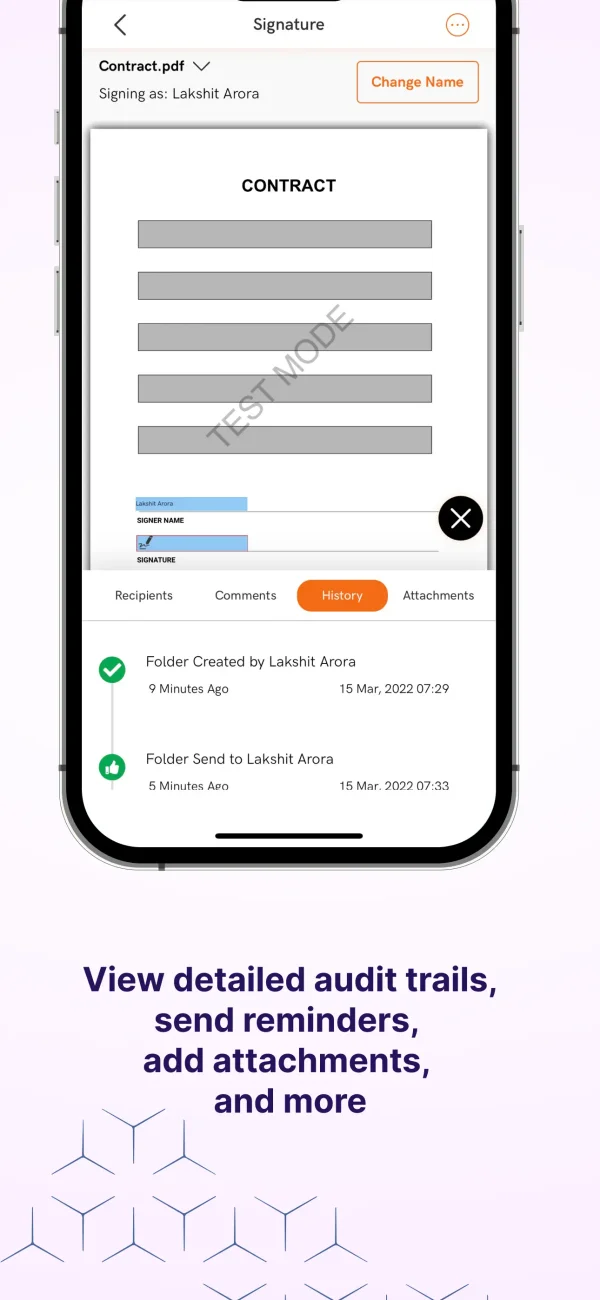
Captures d’écran



À propos
Le développeur n’a pas fourni ce texte dans votre langue.
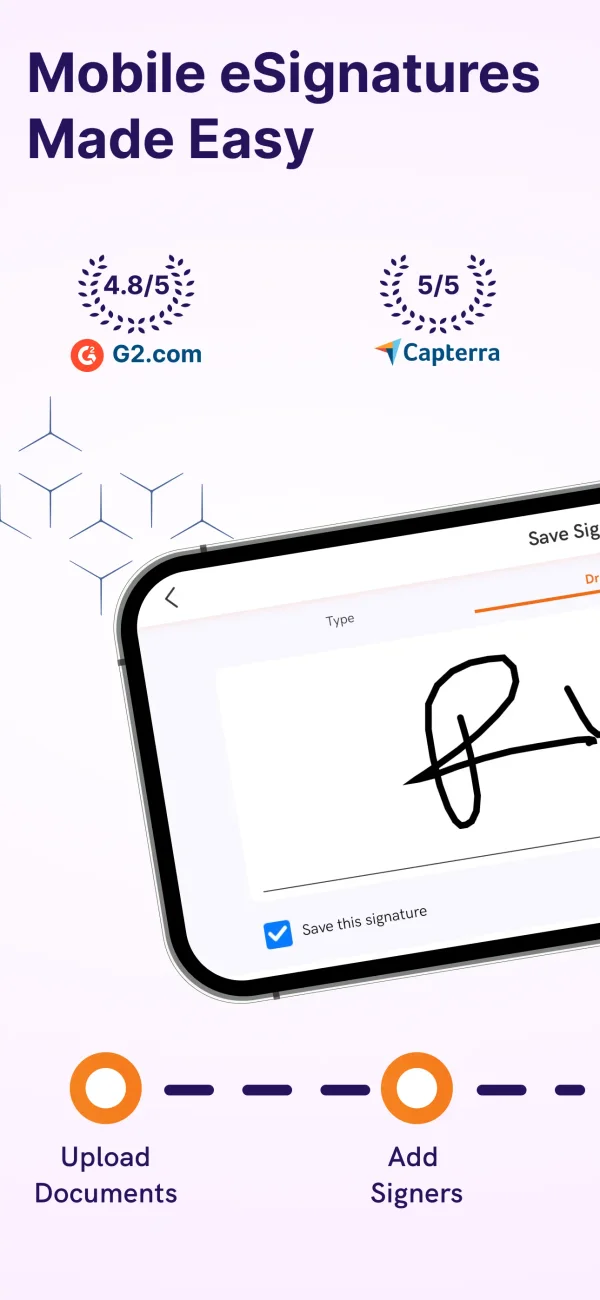
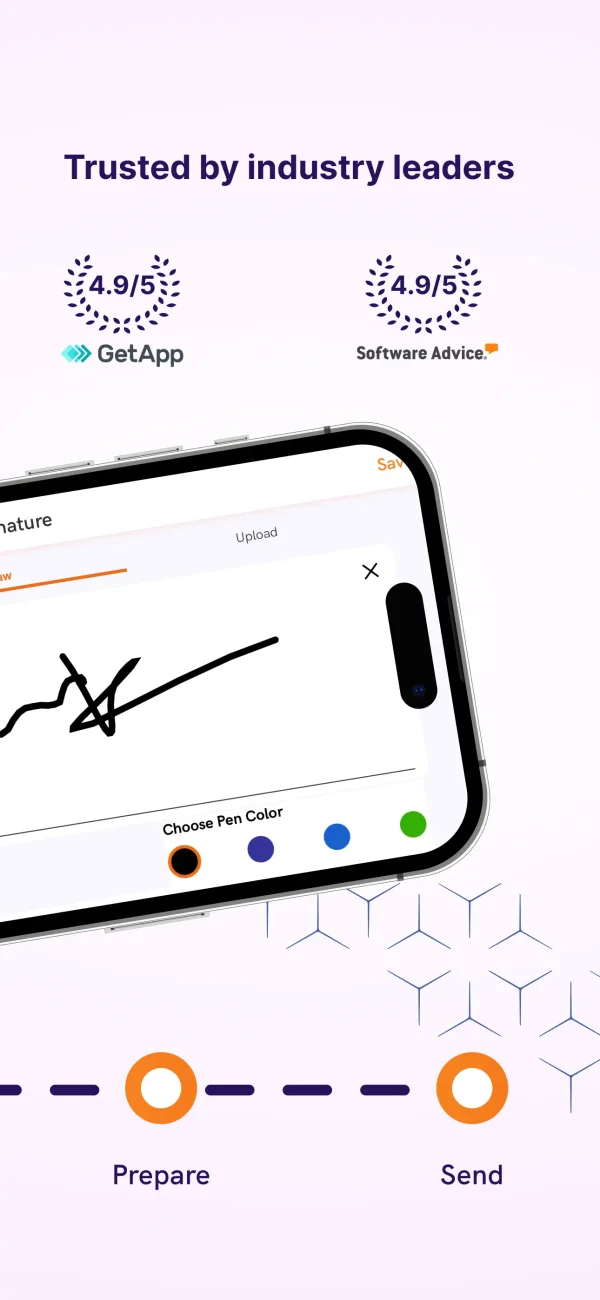
Upload documents, create templates, assign recipients, and send for signing – all while on the go. Once completed, you have a tamper-proof and legally-binding signed document. Use Offline Mode and Document Sync to get signatures when the internet is not available.
Features Include:
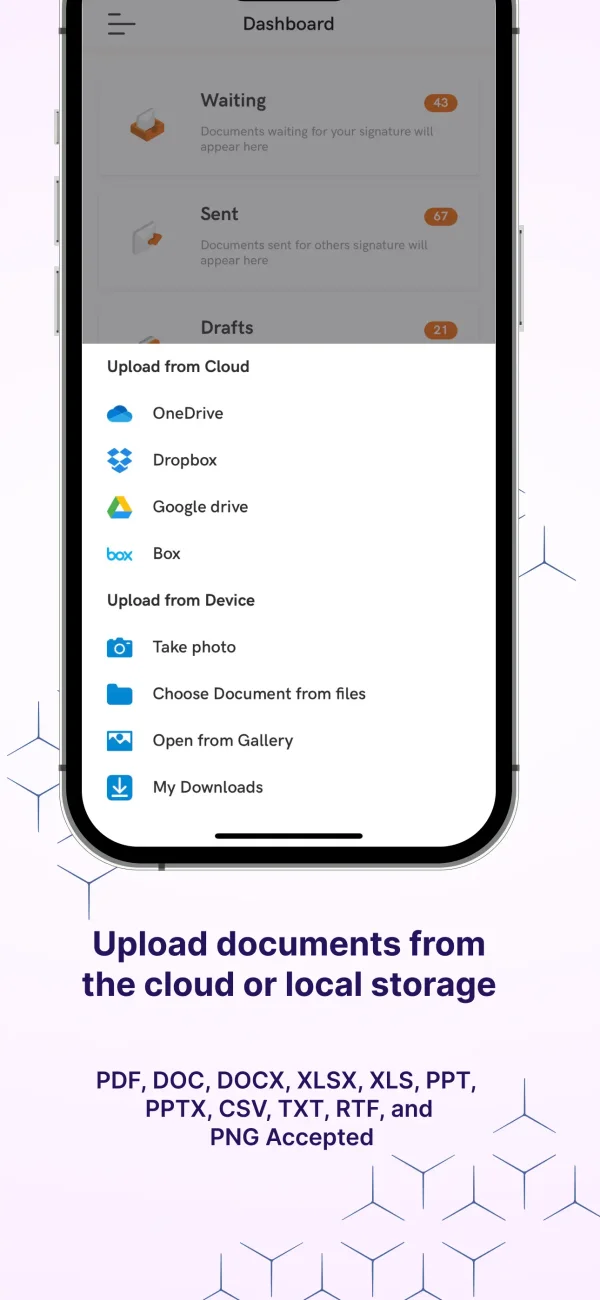
Upload PDF and other document formats such as DOC, DOCX, XLSX, XLS, PPT, PPTX, CSV, TXT, RTF, and PNG
Drag and drop document preparation with easy signature fields, date fields, data entry fields, and advanced field additions
Offline mode enables users to continue preparing, signing, and managing documents when disconnected from the internet - simply sync and send once connected
Save often-used forms and documents that you and your team utilize as templates in your personal library to save time later
Automate signing tasks and processes by using pre-built integrations available for 1000s of popular applications through Zapier
Confidently use electronic signatures knowing that all mobile signing meets ESIGN, UETA, and eIDAS legal and regulatory requirements
Meet and exceed industry compliance requirements, such as HIPAA, FERPA, FINRA, 21 CFR Part 11, CCPA, and more, all through our mobile iOS signing solution
Utilize features, such as knowledge-based authentication (KBA), to ensure compliance more easily with IRS forms, 21 CFR Part 11 documentation, banking documents, and more
Ensure optimal security and privacy with our strict network security rules and firewall controls, along with 256-bit encryption, which enables your documents to be locked and always secured
Stringent SOC 2 Type 2 compliance and AICPA trust principles of privacy, confidentiality, security, processing integrity, and availability are strictly enforced with all documents on all devices
Ensure accurate and valid documents through identity verification options, such as two-factor (2FA) and multi-factor authentication (MFA), allowing you to establish and prove signer identities throughout the mobile signing process
Bulk sending and signing features allow for multiple signatories to complete documents quickly and easily
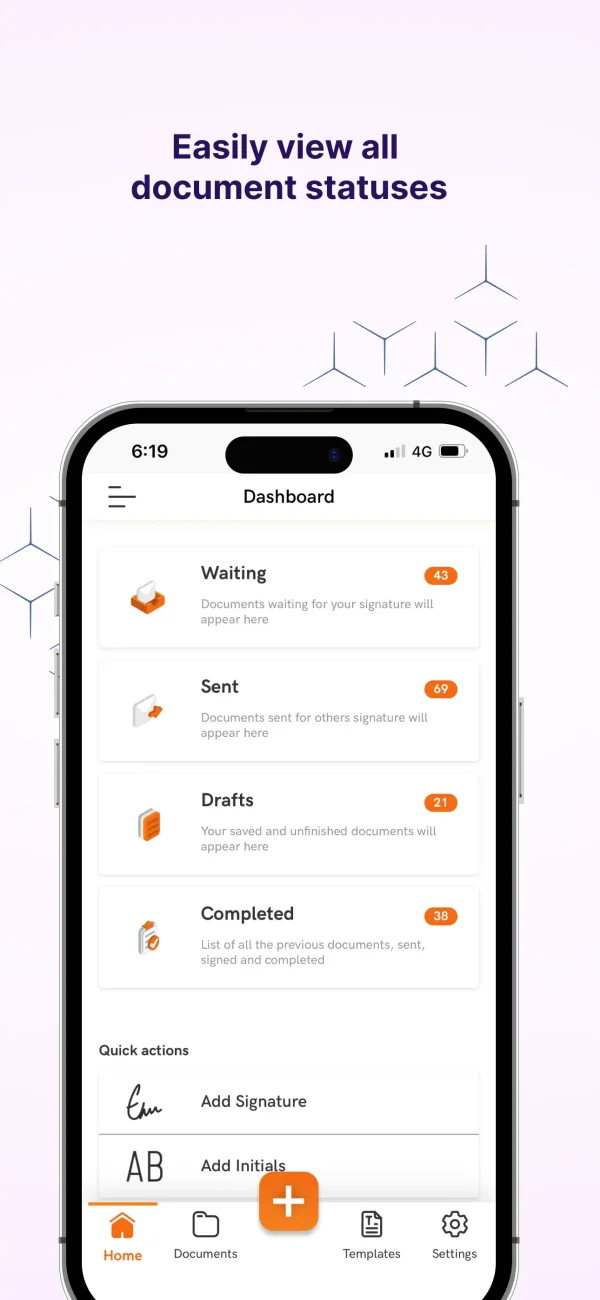
Easily view the signing status of documents and send reminders to recipients when needed
Generate a unique signing link in one click to email clients, allowing them to sign on any device connected to the internet
Parallel workflow-based interface fluidly guides you from template creation to sending and storing for a more streamlined and efficient experience
Step-by-step walkthrough and easy-to-use design allows for fast user onboarding
Establish signer roles, pre-fill information, and mark required fields on documents to guide recipients through the signing process
Ordered signing keeps things moving by arranging signer sequences for multiple signatories
Ensure court-admissible signed documents with tamper-evident features and detailed audit reports
Utilize features like Secured Access Fields to maintain confidentiality by protecting private information entered into secured fields from being viewed by unauthorized users
Create user roles, establish user access levels, and assign managers to restrict viewership and manage accessibility
Maintain local data residency with trusted SOC 2 Type 2 and PCI compliant U.S. and E.U. data centers
Nouveautés
Version 4.0.0 · 10/07/2026
1) Improved offline experience with support for creating documents, adding recipients, in-person signing, and automatic certificate generation after reconnecting.
2) Added support for adding new users while working offline during both document creation and envelope execution.
3) Enhanced background and foreground synchronisation for more reliable uploads and document state management.
4) Performance improvements, stability enhancements, and bug fixes.
Confidentialité de l’application
Ce que FOXIT SOFTWARE INCORPORATED déclare sur l’App Store au sujet du traitement des données par cette application.
-
Données non collectées
Le développeur ne collecte aucune donnée à partir de cette application.
Les pratiques en matière de confidentialité peuvent varier, notamment en fonction des fonctionnalités que vous utilisez ou de votre âge.
Informations
- Vendeur
- FOXIT SOFTWARE INCORPORATED
- Catégorie
- Productivité
- Version
- 4.0.0
- Mis à jour
- 10/07/2026
- Publié
- 11/06/2019
- Taille
- 42,2 Mo
- Nécessite
- iOS 16.6 ou version ultérieure
- Classification d’âge
- 4+
- Prix
- Gratuit
- Langues
- Anglais, Arabe, Danois, Néerlandais, Finnois, Français, Allemand, Italien, Japonais, Coréen, Norvégien, Portugais + 4 de plus
- Copyright
- © Foxit Software Incorporated
Vous aimerez peut-être aussi
-
 Lecteur PDF – PDFelementVisionneuse PDF,annoter le PDF
-
 PDFEsign.com PDF E-SignProductivité
-
 PDF Book ReaderProductivité
-
 iSignatureSuiteProductivité
-
 Hudu MobileProductivité
-
 PDF Creator - Fill and SignProductivité
-
 Drawboard PDF Annotate, MarkupProductivité
-
 AI LawyerProductivité
-
 Electronic SignatureProductivité
-
 RevPDF: PDF Editor & ReaderProductivité