RevPDF: PDF Editor & Reader
OCR, Sign, Redact & Convert
Conçue pour iPhone, iPad
Gratuit · Achats intégrés
- Classification d’âge4+
- CatégorieProductivité
- DéveloppeurPawandeep Singh
- LanguesAnglais
- Taille57,5 Mo
Renvoie vers la page App Store officielle
Download.org n’héberge aucun fichier de RevPDF: PDF Editor & Reader. Le bouton ouvre la page de l’application sur App Store, où Pawandeep Singh la publie. Fiche vérifiée pour la dernière fois le 15/11/2026.
Captures d’écran
À propos
Le développeur n’a pas fourni ce texte dans votre langue.
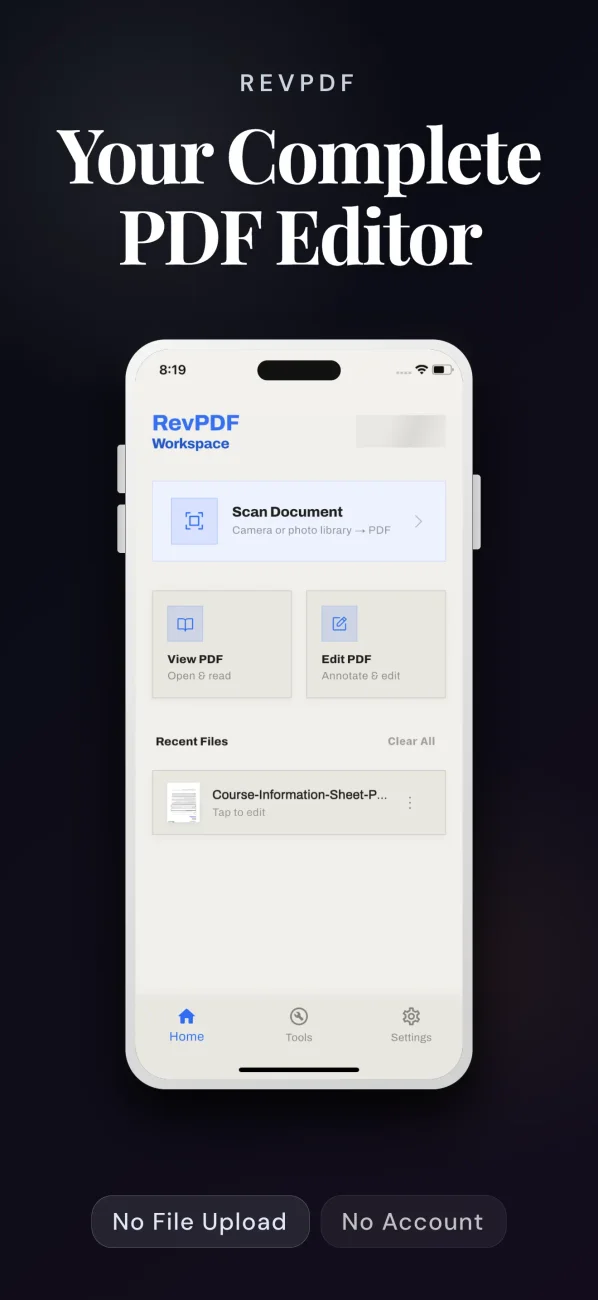
RevPDF is a powerful offline PDF editor that lets you edit existing PDF text, sign documents, run OCR, redact sensitive information, convert files, and manage pages without uploading your PDFs for processing.
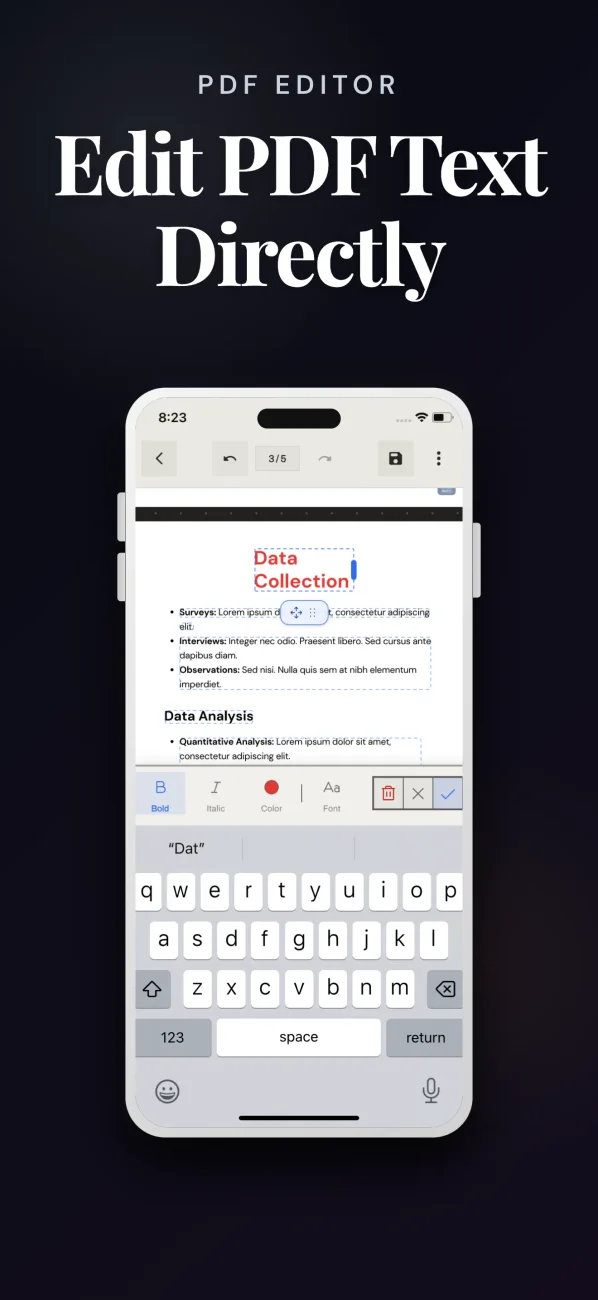
EDIT PDF TEXT DIRECTLY
Edit existing text inside the PDF with a true WYSIWYG editing experience. RevPDF supports paragraph reflow, text spilling onto following pages, font handling, find and replace, and precise content editing without rebuilding the document from scratch.
OCR & SEARCH SCANNED PDFS
Recognize text in scanned documents, select and search OCR text, and create searchable PDFs using an invisible text layer.
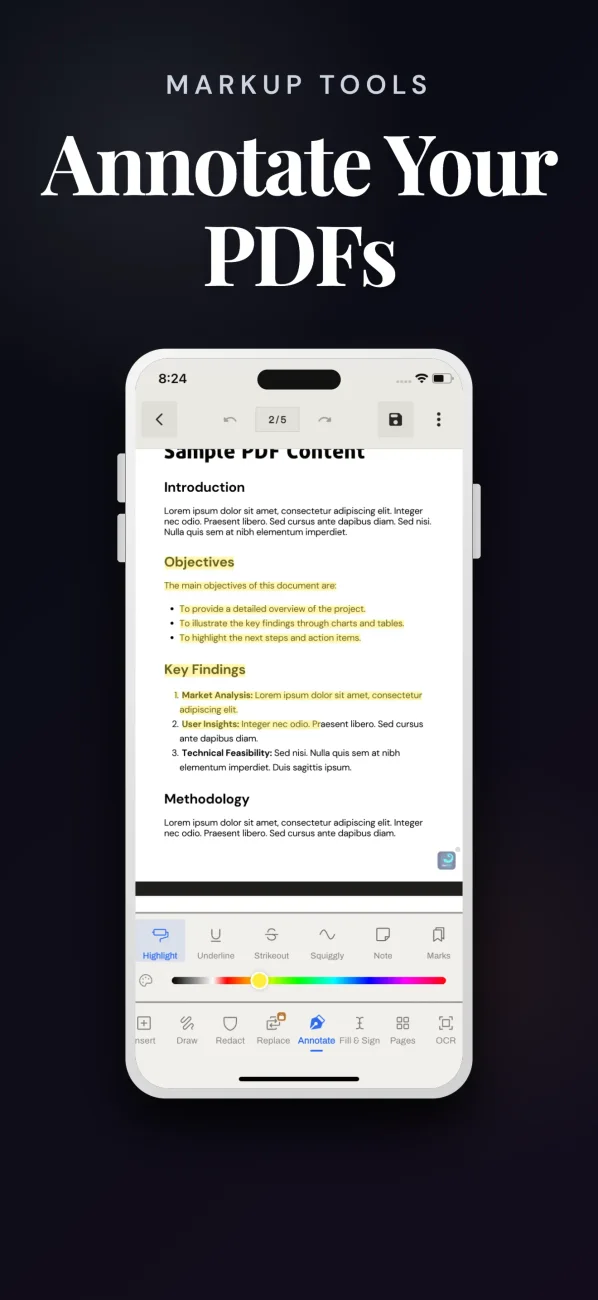
SIGN, DRAW & ANNOTATE
Draw your signature directly onto a PDF. Add freehand pen marks, highlights, comments, bookmarks, strikethroughs, and other annotations for review and markup.
REDACT SENSITIVE INFORMATION
Redact text and content with customizable redaction tools, or use Auto Redaction to find and remove matching sensitive information faster.
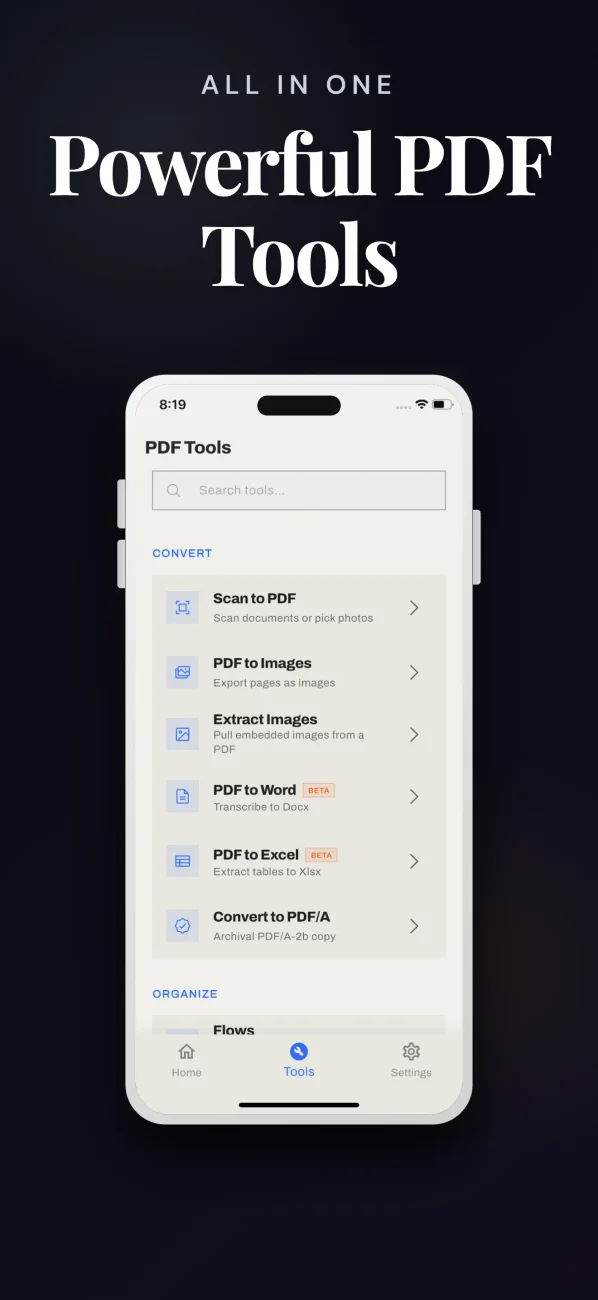
CONVERT & PROCESS PDFS
• PDF to Word
• PDF to Excel
• PDF/A conversion
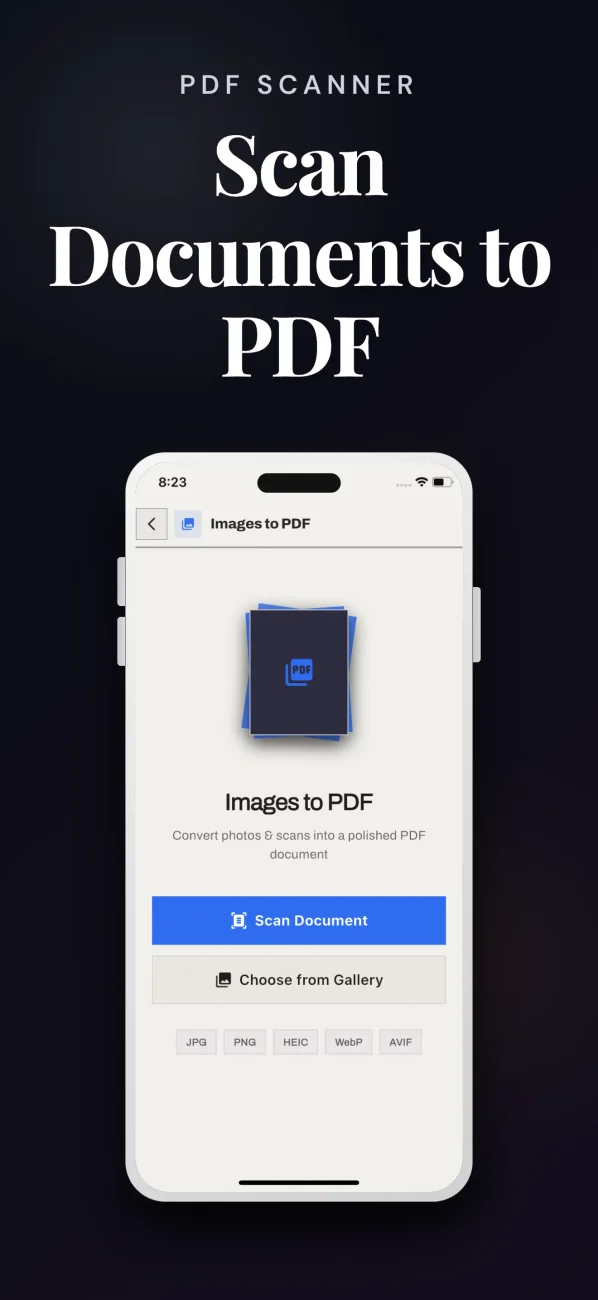
• Scan documents to PDF
• Extract images from PDFs
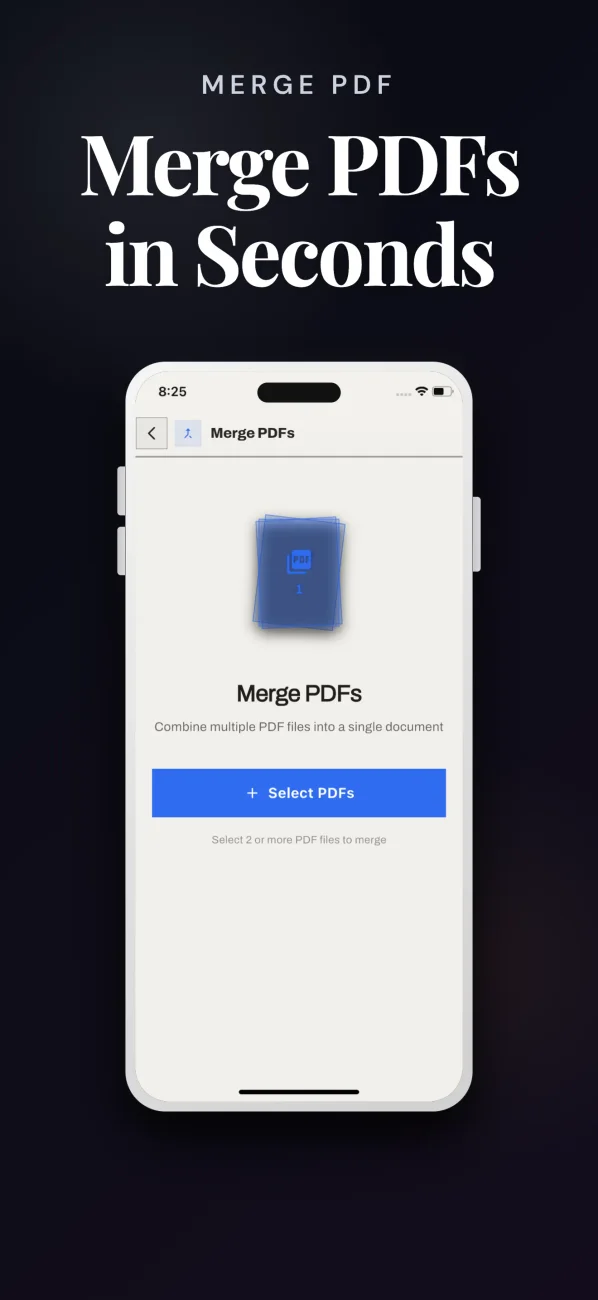
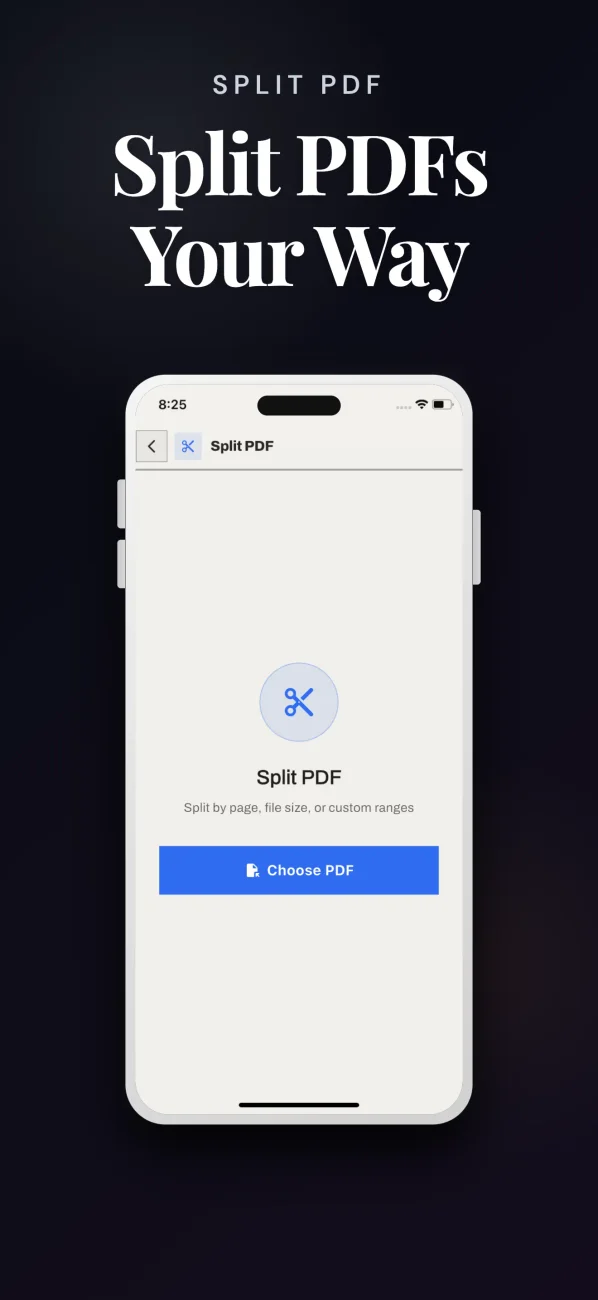
• Merge, split, and compress PDFs
• Split a PDF page vertically or horizontally at the position you choose
• Organize, reorder, and manage pages
POWER TOOLS
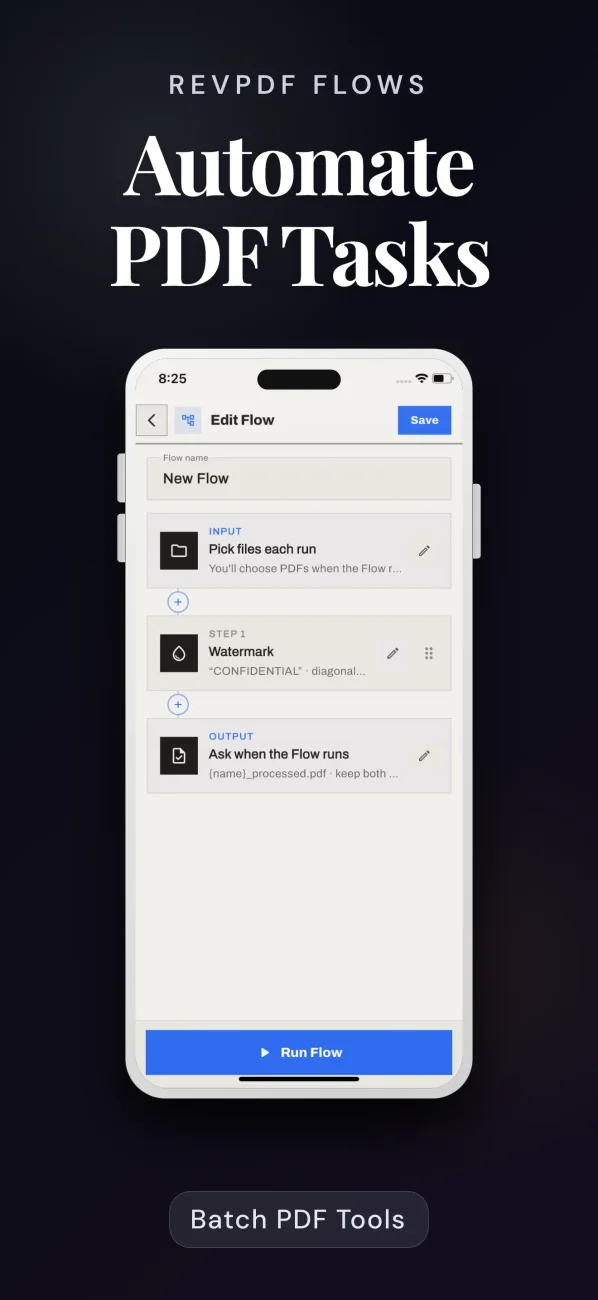
Compare PDF documents, edit PDF metadata, add headers and footers, add watermarks, flatten PDFs, remove passwords from documents you can access, and use Flows to batch-process multiple files with repeatable operations.
PRIVATE BY DESIGN
Your PDF files are processed on your device and are not uploaded for editing or processing. RevPDF can work offline for document operations. The app may occasionally access the internet for supporting resources such as downloading a required font, but your PDF documents stay on your device.
COMPACT, SERIOUS PDF SOFTWARE
RevPDF brings advanced editing, OCR, redaction, conversion, annotation, signing, and batch tools into a compact app designed for everyday documents and professional workflows.
Open a PDF and get the work done with RevPDF.
Nouveautés
Version 5.0.0 · 19/08/2026
**What’s New in RevPDF 5.0**
• New WYSIWYG editor for smoother, faster PDF editing
• Flows for batch PDF automation
• PDF Compare
• PDF to Excel and improved PDF to Word
• Smarter redaction tools
• New Organize PDF, Header & Footer, and PDF/A tools
• Improved Split and form filling
• New themes and expanded language support
Confidentialité de l’application
Ce que Pawandeep Singh déclare sur l’App Store au sujet du traitement des données par cette application.
-
Données non collectées
Le développeur ne collecte aucune donnée à partir de cette application.
Les pratiques en matière de confidentialité peuvent varier, notamment en fonction des fonctionnalités que vous utilisez ou de votre âge.
Informations
- Vendeur
- Pawandeep Singh
- Catégorie
- Productivité
- Version
- 5.0.0
- Mis à jour
- 19/08/2026
- Publié
- 03/02/2026
- Taille
- 57,5 Mo
- Nécessite
- iOS 16.0 ou version ultérieure
- Classification d’âge
- 4+
- Prix
- Gratuit
- Achats intégrés
- Oui
- Langues
- Anglais
- Copyright
- © 2026 Pawandeep Singh
Vous aimerez peut-être aussi
-
 STELCOProductivité
-
 Dhivehi CalendarProductivité
-
 PoliceMVProductivité
-
 KeyolhuProductivité
-
 CleverType - AI KeyboardProductivité
-
 PDF Editor & Converter - PDNobProductivité
-
 SparkPDF: Scanner, Signer PDFRemplir, fusionner, diviser
-
 PDF doc scanner & converterScan documents convertisseur
-
 MihraabProductivité
-
 Scanner PDF & Documents - FyleNumériser, Signer, Partager