
- Classification d’âge4+
- CatégorieUtilitaires
- DéveloppeurMarcel Wlotzka
- LanguesAnglais+ 1 de plus
- Taille1,8 Mo
Renvoie vers la page App Store officielle
Download.org n’héberge aucun fichier de HDMI Link. Le bouton ouvre la page de l’application sur App Store, où Marcel Wlotzka la publie. Fiche vérifiée pour la dernière fois le 12/11/2026.
Captures d’écran
À propos
Le développeur n’a pas fourni ce texte dans votre langue.
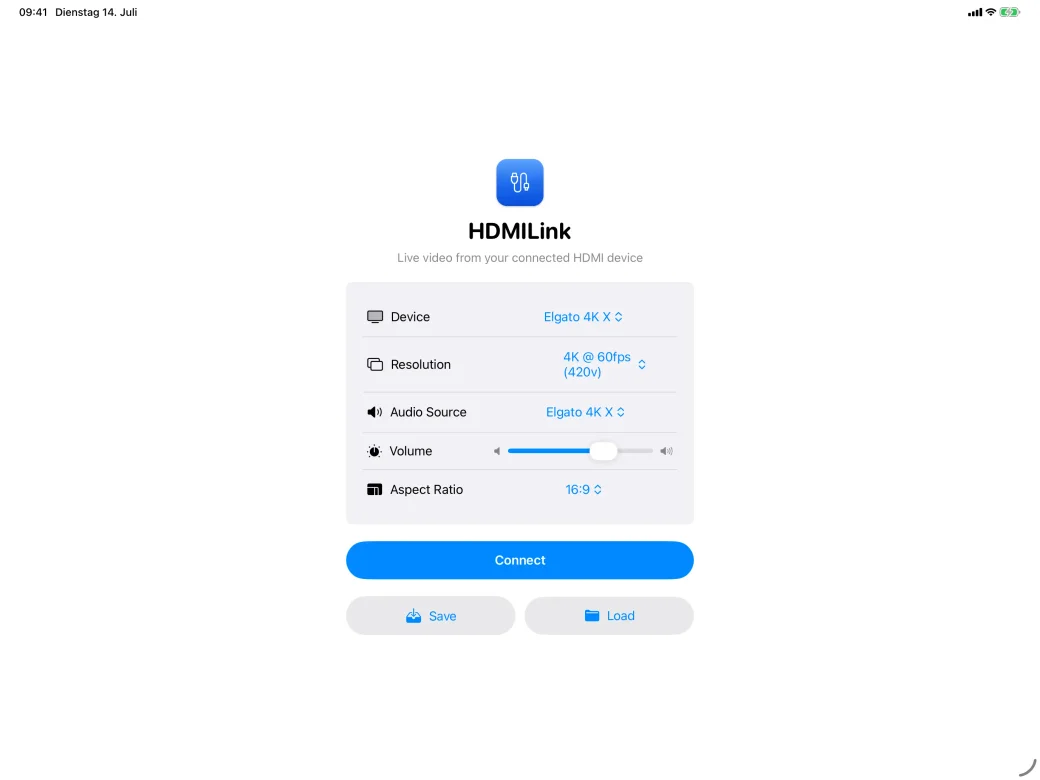
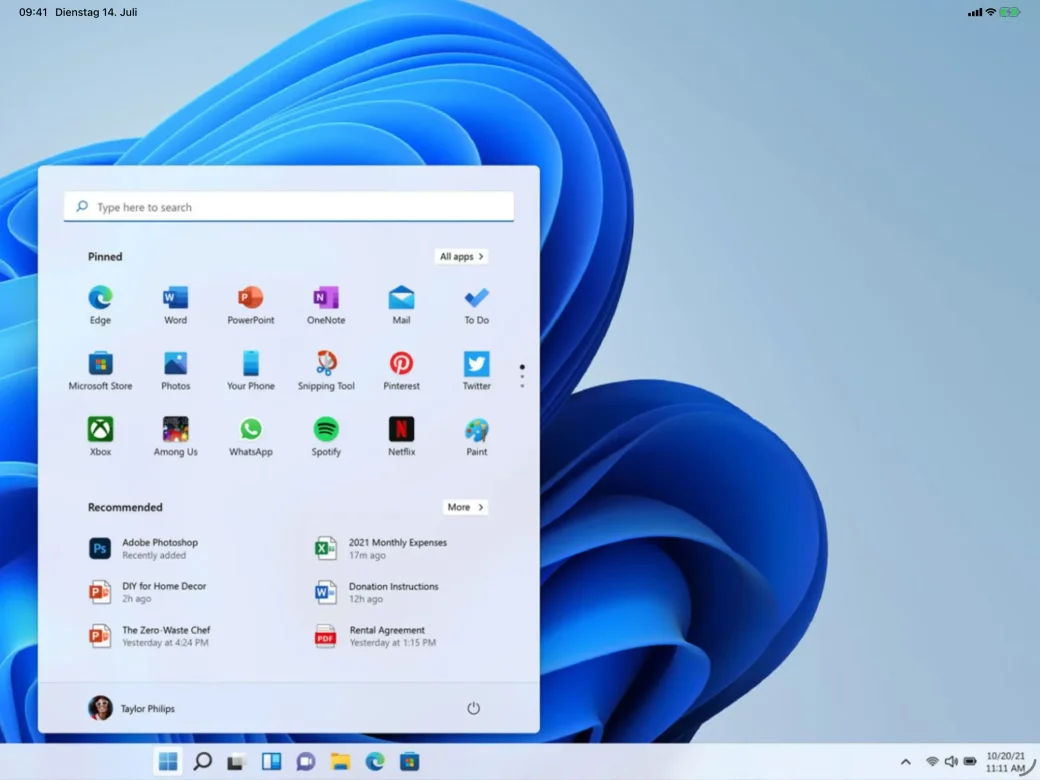
HDMI Link brings the picture from any HDMI device straight onto your Mac, iPad, and Apple Vision Pro. Whether you’re monitoring a camera feed, previewing gameplay, reviewing a laptop’s output, or connecting any HDMI source, HDMI Link gives you a clean, responsive, low-latency view — in a resizable window on macOS and iPad, or floating in your space on visionOS.
How it connects
• Mac & iPad: plug a standard USB-C / UVC HDMI capture card directly into your device. The signal appears instantly — no extra hardware required.
• Apple Vision Pro: capture runs through the Developer Strap. Both generations are supported:
– Developer Strap Gen 2 → resolutions up to 4K at 120 Hz
– Developer Strap Gen 1 → up to 1080p at 60 Hz
Just connect your capture card, launch HDMI Link, and your signal appears right away — perfect for monitoring, testing, presenting, and creating real-time content.
Audio
• On Mac and iPad, HDMI Link plays your capture card’s audio, with a selectable input source and volume control.
• On Apple Vision Pro, Apple does not yet allow audio pass-through. As soon as Apple adds it to the APIs, I’ll ship a free update; for now I recommend headphones connected to the HDMI device.
Flexible aspect-ratio control
Crop the incoming image to custom formats such as 21:9 to remove unused areas or match cinematic and ultrawide content perfectly.
Stereoscopic 3D on Apple Vision Pro
Watch side-by-side or over-under 3D sources in true stereoscopic 3D. Choose your input format (half or full side-by-side, or over-under), swap the eyes if the depth looks off, and the picture is cropped to your selected output format and fills your view — switchable live, with no need to reconnect.
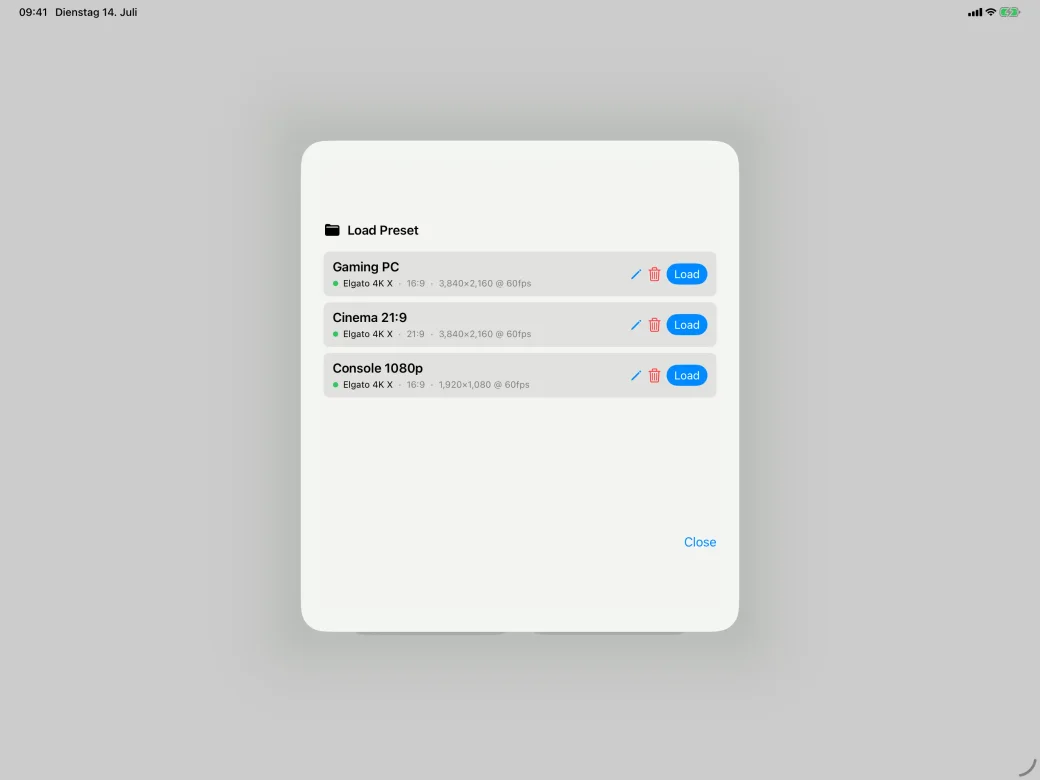
Save your setups
Store and reload your favorite device, resolution, and aspect-ratio combinations as presets.
Ideal for:
• Game consoles
• Cameras & streaming setups
• Laptops / PCs
• Media players
• Any HDMI-based output device
Designed for clarity
HDMI Link automatically detects your capture card’s resolution and keeps a consistent, sharp display.
Simple. Fast. Reliable.
Your HDMI signal — exactly where you need it.
Nouveautés
Version 1.7 · 14/07/2026
Bug fixes and improvements.
Confidentialité de l’application
Ce que Marcel Wlotzka déclare sur l’App Store au sujet du traitement des données par cette application.
-
Données non collectées
Le développeur ne collecte aucune donnée à partir de cette application.
Les pratiques en matière de confidentialité peuvent varier, notamment en fonction des fonctionnalités que vous utilisez ou de votre âge.
Informations
- Vendeur
- Marcel Wlotzka
- Catégorie
- Utilitaires
- Version
- 1.7
- Mis à jour
- 14/07/2026
- Publié
- 20/11/2025
- Taille
- 1,8 Mo
- Nécessite
- iOS 26.0 ou version ultérieure
- Classification d’âge
- 4+
- Prix
- 2,99 €
- Langues
- Anglais, Allemand
- Copyright
- © Martek
Vous aimerez peut-être aussi
-
 PunktfunkRapide, local et ouvert
-
 NAS Media ViewerUtilitaires
-
 Artident: Identification d'artIdentifie art & peintures IA
-
 Screen Link: HDMI MonitorUtilitaires
-
 Elgato Wave GoUtilitaires
-
 Détecteur de scanner EMFRadar à vagues:Trouver Mesurer
-
 OoT Tracker: Ocarina HintsUtilitaires
-
 Master Add-Ons for MCPEUtilitaires
-
 ZowieXUtilitaires
-
 OffOfUtilitaires