- 対象年齢4+
- カテゴリユーティリティ
- 開発元Marcel Wlotzka
- 言語英語ほか1言語
- サイズ1.8 MB
App Storeの公式ページにリンクしています
Download.orgはHDMI Linkのファイルを一切ホストしていません。ボタンを押すと、Marcel Wlotzkaが公開しているApp Storeのアプリページが開きます。ページの最終確認:2026/11/12。
スクリーンショット
概要
開発元はこのテキストをお使いの言語で提供していません。
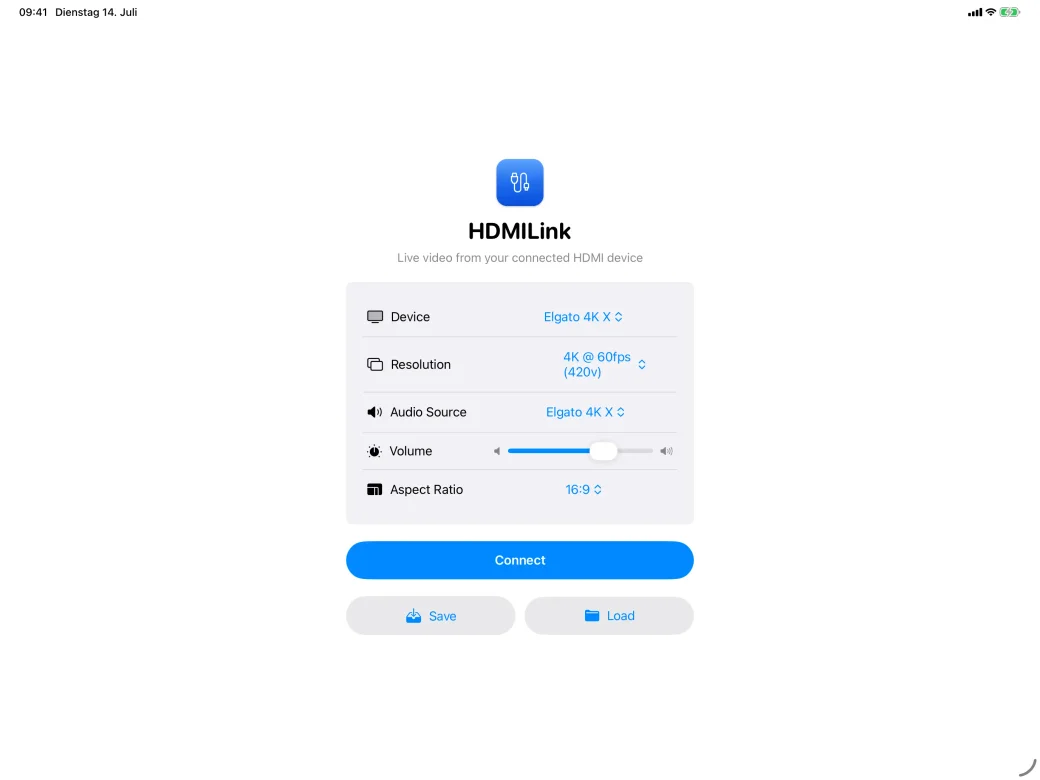
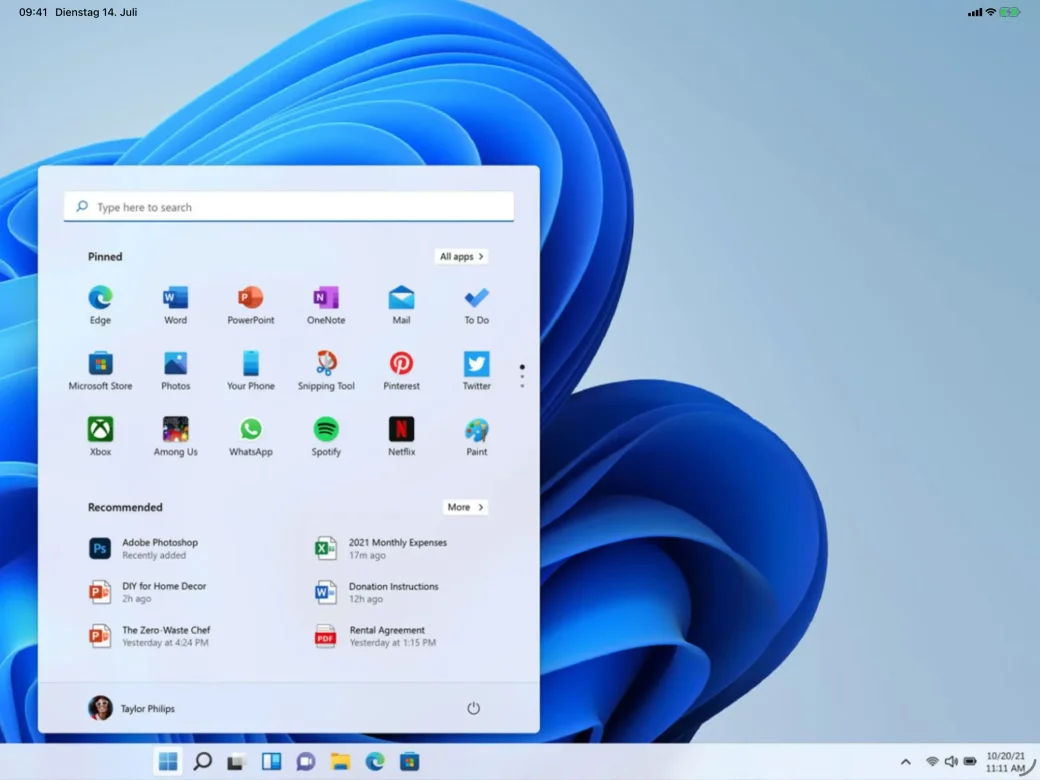
HDMI Link brings the picture from any HDMI device straight onto your Mac, iPad, and Apple Vision Pro. Whether you’re monitoring a camera feed, previewing gameplay, reviewing a laptop’s output, or connecting any HDMI source, HDMI Link gives you a clean, responsive, low-latency view — in a resizable window on macOS and iPad, or floating in your space on visionOS.
How it connects
• Mac & iPad: plug a standard USB-C / UVC HDMI capture card directly into your device. The signal appears instantly — no extra hardware required.
• Apple Vision Pro: capture runs through the Developer Strap. Both generations are supported:
– Developer Strap Gen 2 → resolutions up to 4K at 120 Hz
– Developer Strap Gen 1 → up to 1080p at 60 Hz
Just connect your capture card, launch HDMI Link, and your signal appears right away — perfect for monitoring, testing, presenting, and creating real-time content.
Audio
• On Mac and iPad, HDMI Link plays your capture card’s audio, with a selectable input source and volume control.
• On Apple Vision Pro, Apple does not yet allow audio pass-through. As soon as Apple adds it to the APIs, I’ll ship a free update; for now I recommend headphones connected to the HDMI device.
Flexible aspect-ratio control
Crop the incoming image to custom formats such as 21:9 to remove unused areas or match cinematic and ultrawide content perfectly.
Stereoscopic 3D on Apple Vision Pro
Watch side-by-side or over-under 3D sources in true stereoscopic 3D. Choose your input format (half or full side-by-side, or over-under), swap the eyes if the depth looks off, and the picture is cropped to your selected output format and fills your view — switchable live, with no need to reconnect.
Save your setups
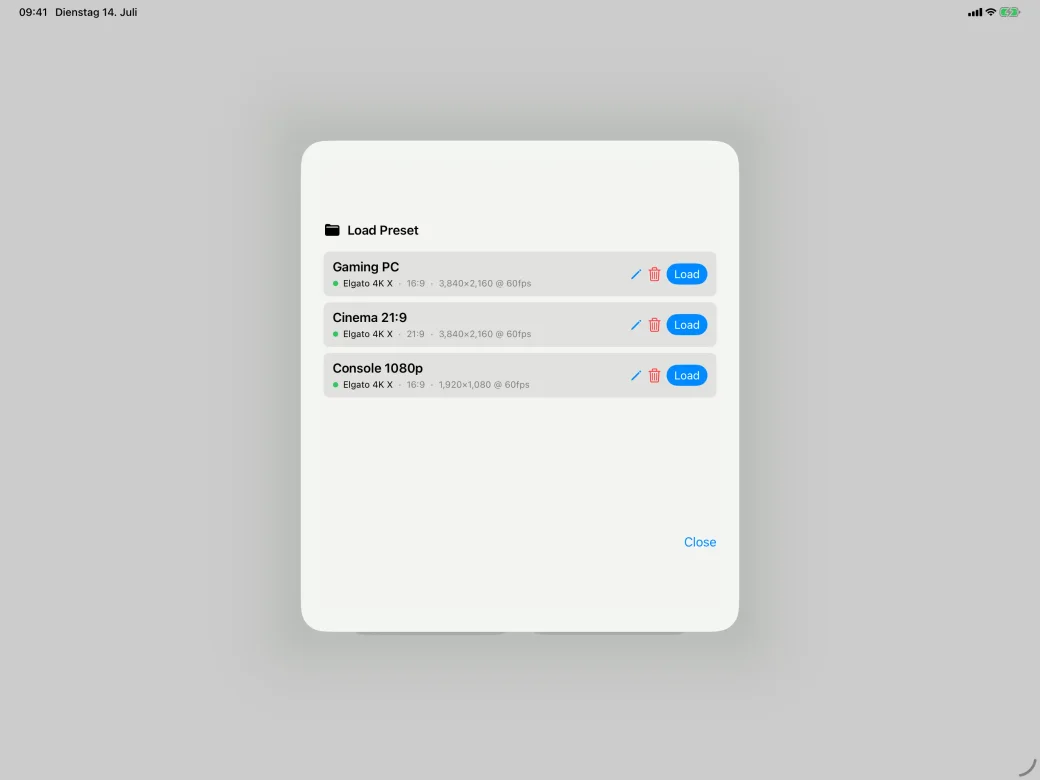
Store and reload your favorite device, resolution, and aspect-ratio combinations as presets.
Ideal for:
• Game consoles
• Cameras & streaming setups
• Laptops / PCs
• Media players
• Any HDMI-based output device
Designed for clarity
HDMI Link automatically detects your capture card’s resolution and keeps a consistent, sharp display.
Simple. Fast. Reliable.
Your HDMI signal — exactly where you need it.
新機能
バージョン 1.7 · 2026/7/14
Bug fixes and improvements.
アプリのプライバシー
このアプリのデータの取り扱いについて、Marcel WlotzkaがApp Storeで申告している内容です。
-
データの収集なし
開発元はこのアプリからデータを収集しません。
プライバシーの取り扱いは、ご利用の機能やお客様の年齢などに応じて異なる場合があります。
情報
- 販売元
- Marcel Wlotzka
- カテゴリ
- ユーティリティ
- バージョン
- 1.7
- 更新日
- 2026/7/14
- リリース
- 2025/11/20
- サイズ
- 1.8 MB
- 必要条件
- iOS 26.0以降
- 対象年齢
- 4+
- 価格
- ¥500
- 言語
- 英語, ドイツ語
- 著作権
- © Martek