
- Age rating4+
- CategoryUtilities
- DeveloperMarcel Wlotzka
- LanguagesEnglish+ 1 more
- Size1.8 MB
Links to the official App Store page
Download.org hosts no file of HDMI Link. The button opens its official App Store page, published by Marcel Wlotzka. Listing last checked on Nov 12, 2026.
Screenshots
About
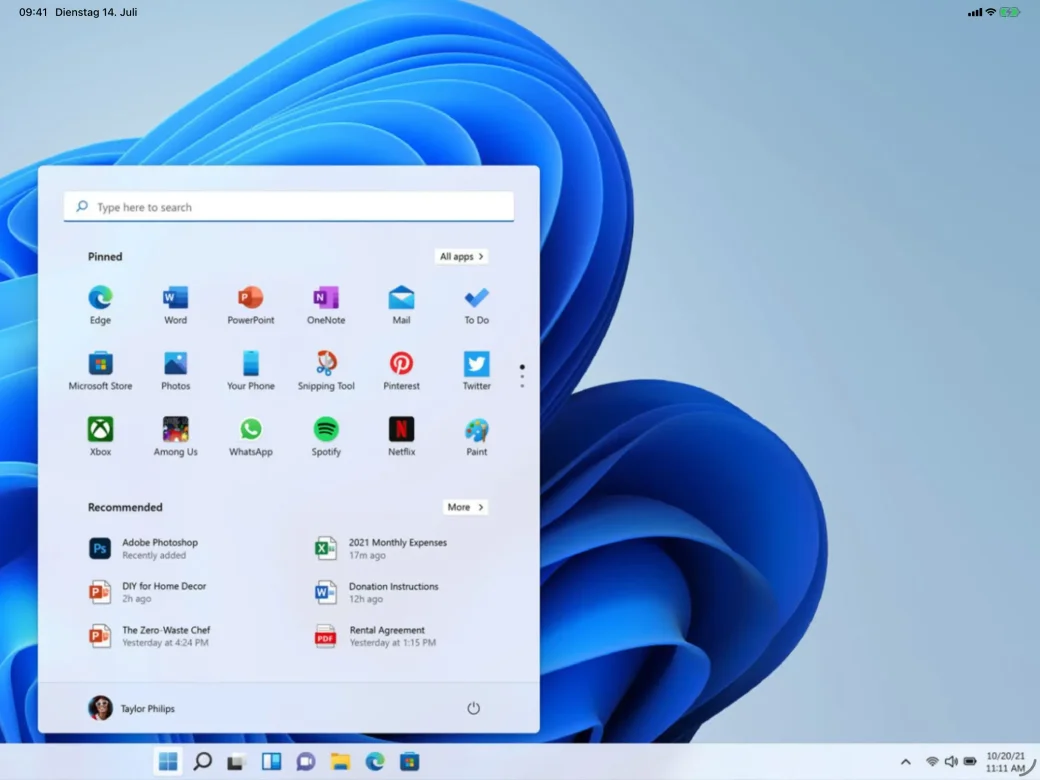
HDMI Link brings the picture from any HDMI device straight onto your Mac, iPad, and Apple Vision Pro. Whether you’re monitoring a camera feed, previewing gameplay, reviewing a laptop’s output, or connecting any HDMI source, HDMI Link gives you a clean, responsive, low-latency view — in a resizable window on macOS and iPad, or floating in your space on visionOS.
How it connects
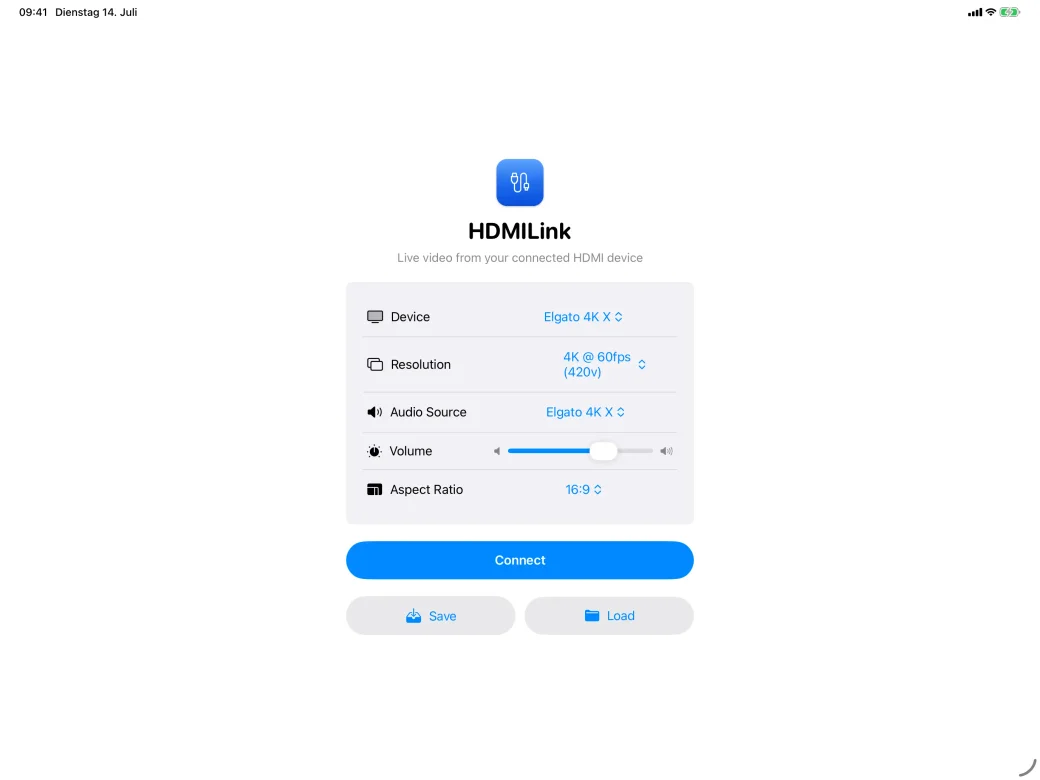
• Mac & iPad: plug a standard USB-C / UVC HDMI capture card directly into your device. The signal appears instantly — no extra hardware required.
• Apple Vision Pro: capture runs through the Developer Strap. Both generations are supported:
– Developer Strap Gen 2 → resolutions up to 4K at 120 Hz
– Developer Strap Gen 1 → up to 1080p at 60 Hz
Just connect your capture card, launch HDMI Link, and your signal appears right away — perfect for monitoring, testing, presenting, and creating real-time content.
Audio
• On Mac and iPad, HDMI Link plays your capture card’s audio, with a selectable input source and volume control.
• On Apple Vision Pro, Apple does not yet allow audio pass-through. As soon as Apple adds it to the APIs, I’ll ship a free update; for now I recommend headphones connected to the HDMI device.
Flexible aspect-ratio control
Crop the incoming image to custom formats such as 21:9 to remove unused areas or match cinematic and ultrawide content perfectly.
Stereoscopic 3D on Apple Vision Pro
Watch side-by-side or over-under 3D sources in true stereoscopic 3D. Choose your input format (half or full side-by-side, or over-under), swap the eyes if the depth looks off, and the picture is cropped to your selected output format and fills your view — switchable live, with no need to reconnect.
Save your setups
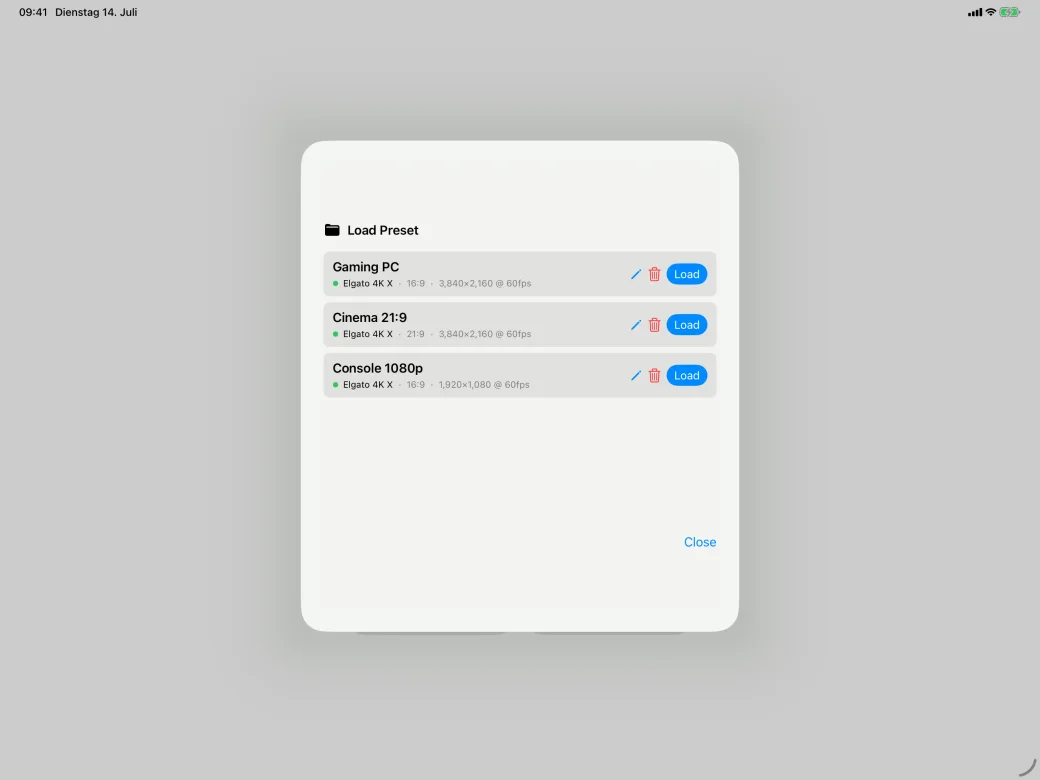
Store and reload your favorite device, resolution, and aspect-ratio combinations as presets.
Ideal for:
• Game consoles
• Cameras & streaming setups
• Laptops / PCs
• Media players
• Any HDMI-based output device
Designed for clarity
HDMI Link automatically detects your capture card’s resolution and keeps a consistent, sharp display.
Simple. Fast. Reliable.
Your HDMI signal — exactly where you need it.
What’s new
Version 1.7 · Jul 14, 2026
Bug fixes and improvements.
App privacy
What Marcel Wlotzka declares on the App Store about how this app handles data.
-
Data not collected
The developer does not collect any data from this app.
Privacy practices may vary, for example with the features you use or your age.
Information
- Seller
- Marcel Wlotzka
- Category
- Utilities
- Version
- 1.7
- Updated
- Jul 14, 2026
- Released
- Nov 20, 2025
- Size
- 1.8 MB
- Requires
- iOS 26.0 or later
- Age rating
- 4+
- Price
- $2.99
- Languages
- English, German
- Copyright
- © Martek
You might also like
-
 PunktfunkFast, local & open
-
 NAS Media ViewerVideo player/browser/shuffler
-
 Artident: Art IdentificationIdentify paints & art with AI
-
 Screen Link: HDMI MonitorHDMI input on your tablet
-
 Elgato Wave GoManage your wireless mic
-
 EMF Meter Scanner DetectorWave Radar: Find and Measure
-
 OoT Tracker: Ocarina HintsCompanion Guide & Checklist
-
 Master Add-Ons for MCPETextures and Add-ons for MCPE!
-
 ZowieXProAV imaging, simplified !
-
 OffOfPercentage Calculator