
- Classification d’âge9+
- CatégoriePhoto et vidéo
- Développeur鼎一 陈
- LanguesAnglais+ 1 de plus
- Taille30,1 Mo
Renvoie vers la page App Store officielle
Download.org n’héberge aucun fichier de HideCut. Le bouton ouvre la page de l’application sur App Store, où 鼎一 陈 la publie. Fiche vérifiée pour la dernière fois le 17/11/2026.
Captures d’écran
À propos
Le développeur n’a pas fourni ce texte dans votre langue.
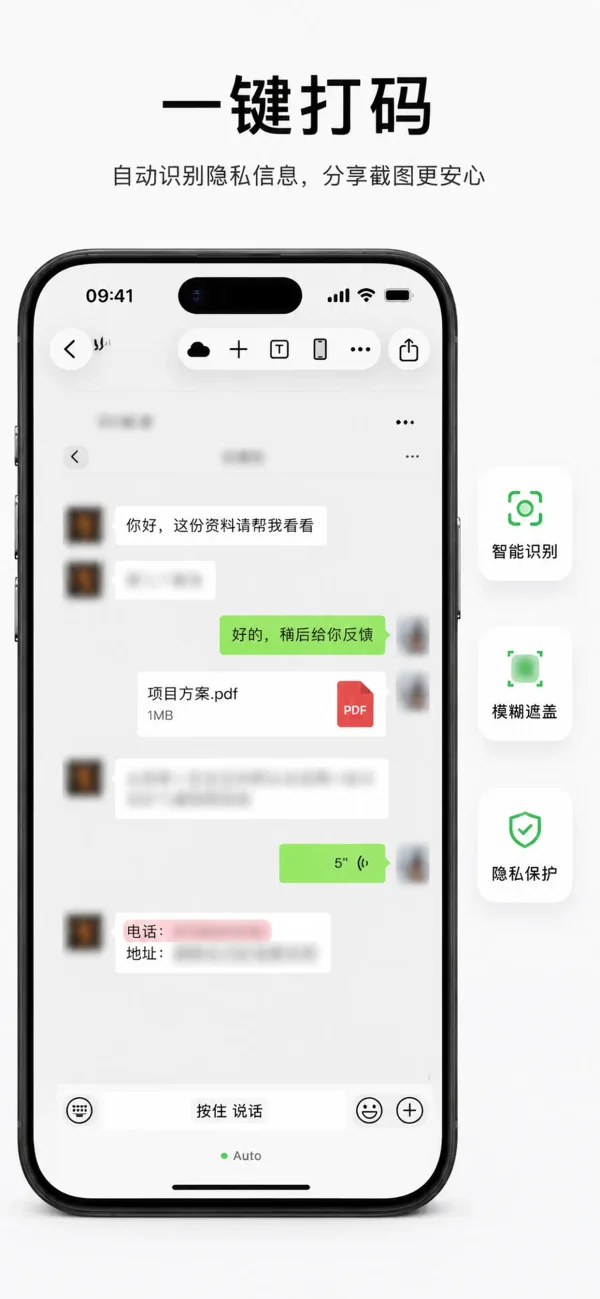
HideCut is a privacy editor made for chat screenshots. Import screenshots from your photo library or clipboard, hide the parts you do not want to share, then save or send a cleaner image.
Main Features
- Detect chat message areas to reduce manual selection
- Tap or drag to select the conversation content you want to edit
- Redact with pixelate, blur, solid color, or mosaic styles
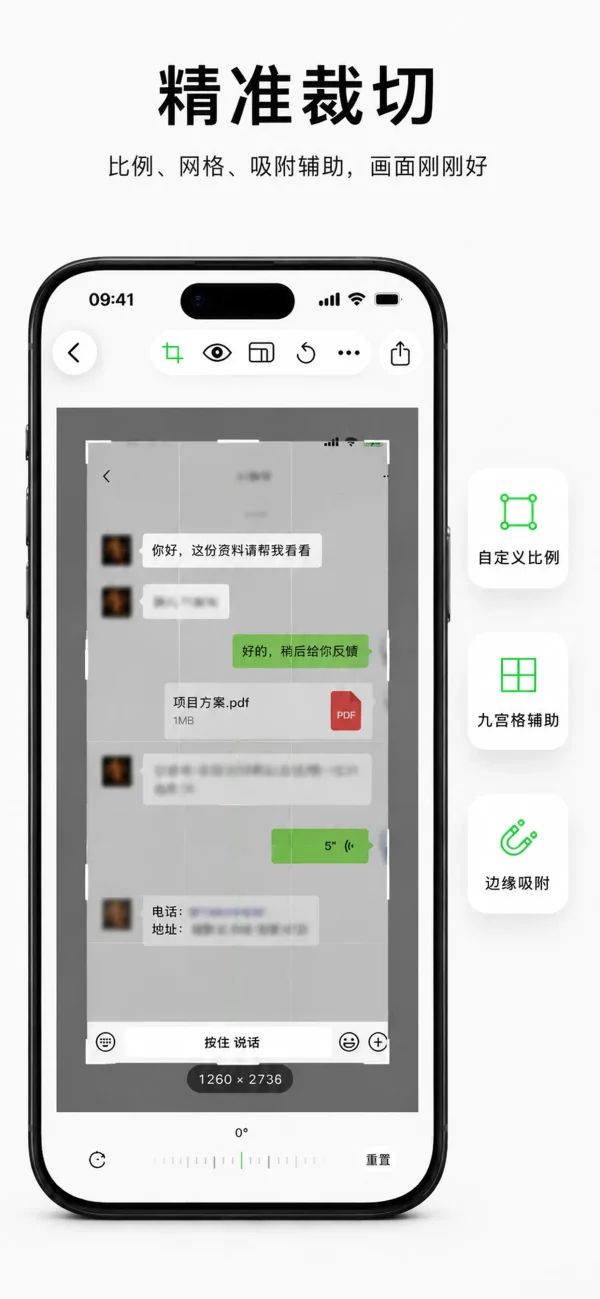
- Crop selected messages into a focused share image
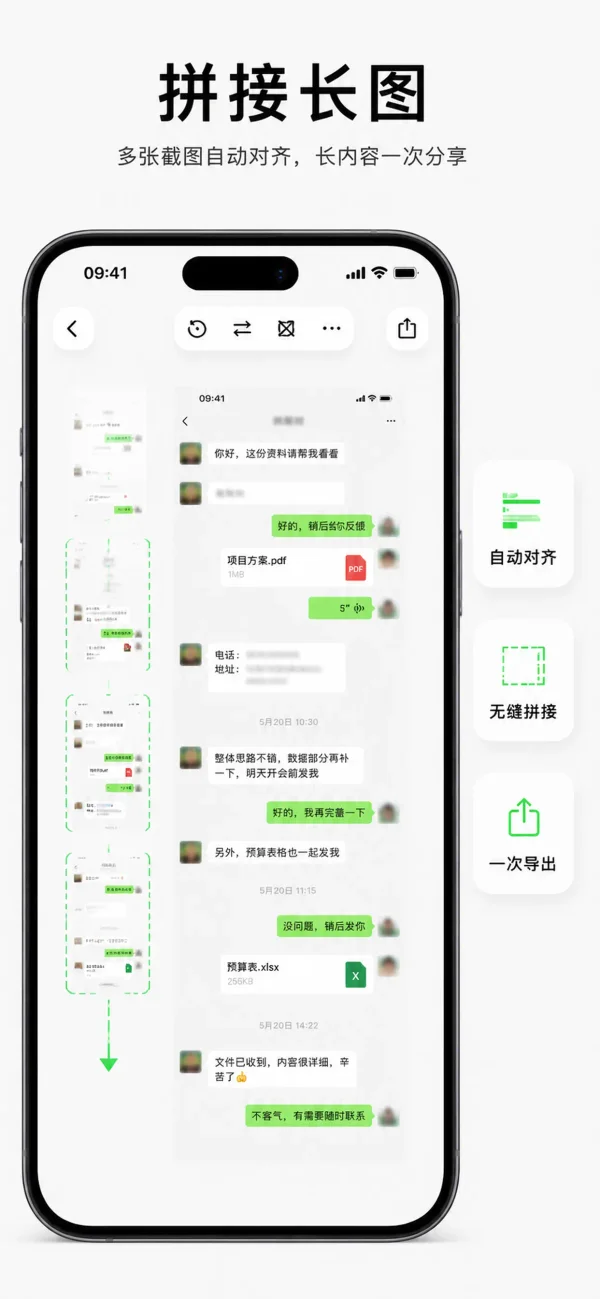
- Stitch multiple continuous chat screenshots into one long screenshot
- Create collage-style exports with background, spacing, separators, and device frames
- Remove EXIF and location metadata when exporting images
Long Screenshots and Collages
When a conversation is split across multiple screenshots, HideCut helps turn them into one more readable long image. You can hide sensitive details first, then stitch and arrange the screenshots for sharing.
Privacy by Design
HideCut does not require an account and does not upload your chat screenshots, recognition results, crop areas, redaction edits, collage layouts, or exported images to HideCut servers. Recognition, privacy scanning, redaction, cropping, stitching, and exporting happen on your device.
Useful For
- Hiding names, addresses, amounts, and other sensitive details before sharing chats
- Cropping key parts of a conversation into a clean image
- Turning multiple chat screenshots into a long screenshot or collage
- Checking and covering private details before posting screenshots online
Automatic detection and stitching can be affected by screenshot clarity, fonts, backgrounds, languages, and overlapping scroll areas. Please review your image before sharing and manually adjust selected areas when needed.
Nouveautés
Version 1.0.1 · 11/06/2026
HideCut brings enhanced long screenshot stitching in this update:
• Upgraded intelligent stitching algorithm
It can accurately identify overlapping areas on pages with decorative backgrounds and translucent cards (e.g., fitness and health apps), delivering reliable automatic deduplication.
• Improved stitching seams
Eliminates residual artifacts from floating buttons and bottom tab bars at stitching lines for cleaner, more complete long images.
• Fixed export issues for extra-long collages
Resolved the problem where stitched screenshots would export as pure black images. Extra-long collages can now be saved and shared normally.
• Optimized in-app purchase page experience
Fixed incorrect price display before product content loads, ensuring accurate pricing information.
• Various minor optimizations and stability improvements
Confidentialité de l’application
Ce que 鼎一 陈 déclare sur l’App Store au sujet du traitement des données par cette application.
-
Données non collectées
Le développeur ne collecte aucune donnée à partir de cette application.
Les pratiques en matière de confidentialité peuvent varier, notamment en fonction des fonctionnalités que vous utilisez ou de votre âge.
Informations
- Vendeur
- 鼎一 陈
- Catégorie
- Photo et vidéo
- Version
- 1.0.1
- Mis à jour
- 11/06/2026
- Publié
- 10/06/2026
- Taille
- 30,1 Mo
- Nécessite
- iOS 17.0 ou version ultérieure
- Classification d’âge
- 9+
- Prix
- Gratuit
- Achats intégrés
- Oui
- Langues
- Anglais, Chinois simplifié
- Copyright
- © 2026 wollaws
Vous aimerez peut-être aussi
-
 Snapdraft: Redact ScreenshotsPhoto et vidéo
-
 BatchCraft - Edit, Bulk ExportPhoto et vidéo
-
 Folca - Folder First CameraPhoto et vidéo
-
 Snap CensorPhoto et vidéo
-
 StampCam - Archive of MomentsPhoto et vidéo
-
 TagShot - Appareil dossiersTriez dès la prise
-
 Timeless CamPhoto et vidéo
-
 TagCamera: Tag & Isolate WorkPhoto et vidéo
-
 图片马赛克:照片模糊水印打码隐私保护Photo et vidéo
-
 光尺 - 胶片测距/测光/暗光测光仪Photo et vidéo