iAttended
Record and track attendance
Conçue pour iPhone, iPad, iPod touch
Gratuit
- Classification d’âge4+
- CatégorieUtilitaires
- DéveloppeurJames Duncan
- LanguesAnglais
- Taille53,2 Mo
Renvoie vers la page App Store officielle
Download.org n’héberge aucun fichier de iAttended. Le bouton ouvre la page de l’application sur App Store, où James Duncan la publie. Fiche vérifiée pour la dernière fois le 12/11/2026.
Captures d’écran
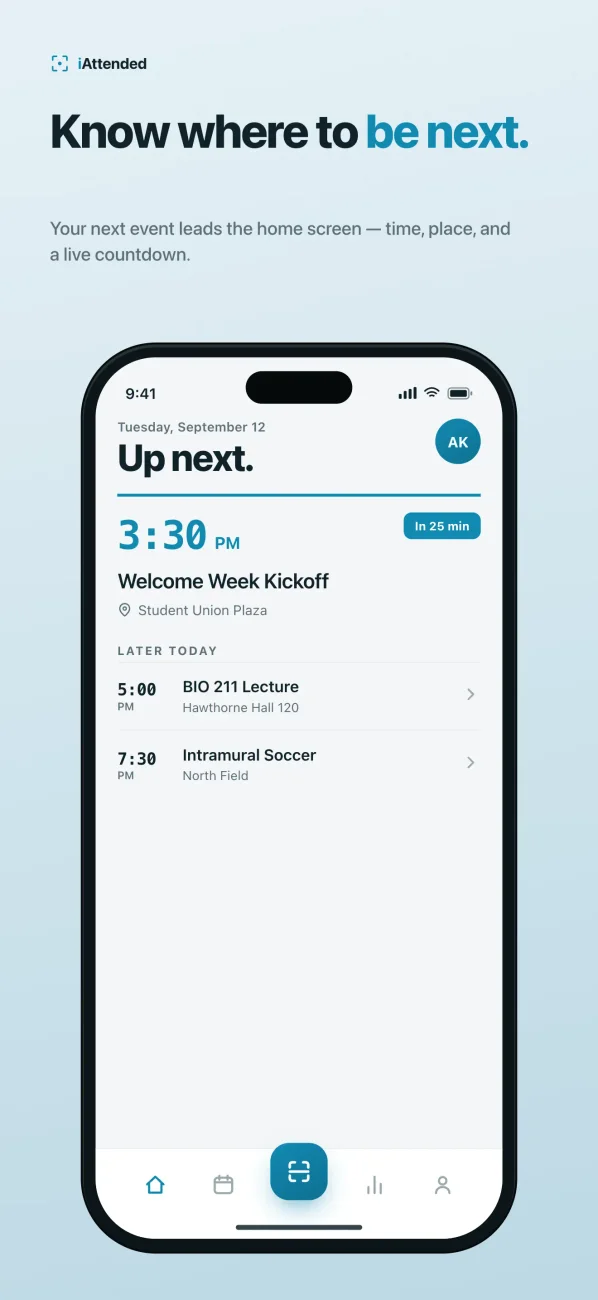
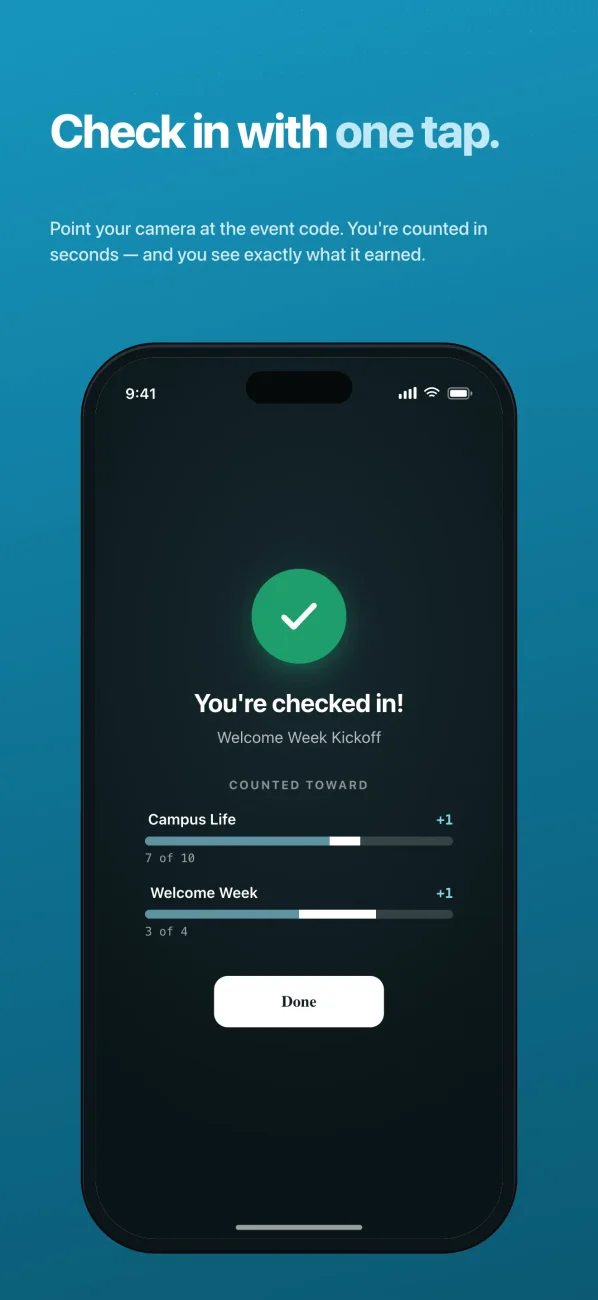
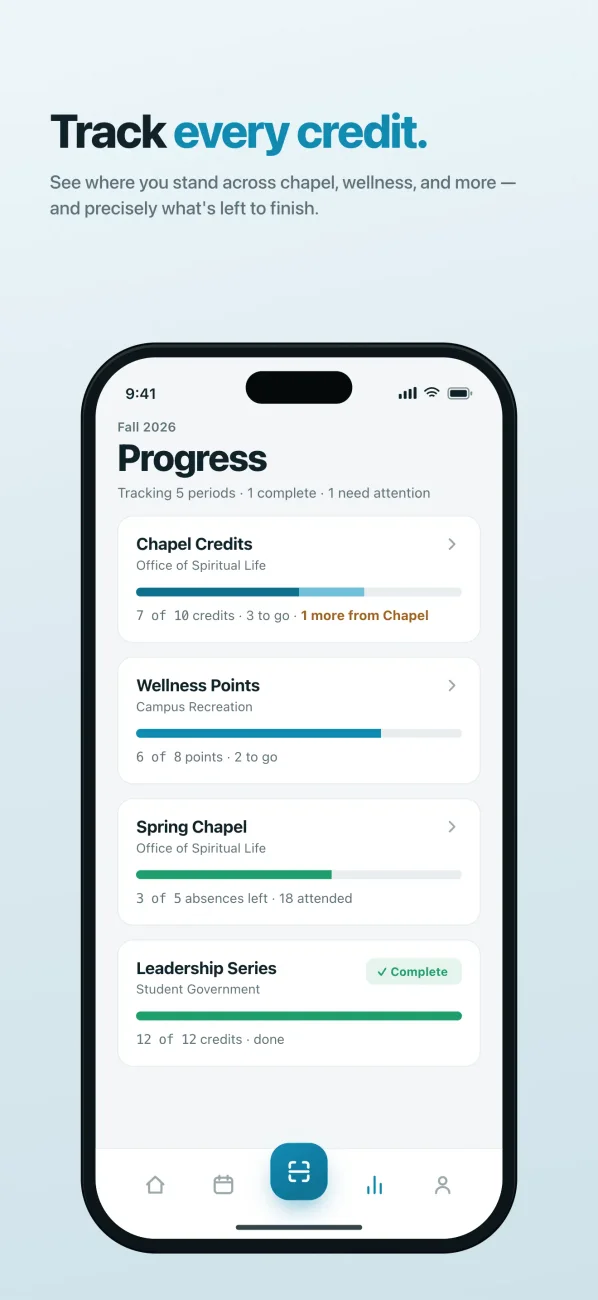
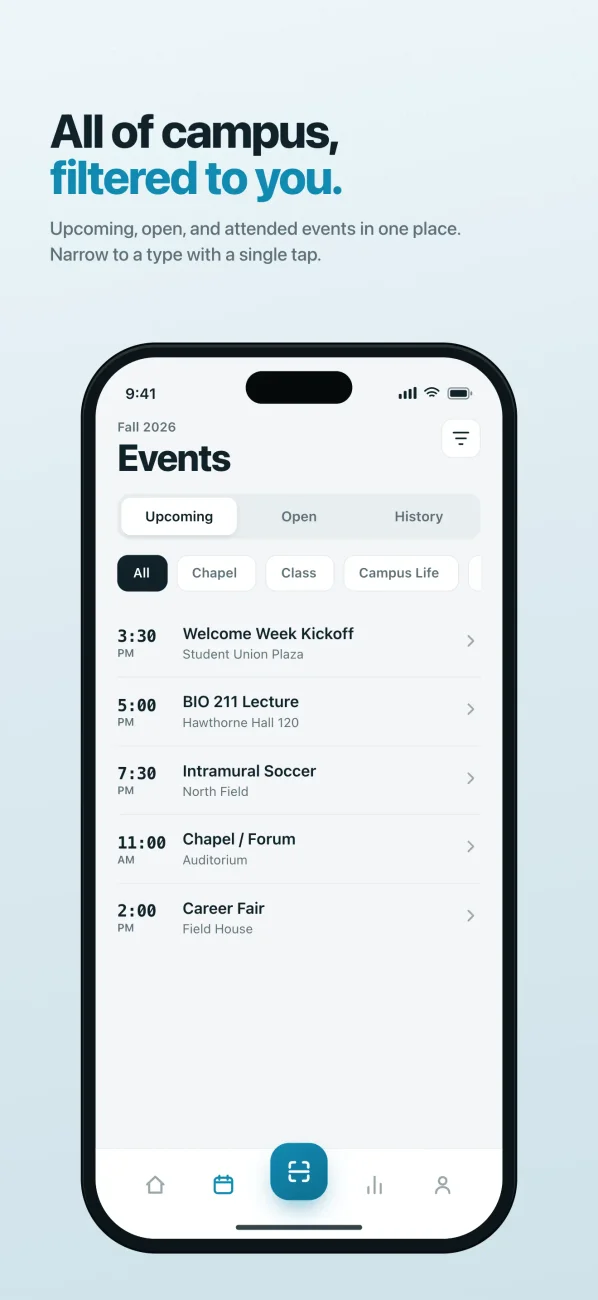
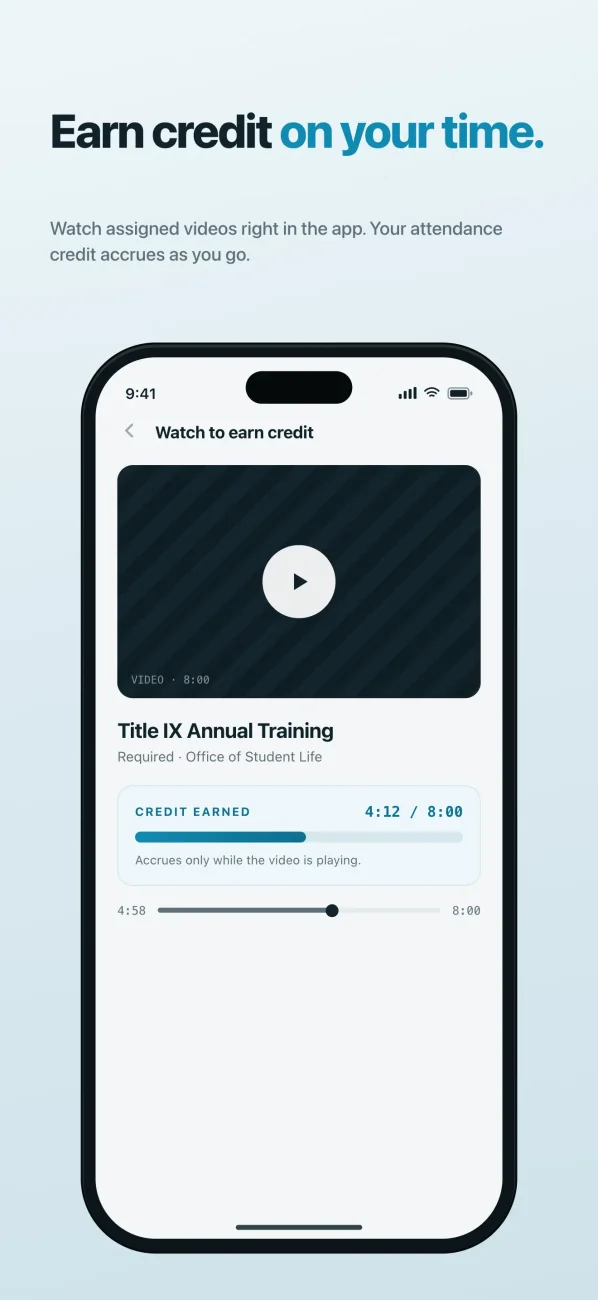

À propos
Le développeur n’a pas fourni ce texte dans votre langue.
Prove you were there — in seconds.
iAttended is the fastest way to check in and track your attendance at events, classes, chapel, and meetings. Confirm you're present by scanning a QR code, entering a text code, watching a video, or tapping a button — and get instant confirmation that your attendance was recorded.
Track your progress. See exactly where you stand against the attendance requirements set by your school or organization, so you never lose track of a meeting, class, or event.
Sign in your way. Get started with just your email, or use the Apple, Google, or Microsoft account you already have.
Always in sync. Your attendance check-ins are stored securely in the cloud and sync instantly with the school or organization that hosted the event. When you check in, they know you were there — right away.
Whether you're a student tracking class attendance, a member checking in at meetings, or an attendee at an event, iAttended makes attendance simple, fast, and reliable.
Nouveautés
Version 6.5.4 · 06/11/2026
Security update: the app now uses an updated certificate list when it connects to iAttended's servers, so it no longer trusts certificates that were recently compromised.
Fixed: in the evening, the home screen could show tomorrow's date and label events "Today" and "Tomorrow" a day early. Dates now follow your local time.
Fixed: calendar headings, such as a holiday, now show as a date or "All day" instead of an 11:59 PM start time, and they no longer appear as your next event.
Sign-in: there's now a Back button above the code entry, so you can get out if your code never arrives. You can also tap outside a field to close the keyboard, and the keyboard closes once you're signed in.
The User Guide now has a search box that opens straight to the matching section, and a new section covers attendance certificates.
Clearer messages when a check-in can't be completed.
Updated scanning, beacon, and video components for better reliability.
Confidentialité de l’application
Ce que James Duncan déclare sur l’App Store au sujet du traitement des données par cette application.
-
Données établissant un lien avec vous
Peuvent être collectées et liées à votre identité.
- Emplacement
- Coordonnées
- Identifiants
-
Données n’établissant aucun lien avec vous
Peuvent être collectées, mais ne sont pas liées à votre identité.
- Données d’utilisation
- Diagnostic
Les pratiques en matière de confidentialité peuvent varier, notamment en fonction des fonctionnalités que vous utilisez ou de votre âge.
Informations
- Vendeur
- James Duncan
- Catégorie
- Utilitaires
- Version
- 6.5.4
- Mis à jour
- 06/11/2026
- Publié
- 15/07/2019
- Taille
- 53,2 Mo
- Nécessite
- iOS 15.6 ou version ultérieure
- Classification d’âge
- 4+
- Prix
- Gratuit
- Langues
- Anglais
- Copyright
- © iAttended Enterprises LLC