iAttended
Record and track attendance
Được thiết kế cho iPhone, iPad, iPod touch
Miễn phí
- Độ tuổi4+
- Danh mụcTiện Ích
- Nhà phát triểnJames Duncan
- Ngôn ngữTiếng Anh
- Kích thước53,2 MB
Liên kết đến trang App Store chính thức
Download.org không lưu trữ tệp nào của iAttended. Nút này mở trang ứng dụng trên App Store, nơi James Duncan phát hành ứng dụng. Trang được kiểm tra lần cuối: 12/11/2026.
Ảnh chụp màn hình
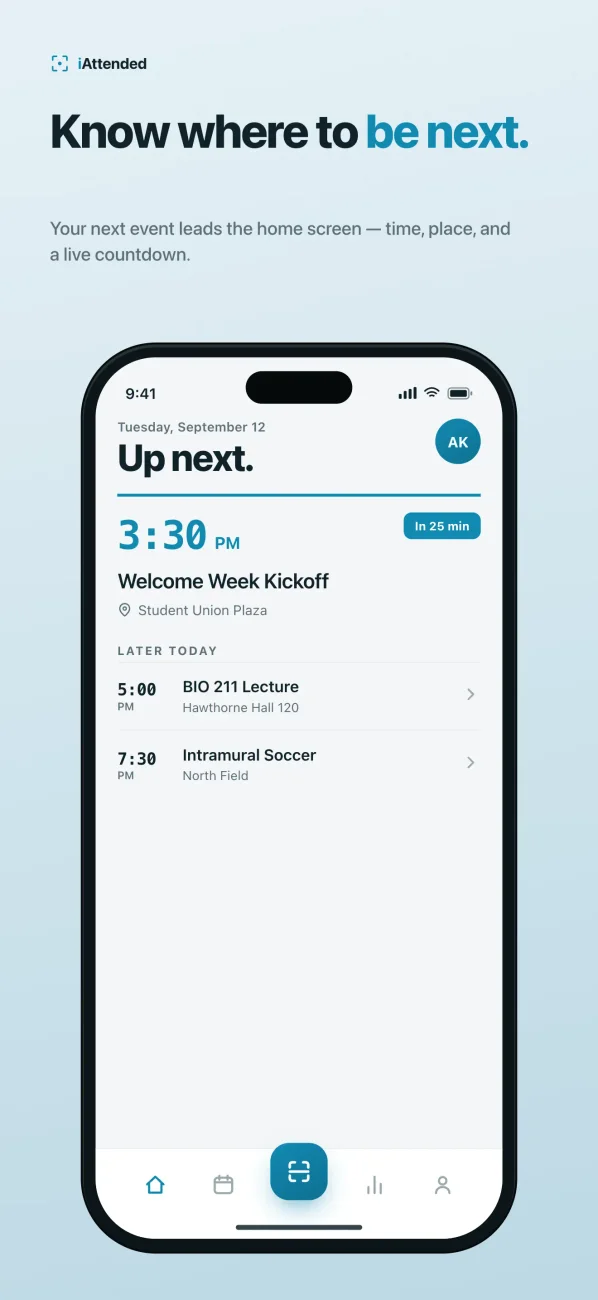
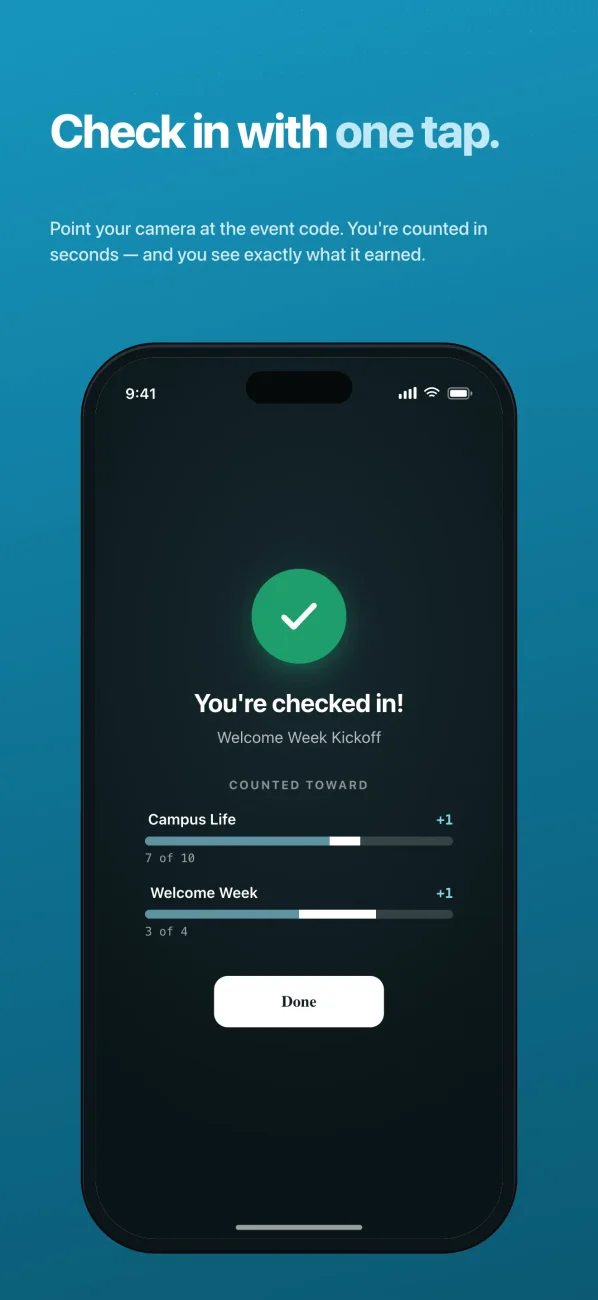
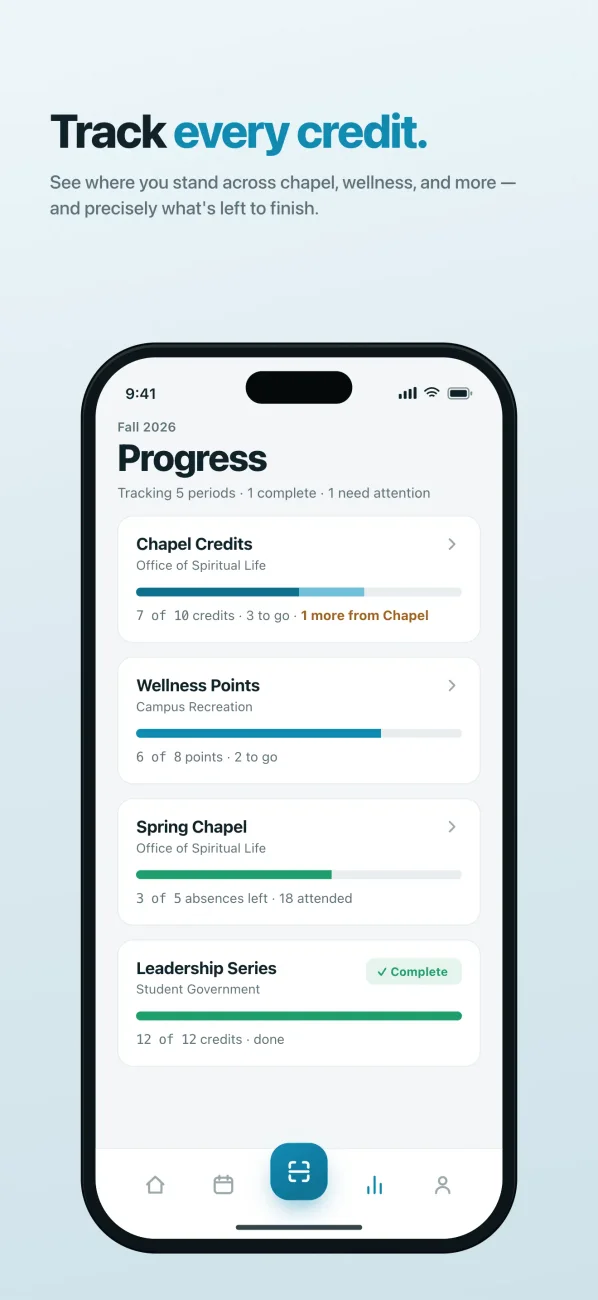

Giới thiệu
Nhà phát triển chưa cung cấp nội dung này bằng ngôn ngữ của bạn.
Prove you were there — in seconds.
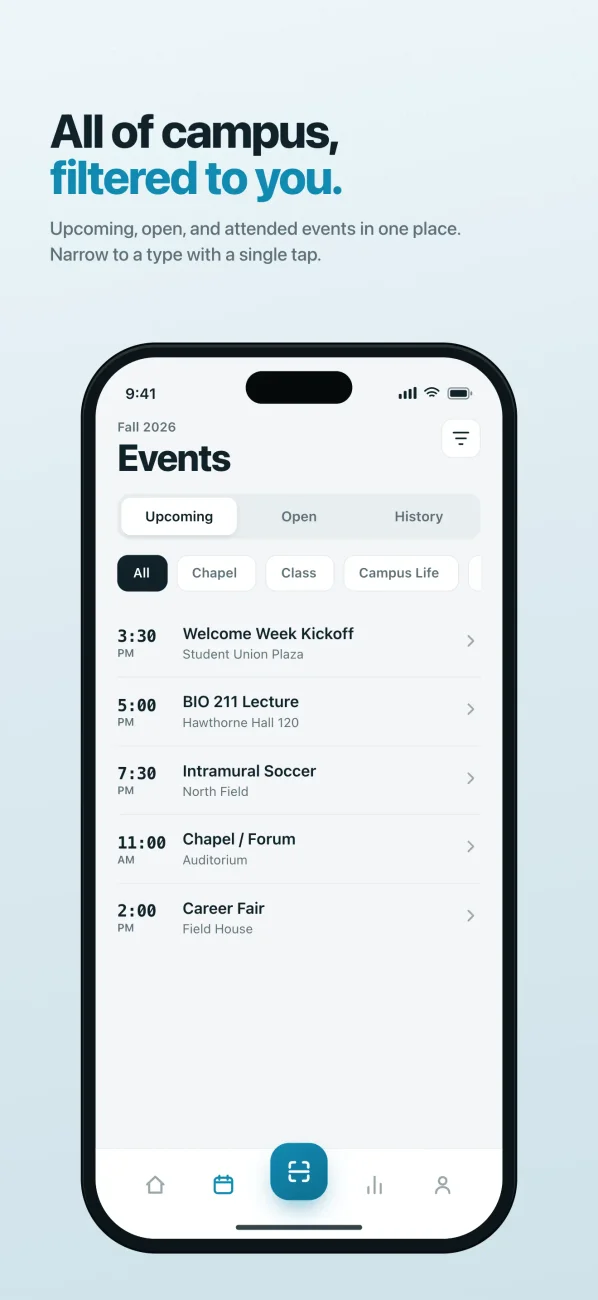
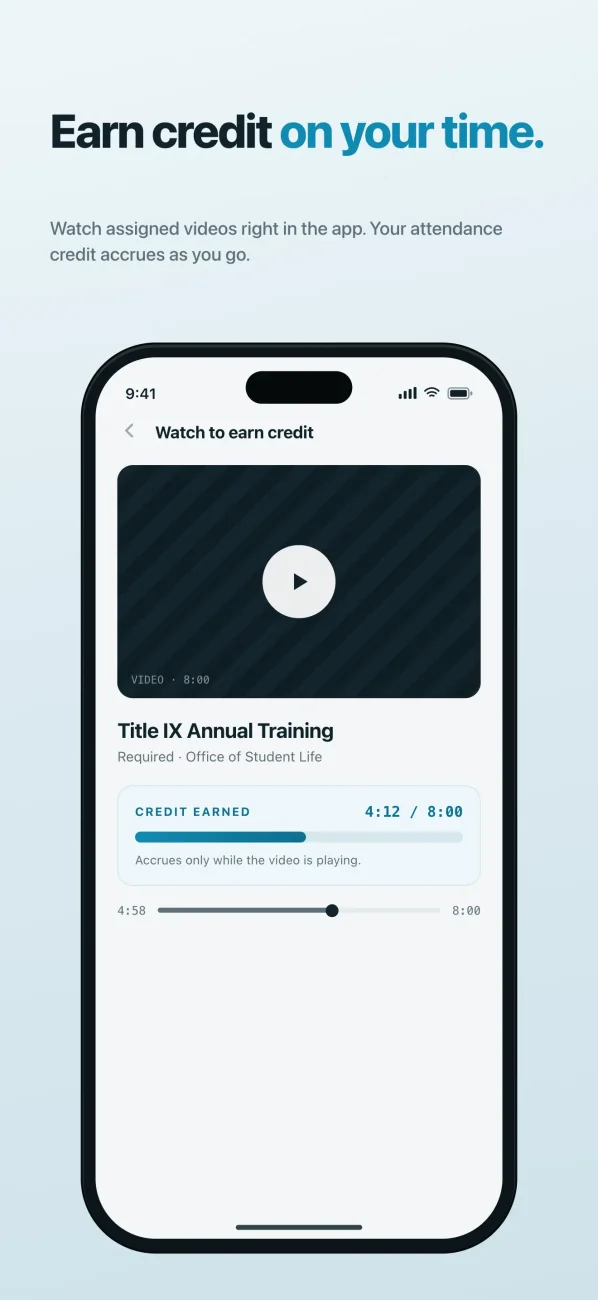
iAttended is the fastest way to check in and track your attendance at events, classes, chapel, and meetings. Confirm you're present by scanning a QR code, entering a text code, watching a video, or tapping a button — and get instant confirmation that your attendance was recorded.
Track your progress. See exactly where you stand against the attendance requirements set by your school or organization, so you never lose track of a meeting, class, or event.
Sign in your way. Get started with just your email, or use the Apple, Google, or Microsoft account you already have.
Always in sync. Your attendance check-ins are stored securely in the cloud and sync instantly with the school or organization that hosted the event. When you check in, they know you were there — right away.
Whether you're a student tracking class attendance, a member checking in at meetings, or an attendee at an event, iAttended makes attendance simple, fast, and reliable.
Có gì mới
Phiên bản 6.5.4 · 06/11/2026
Security update: the app now uses an updated certificate list when it connects to iAttended's servers, so it no longer trusts certificates that were recently compromised.
Fixed: in the evening, the home screen could show tomorrow's date and label events "Today" and "Tomorrow" a day early. Dates now follow your local time.
Fixed: calendar headings, such as a holiday, now show as a date or "All day" instead of an 11:59 PM start time, and they no longer appear as your next event.
Sign-in: there's now a Back button above the code entry, so you can get out if your code never arrives. You can also tap outside a field to close the keyboard, and the keyboard closes once you're signed in.
The User Guide now has a search box that opens straight to the matching section, and a new section covers attendance certificates.
Clearer messages when a check-in can't be completed.
Updated scanning, beacon, and video components for better reliability.
Quyền riêng tư của ứng dụng
Những gì James Duncan khai báo trên App Store về cách ứng dụng này xử lý dữ liệu.
-
Dữ liệu liên kết với bạn
Có thể được thu thập và liên kết với danh tính của bạn.
- Vị trí
- Thông tin liên hệ
- Mã định danh
-
Dữ liệu không liên kết với bạn
Có thể được thu thập nhưng không liên kết với danh tính của bạn.
- Dữ liệu sử dụng
- Chẩn đoán
Phương thức đảm bảo quyền riêng tư có thể khác nhau, chẳng hạn như tuỳ theo các tính năng bạn sử dụng hoặc độ tuổi của bạn.
Thông tin
- Người bán
- James Duncan
- Danh mục
- Tiện Ích
- Phiên bản
- 6.5.4
- Cập nhật
- 06/11/2026
- Phát hành
- 15/07/2019
- Kích thước
- 53,2 MB
- Yêu cầu
- iOS 15.6 trở lên
- Độ tuổi
- 4+
- Giá
- Miễn phí
- Ngôn ngữ
- Tiếng Anh
- Bản quyền
- © iAttended Enterprises LLC