- Age rating4+
- CategoryUtilities
- DeveloperJames Duncan
- LanguagesEnglish
- Size53.2 MB
Links to the official App Store page
Download.org hosts no file of iAttended. The button opens its official App Store page, published by James Duncan. Listing last checked on Nov 12, 2026.
Screenshots
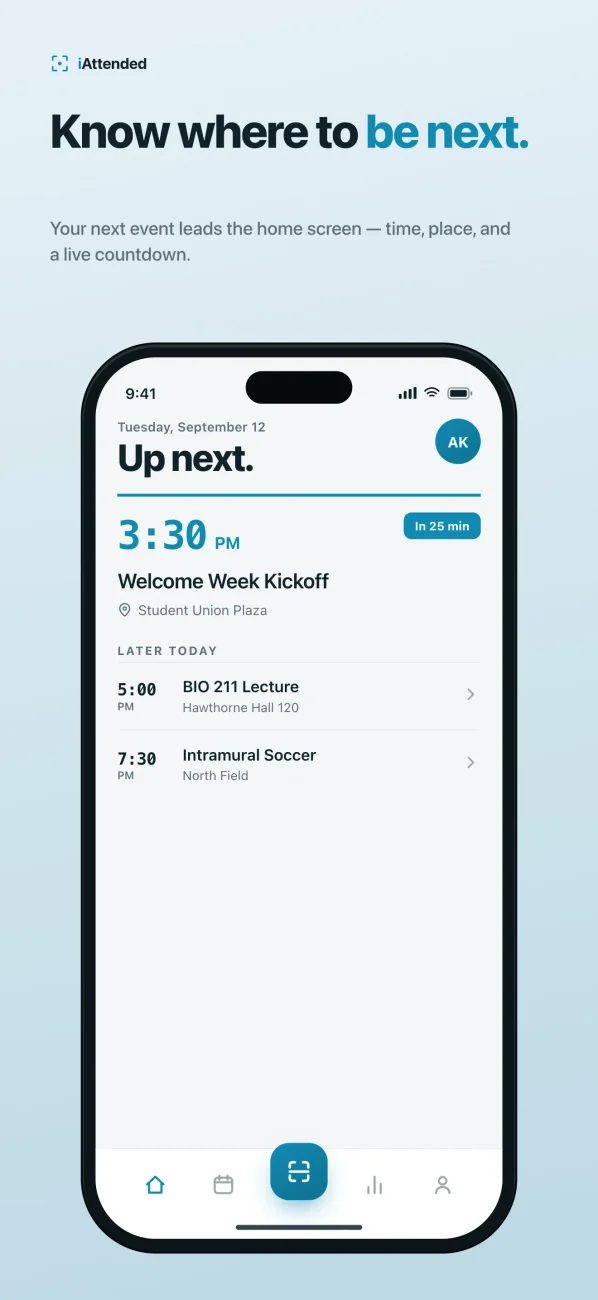
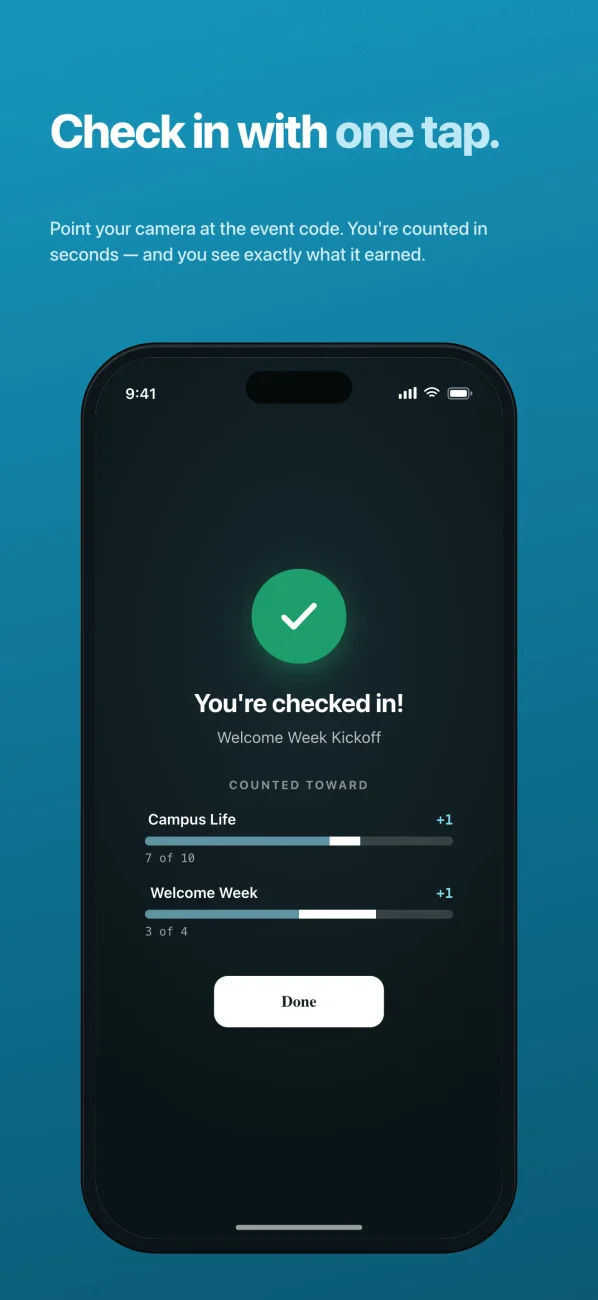
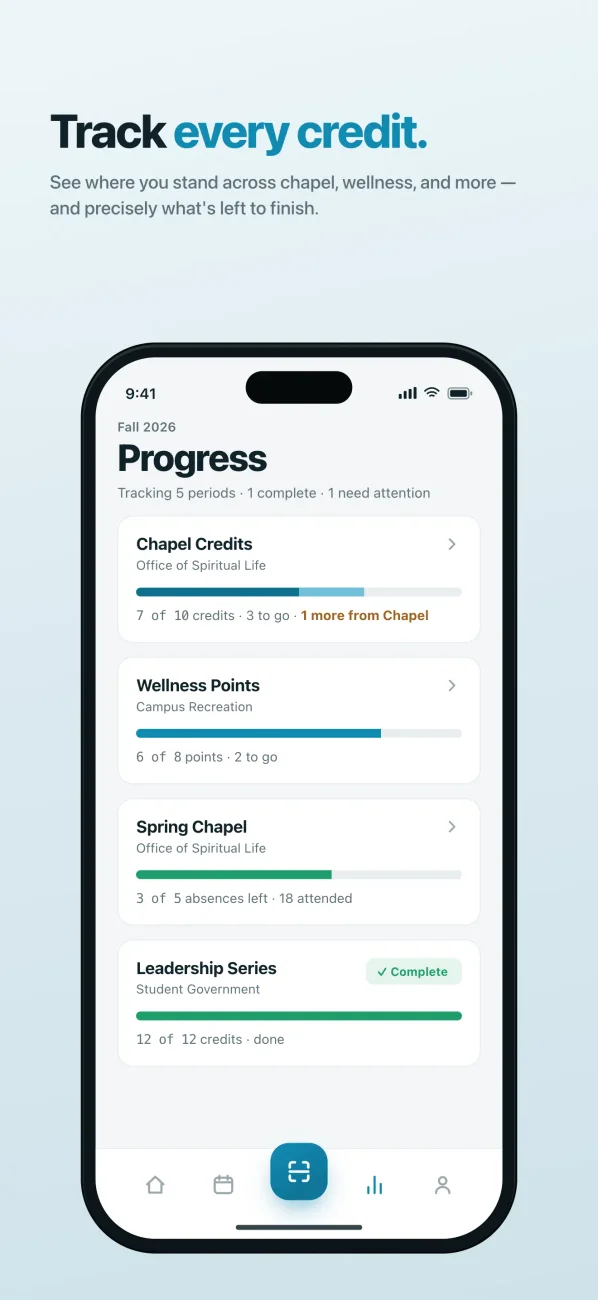

About
Prove you were there — in seconds.
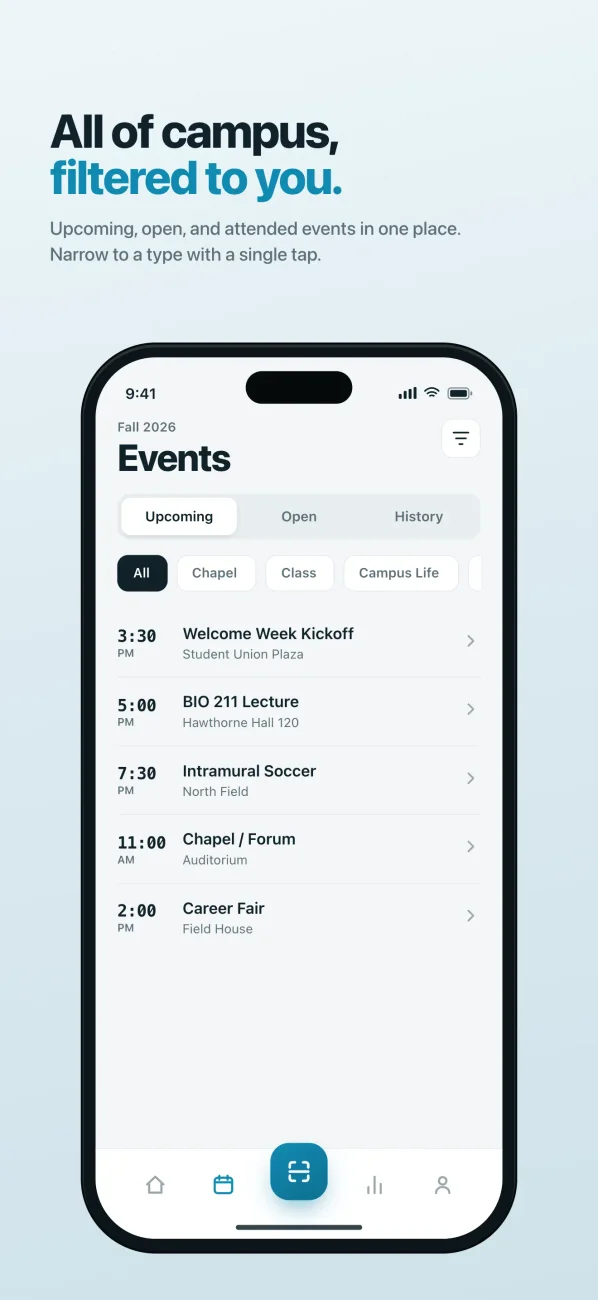
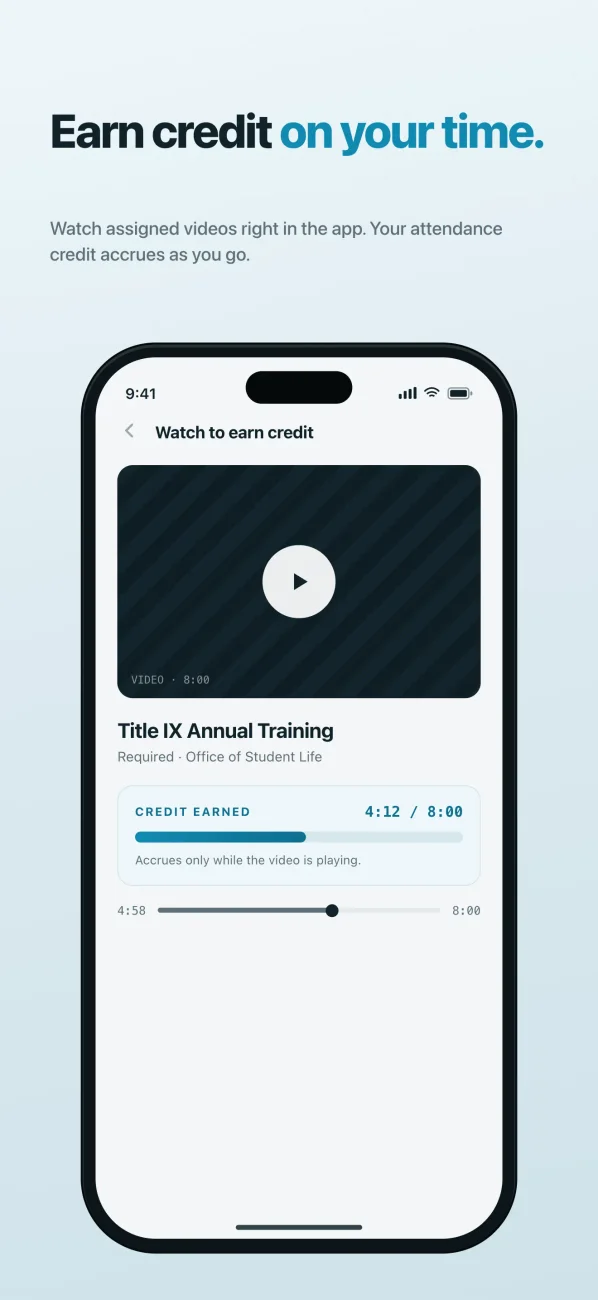
iAttended is the fastest way to check in and track your attendance at events, classes, chapel, and meetings. Confirm you're present by scanning a QR code, entering a text code, watching a video, or tapping a button — and get instant confirmation that your attendance was recorded.
Track your progress. See exactly where you stand against the attendance requirements set by your school or organization, so you never lose track of a meeting, class, or event.
Sign in your way. Get started with just your email, or use the Apple, Google, or Microsoft account you already have.
Always in sync. Your attendance check-ins are stored securely in the cloud and sync instantly with the school or organization that hosted the event. When you check in, they know you were there — right away.
Whether you're a student tracking class attendance, a member checking in at meetings, or an attendee at an event, iAttended makes attendance simple, fast, and reliable.
What’s new
Version 6.5.4 · Nov 6, 2026
Security update: the app now uses an updated certificate list when it connects to iAttended's servers, so it no longer trusts certificates that were recently compromised.
Fixed: in the evening, the home screen could show tomorrow's date and label events "Today" and "Tomorrow" a day early. Dates now follow your local time.
Fixed: calendar headings, such as a holiday, now show as a date or "All day" instead of an 11:59 PM start time, and they no longer appear as your next event.
Sign-in: there's now a Back button above the code entry, so you can get out if your code never arrives. You can also tap outside a field to close the keyboard, and the keyboard closes once you're signed in.
The User Guide now has a search box that opens straight to the matching section, and a new section covers attendance certificates.
Clearer messages when a check-in can't be completed.
Updated scanning, beacon, and video components for better reliability.
App privacy
What James Duncan declares on the App Store about how this app handles data.
-
Data linked to you
May be collected and linked to your identity.
- Location
- Contact info
- Identifiers
-
Data not linked to you
May be collected but is not linked to your identity.
- Usage data
- Diagnostics
Privacy practices may vary, for example with the features you use or your age.
Information
- Seller
- James Duncan
- Category
- Utilities
- Version
- 6.5.4
- Updated
- Nov 6, 2026
- Released
- Jul 15, 2019
- Size
- 53.2 MB
- Requires
- iOS 15.6 or later
- Age rating
- 4+
- Price
- Free
- Languages
- English
- Copyright
- © iAttended Enterprises LLC