
JavaScript Coding Editor & IDE
Run TypeScript & HTML Offline
Conçue pour iPhone, iPad, iPod touch
Gratuit · Achats intégrés
- Classification d’âge4+
- CatégorieOutils de développement
- DéveloppeurCloudbit d.o.o.
- LanguesAnglais+ 5 de plus
- Taille169,5 Mo
Renvoie vers la page App Store officielle
Download.org n’héberge aucun fichier de JavaScript Coding Editor & IDE. Le bouton ouvre la page de l’application sur App Store, où Cloudbit d.o.o. la publie. Fiche vérifiée pour la dernière fois le 23/11/2026.
Captures d’écran
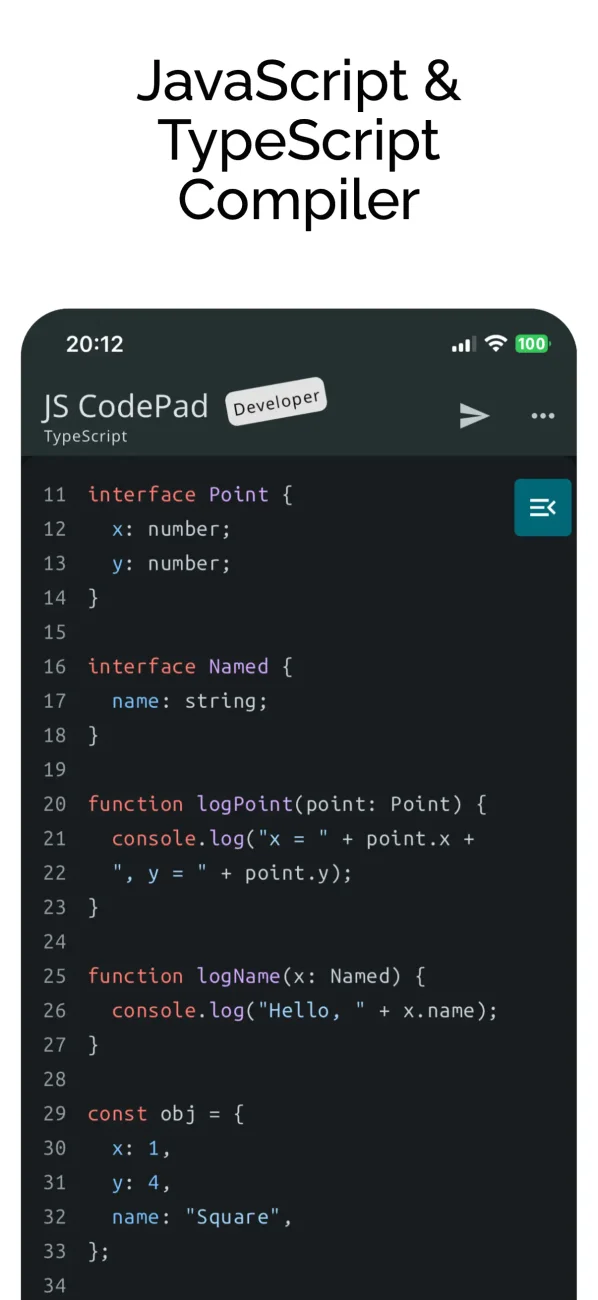
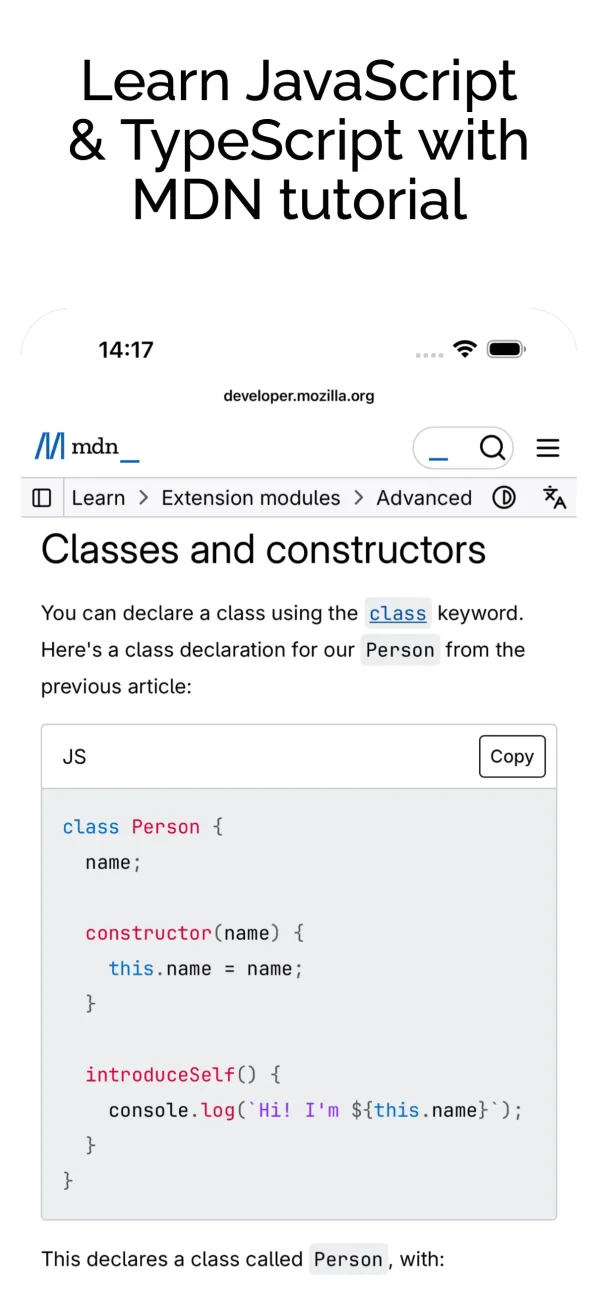
À propos
Le développeur n’a pas fourni ce texte dans votre langue.
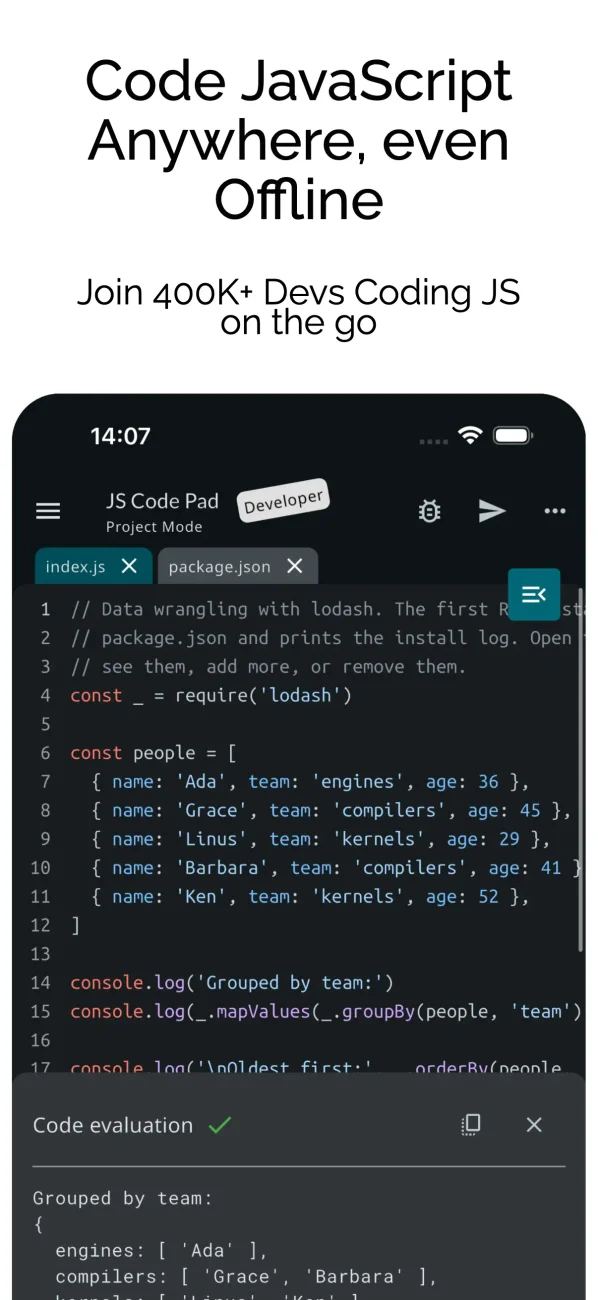
Run JavaScript and TypeScript on Node.js anywhere—100% Offline.
The most powerful mobile IDE for JS and TS.
Features a built-in compiler, console, and DOM WebView.
No server, no internet, no limits.
Whether you are a professional developer, a student, or a hobbyist, JavaScript CodePad will help you practice and improve your coding skills anytime, anywhere.
Built in tsc compiler transpiles your TypeScript code to JavaScript offline.
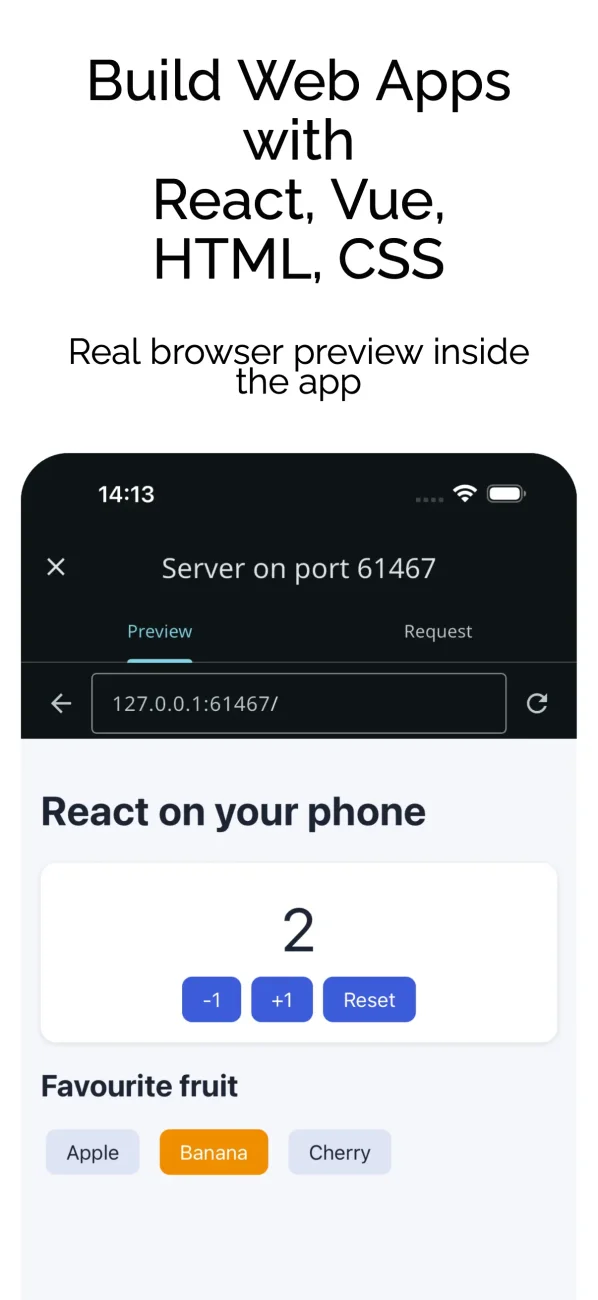
React, Vue and Svelte support.
Use the WebView mode to access the built-in Web Browser Window and DOM interface. Combine HTML, CSS, and JavaScript and learn building Web apps.
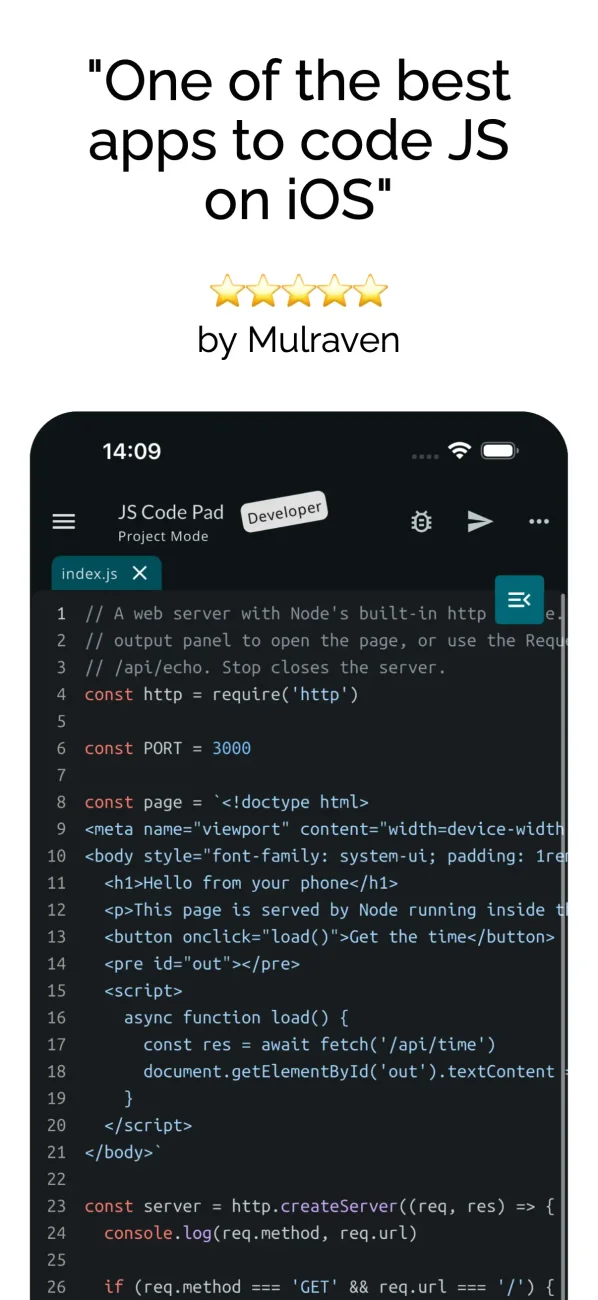
Organise your code into modules and run multiple JS files using Node.js as a runtime (Internet connection required).
You can run, execute, and evaluate JS code and programs from this app.
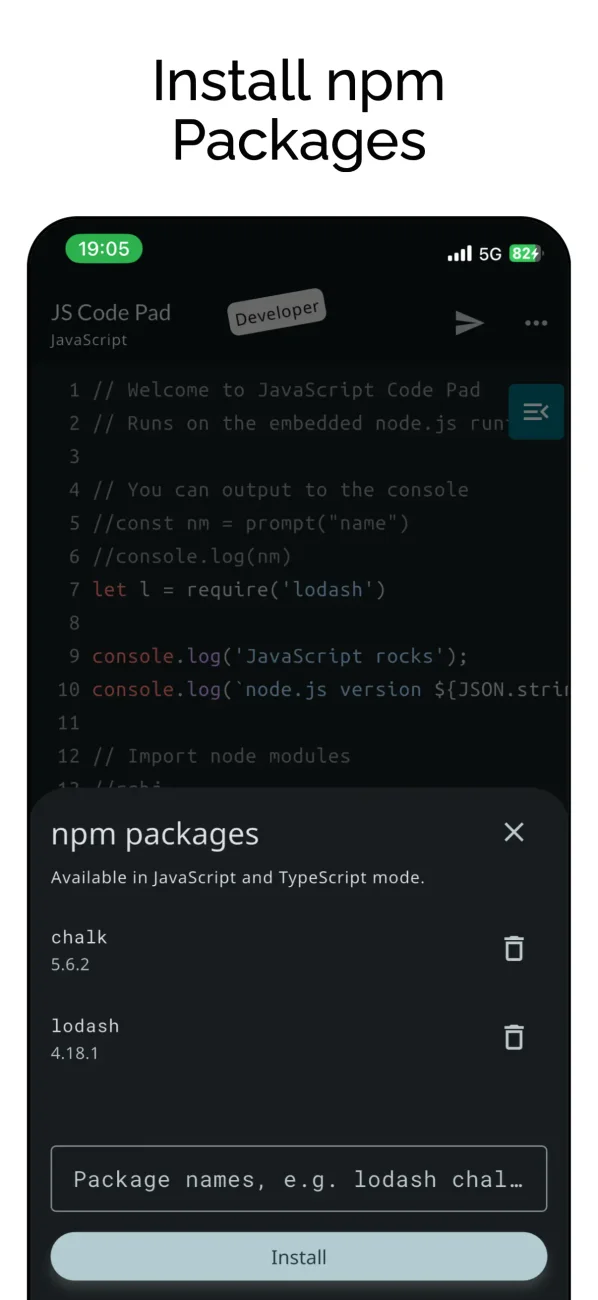
Install npm packages.
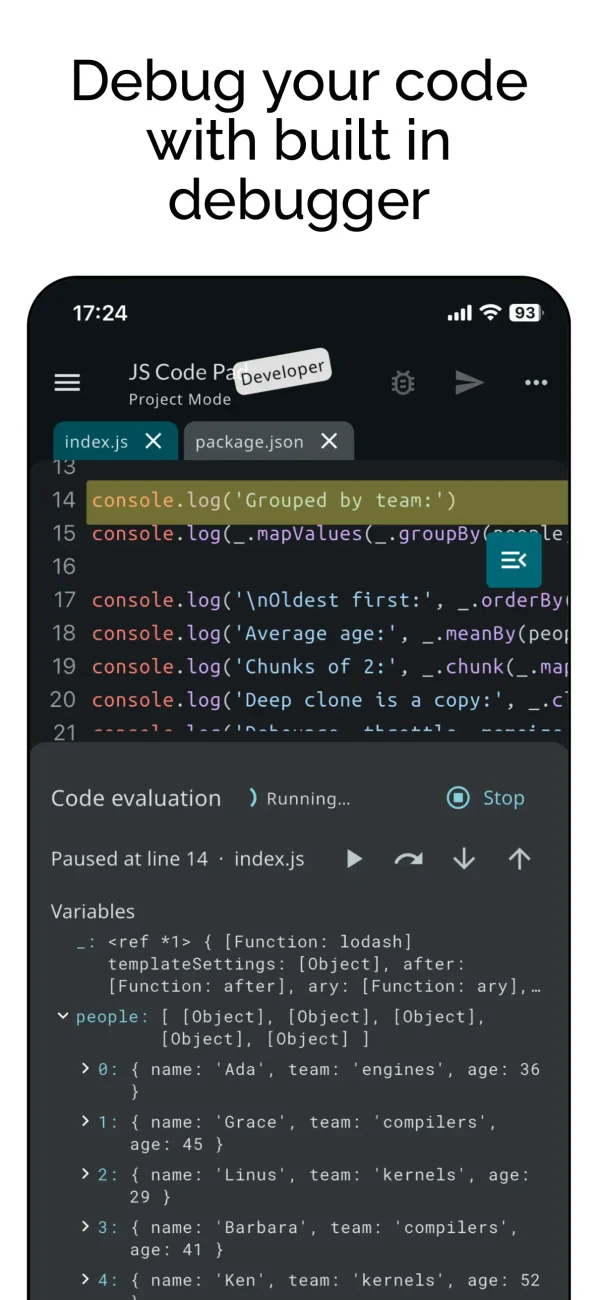
Debug your code with built in debugger.
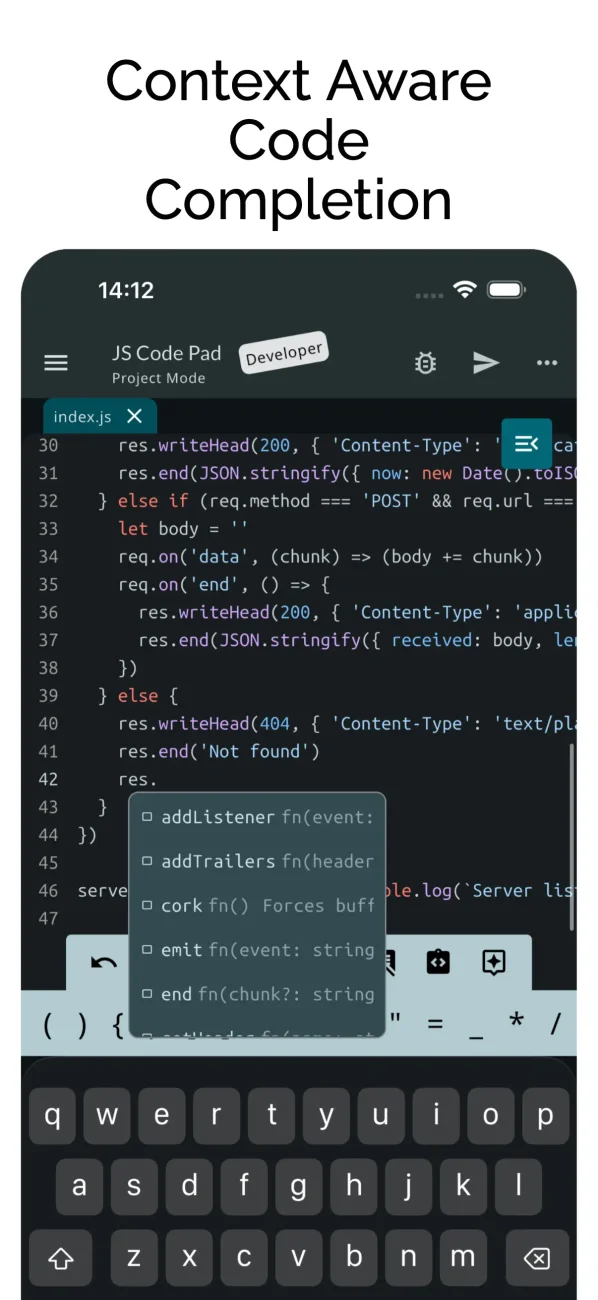
Lightweight app with full JavaScript syntax highlighting, code completion and editor actions like undo, redo, comment lines, and indent selection to enhance your developer productivity.
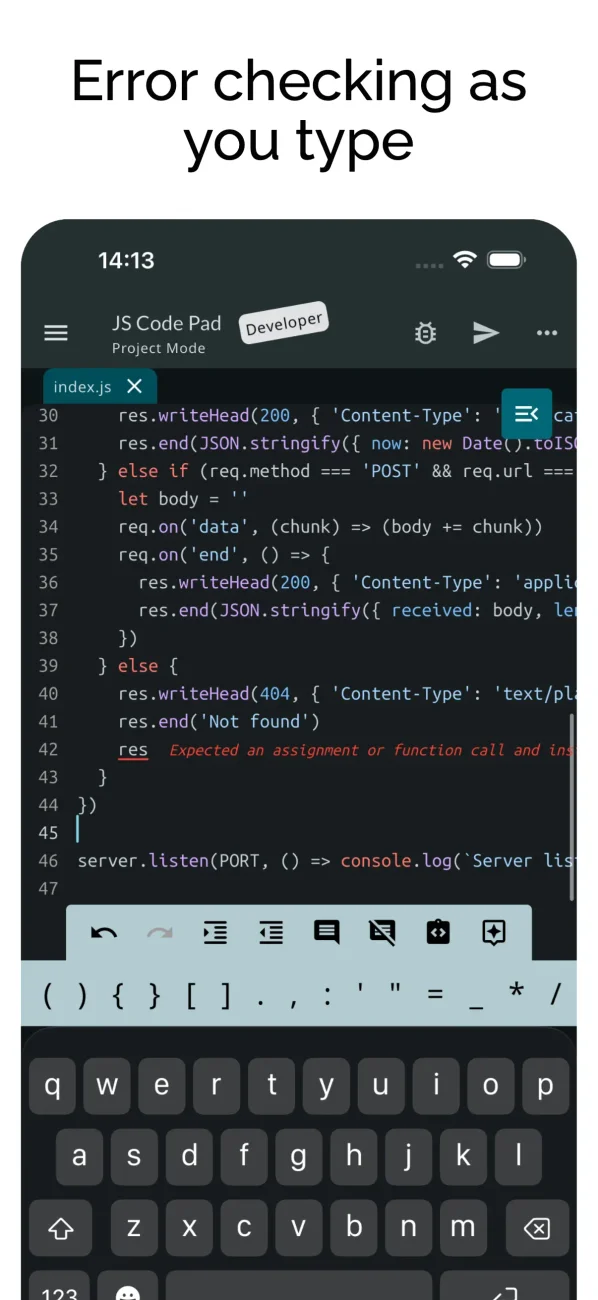
Enhanced productivity with live JS and TS code analysis as you type. Catch errors before you run the code.
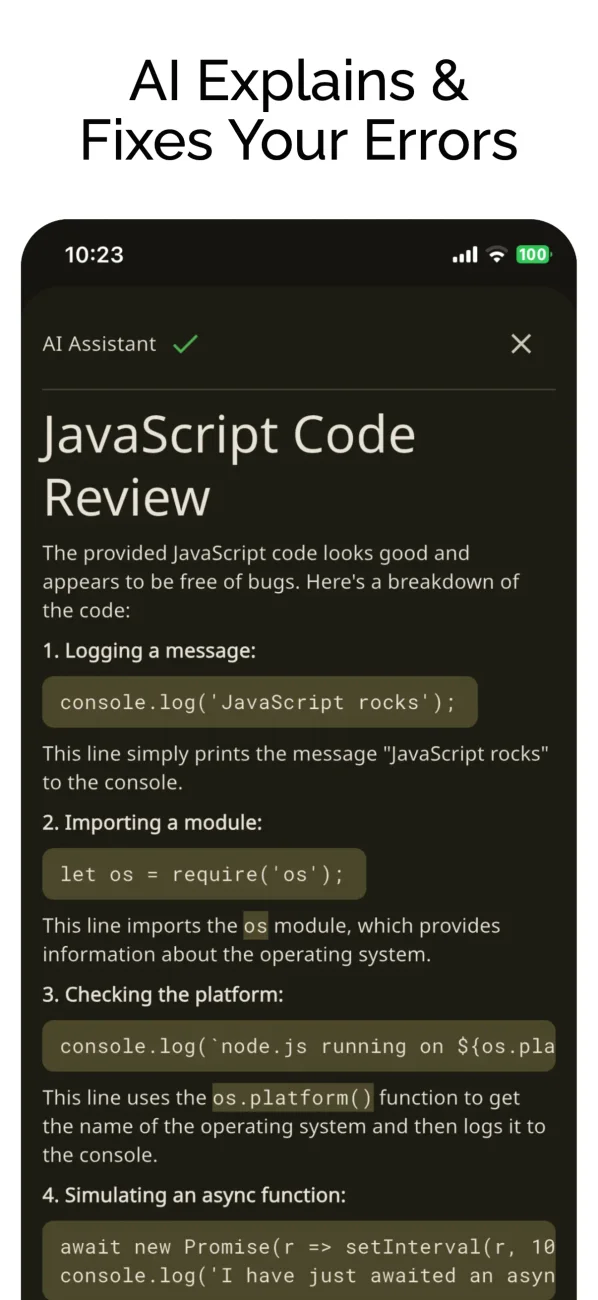
Built-in AI Assistant, whenever you get an error in your code, AI can suggest how to resolve it.
AI Assistant can also refactor your code, clean it up, check it for bugs, write comments and documentation strings or just explain it.
Blazing fast, all single script and Web View code is ran directly on the embedded node.js runtime or built in Web browser.
Enhance your programming and JavaScript skills by solving built-in coding problems.
Learn JavaScript with the MDN tutorial. Become a JavaScript coding master.
Learn TypeScript with the official TypeScript handbook.
Test your JavaScript and TypeScript knowledge, the app will tell you if you are writing valid JavaScript.
With JavaScript CodePad, you can:
- Write and execute JavaScript code with syntax highlighting and auto-indentation.
- Run and compile TypeScript code and scripts
- Test and debug your code with the built-in console and error messages.
- Share and load your code snippets for later use
- Customised keyboard with special keys and shortcuts for JavaScript and TypeScript
- Code completion
- Code formatting
- Code linting
- Solve built-in coding challenges
- Access JavaScript and TypeScript tutorial and library reference from the app
- Learn new concepts and techniques
- Write HTML, CSS and JS code and run it in a built-in WebView
- Run multiple JS files
Download it today and unleash your creativity with the most popular programming language in the world.
Note that certain features like Code completion, npm packages, WebView mode and project mode require paid Developer upgrade.
Nouveautés
Version 1.11.2 · 22/11/2026
Bug fixes
Confidentialité de l’application
Ce que Cloudbit d.o.o. déclare sur l’App Store au sujet du traitement des données par cette application.
-
Données utilisées pour vous suivre
Peuvent être utilisées pour vous suivre sur des applications et des sites web appartenant à d’autres sociétés.
- Identifiants
-
Données n’établissant aucun lien avec vous
Peuvent être collectées, mais ne sont pas liées à votre identité.
- Identifiants
- Données d’utilisation
- Diagnostic
Les pratiques en matière de confidentialité peuvent varier, notamment en fonction des fonctionnalités que vous utilisez ou de votre âge.
Informations
- Vendeur
- Cloudbit d.o.o.
- Catégorie
- Outils de développement
- Version
- 1.11.2
- Mis à jour
- 22/11/2026
- Publié
- 09/11/2022
- Taille
- 169,5 Mo
- Nécessite
- iOS 15.0 ou version ultérieure
- Classification d’âge
- 4+
- Prix
- Gratuit
- Achats intégrés
- Oui
- Langues
- Anglais, Français, Allemand, Italien, Portugais, Espagnol
- Copyright
- © CloudBit
Vous aimerez peut-être aussi
-
 RestForge - API ClientClient API REST & GraphQL
-
 Tester - Super IntelligenceOutils de développement
-
 Code Editor - Éditeur de codeProgramming on mobile
-
 Supanator: Gestion SupabaseÉditeur SQL Postgres & alertes
-
 HTML EditorOutils de développement
-
 Text Editor: TXT & HTML ViewerOutils de développement
-
 Rev for VercelOutils de développement
-
 Terminal#SSH client
-
 Firelog: Console pour FirebaseFirestore & Cloud Functions
-
 Pyto IDEPython, C/C++