
JavaScript Coding Editor & IDE
Run TypeScript & HTML Offline
iPhone, iPad, iPod touch向けに設計
無料 · アプリ内課金
- 対象年齢4+
- カテゴリ開発ツール
- 開発元Cloudbit d.o.o.
- 言語英語ほか5言語
- サイズ169.5 MB
App Storeの公式ページにリンクしています
Download.orgはJavaScript Coding Editor & IDEのファイルを一切ホストしていません。ボタンを押すと、Cloudbit d.o.o.が公開しているApp Storeのアプリページが開きます。ページの最終確認:2026/11/23。
スクリーンショット
概要
開発元はこのテキストをお使いの言語で提供していません。
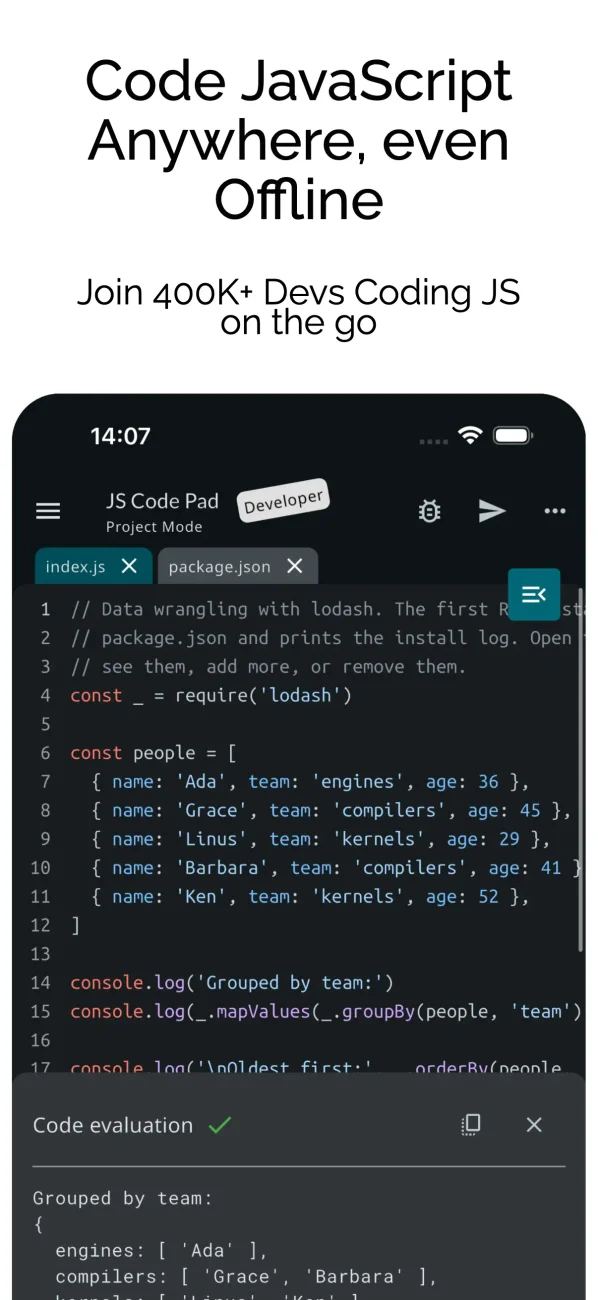
Run JavaScript and TypeScript on Node.js anywhere—100% Offline.
The most powerful mobile IDE for JS and TS.
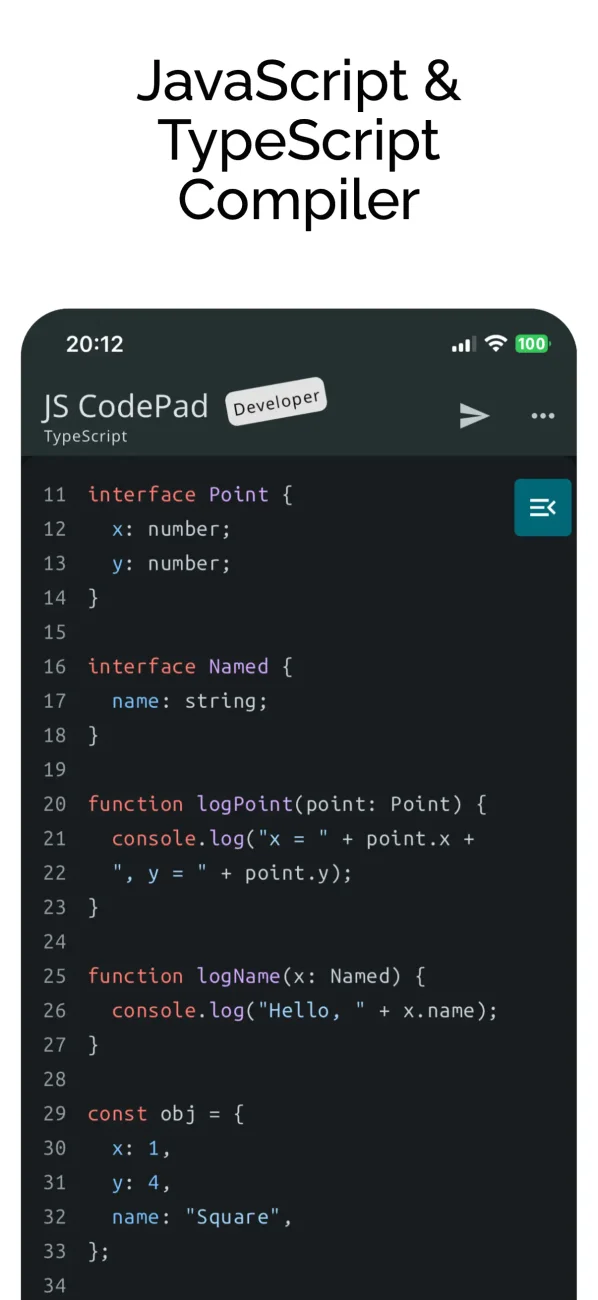
Features a built-in compiler, console, and DOM WebView.
No server, no internet, no limits.
Whether you are a professional developer, a student, or a hobbyist, JavaScript CodePad will help you practice and improve your coding skills anytime, anywhere.
Built in tsc compiler transpiles your TypeScript code to JavaScript offline.
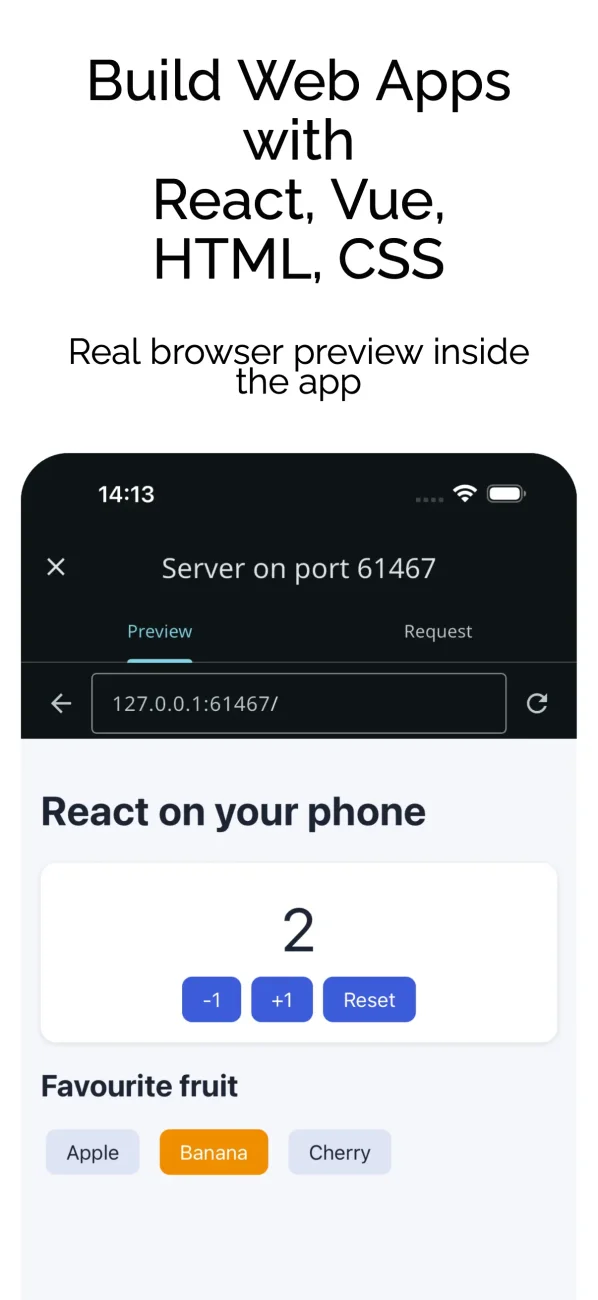
React, Vue and Svelte support.
Use the WebView mode to access the built-in Web Browser Window and DOM interface. Combine HTML, CSS, and JavaScript and learn building Web apps.
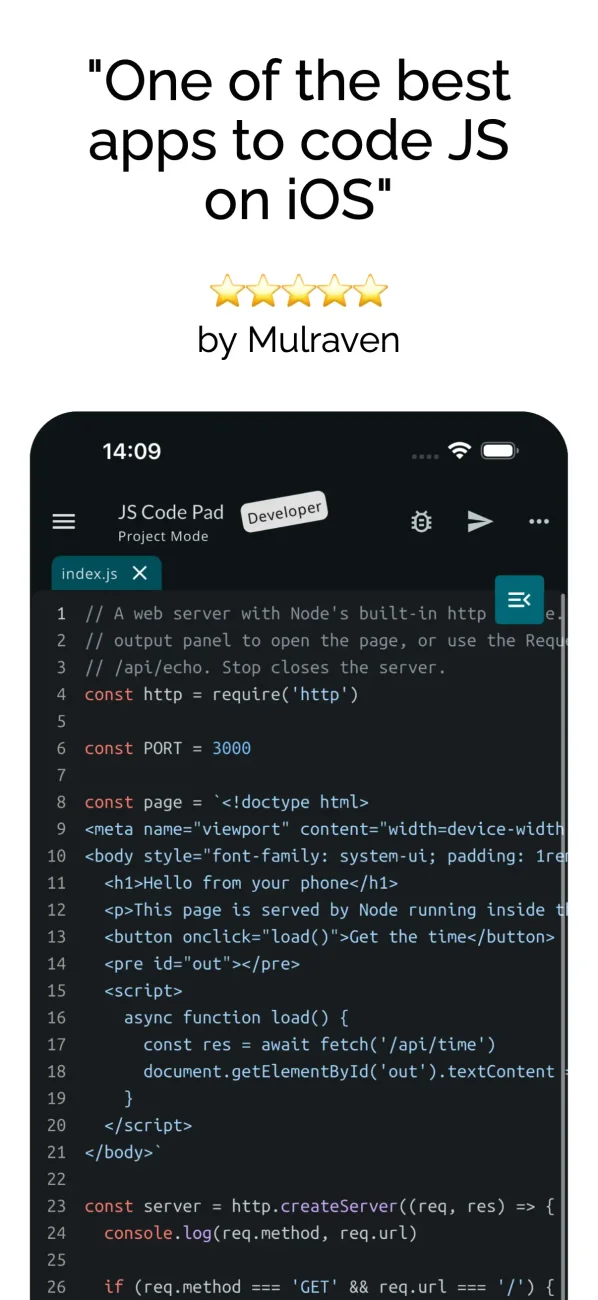
Organise your code into modules and run multiple JS files using Node.js as a runtime (Internet connection required).
You can run, execute, and evaluate JS code and programs from this app.
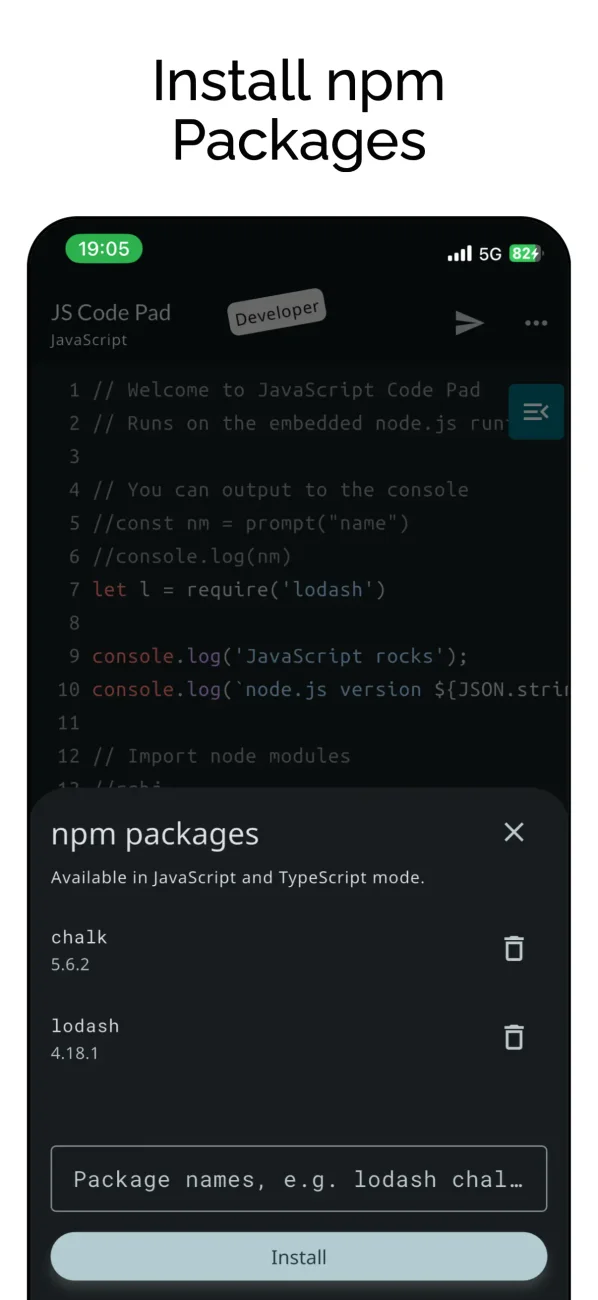
Install npm packages.
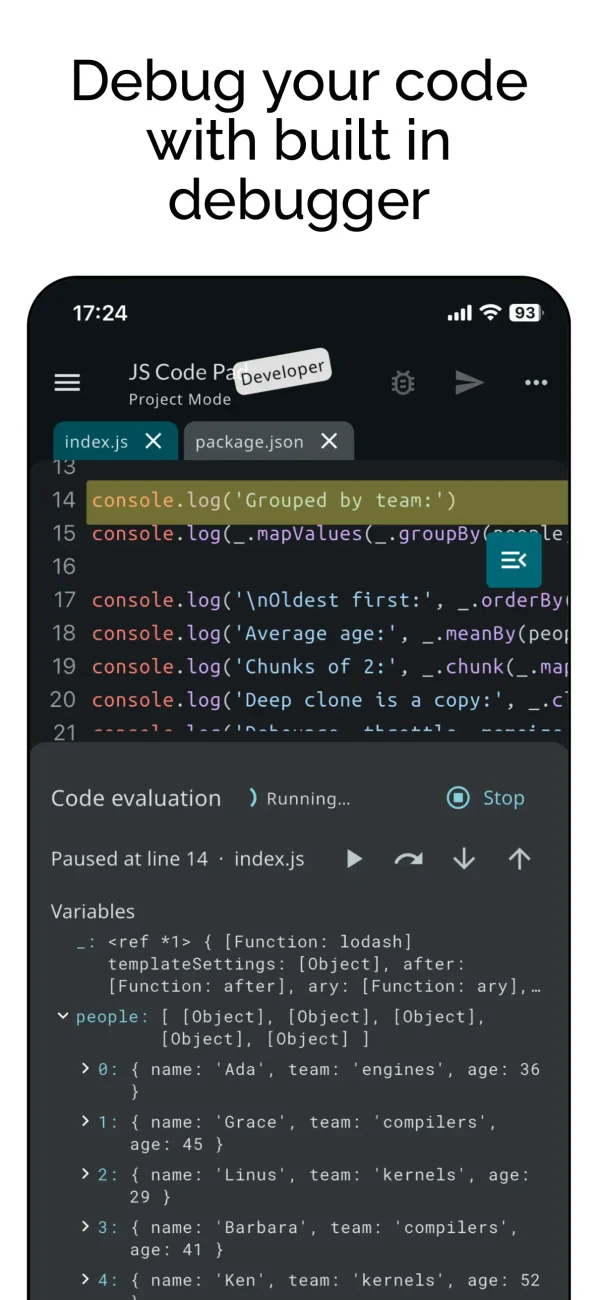
Debug your code with built in debugger.
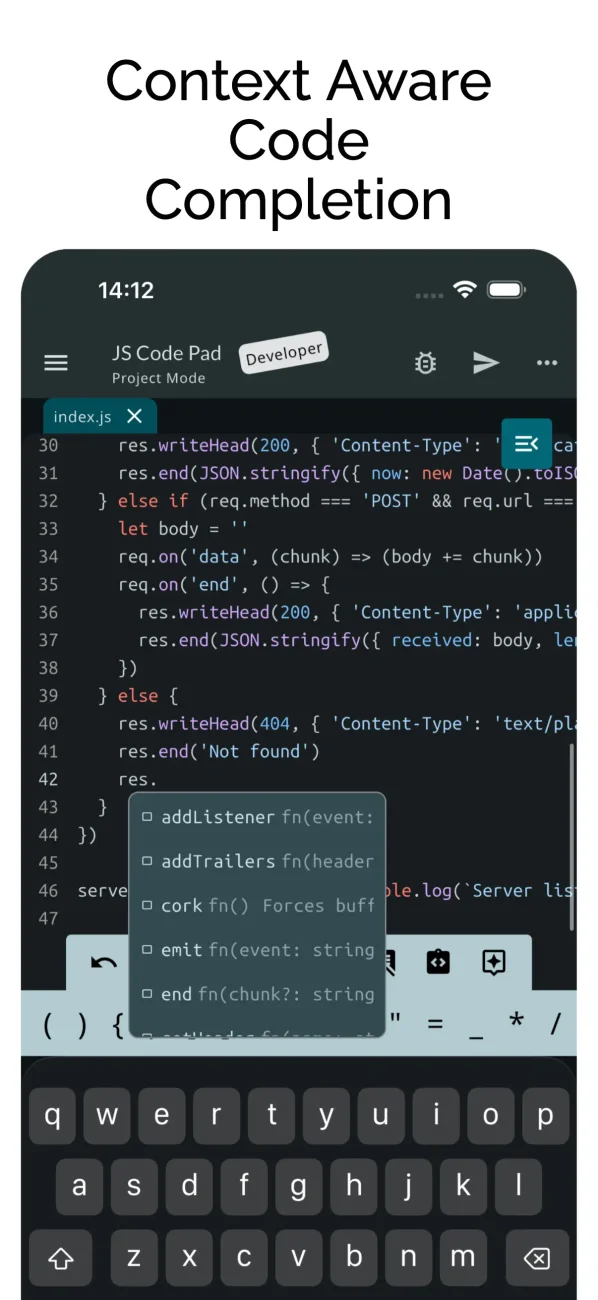
Lightweight app with full JavaScript syntax highlighting, code completion and editor actions like undo, redo, comment lines, and indent selection to enhance your developer productivity.
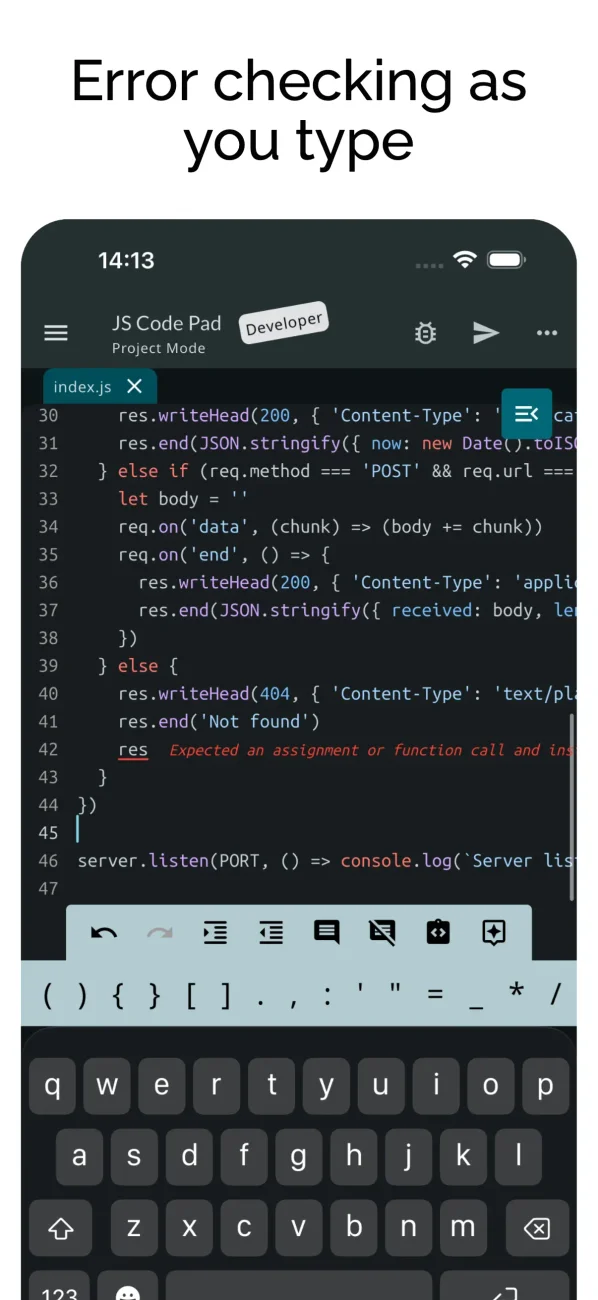
Enhanced productivity with live JS and TS code analysis as you type. Catch errors before you run the code.
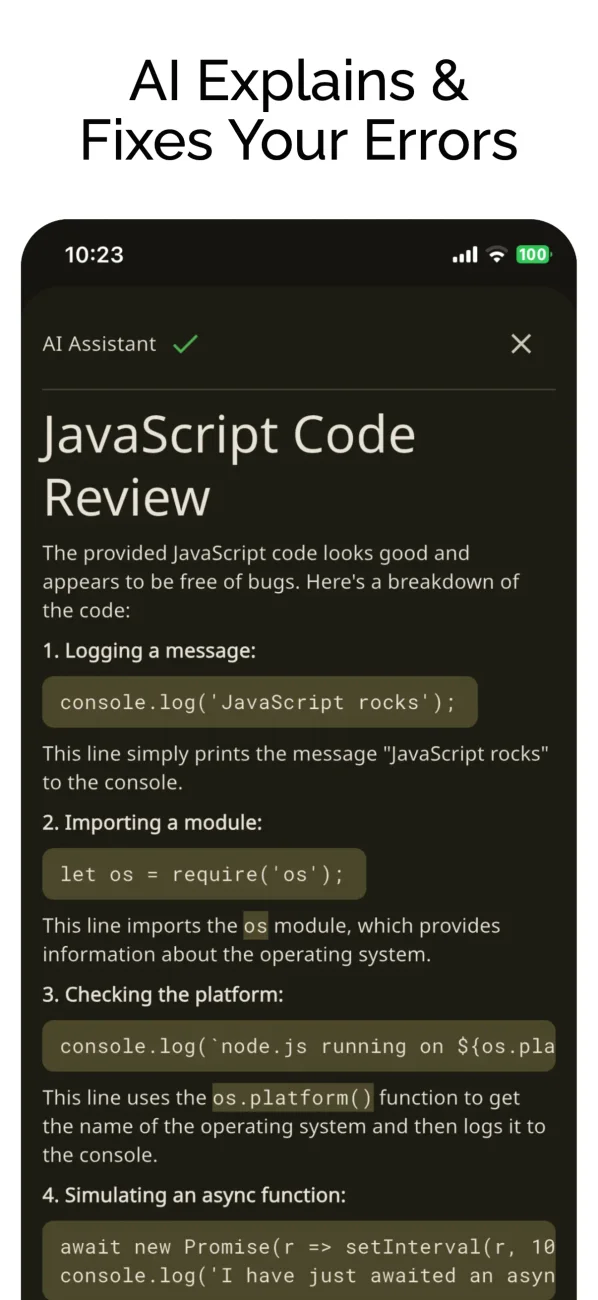
Built-in AI Assistant, whenever you get an error in your code, AI can suggest how to resolve it.
AI Assistant can also refactor your code, clean it up, check it for bugs, write comments and documentation strings or just explain it.
Blazing fast, all single script and Web View code is ran directly on the embedded node.js runtime or built in Web browser.
Enhance your programming and JavaScript skills by solving built-in coding problems.
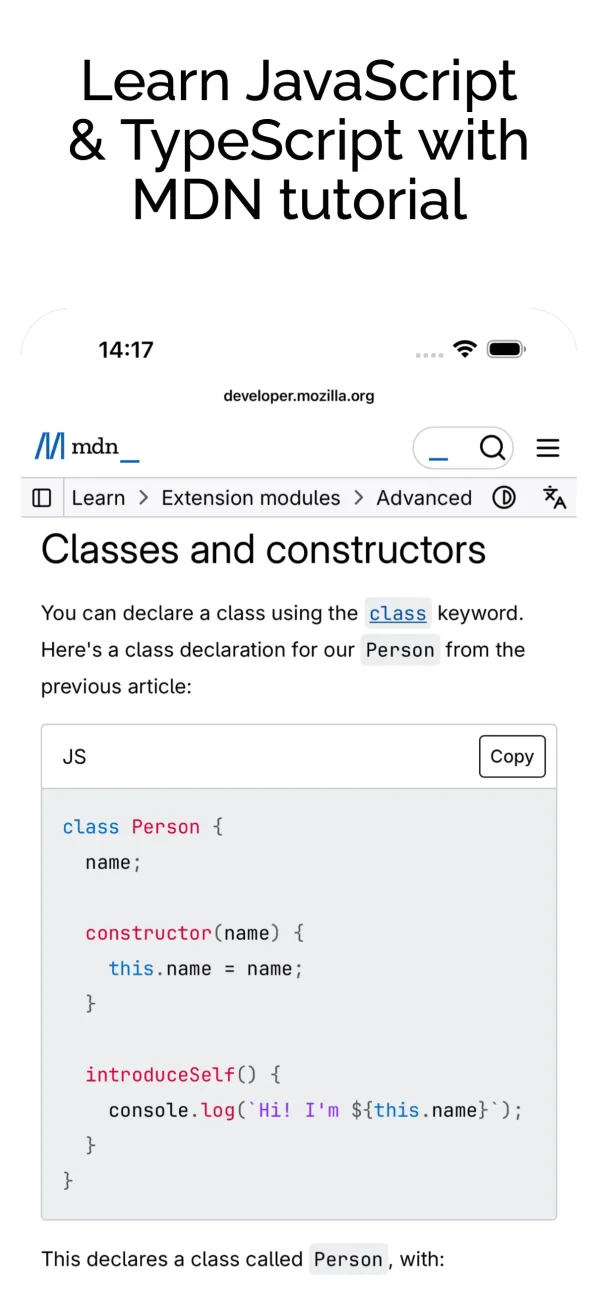
Learn JavaScript with the MDN tutorial. Become a JavaScript coding master.
Learn TypeScript with the official TypeScript handbook.
Test your JavaScript and TypeScript knowledge, the app will tell you if you are writing valid JavaScript.
With JavaScript CodePad, you can:
- Write and execute JavaScript code with syntax highlighting and auto-indentation.
- Run and compile TypeScript code and scripts
- Test and debug your code with the built-in console and error messages.
- Share and load your code snippets for later use
- Customised keyboard with special keys and shortcuts for JavaScript and TypeScript
- Code completion
- Code formatting
- Code linting
- Solve built-in coding challenges
- Access JavaScript and TypeScript tutorial and library reference from the app
- Learn new concepts and techniques
- Write HTML, CSS and JS code and run it in a built-in WebView
- Run multiple JS files
Download it today and unleash your creativity with the most popular programming language in the world.
Note that certain features like Code completion, npm packages, WebView mode and project mode require paid Developer upgrade.
新機能
バージョン 1.11.2 · 2026/11/22
Bug fixes
アプリのプライバシー
このアプリのデータの取り扱いについて、Cloudbit d.o.o.がApp Storeで申告している内容です。
-
ユーザーのトラッキングに使用されるデータ
他社のアプリやウェブサイトを横断してユーザーをトラッキングする目的で使用される場合があります。
- ID
-
ユーザーに関連付けられないデータ
収集される場合がありますが、ユーザーの識別情報には関連付けられません。
- ID
- 使用状況データ
- 診断
プライバシーの取り扱いは、ご利用の機能やお客様の年齢などに応じて異なる場合があります。
情報
- 販売元
- Cloudbit d.o.o.
- カテゴリ
- 開発ツール
- バージョン
- 1.11.2
- 更新日
- 2026/11/22
- リリース
- 2022/11/9
- サイズ
- 169.5 MB
- 必要条件
- iOS 15.0以降
- 対象年齢
- 4+
- 価格
- 無料
- アプリ内課金
- あり
- 言語
- 英語, フランス語, ドイツ語, イタリア語, ポルトガル語, スペイン語
- 著作権
- © CloudBit
こちらもおすすめ
-
 RestForge - API ClientREST・GraphQL APIクライアント
-
 Tester - Super Intelligence開発ツール
-
 コードエディター - Code EditorProgramming on mobile
-
 Supanator: Supabase 管理ツールPostgres SQL エディタ & アラート
-
 HTML Editor開発ツール
-
 Text Editor: TXT & HTML Viewer開発ツール
-
 Rev for Vercel開発ツール
-
 Terminal#開発ツール
-
 Firelog for Firebase コンソールFirestore・関数・ログ・認証
-
 Pyto IDE開発ツール