
JavaScript Coding Editor & IDE
Run TypeScript & HTML Offline
Projetado para iPhone, iPad, iPod touch
Grátis · Compras no app
- Classificação etária4+
- CategoriaPara desenvolvedores
- DesenvolvedorCloudbit d.o.o.
- IdiomasInglêse mais 5
- Tamanho169,5 MB
Leva à página oficial na App Store
O Download.org não hospeda nenhum arquivo de JavaScript Coding Editor & IDE. O botão abre a página do app na App Store, onde Cloudbit d.o.o. o publica. Página verificada pela última vez em 23/11/2026.
Capturas de tela
Sobre
O desenvolvedor não forneceu este texto no seu idioma.
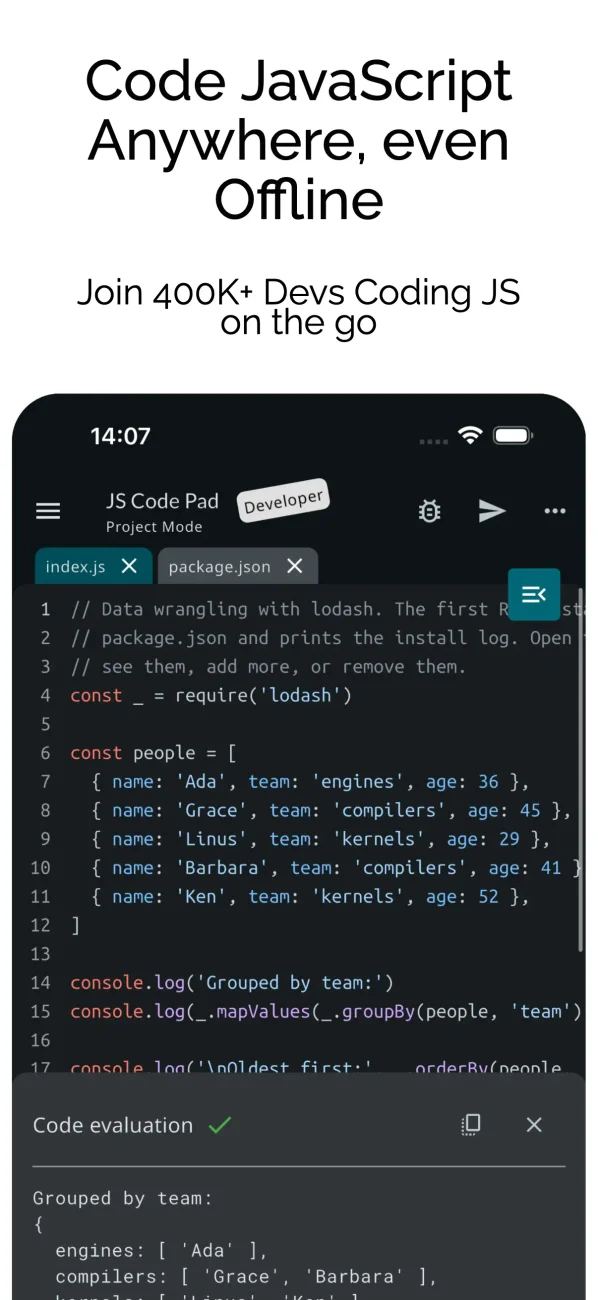
Run JavaScript and TypeScript on Node.js anywhere—100% Offline.
The most powerful mobile IDE for JS and TS.
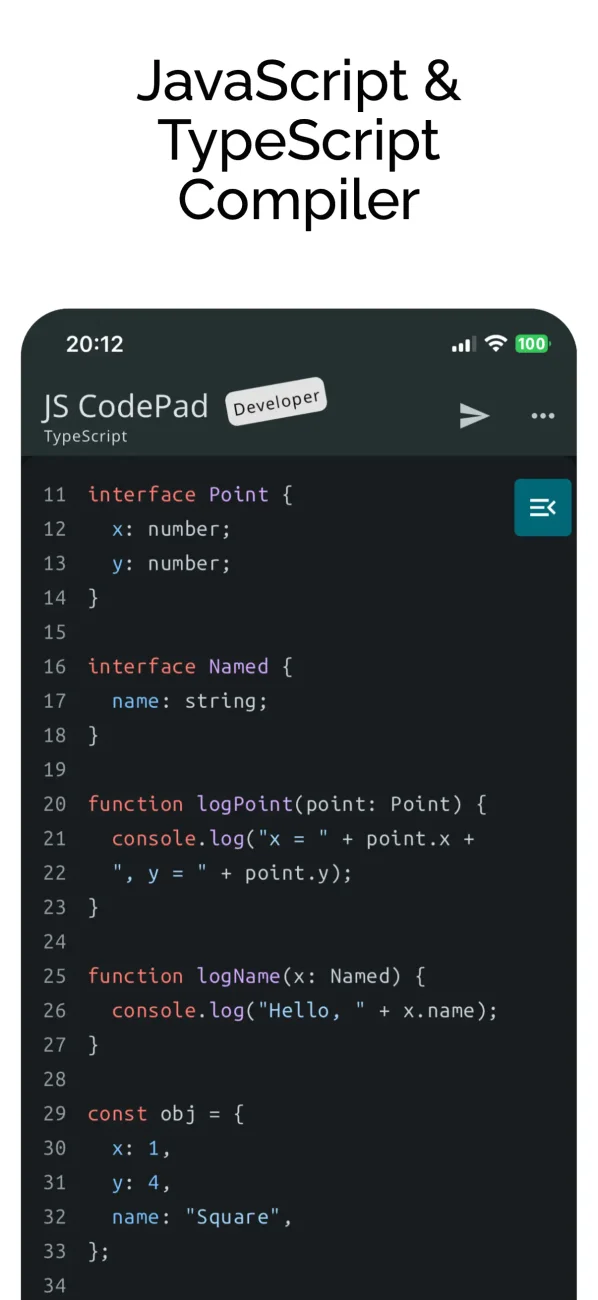
Features a built-in compiler, console, and DOM WebView.
No server, no internet, no limits.
Whether you are a professional developer, a student, or a hobbyist, JavaScript CodePad will help you practice and improve your coding skills anytime, anywhere.
Built in tsc compiler transpiles your TypeScript code to JavaScript offline.
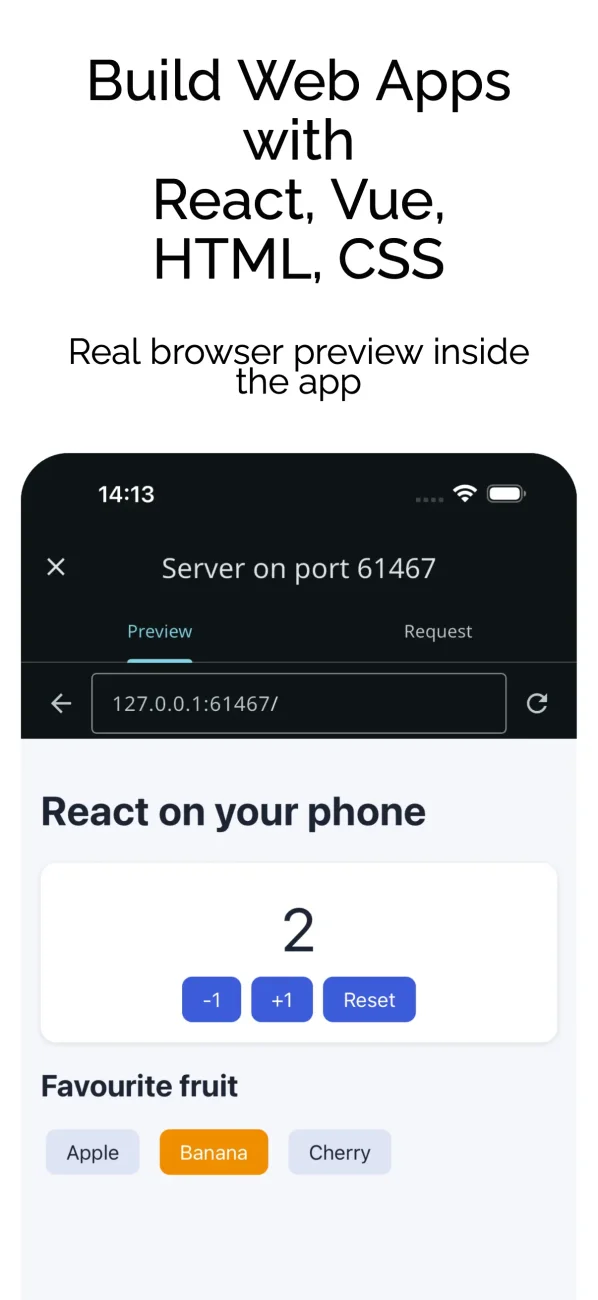
React, Vue and Svelte support.
Use the WebView mode to access the built-in Web Browser Window and DOM interface. Combine HTML, CSS, and JavaScript and learn building Web apps.
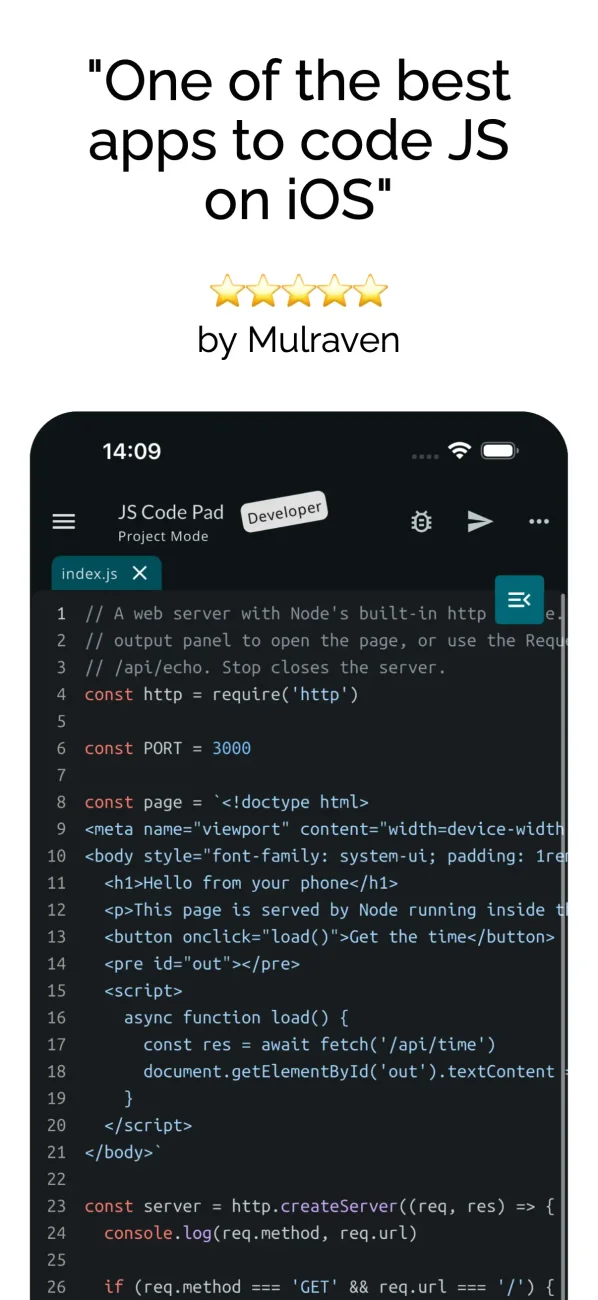
Organise your code into modules and run multiple JS files using Node.js as a runtime (Internet connection required).
You can run, execute, and evaluate JS code and programs from this app.
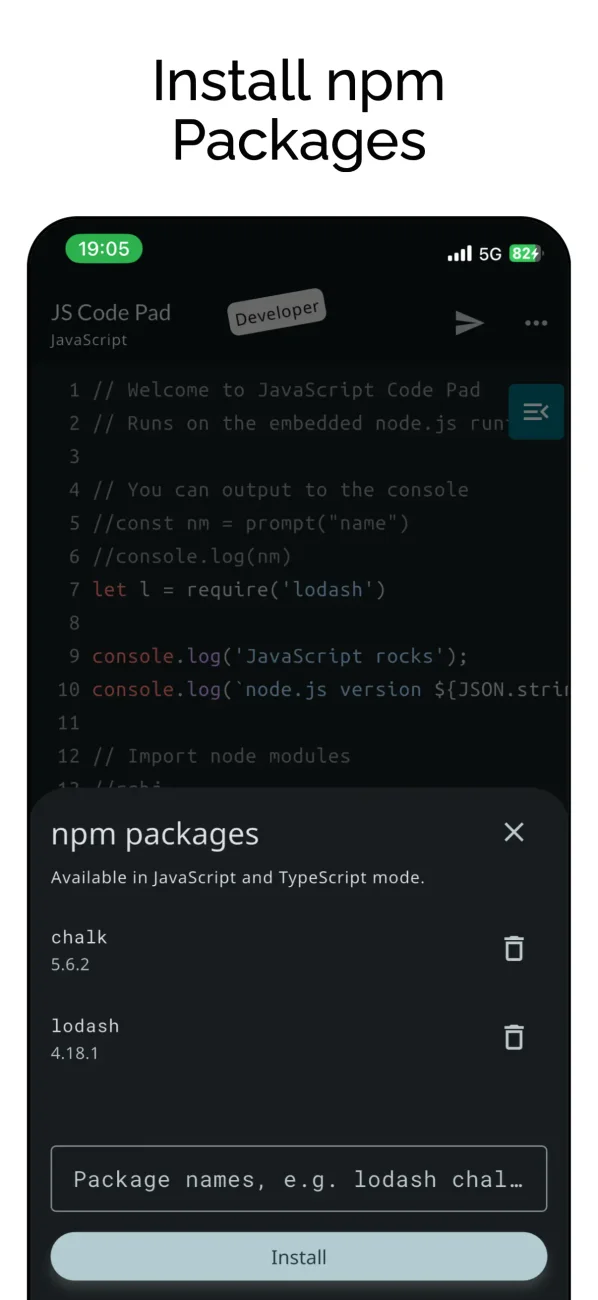
Install npm packages.
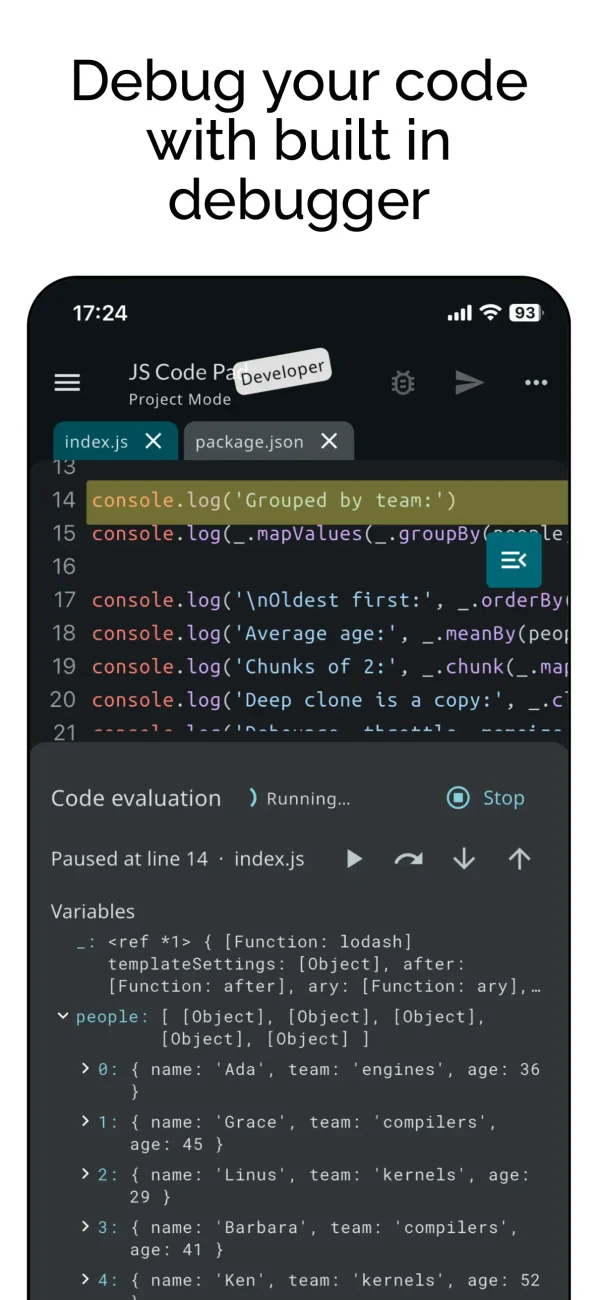
Debug your code with built in debugger.
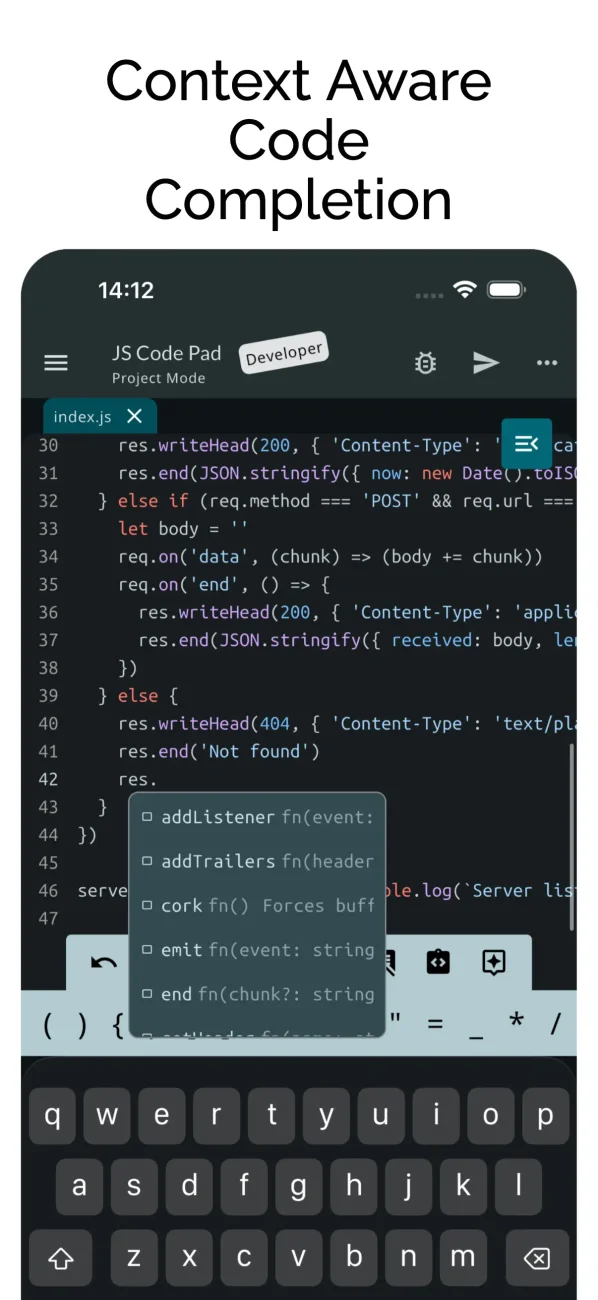
Lightweight app with full JavaScript syntax highlighting, code completion and editor actions like undo, redo, comment lines, and indent selection to enhance your developer productivity.
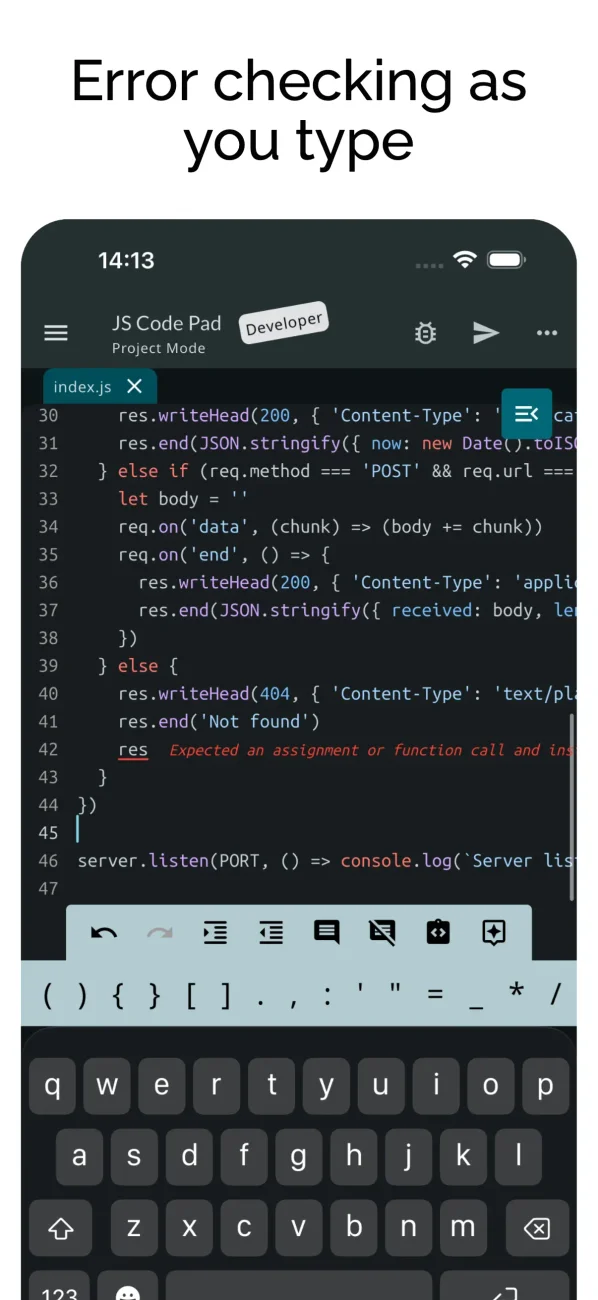
Enhanced productivity with live JS and TS code analysis as you type. Catch errors before you run the code.
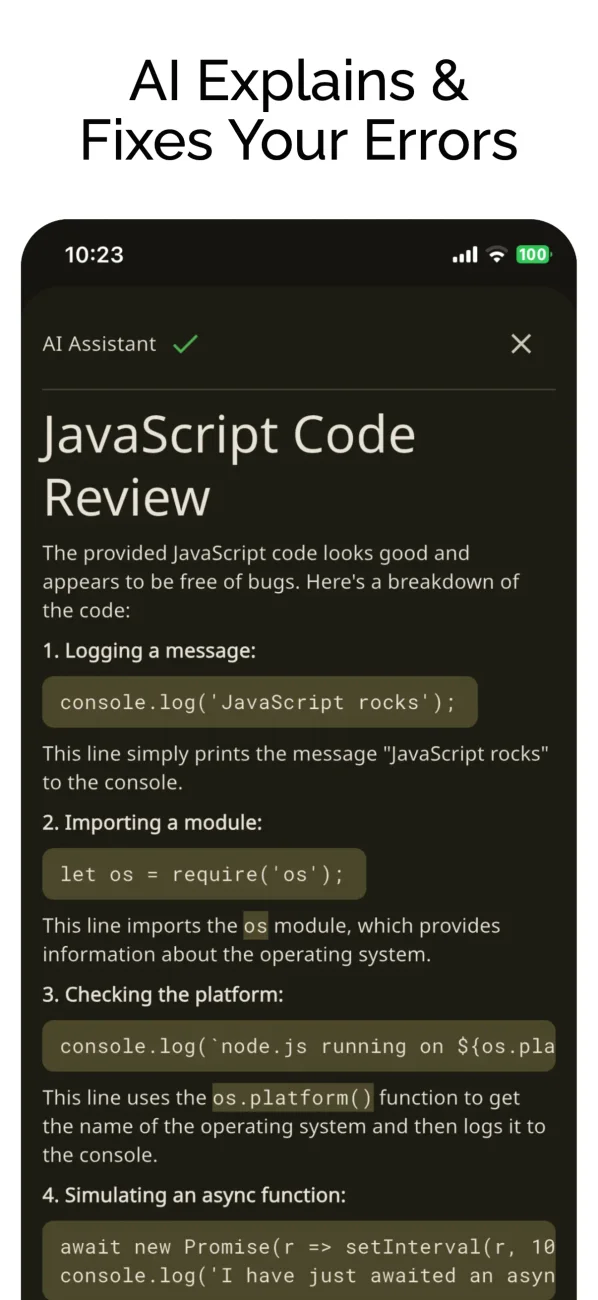
Built-in AI Assistant, whenever you get an error in your code, AI can suggest how to resolve it.
AI Assistant can also refactor your code, clean it up, check it for bugs, write comments and documentation strings or just explain it.
Blazing fast, all single script and Web View code is ran directly on the embedded node.js runtime or built in Web browser.
Enhance your programming and JavaScript skills by solving built-in coding problems.
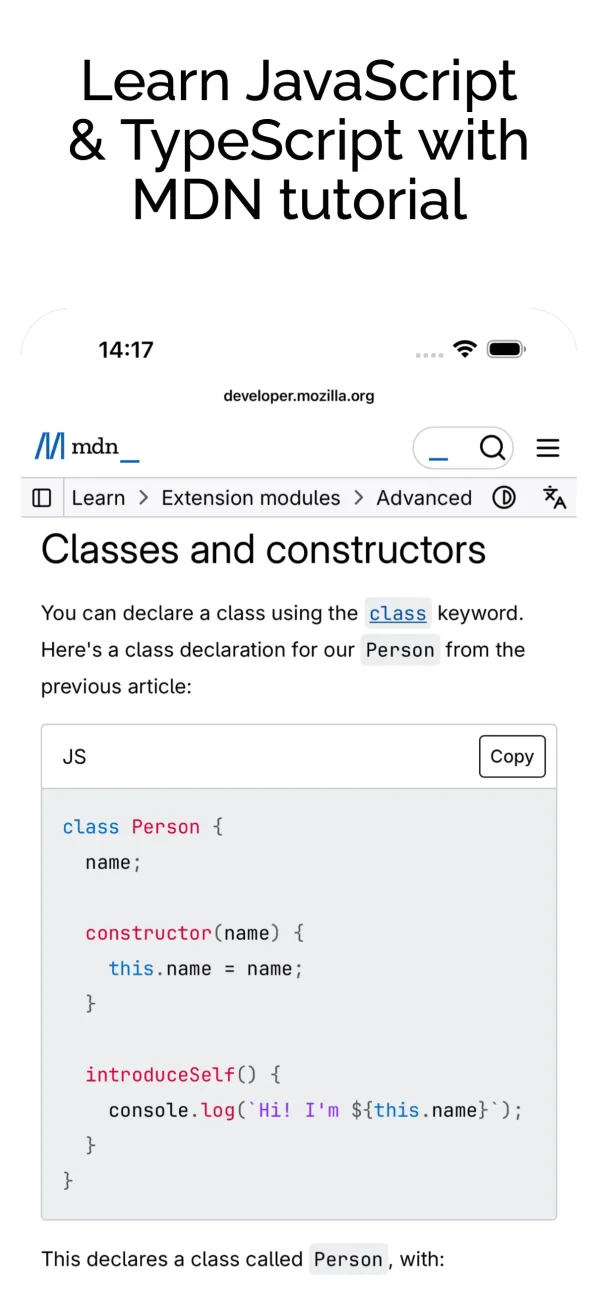
Learn JavaScript with the MDN tutorial. Become a JavaScript coding master.
Learn TypeScript with the official TypeScript handbook.
Test your JavaScript and TypeScript knowledge, the app will tell you if you are writing valid JavaScript.
With JavaScript CodePad, you can:
- Write and execute JavaScript code with syntax highlighting and auto-indentation.
- Run and compile TypeScript code and scripts
- Test and debug your code with the built-in console and error messages.
- Share and load your code snippets for later use
- Customised keyboard with special keys and shortcuts for JavaScript and TypeScript
- Code completion
- Code formatting
- Code linting
- Solve built-in coding challenges
- Access JavaScript and TypeScript tutorial and library reference from the app
- Learn new concepts and techniques
- Write HTML, CSS and JS code and run it in a built-in WebView
- Run multiple JS files
Download it today and unleash your creativity with the most popular programming language in the world.
Note that certain features like Code completion, npm packages, WebView mode and project mode require paid Developer upgrade.
Novidades
Versão 1.11.2 · 22/11/2026
Bug fixes
Privacidade do app
O que Cloudbit d.o.o. declara na App Store sobre como este app lida com os dados.
-
Dados usados para rastrear você
Podem ser usados para rastrear você em apps e sites de outras empresas.
- Identificadores
-
Dados não vinculados a você
Podem ser coletados, mas não são vinculados à sua identidade.
- Identificadores
- Dados de uso
- Diagnóstico
As práticas de privacidade podem variar, por exemplo, com base nos recursos que você usa ou na sua idade.
Informações
- Vendedor
- Cloudbit d.o.o.
- Categoria
- Para desenvolvedores
- Versão
- 1.11.2
- Atualizado
- 22/11/2026
- Lançamento
- 09/11/2022
- Tamanho
- 169,5 MB
- Requer
- iOS 15.0 ou posterior
- Classificação etária
- 4+
- Preço
- Grátis
- Compras no app
- Sim
- Idiomas
- Inglês, Francês, Alemão, Italiano, Português, Espanhol
- Copyright
- © CloudBit
Você também pode gostar
-
 RestForge - API ClientCliente REST, GraphQL e HTTP
-
 Tester - Super IntelligencePara desenvolvedores
-
 Editor de Código - Code EditorProgramming on mobile
-
 Supanator: Gerenciar SupabaseEditor SQL Postgres e alertas
-
 HTML EditorPara desenvolvedores
-
 Text Editor: TXT & HTML ViewerPara desenvolvedores
-
 Rev for VercelPara desenvolvedores
-
 Terminal#Para desenvolvedores
-
 Firelog: Console para FirebaseCloud Firestore e Funções
-
 Pyto IDEPara desenvolvedores