
KanataNote
AI Writer & Text Editor
Conçue pour iPhone, iPad, Mac
Gratuit · Achats intégrés
- Classification d’âge12+
- CatégorieProductivité
- DéveloppeurXFE
- LanguesJaponais+ 1 de plus
- Taille58,3 Mo
Renvoie vers la page App Store officielle
Download.org n’héberge aucun fichier de KanataNote. Le bouton ouvre la page de l’application sur App Store, où XFE la publie. Fiche vérifiée pour la dernière fois le 23/11/2026.
Captures d’écran


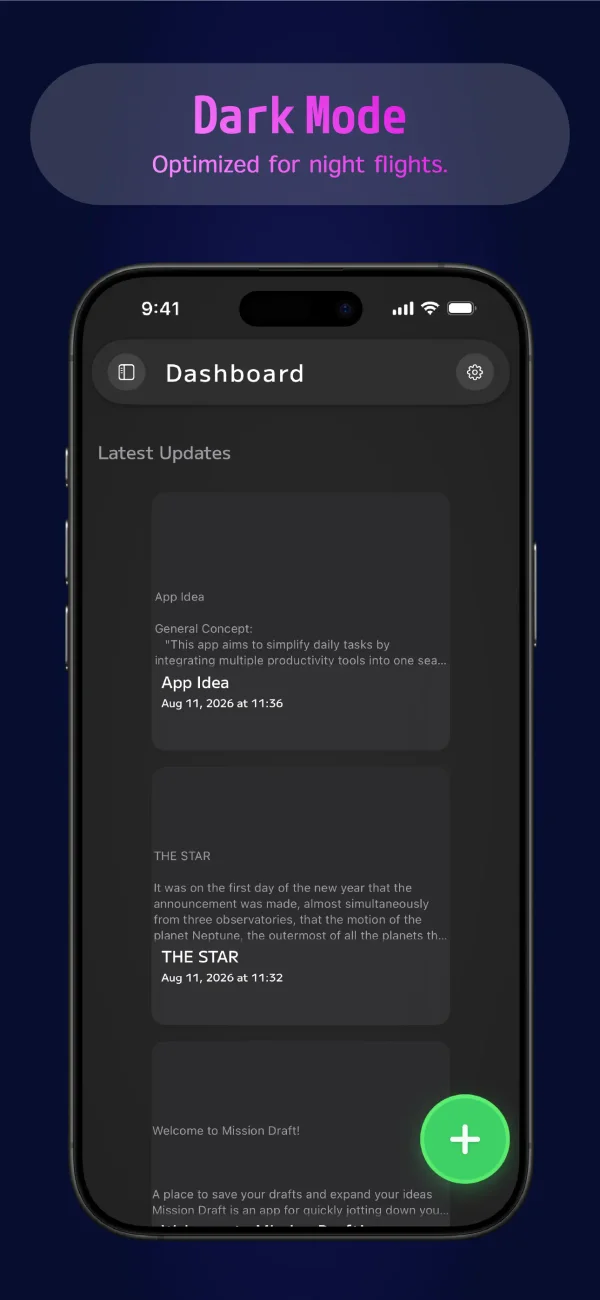

À propos
Le développeur n’a pas fourni ce texte dans votre langue.
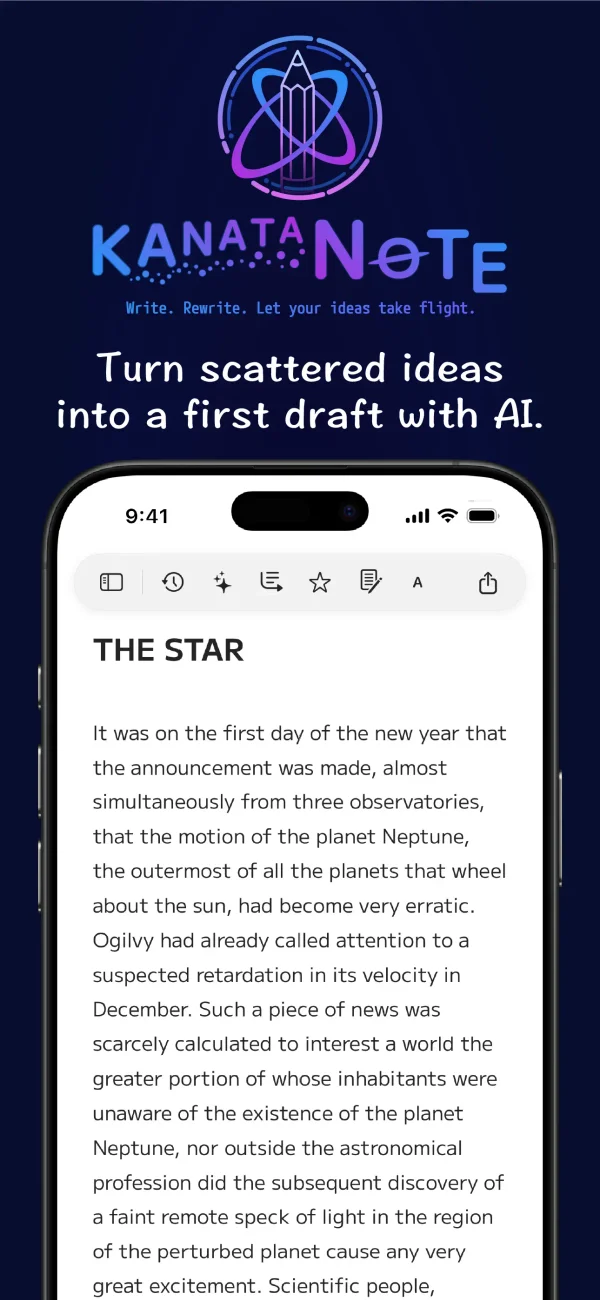
KanataNote is an app that helps you expand your ideas with AI.
It combines a simple, easy-to-use text editor and AI chat in one app.
When you want to ask AI a question, you can write your prompt in the text editor and send it directly.
With just one tap, you can bring the AI’s response into the text editor and revise it as you like.
You can also organize your notes with folders and add emoji icons.
And there’s a dedicated Prompt Notebook, so you can easily save and reuse your favorite prompts.
WRITE WITH AI BESIDE YOUR DRAFT
Keep AI close while you write, without having to move back and forth between separate apps.
• Chat with AI while your document stays open
• Include document content as context when you need it
• Bring AI responses into the editor and continue editing them yourself
• Brainstorm ideas, create outlines, rewrite passages, summarize notes, translate text, and explore alternatives
SAVE AND REUSE YOUR PROMPTS
KanataNote includes a dedicated Prompt Notebook for prompts you want to use again.
• Save frequently used instructions as Prompt Notes
• Add variables such as {{Key}} to create flexible, reusable prompts
• Switch environments to adapt prompts to different projects and workflows
A RICH TEXT EDITOR FOR NOTES AND DRAFTS
Write and edit with familiar formatting tools.
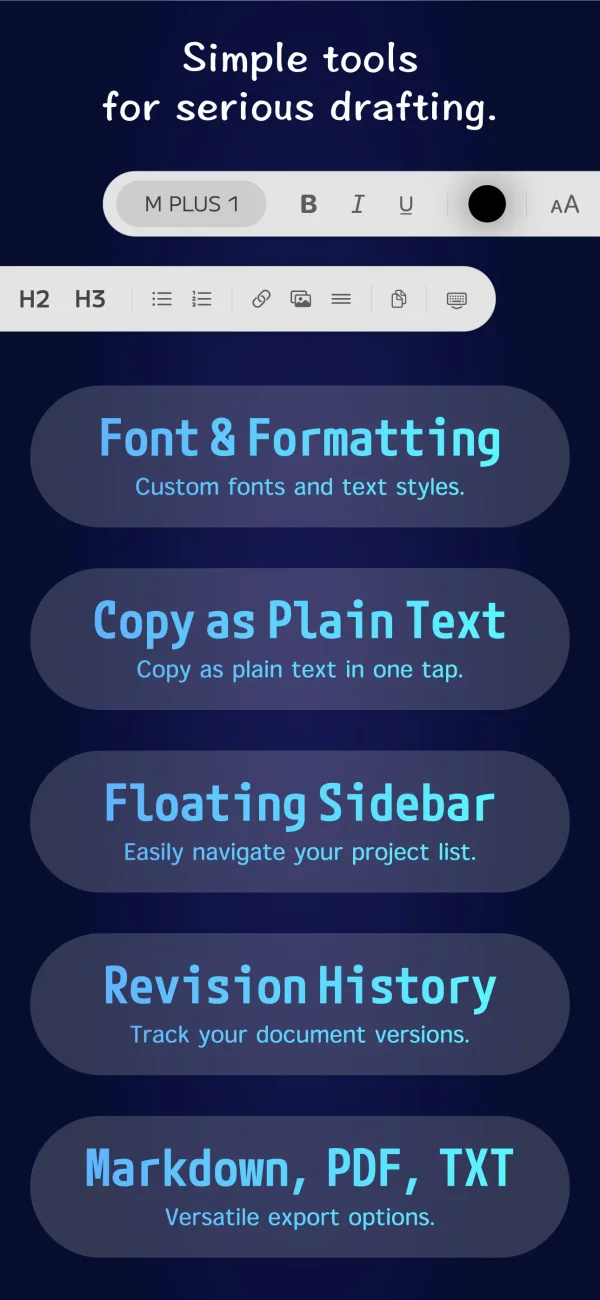
• Use headings, bold text, lists, quotes, code blocks, tables, and images
• Adjust fonts, text size, line spacing, and theme colors
• Copy content as plain text or Markdown
• Review revision history as your document evolves
KEEP YOUR IDEAS ORGANIZED
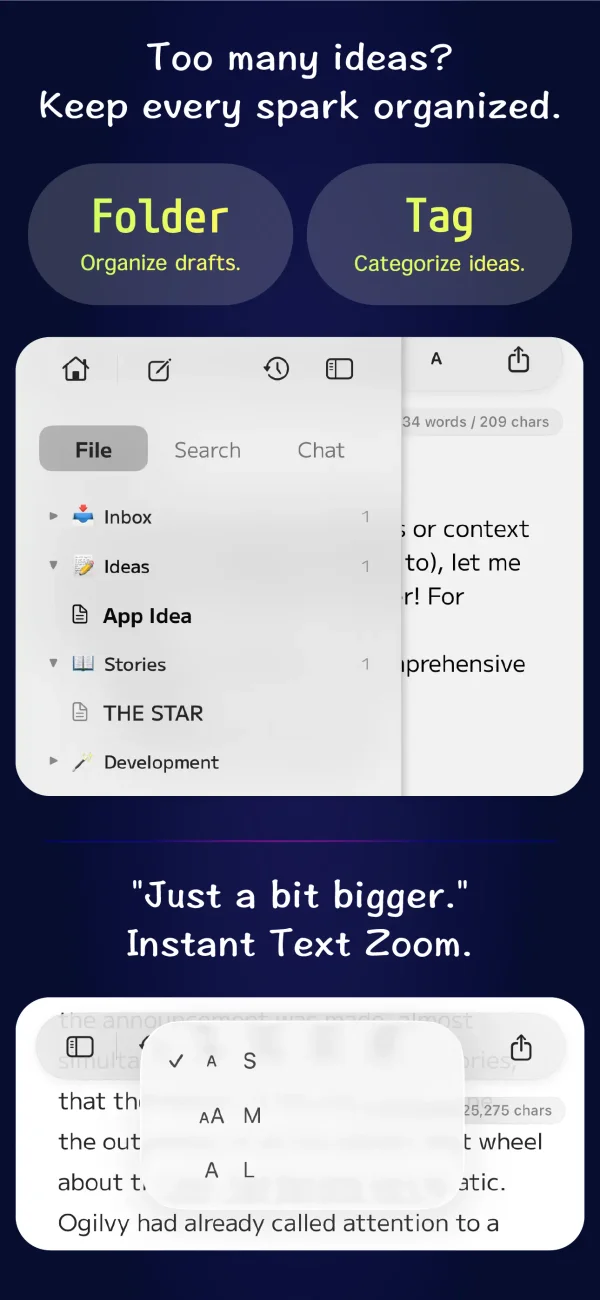
• Organize documents with folders and tags
• Add emoji icons to folders for easier recognition
• Use Favorites for notes you access often
• Archive documents you no longer need in your main workspace
• Navigate your projects quickly from the sidebar
SYNC ACROSS APPLE DEVICES
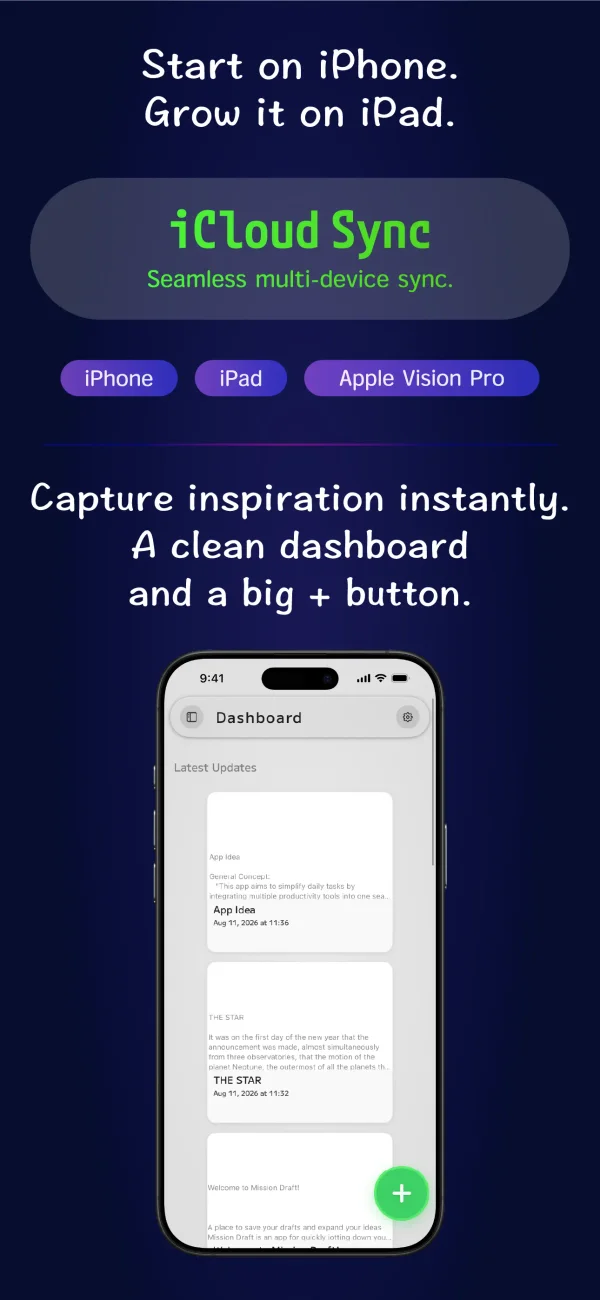
Keep your documents, settings, and Prompt Notes in sync with iCloud.
Start on iPhone and continue on iPad, Mac, or Apple Vision Pro.
Apple Vision Pro also includes dedicated spatial experiences and immersive visual effects.
EXPORT AND TAKE YOUR WORK ANYWHERE
Export your writing when you want to share, publish, or archive it.
KanataNote supports PDF, Markdown, and other text-based export options.
KanataNote is made for writers, creators, students, researchers, and anyone who wants a simple place to capture ideas, develop drafts, and work with AI.
You think. AI helps. Together, you turn ideas into something real.
That’s what KanataNote is all about.
Get started for free. Optional upgrades and AI plans are available for additional features and usage.
Terms of Use (EULA): https://www.apple.com/legal/internet-services/itunes/dev/stdeula/
Nouveautés
Version 1.0.4 · 21/11/2026
Minor bug fixes, support iPhone Duo.
Confidentialité de l’application
Ce que XFE déclare sur l’App Store au sujet du traitement des données par cette application.
-
Données établissant un lien avec vous
Peuvent être collectées et liées à votre identité.
- Contenu utilisateur
-
Données n’établissant aucun lien avec vous
Peuvent être collectées, mais ne sont pas liées à votre identité.
- Identifiants
- Données d’utilisation
- Diagnostic
Les pratiques en matière de confidentialité peuvent varier, notamment en fonction des fonctionnalités que vous utilisez ou de votre âge.
Informations
- Vendeur
- XFE
- Catégorie
- Productivité
- Version
- 1.0.4
- Mis à jour
- 21/11/2026
- Publié
- 12/08/2026
- Taille
- 58,3 Mo
- Nécessite
- iOS 18.6 ou version ultérieure
- Classification d’âge
- 12+
- Prix
- Gratuit
- Achats intégrés
- Oui
- Langues
- Japonais, Anglais
- Copyright
- © 2026 XFE.
Vous aimerez peut-être aussi
-
 AI-PromptCraft: Prompt BuilderProductivité
-
 Nylo: Your Second MemoryProductivité
-
 スニペットくんProductivité
-
 Clip Flow : Gestion SnippetsClavier, recherche et OCR
-
 PopNotes: Diary & Widget MemoProductivité
-
 GTW - Markdown & Text EditorProductivité
-
 Speedy Note Editor / iNoteProductivité
-
 AI Prompts: Chat AssistantProductivité
-
 おめめライター:小説特化テキストエディタProductivité
-
 Text Editor AppProductivité