
KanataNote
AI Writer & Text Editor
Designed for iPhone, iPad, Mac
In-app purchases
- Age rating12+
- CategoryProductivity
- DeveloperXFE
- LanguagesJapanese+ 1 more
- Size58.3 MB
Links to the official App Store page
Download.org hosts no file of KanataNote. The button opens its official App Store page, published by XFE. Listing last checked on Nov 23, 2026.
Screenshots



About
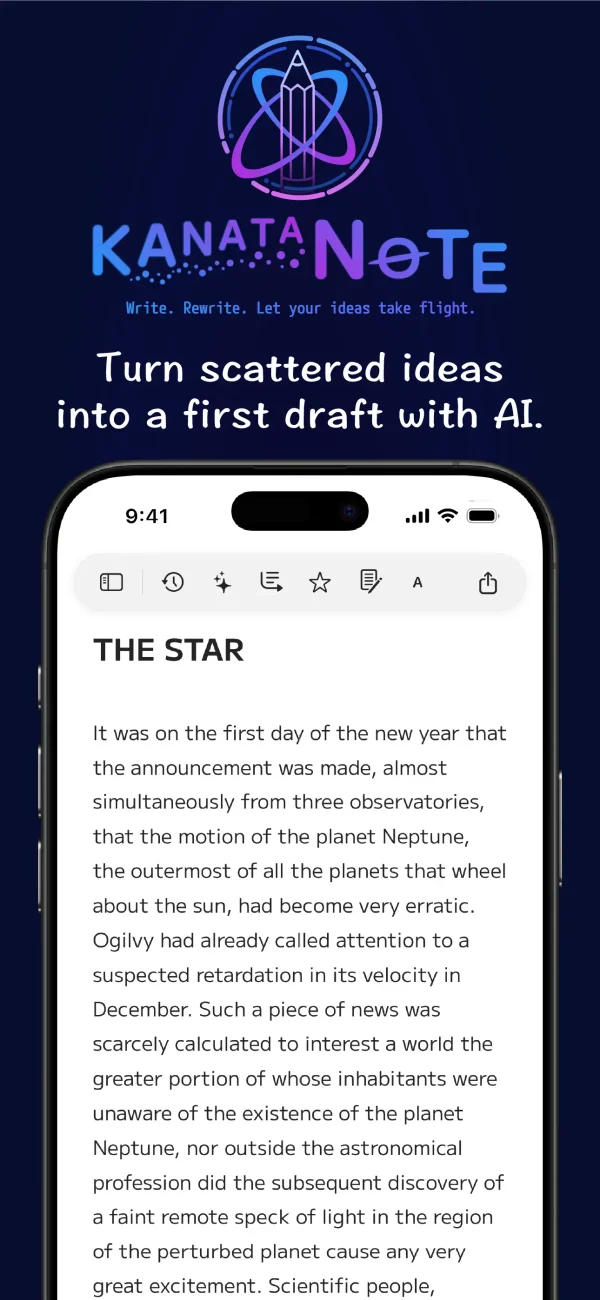
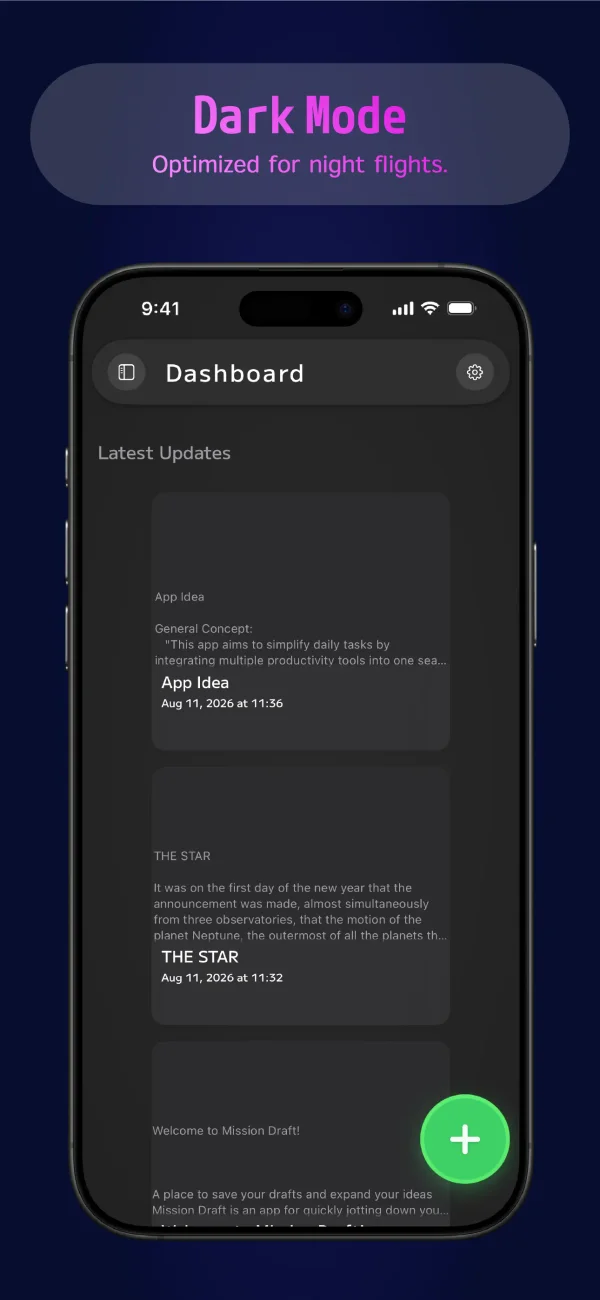
KanataNote is an app that helps you expand your ideas with AI.
It combines a simple, easy-to-use text editor and AI chat in one app.
When you want to ask AI a question, you can write your prompt in the text editor and send it directly.
With just one tap, you can bring the AI’s response into the text editor and revise it as you like.
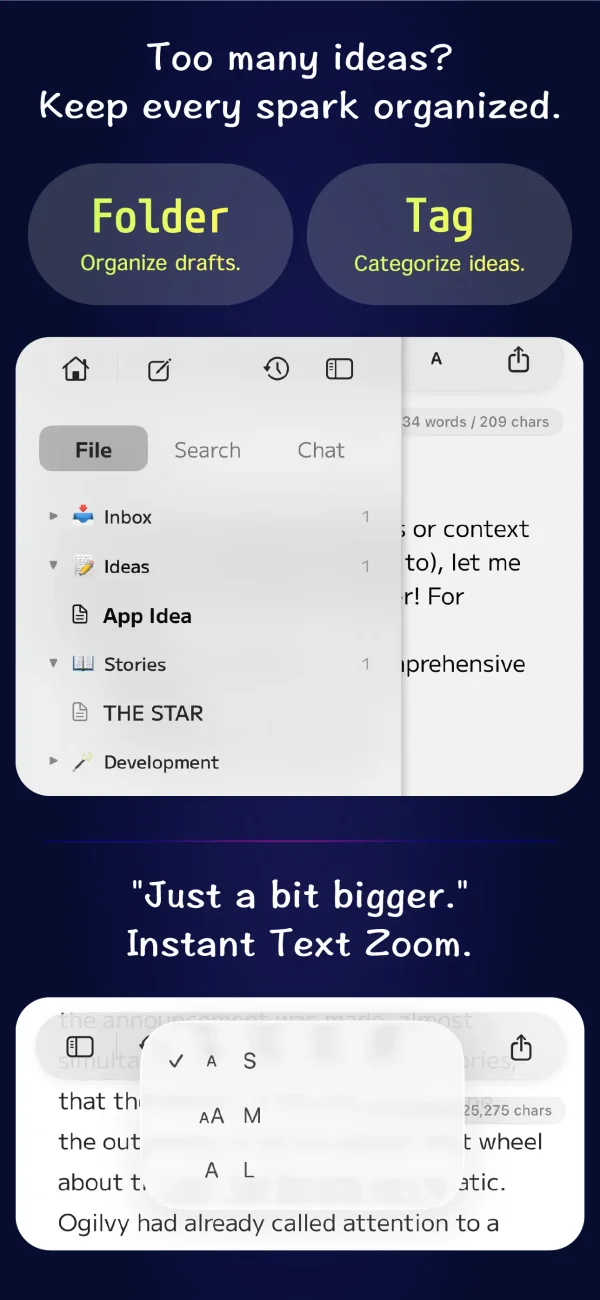
You can also organize your notes with folders and add emoji icons.
And there’s a dedicated Prompt Notebook, so you can easily save and reuse your favorite prompts.
WRITE WITH AI BESIDE YOUR DRAFT
Keep AI close while you write, without having to move back and forth between separate apps.
• Chat with AI while your document stays open
• Include document content as context when you need it
• Bring AI responses into the editor and continue editing them yourself
• Brainstorm ideas, create outlines, rewrite passages, summarize notes, translate text, and explore alternatives
SAVE AND REUSE YOUR PROMPTS
KanataNote includes a dedicated Prompt Notebook for prompts you want to use again.
• Save frequently used instructions as Prompt Notes
• Add variables such as {{Key}} to create flexible, reusable prompts
• Switch environments to adapt prompts to different projects and workflows
A RICH TEXT EDITOR FOR NOTES AND DRAFTS
Write and edit with familiar formatting tools.
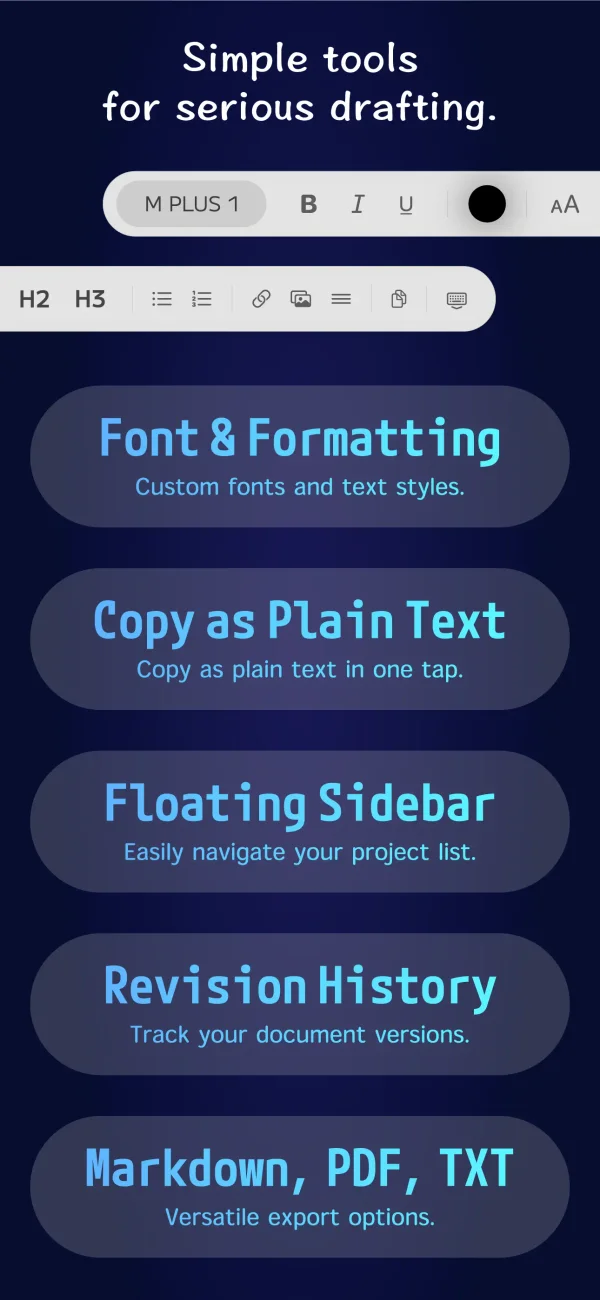
• Use headings, bold text, lists, quotes, code blocks, tables, and images
• Adjust fonts, text size, line spacing, and theme colors
• Copy content as plain text or Markdown
• Review revision history as your document evolves
KEEP YOUR IDEAS ORGANIZED
• Organize documents with folders and tags
• Add emoji icons to folders for easier recognition
• Use Favorites for notes you access often
• Archive documents you no longer need in your main workspace
• Navigate your projects quickly from the sidebar
SYNC ACROSS APPLE DEVICES
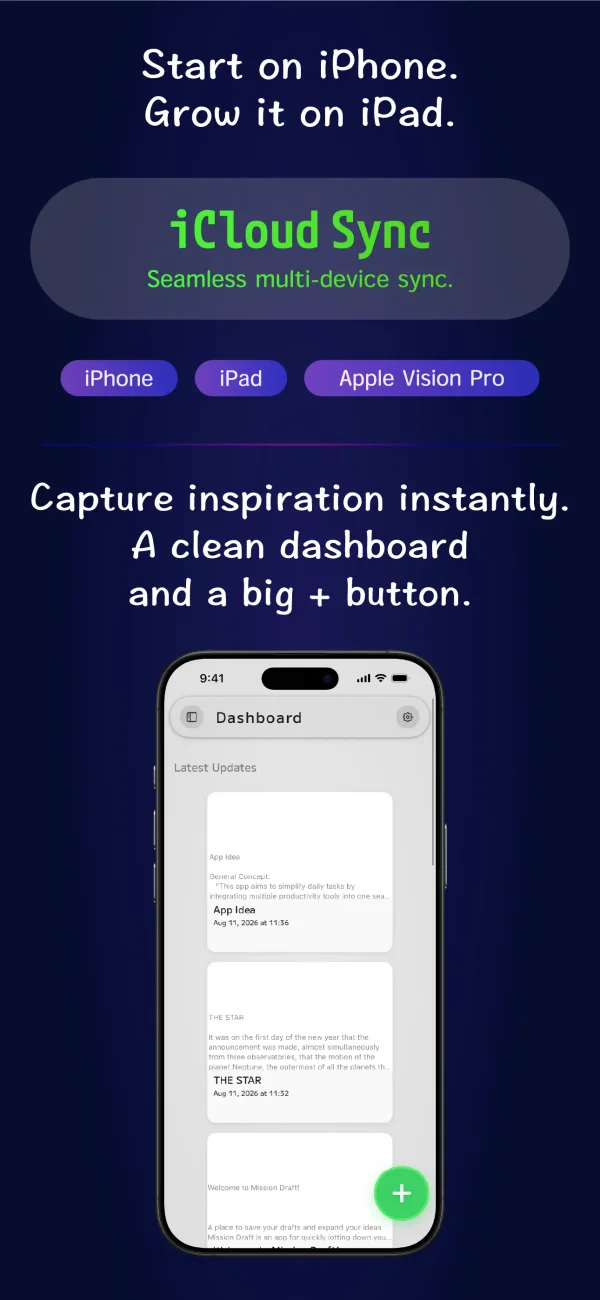
Keep your documents, settings, and Prompt Notes in sync with iCloud.
Start on iPhone and continue on iPad, Mac, or Apple Vision Pro.
Apple Vision Pro also includes dedicated spatial experiences and immersive visual effects.
EXPORT AND TAKE YOUR WORK ANYWHERE
Export your writing when you want to share, publish, or archive it.
KanataNote supports PDF, Markdown, and other text-based export options.
KanataNote is made for writers, creators, students, researchers, and anyone who wants a simple place to capture ideas, develop drafts, and work with AI.
You think. AI helps. Together, you turn ideas into something real.
That’s what KanataNote is all about.
Get started for free. Optional upgrades and AI plans are available for additional features and usage.
Terms of Use (EULA): https://www.apple.com/legal/internet-services/itunes/dev/stdeula/
What’s new
Version 1.0.4 · Nov 21, 2026
Minor bug fixes, support iPhone Duo.
App privacy
What XFE declares on the App Store about how this app handles data.
-
Data linked to you
May be collected and linked to your identity.
- User content
-
Data not linked to you
May be collected but is not linked to your identity.
- Identifiers
- Usage data
- Diagnostics
Privacy practices may vary, for example with the features you use or your age.
Information
- Seller
- XFE
- Category
- Productivity
- Version
- 1.0.4
- Updated
- Nov 21, 2026
- Released
- Aug 12, 2026
- Size
- 58.3 MB
- Requires
- iOS 18.6 or later
- Age rating
- 12+
- In-app purchases
- Yes
- Languages
- Japanese, English
- Copyright
- © 2026 XFE.
You might also like
-
 AI-PromptCraft: Prompt BuilderAnswer taps, get a prompt
-
 Nylo: Your Second MemorySave it. Plan it. Finish it.
-
 スニペットくんProductivity
-
 Clipboard Manager: Clip FlowPaste Keyboard & Snippets
-
 PopNotes: Diary & Widget MemoDecorate with stickers & tape
-
 GTW - Markdown & Text EditorDropbox, OneDrive, FTP & more
-
 Speedy Note Editor / iNoteCopy & Paste / Passcode
-
 AI Prompts: Chat AssistantProfession packs · Buy once
-
 おめめライター:小説特化テキストエディタProductivity
-
 Text Editor AppDocument word processor