
- Classification d’âge4+
- CatégorieOutils de développement
- Développeur蓓 许
- LanguesAnglais+ 1 de plus
- Taille6,0 Mo
Keeb: Codex Keyboard n’est peut-être pas disponible sur App Store pour le moment
La fiche de la boutique était inaccessible lors de notre dernière vérification. Le lien mène toujours à la page App Store officielle.
Captures d’écran
À propos
Le développeur n’a pas fourni ce texte dans votre langue.
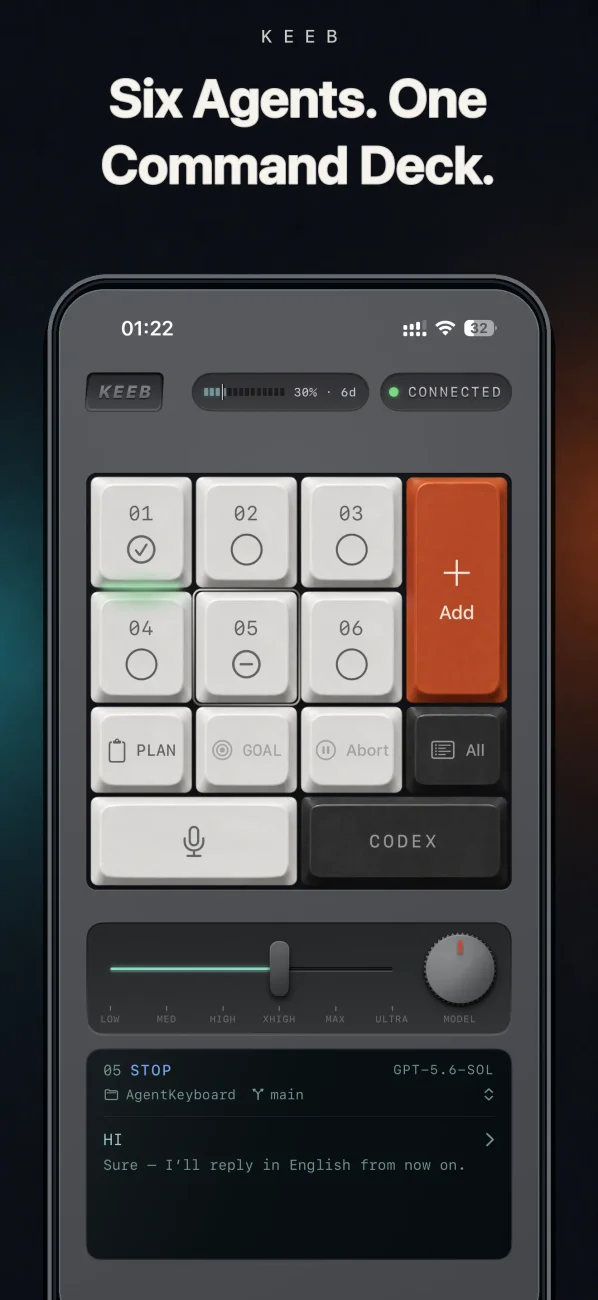
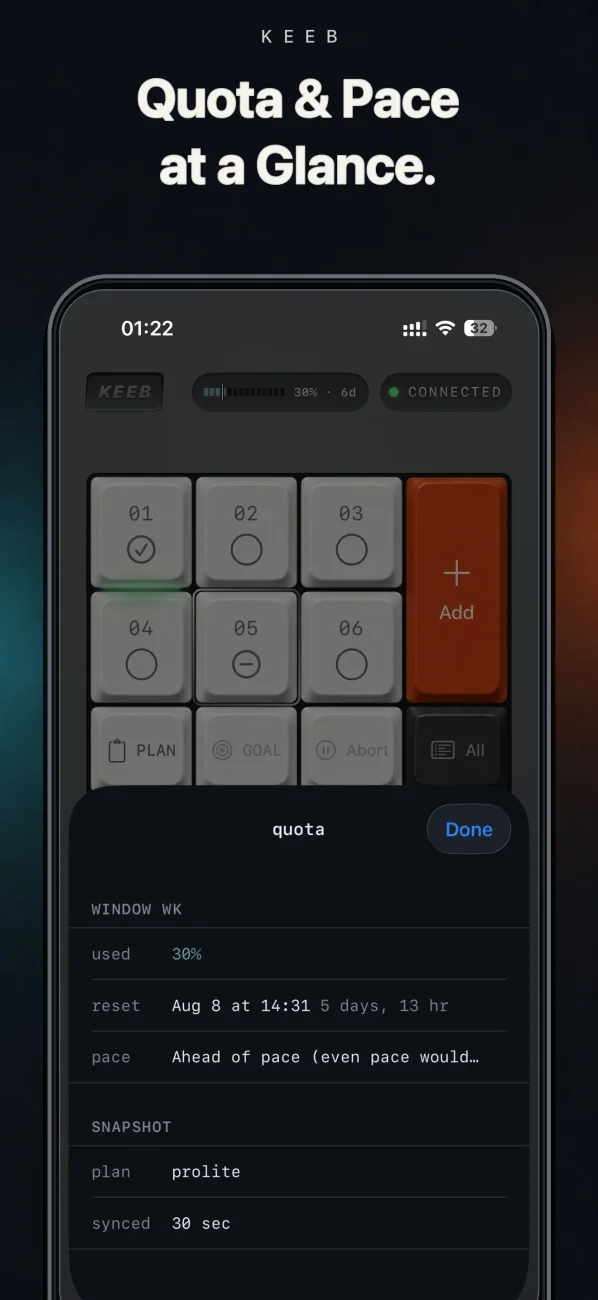
Multiple coding tasks. One command deck.
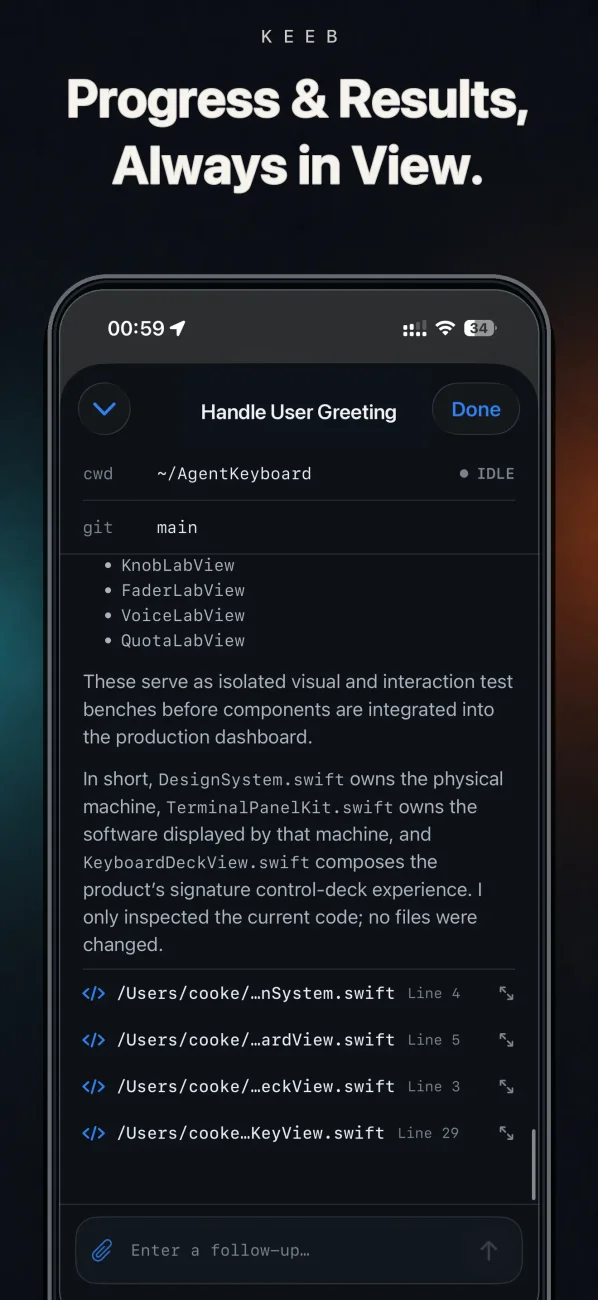
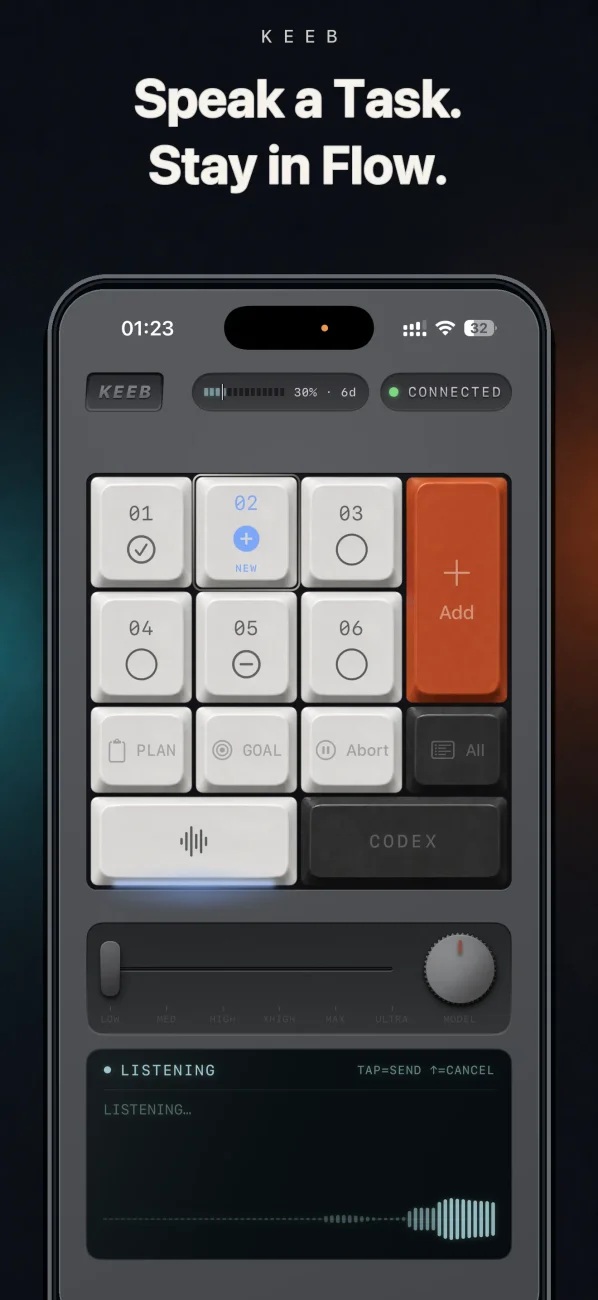
Keeb is an independently developed companion app for viewing, directing, and managing Codex tasks that run on your computer. It brings task switching, live status, approvals, follow-up instructions, and voice input into a focused, keyboard-inspired command deck.
IMPORTANT
Keeb requires:
• A compatible device running iOS 17 or later
• A computer running macOS, Windows, or Linux
• Keeb CLI running on that computer
• Compatible Codex software installed, signed in, and available on that computer
• Both devices connected to the same local network
WHAT YOU CAN DO
• Switch between multiple Codex tasks from one dashboard
• Review task history and live progress
• Create tasks and send follow-up instructions
• Handle command-execution and file-change approval requests
• Answer structured questions from Codex
• Start, steer, or interrupt active work
• Use voice input, Skills, Plan mode, model selection, Fast mode, and reasoning controls when supported by your Codex setup
HOW IT WORKS
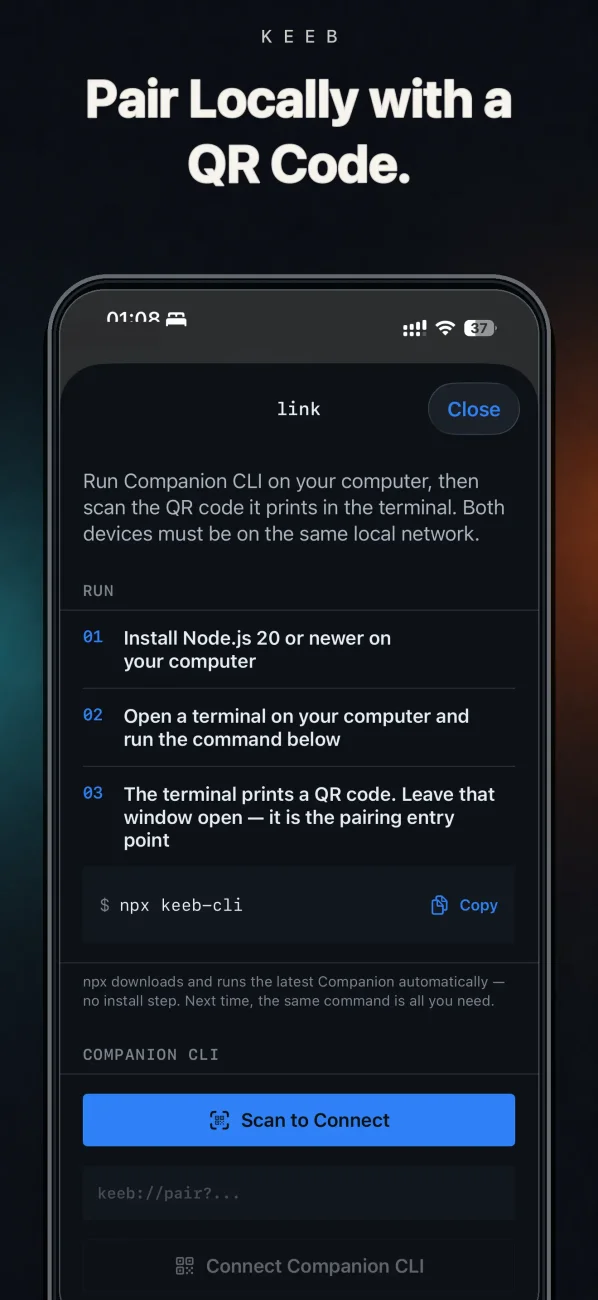
Run Keeb CLI on your computer, then scan the QR code displayed in the terminal. The devices connect through an encrypted local-network connection, and only a paired device can control Keeb CLI.
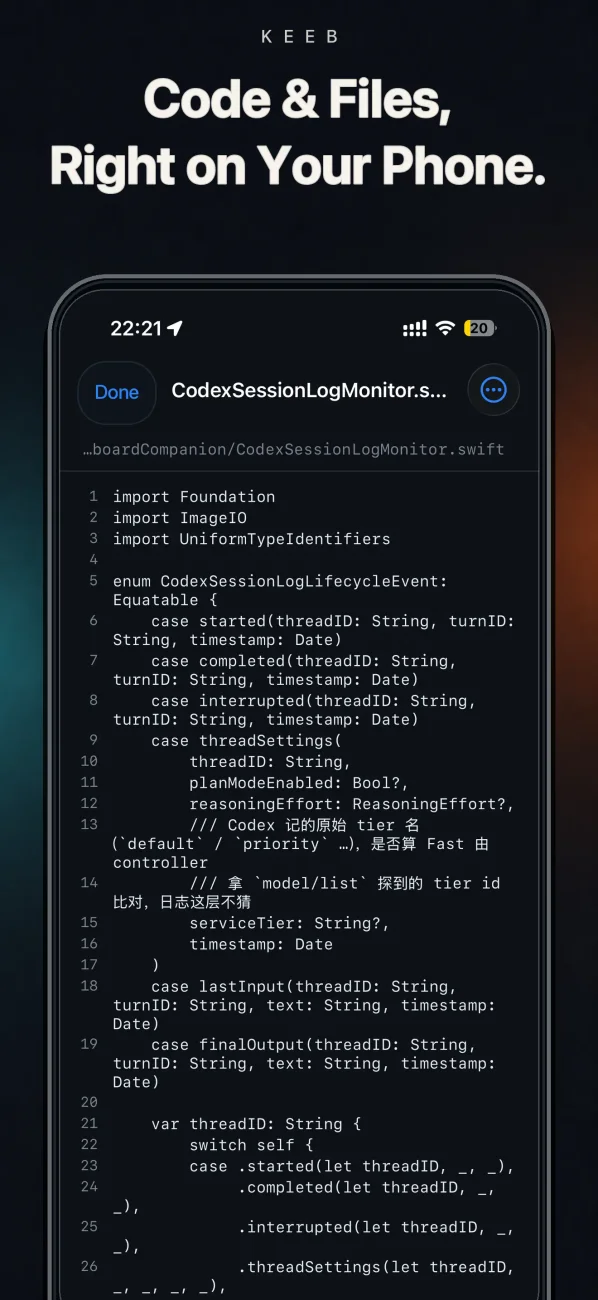
Keeb does not ask you to enter your Codex credentials in the mobile app and does not copy your complete project repository to the mobile device. Your computer remains the host where Codex and your project files run.
Keeb does not provide a cloud-hosted AI agent, a Codex subscription, or cross-internet remote access. Your computer must remain powered on, Keeb CLI must remain running, and both devices must stay on the same local network.
Keeb is independently developed and is not affiliated with, sponsored by, or endorsed by OpenAI.
Nouveautés
Version 1.0.2 · 05/09/2026
- View available reset credits and their expiry dates.
- Refreshed dashboard display and model label colors.
- Smoother task panel animations and keyboard transitions.
- Fixed panel dismissal while the keyboard is open and Agent key movement during expansion.
- Improved generated image previews and cleaner task messages.
- Simplified connection instructions.
Update Keeb CLI for reset credit details, generated image previews and conversation fixes.
Confidentialité de l’application
Ce que 蓓 许 déclare sur l’App Store au sujet du traitement des données par cette application.
-
Données non collectées
Le développeur ne collecte aucune donnée à partir de cette application.
Les pratiques en matière de confidentialité peuvent varier, notamment en fonction des fonctionnalités que vous utilisez ou de votre âge.
Informations
- Vendeur
- 蓓 许
- Catégorie
- Outils de développement
- Version
- 1.0.2
- Mis à jour
- 05/09/2026
- Publié
- 22/08/2026
- Taille
- 6,0 Mo
- Nécessite
- iOS 17.0 ou version ultérieure
- Classification d’âge
- 4+
- Langues
- Anglais, Chinois simplifié
- Copyright
- © 2026 Bei Xu
Vous aimerez peut-être aussi
-
 Reset SignalOutils de développement
-
 The Architect SSHVous êtes l'agent ultime.
-
 Mossh: Codex SSH TerminalOutils de développement
-
 FlonnoOutils de développement
-
 AirTerminal - BLE TerminalOutils de développement
-
 TermCOW - Stable SSH TerminalOutils de développement
-
 AFK - AI Code TerminalOutils de développement
-
 RunAnywhereOutils de développement
-
 Commander | Terminal CommandsOutils de développement
-
 ServerSSH - Tmux & Mosh ClientOutils de développement