
- Độ tuổi4+
- Danh mụcCông Cụ Nhà Phát Triển
- Nhà phát triển蓓 许
- Ngôn ngữTiếng Anh+ 1 ngôn ngữ khác
- Kích thước6,0 MB
Keeb: Codex Keyboard hiện có thể không có trên App Store
Ở lần kiểm tra gần nhất, chúng tôi không truy cập được trang trên cửa hàng. Liên kết vẫn dẫn đến trang App Store chính thức.
Ảnh chụp màn hình
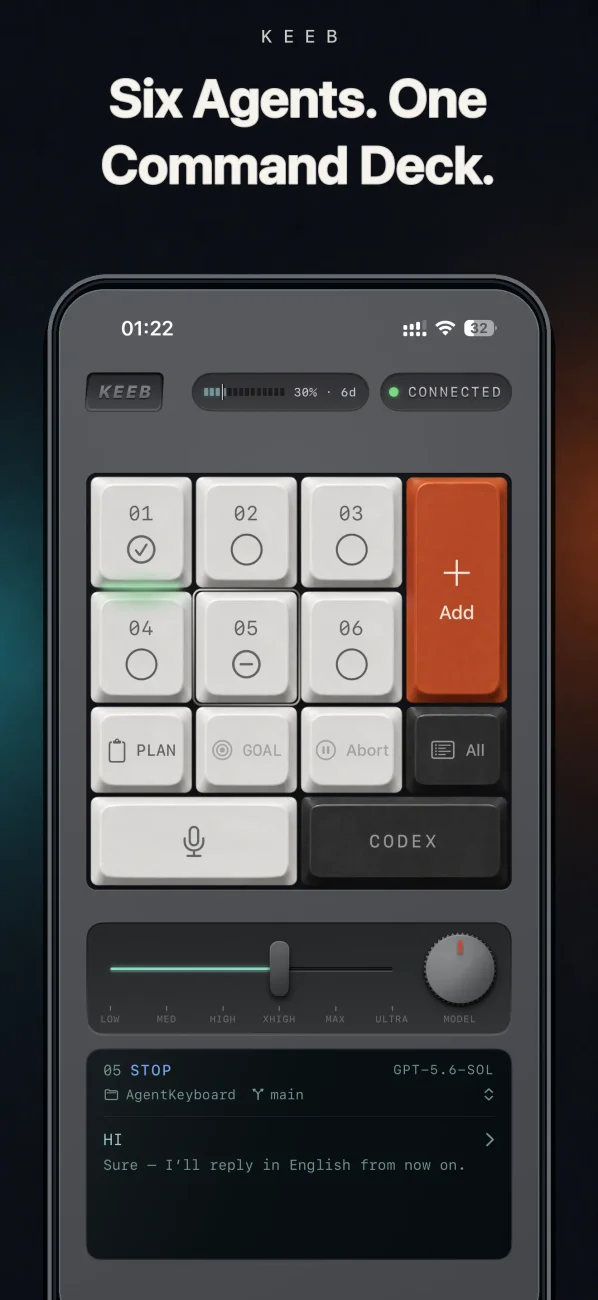
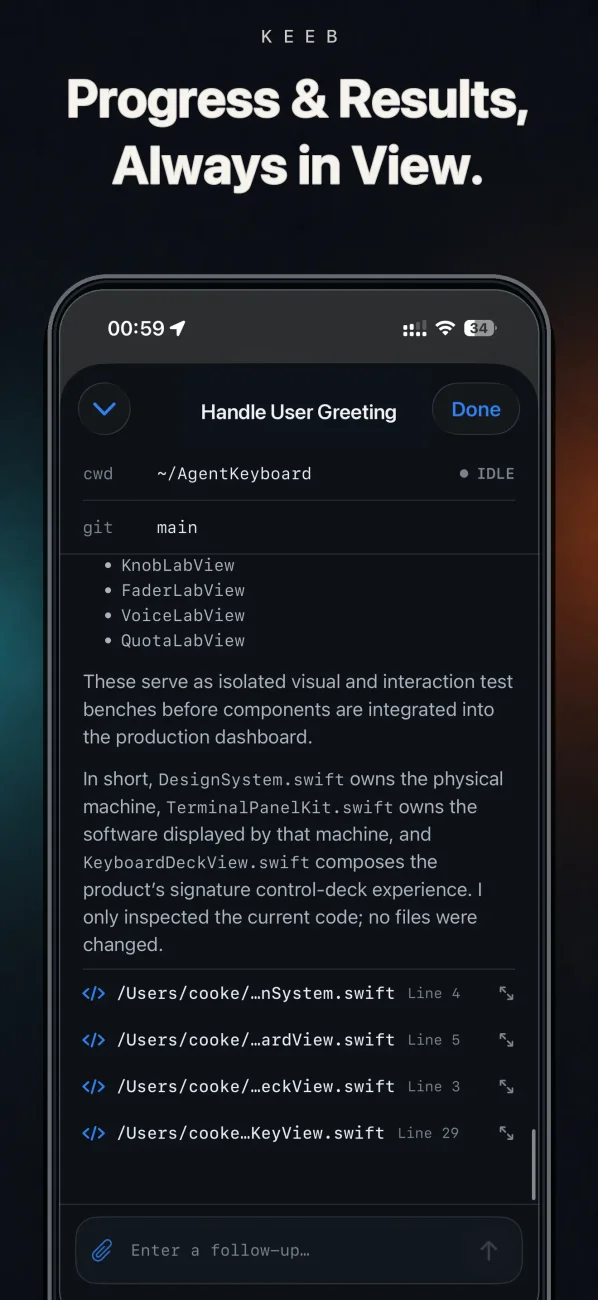
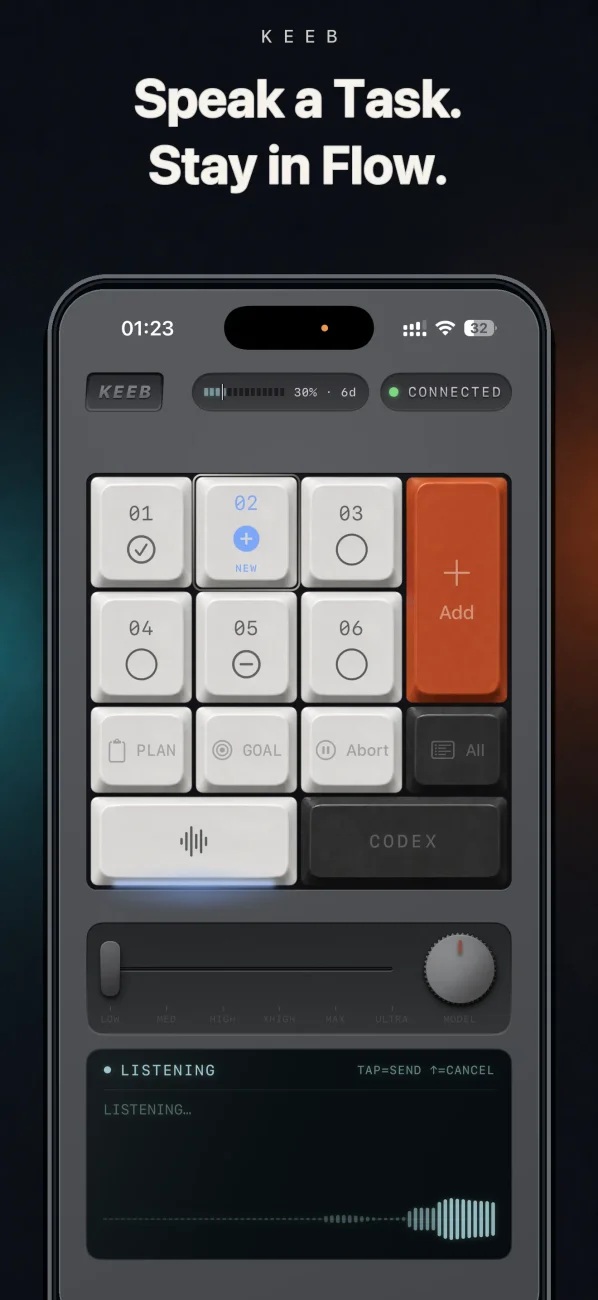
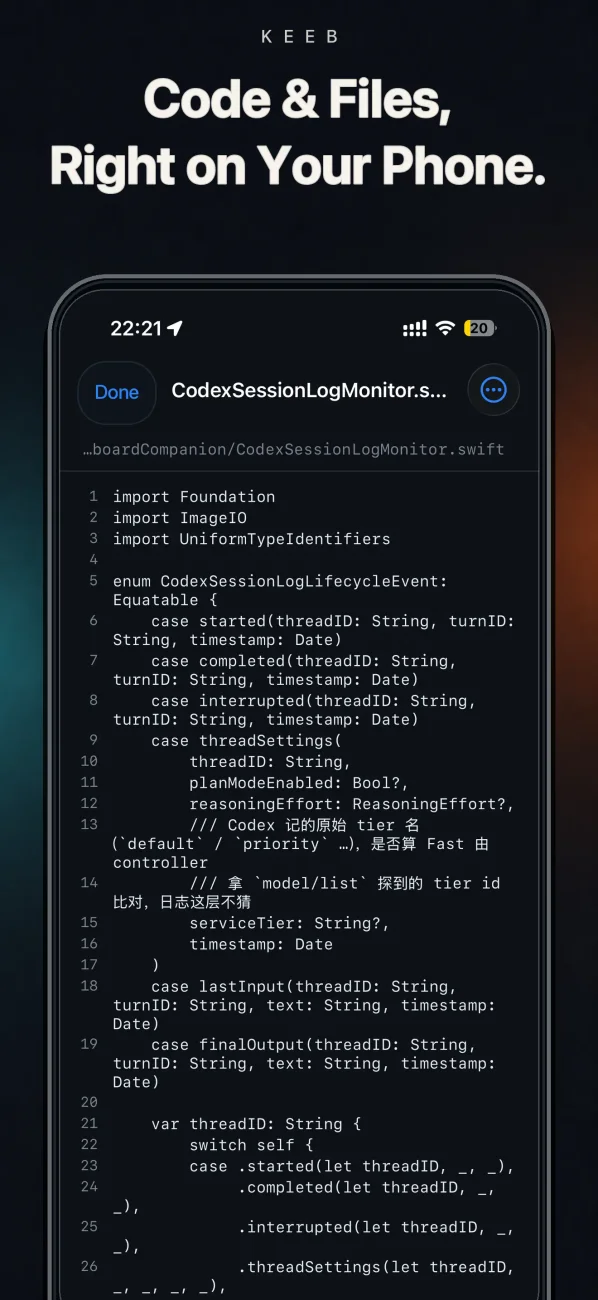
Giới thiệu
Nhà phát triển chưa cung cấp nội dung này bằng ngôn ngữ của bạn.
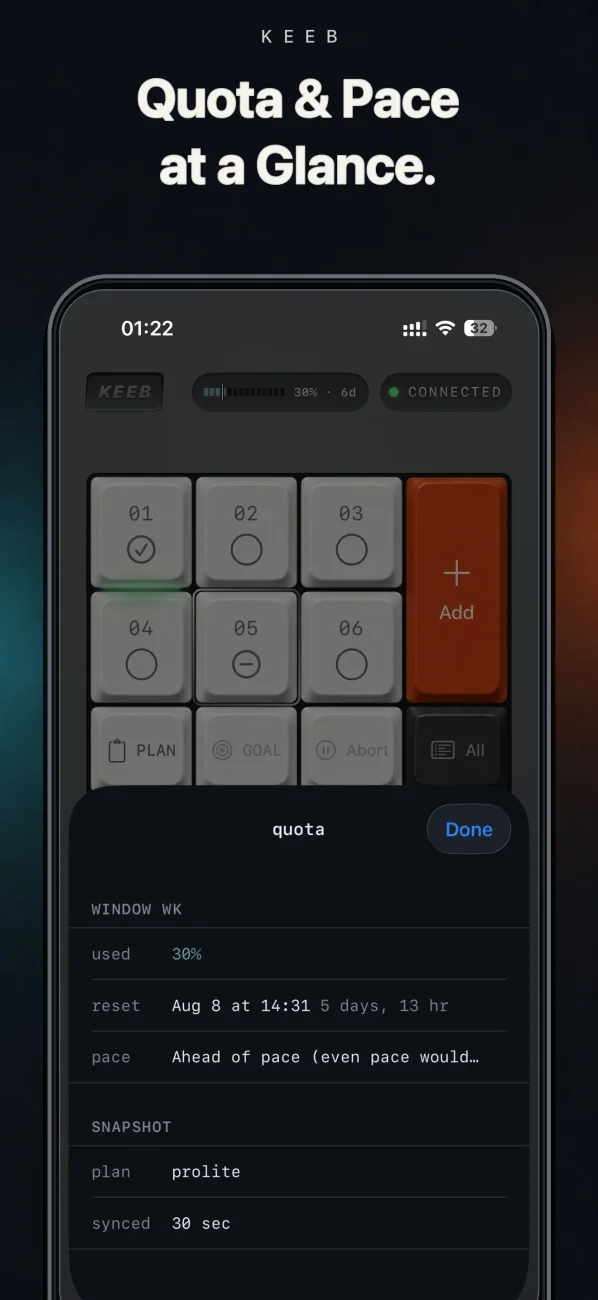
Multiple coding tasks. One command deck.
Keeb is an independently developed companion app for viewing, directing, and managing Codex tasks that run on your computer. It brings task switching, live status, approvals, follow-up instructions, and voice input into a focused, keyboard-inspired command deck.
IMPORTANT
Keeb requires:
• A compatible device running iOS 17 or later
• A computer running macOS, Windows, or Linux
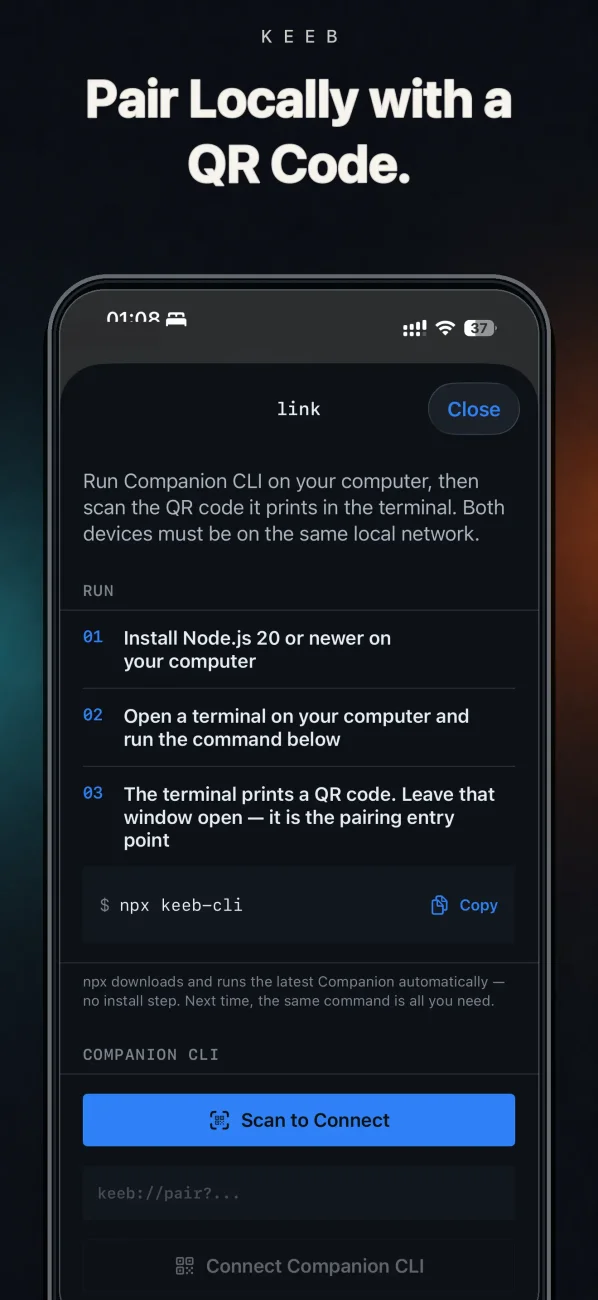
• Keeb CLI running on that computer
• Compatible Codex software installed, signed in, and available on that computer
• Both devices connected to the same local network
WHAT YOU CAN DO
• Switch between multiple Codex tasks from one dashboard
• Review task history and live progress
• Create tasks and send follow-up instructions
• Handle command-execution and file-change approval requests
• Answer structured questions from Codex
• Start, steer, or interrupt active work
• Use voice input, Skills, Plan mode, model selection, Fast mode, and reasoning controls when supported by your Codex setup
HOW IT WORKS
Run Keeb CLI on your computer, then scan the QR code displayed in the terminal. The devices connect through an encrypted local-network connection, and only a paired device can control Keeb CLI.
Keeb does not ask you to enter your Codex credentials in the mobile app and does not copy your complete project repository to the mobile device. Your computer remains the host where Codex and your project files run.
Keeb does not provide a cloud-hosted AI agent, a Codex subscription, or cross-internet remote access. Your computer must remain powered on, Keeb CLI must remain running, and both devices must stay on the same local network.
Keeb is independently developed and is not affiliated with, sponsored by, or endorsed by OpenAI.
Có gì mới
Phiên bản 1.0.2 · 05/09/2026
- View available reset credits and their expiry dates.
- Refreshed dashboard display and model label colors.
- Smoother task panel animations and keyboard transitions.
- Fixed panel dismissal while the keyboard is open and Agent key movement during expansion.
- Improved generated image previews and cleaner task messages.
- Simplified connection instructions.
Update Keeb CLI for reset credit details, generated image previews and conversation fixes.
Quyền riêng tư của ứng dụng
Những gì 蓓 许 khai báo trên App Store về cách ứng dụng này xử lý dữ liệu.
-
Dữ liệu không được thu thập
Nhà phát triển không thu thập bất kỳ dữ liệu nào từ ứng dụng này.
Phương thức đảm bảo quyền riêng tư có thể khác nhau, chẳng hạn như tuỳ theo các tính năng bạn sử dụng hoặc độ tuổi của bạn.
Thông tin
- Người bán
- 蓓 许
- Danh mục
- Công Cụ Nhà Phát Triển
- Phiên bản
- 1.0.2
- Cập nhật
- 05/09/2026
- Phát hành
- 22/08/2026
- Kích thước
- 6,0 MB
- Yêu cầu
- iOS 17.0 trở lên
- Độ tuổi
- 4+
- Ngôn ngữ
- Tiếng Anh, Tiếng Trung Giản thể
- Bản quyền
- © 2026 Bei Xu
Có thể bạn cũng thích
-
 Reset SignalCông Cụ Nhà Phát Triển
-
 The Architect SSHCông Cụ Nhà Phát Triển
-
 Mossh: Codex SSH TerminalCông Cụ Nhà Phát Triển
-
 FlonnoCông Cụ Nhà Phát Triển
-
 AirTerminal - BLE TerminalCông Cụ Nhà Phát Triển
-
 TermCOW - Stable SSH TerminalCông Cụ Nhà Phát Triển
-
 AFK - AI Code TerminalCông Cụ Nhà Phát Triển
-
 RunAnywhereCông Cụ Nhà Phát Triển
-
 Commander | Terminal CommandsCông Cụ Nhà Phát Triển
-
 ServerSSH - Tmux & Mosh ClientCông Cụ Nhà Phát Triển