
- 対象年齢4+
- カテゴリ開発ツール
- 開発元蓓 许
- 言語英語ほか1言語
- サイズ6.0 MB
App Storeの公式ページにリンクしています
Download.orgはKeeb: Codex Keyboardのファイルを一切ホストしていません。ボタンを押すと、蓓 许が公開しているApp Storeのアプリページが開きます。ページの最終確認:2026/11/21。
スクリーンショット
概要
開発元はこのテキストをお使いの言語で提供していません。
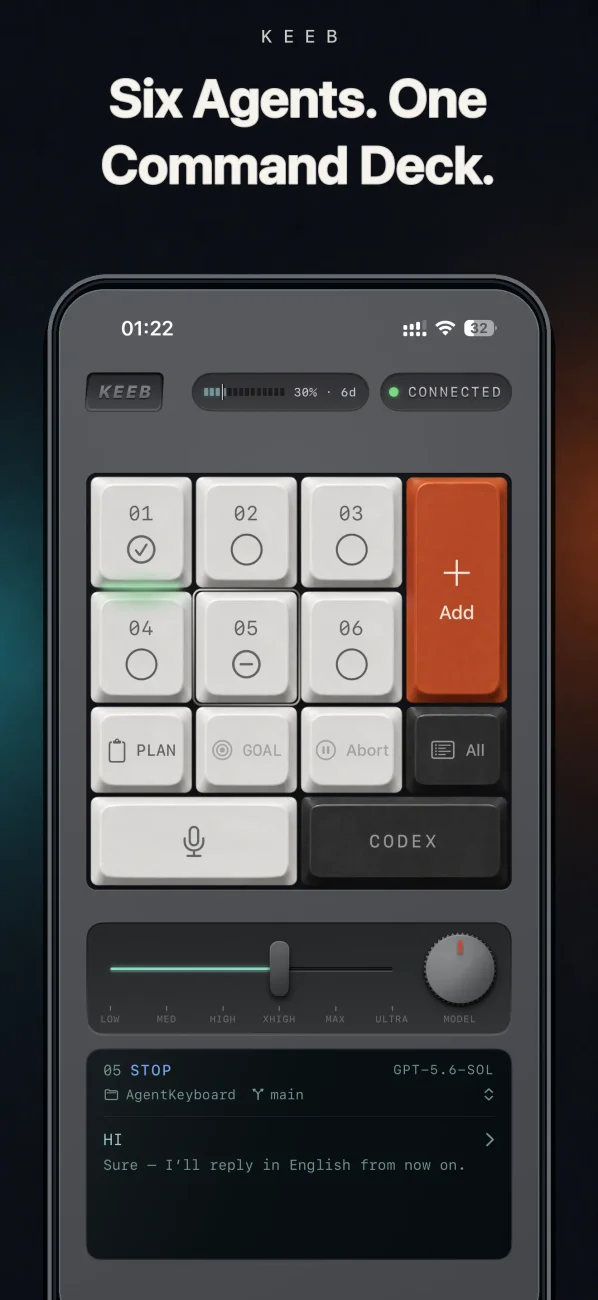
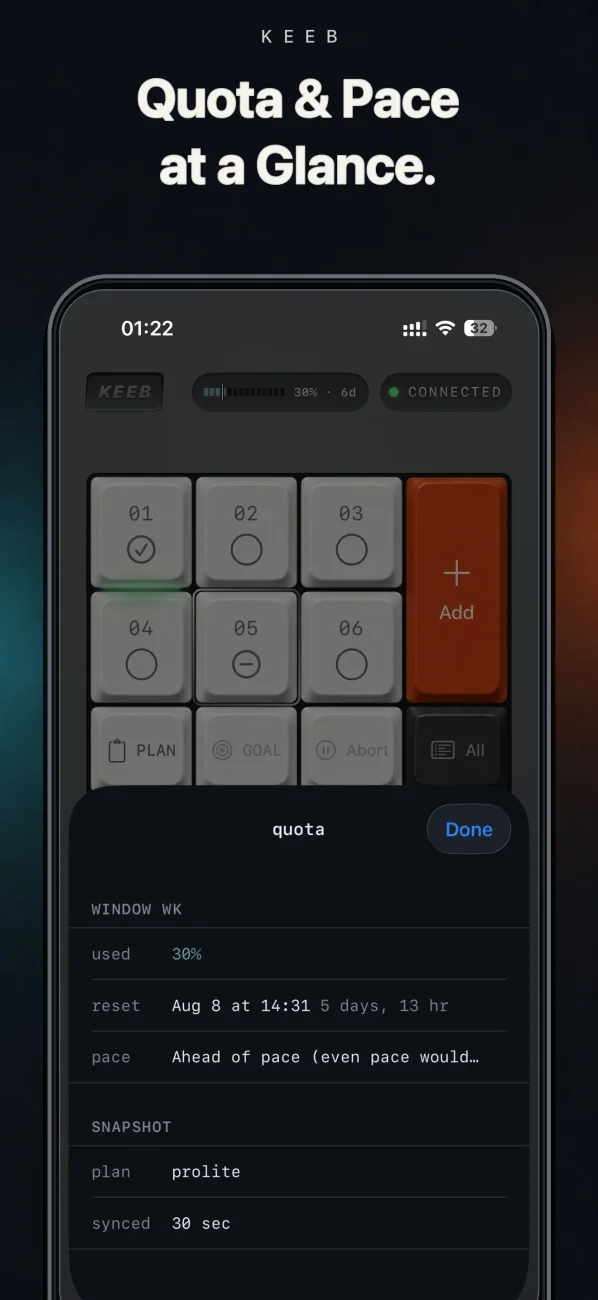
Multiple coding tasks. One command deck.
Keeb is an independently developed companion app for viewing, directing, and managing Codex tasks that run on your computer. It brings task switching, live status, approvals, follow-up instructions, and voice input into a focused, keyboard-inspired command deck.
IMPORTANT
Keeb requires:
• A compatible device running iOS 17 or later
• A computer running macOS, Windows, or Linux
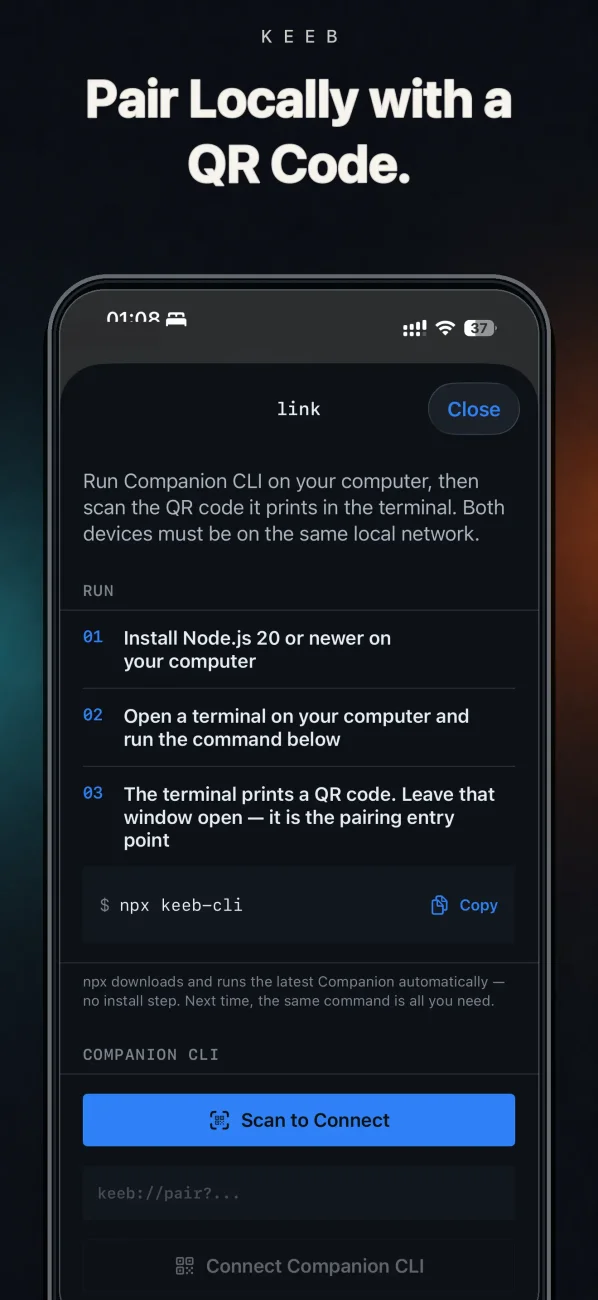
• Keeb CLI running on that computer
• Compatible Codex software installed, signed in, and available on that computer
• Both devices connected to the same local network
WHAT YOU CAN DO
• Switch between multiple Codex tasks from one dashboard
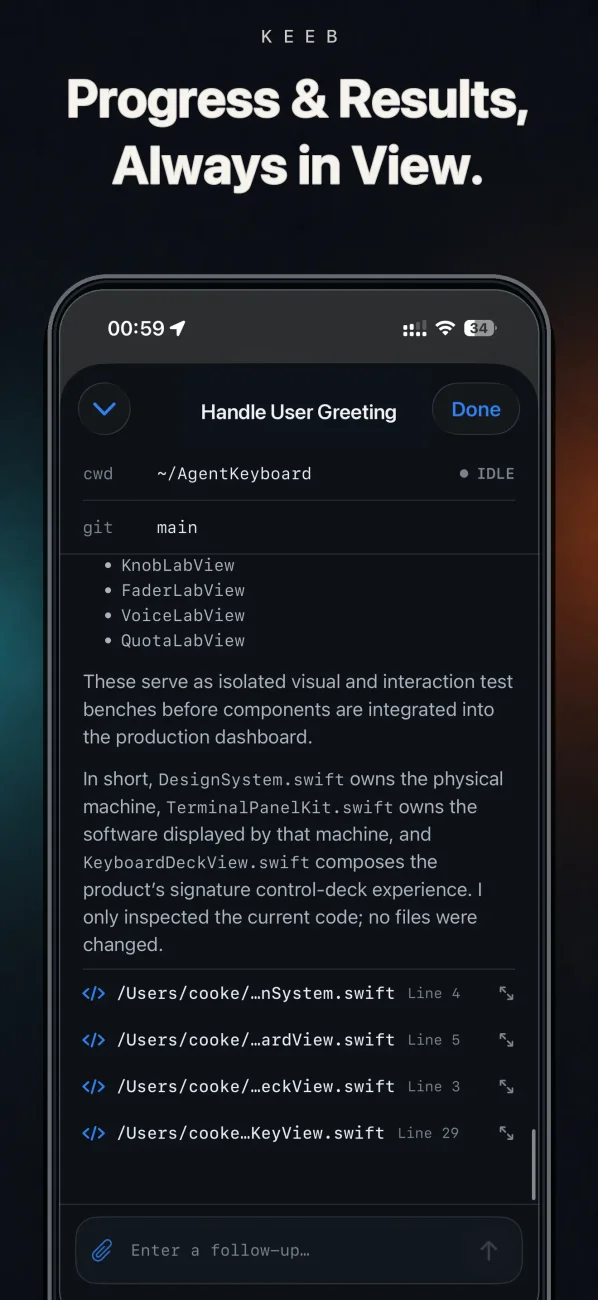
• Review task history and live progress
• Create tasks and send follow-up instructions
• Handle command-execution and file-change approval requests
• Answer structured questions from Codex
• Start, steer, or interrupt active work
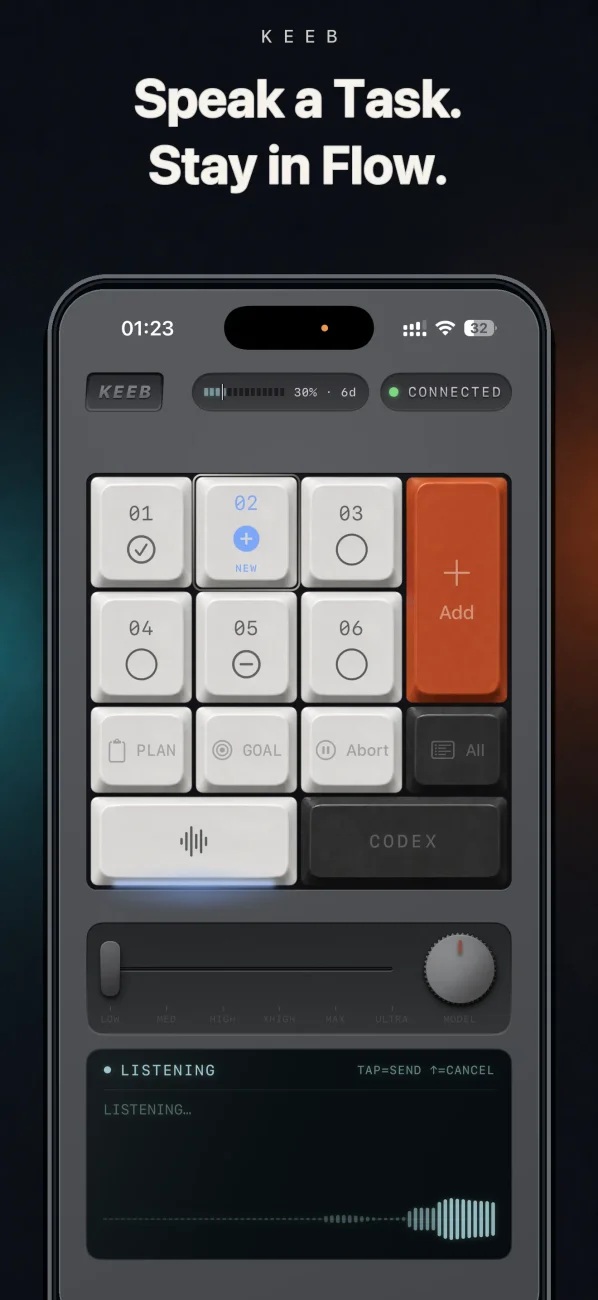
• Use voice input, Skills, Plan mode, model selection, Fast mode, and reasoning controls when supported by your Codex setup
HOW IT WORKS
Run Keeb CLI on your computer, then scan the QR code displayed in the terminal. The devices connect through an encrypted local-network connection, and only a paired device can control Keeb CLI.
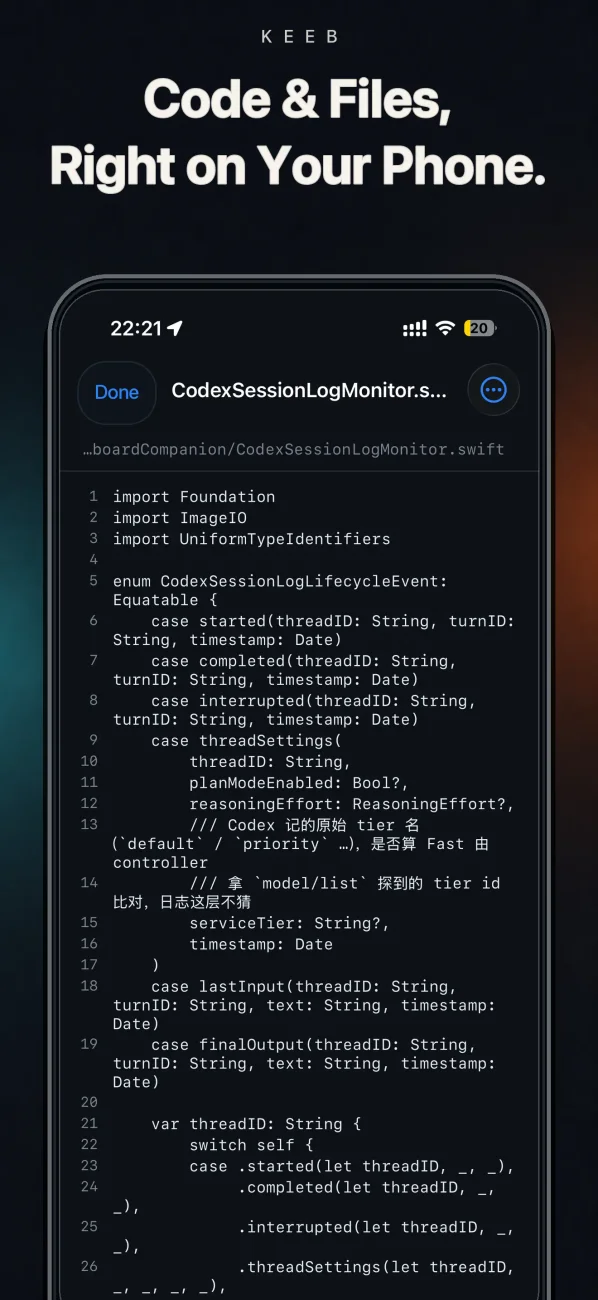
Keeb does not ask you to enter your Codex credentials in the mobile app and does not copy your complete project repository to the mobile device. Your computer remains the host where Codex and your project files run.
Keeb does not provide a cloud-hosted AI agent, a Codex subscription, or cross-internet remote access. Your computer must remain powered on, Keeb CLI must remain running, and both devices must stay on the same local network.
Keeb is independently developed and is not affiliated with, sponsored by, or endorsed by OpenAI.
新機能
バージョン 1.0.2 · 2026/9/5
- View available reset credits and their expiry dates.
- Refreshed dashboard display and model label colors.
- Smoother task panel animations and keyboard transitions.
- Fixed panel dismissal while the keyboard is open and Agent key movement during expansion.
- Improved generated image previews and cleaner task messages.
- Simplified connection instructions.
Update Keeb CLI for reset credit details, generated image previews and conversation fixes.
アプリのプライバシー
このアプリのデータの取り扱いについて、蓓 许がApp Storeで申告している内容です。
-
データの収集なし
開発元はこのアプリからデータを収集しません。
プライバシーの取り扱いは、ご利用の機能やお客様の年齢などに応じて異なる場合があります。
情報
- 販売元
- 蓓 许
- カテゴリ
- 開発ツール
- バージョン
- 1.0.2
- 更新日
- 2026/9/5
- リリース
- 2026/8/22
- サイズ
- 6.0 MB
- 必要条件
- iOS 17.0以降
- 対象年齢
- 4+
- 価格
- 無料
- 言語
- 英語, 簡体字中国語
- 著作権
- © 2026 Bei Xu
こちらもおすすめ
-
 Reset Signal特別リセットの兆候を通知
-
 The Architect SSHあなたこそ、究極のエージェントです。
-
 Mossh: Codex SSH Terminal開発ツール
-
 Flonno開発ツール
-
 AirTerminal - BLE Terminal開発ツール
-
 TermCOW - Stable SSH Terminal開発ツール
-
 AFK - AI Code Terminal開発ツール
-
 RunAnywhere開発ツール
-
 Commander | Terminal Commands開発ツール
-
 SSH ターミナル - リモート Claude、CodexDocker|クラウドサーバー管理|リモートスクリプト実行