Kit Manager
Roland SPD-SX pad wave editor
Conçue pour iPhone, iPad, Mac
5,99 €
- Classification d’âge4+
- CatégorieMusique
- DéveloppeurEric Silverman
- LanguesAnglais+ 42 de plus
- Taille15,8 Mo
Renvoie vers la page App Store officielle
Download.org n’héberge aucun fichier de Kit Manager. Le bouton ouvre la page de l’application sur App Store, où Eric Silverman la publie. Fiche vérifiée pour la dernière fois le 20/11/2026.
Captures d’écran

À propos
Le développeur n’a pas fourni ce texte dans votre langue.
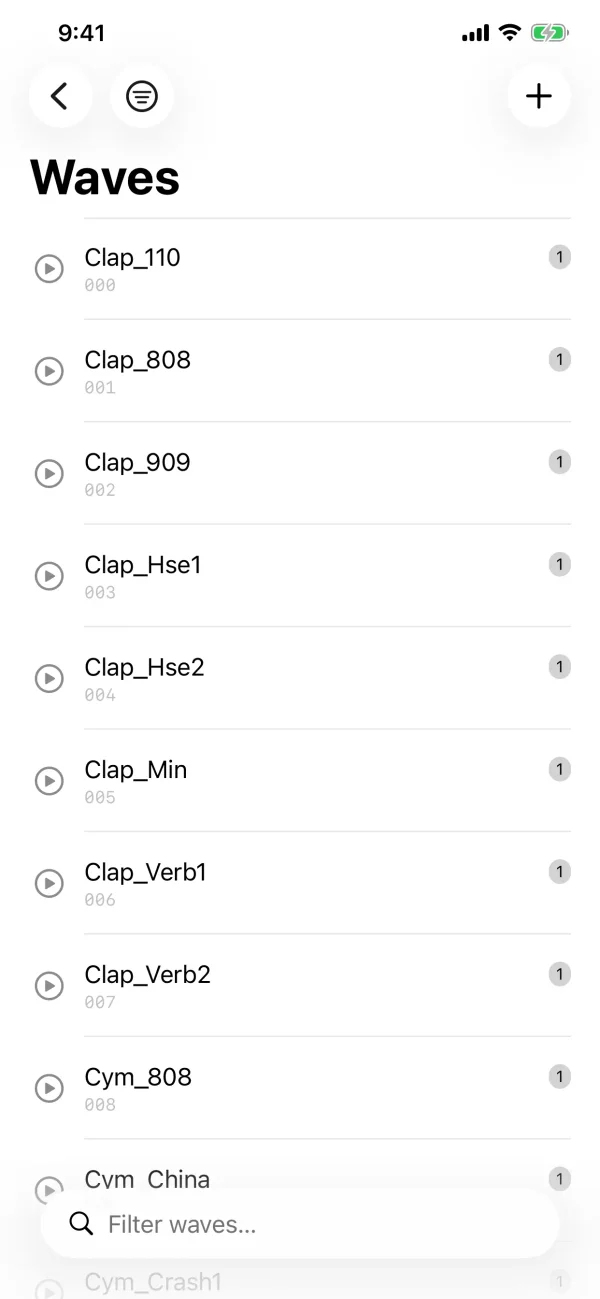
Kit Manager gives you full control of your Roland SPD-SX from your Mac or iPhone. Build kits, edit waves, wire up pads, put together setlists, and back up the whole device.
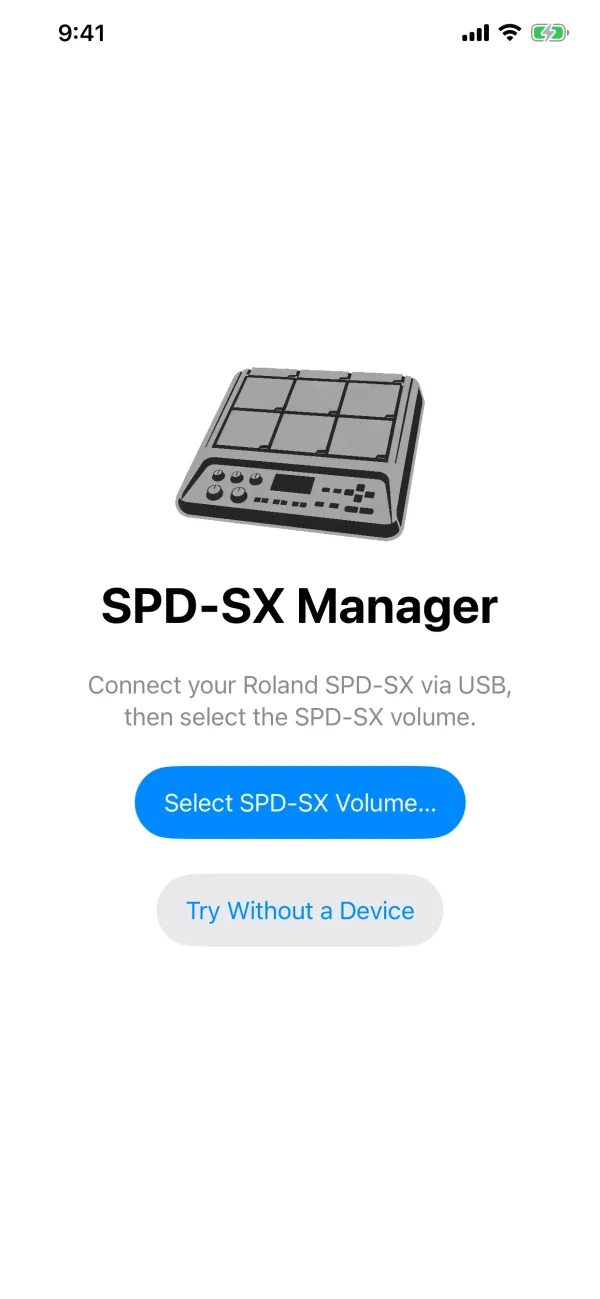
Connect the pad via USB and everything on it is right in front of you: kits, waves, chains, system settings. No menu-diving required.
Kits and pads
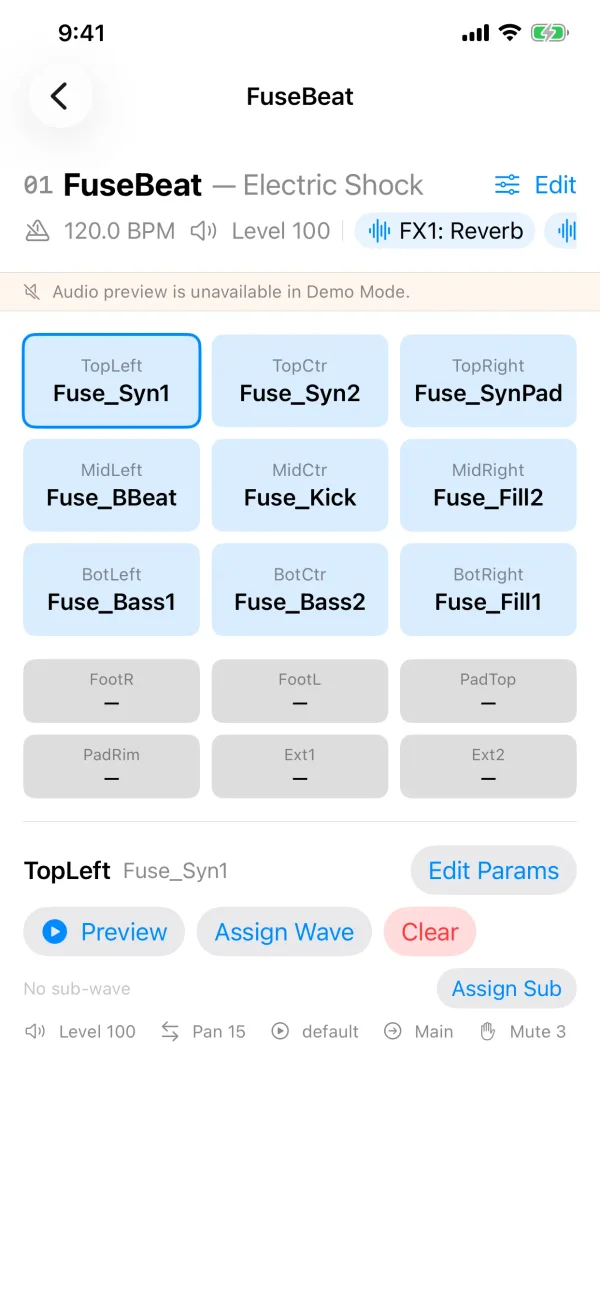
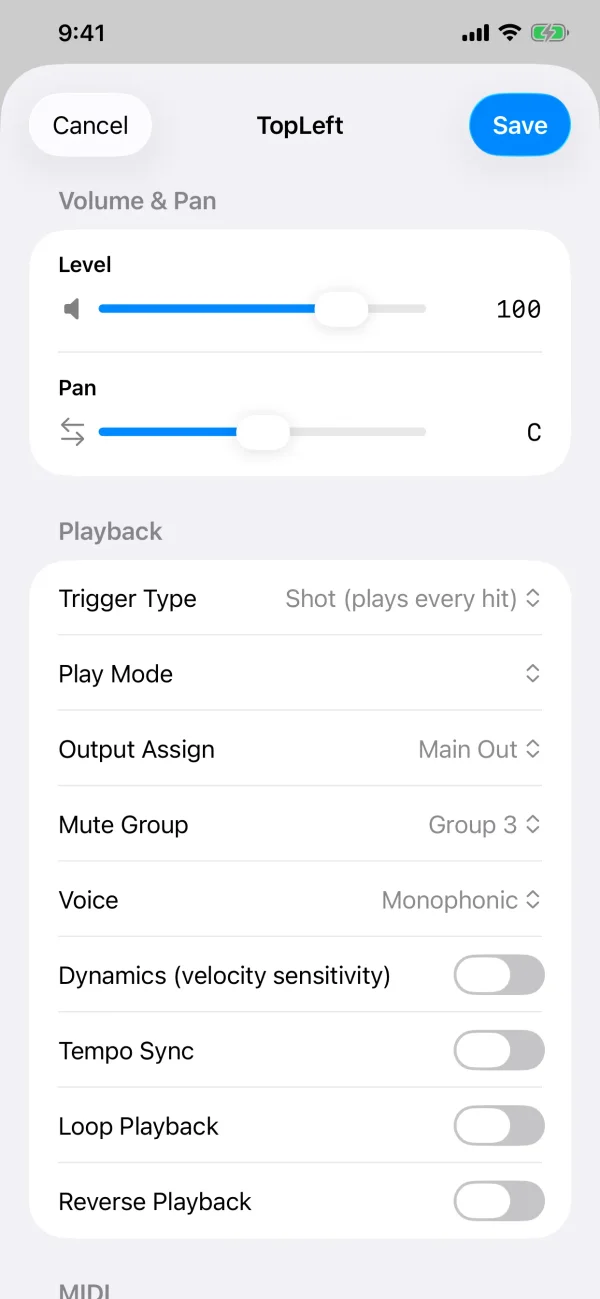
Create new kits or edit existing ones. Rename them, set tempo and output level, reorder slots, copy and paste to build variations. For each of the 25 pads you get the full parameter set: wave assignment, level, pan, play mode, MIDI output, pad linking. Everything the device supports, laid out so you can actually find it.
Wave library
Browse every wave on your SPD-SX, rename them to something you'll actually remember, and delete the ones taking up space. Export waves directly off the device when you need them elsewhere.
Kit chains
Build all 8 kit chains with up to 20 steps each. You see kit names instead of slot numbers, so building a setlist actually makes sense. Drag to reorder, add and remove steps, enable and activate chains on the fly.
Backup and restore
Back up your entire SPD-SX to a folder on your Mac or iPhone. Restore from any backup when you need to roll back or move your setup to another device. You can also open and edit a backup directly, so you can configure kits, chains, and system settings without the device in front of you, then restore when you are ready.
System settings
The SPD-SX has a lot of global settings buried across its menu system. Kit Manager puts them all on one screen: display, MIDI, audio output, foot switches, pad sensitivity, V-Link, metronome, master FX. Change what you need and move on.
Demo mode
Not near your SPD-SX? The app ships with sample data so you can explore everything before you plug in.
Nouveautés
Version 1.1.1 · 19/11/2026
Pad OUTPUT now uses the same names as the SPD-SX (MASTER OUT, KIT FX1, KIT FX2, SUB OUT, PHONES ONLY), including PHONES ONLY, which was missing before.
Reliability — switching cards while a long operation is still running no longer applies its result to the new card. A card is added to Recent only once it has fully loaded, so a cancelled or failed connect isn't reopened at the next launch.
Confidentialité de l’application
Ce que Eric Silverman déclare sur l’App Store au sujet du traitement des données par cette application.
-
Données non collectées
Le développeur ne collecte aucune donnée à partir de cette application.
Les pratiques en matière de confidentialité peuvent varier, notamment en fonction des fonctionnalités que vous utilisez ou de votre âge.
Informations
- Vendeur
- Eric Silverman
- Catégorie
- Musique
- Version
- 1.1.1
- Mis à jour
- 19/11/2026
- Publié
- 23/03/2026
- Taille
- 15,8 Mo
- Nécessite
- iOS 17.0 ou version ultérieure
- Classification d’âge
- 4+
- Prix
- 5,99 €
- Langues
- Anglais, Arabe, Bengali, Bulgare, Catalan, Croate, Tchèque, Danois, Néerlandais, Finnois, Français, Allemand + 31 de plus
- Copyright
- © Eric Silverman
Vous aimerez peut-être aussi
-
 DrumSCoach : Routine BatteurRudiments et routines au pad
-
 Master ClickMusique
-
 Audio Tag Editor - MP3 & ID3Musique
-
 MRH159 Brown SoundMusique
-
 SWAM Trumpet CMusique
-
 Super Time: Métronome BatterieRythmes et entraînement tempo
-
 Shimmer Delay Ambient MachineMusique
-
 Metronome Tempo BPM - BA2Musique
-
 traste: Tuner & MetronomeMusique
-
 GigClick: Metronome, SetlistMusique