- Age rating4+
- CategoryMusic
- DeveloperEric Silverman
- LanguagesEnglish+ 42 more
- Size15.8 MB
Links to the official App Store page
Download.org hosts no file of Kit Manager. The button opens its official App Store page, published by Eric Silverman. Listing last checked on Nov 20, 2026.
Screenshots

About
Kit Manager gives you full control of your Roland SPD-SX from your Mac or iPhone. Build kits, edit waves, wire up pads, put together setlists, and back up the whole device.
Connect the pad via USB and everything on it is right in front of you: kits, waves, chains, system settings. No menu-diving required.
Kits and pads
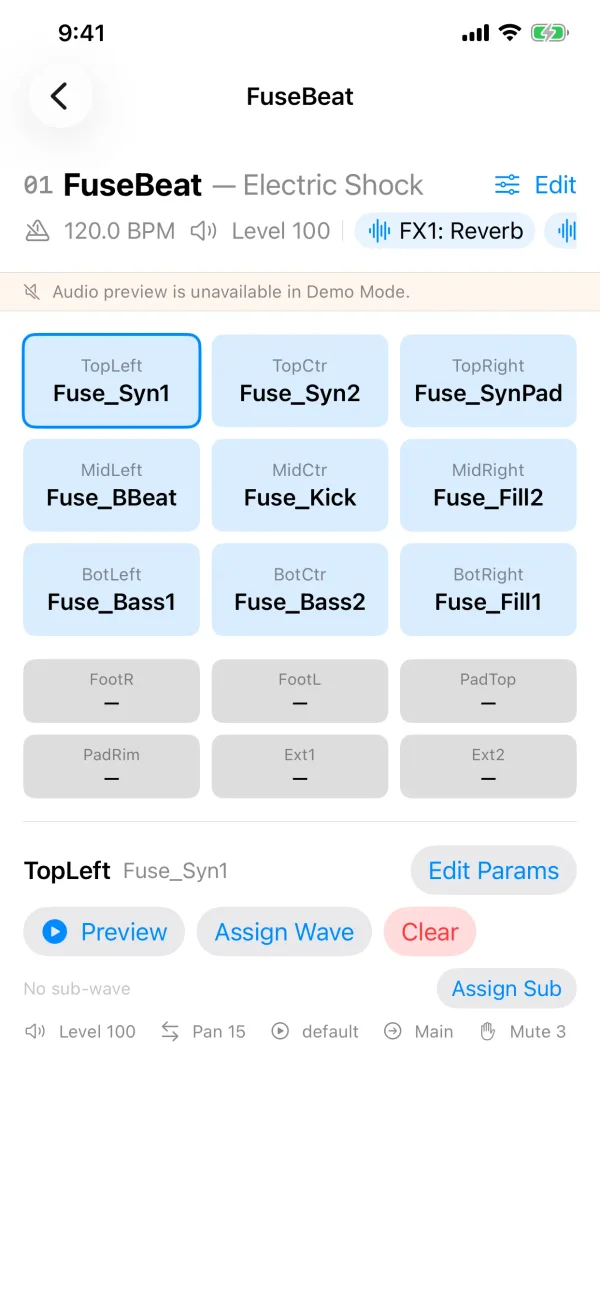
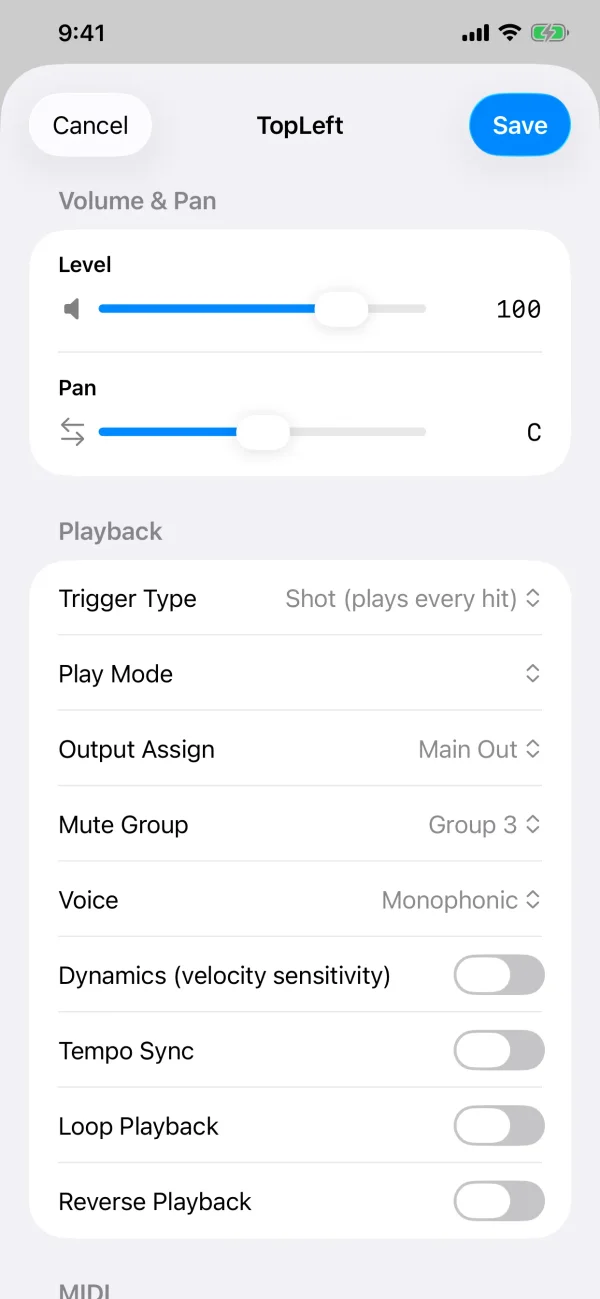
Create new kits or edit existing ones. Rename them, set tempo and output level, reorder slots, copy and paste to build variations. For each of the 25 pads you get the full parameter set: wave assignment, level, pan, play mode, MIDI output, pad linking. Everything the device supports, laid out so you can actually find it.
Wave library
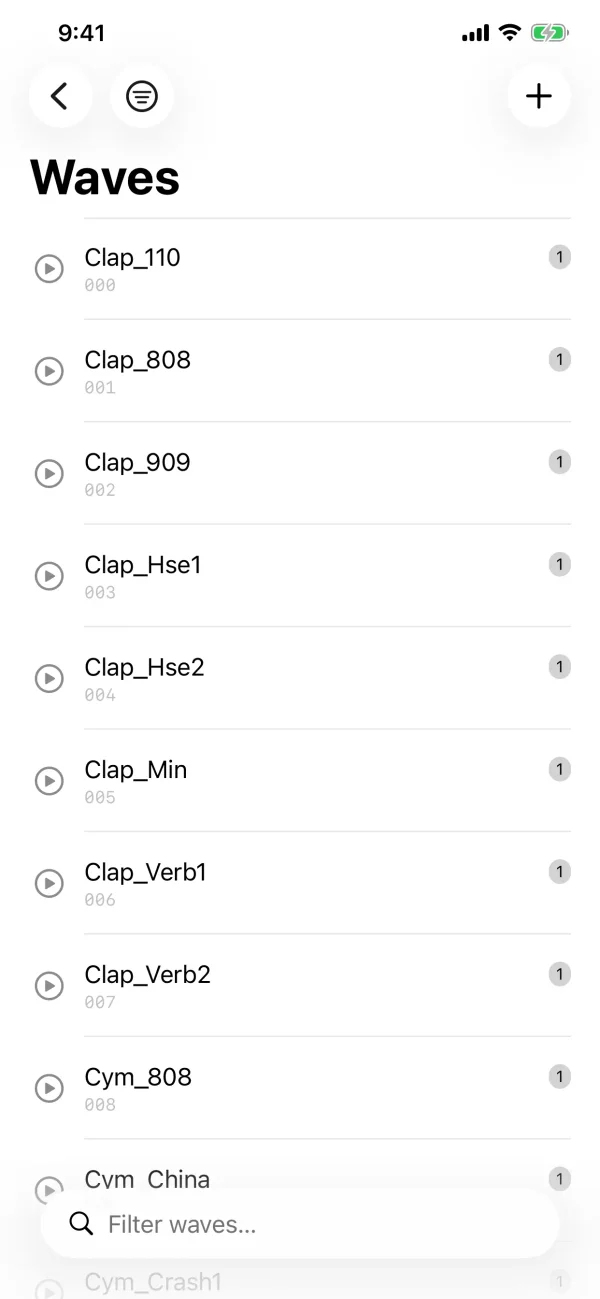
Browse every wave on your SPD-SX, rename them to something you'll actually remember, and delete the ones taking up space. Export waves directly off the device when you need them elsewhere.
Kit chains
Build all 8 kit chains with up to 20 steps each. You see kit names instead of slot numbers, so building a setlist actually makes sense. Drag to reorder, add and remove steps, enable and activate chains on the fly.
Backup and restore
Back up your entire SPD-SX to a folder on your Mac or iPhone. Restore from any backup when you need to roll back or move your setup to another device. You can also open and edit a backup directly, so you can configure kits, chains, and system settings without the device in front of you, then restore when you are ready.
System settings
The SPD-SX has a lot of global settings buried across its menu system. Kit Manager puts them all on one screen: display, MIDI, audio output, foot switches, pad sensitivity, V-Link, metronome, master FX. Change what you need and move on.
Demo mode
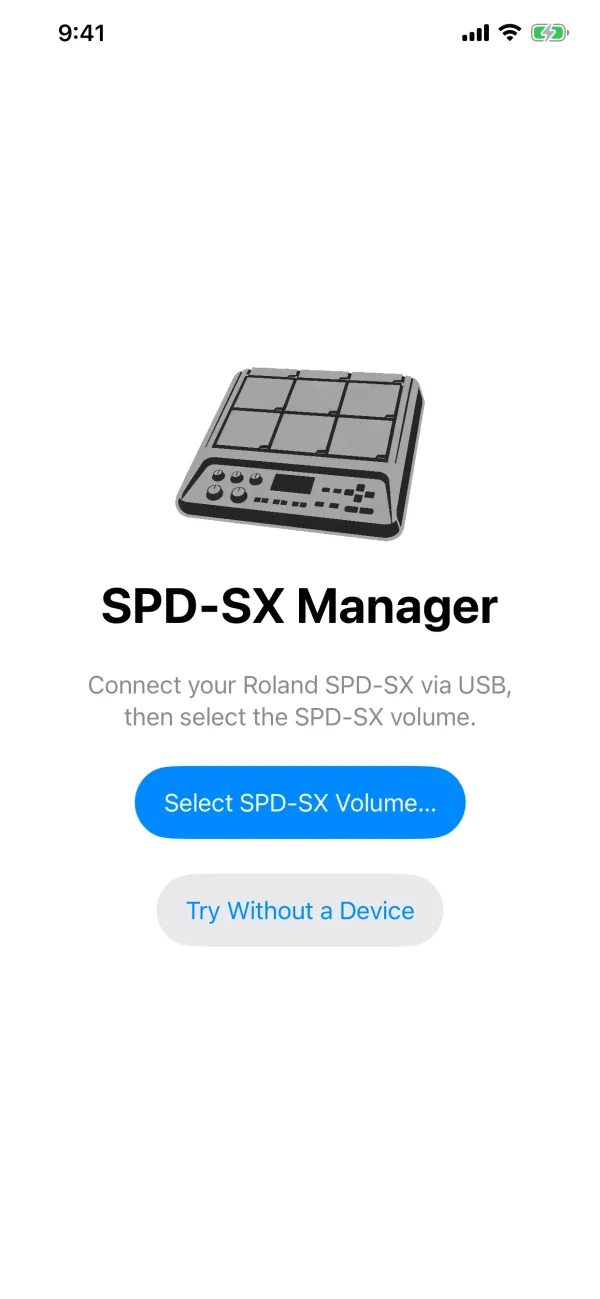
Not near your SPD-SX? The app ships with sample data so you can explore everything before you plug in.
What’s new
Version 1.1.1 · Nov 19, 2026
Pad OUTPUT now uses the same names as the SPD-SX (MASTER OUT, KIT FX1, KIT FX2, SUB OUT, PHONES ONLY), including PHONES ONLY, which was missing before.
Reliability — switching cards while a long operation is still running no longer applies its result to the new card. A card is added to Recent only once it has fully loaded, so a cancelled or failed connect isn't reopened at the next launch.
App privacy
What Eric Silverman declares on the App Store about how this app handles data.
-
Data not collected
The developer does not collect any data from this app.
Privacy practices may vary, for example with the features you use or your age.
Information
- Seller
- Eric Silverman
- Category
- Music
- Version
- 1.1.1
- Updated
- Nov 19, 2026
- Released
- Mar 23, 2026
- Size
- 15.8 MB
- Requires
- iOS 17.0 or later
- Age rating
- 4+
- Price
- $4.99
- Languages
- English, Arabic, Bengali, Bulgarian, Catalan, Croatian, Czech, Danish, Dutch, Finnish, French, German + 31 more
- Copyright
- © Eric Silverman
You might also like
-
 DrumSCoach: Drum Warm-UpRudiment routines for the pad
-
 Master ClickGroove Clicks, Setlists & MIDI
-
 Audio Tag Editor - MP3 & ID3Edit music metadata easily
-
 MRH159 Brown SoundMusic
-
 SWAM Trumpet CExpressive Modeled Brass
-
 Super Time Tap Tempo MetronomeDrum Beats, Polyrhythm, Watch
-
 Shimmer Delay Ambient MachineMusic
-
 Metronome Tempo BPM - BA2Tap Counter for Beats & Music
-
 traste: Tuner & MetronomePrecise tuning, fully offline
-
 GigClick: Metronome, SetlistBand click, odd meters, tempo