- Classification d’âge4+
- CatégorieUtilitaires
- Développeur晟阳 俞
- LanguesAnglais
- Taille9,6 Mo
Renvoie vers la page App Store officielle
Download.org n’héberge aucun fichier de Markdown-IMG. Le bouton ouvre la page de l’application sur App Store, où 晟阳 俞 la publie. Fiche vérifiée pour la dernière fois le 17/11/2026.
Captures d’écran
À propos
Le développeur n’a pas fourni ce texte dans votre langue.
> Write or paste Markdown and get a stunning image — ready to share.
>
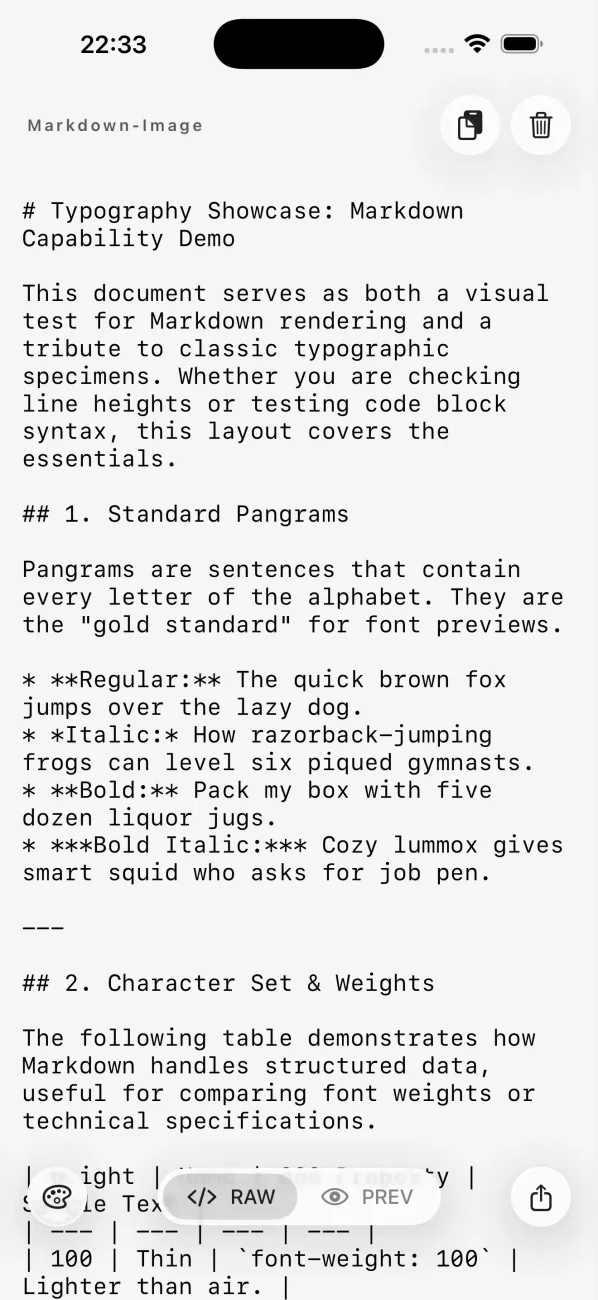
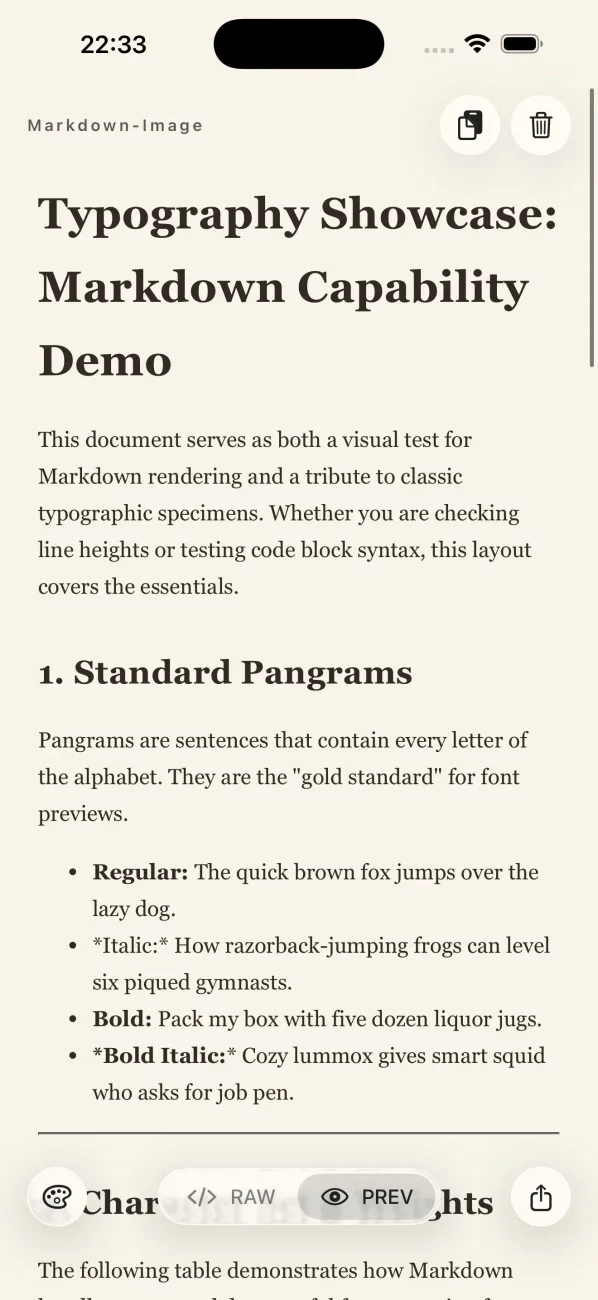
> Markdown-IMG gives you a live preview of your Markdown with instant rendering, then exports the entire document as a high-quality image. Whether it's a quick note, a code snippet, a table, or even a Mermaid diagram, the result is a clean, shareable image saved straight to your Photos.
>
> LIVE PREVIEW
> See your Markdown rendered in real time as you type. Scroll through long documents with a smooth, native preview.
>
> MERMAID DIAGRAMS
> Fenced mermaid code blocks are automatically rendered as diagrams, with styling that adapts to your chosen theme.
>
> GITHUB-STYLE TABLES
> Full table support with headers and column alignment — just like you'd write on GitHub.
>
> THREE THEMES
> Choose from Classic, Paper, or Dark. Your theme applies to both the preview and the exported image.
>
> FLEXIBLE EXPORT
> Save as PNG for lossless quality, JPEG for smaller files, or HEIC for the best of both. Images are saved directly to your photo library.
>
> LONG DOCUMENT SUPPORT
> Even lengthy Markdown documents export cleanly. A smart tiled capture system keeps memory usage low while producing a single, seamless image.
>
> NO ADS. NO SUBSCRIPTIONS. NO ACCOUNT REQUIRED.
> Just open the app, write, and export.
Nouveautés
Version 1.5 · 31/03/2026
Input History
- Your pasted and exported content is now automatically saved to history
- Tap the clock icon to browse past entries — each shows the title and when it was saved
- Tap any entry to restore both the markdown text and the theme
- Swipe to delete entries you no longer need
- Smart deduplication prevents duplicate entries when pasting the same content
Redesigned Navigation
- Switched to a native iOS navigation bar with system Liquid Glass blur
- Content scrolls seamlessly behind the toolbar — just like Photos and Settings
- Paste, History, and Delete actions live in the toolbar for a cleaner layout
Visual Polish
- Soft scroll edge effects on both the editor and preview — content fades at the edges as you scroll
- Fully edge-to-edge layout from top to bottom
Confidentialité de l’application
Ce que 晟阳 俞 déclare sur l’App Store au sujet du traitement des données par cette application.
-
Données non collectées
Le développeur ne collecte aucune donnée à partir de cette application.
Les pratiques en matière de confidentialité peuvent varier, notamment en fonction des fonctionnalités que vous utilisez ou de votre âge.
Informations
- Vendeur
- 晟阳 俞
- Catégorie
- Utilitaires
- Version
- 1.5
- Mis à jour
- 31/03/2026
- Publié
- 25/02/2026
- Taille
- 9,6 Mo
- Nécessite
- iOS 26.0 ou version ultérieure
- Classification d’âge
- 4+
- Prix
- Gratuit
- Langues
- Anglais
- Copyright
- Copyright © 2026 Soleil. All rights reserved.
Vous aimerez peut-être aussi
-
 Markdown Format PreviewUtilitaires
-
 PDF to ePUB - ConvertereBook Reader
-
 Text Parser ProUtilitaires
-
 VideoHub: Lecteur Média & IPTVCloud NAS & Serveurs en Stream
-
 MY PingUtilitaires
-
 Wave ScreenshotUtilitaires
-
 LudyVAC - Vidéo en AudioConvertisseur MP3 & Sonnerie
-
 ShortformBlockUtilitaires
-
 MiniFolder App Dossier LanceurPlusieurs apps dans un widget
-
 Anywhere ProxyUtilitaires