- 対象年齢4+
- カテゴリユーティリティ
- 開発元晟阳 俞
- 言語英語
- サイズ9.6 MB
App Storeの公式ページにリンクしています
Download.orgはMarkdown-IMGのファイルを一切ホストしていません。ボタンを押すと、晟阳 俞が公開しているApp Storeのアプリページが開きます。ページの最終確認:2026/11/17。
スクリーンショット
概要
開発元はこのテキストをお使いの言語で提供していません。
> Write or paste Markdown and get a stunning image — ready to share.
>
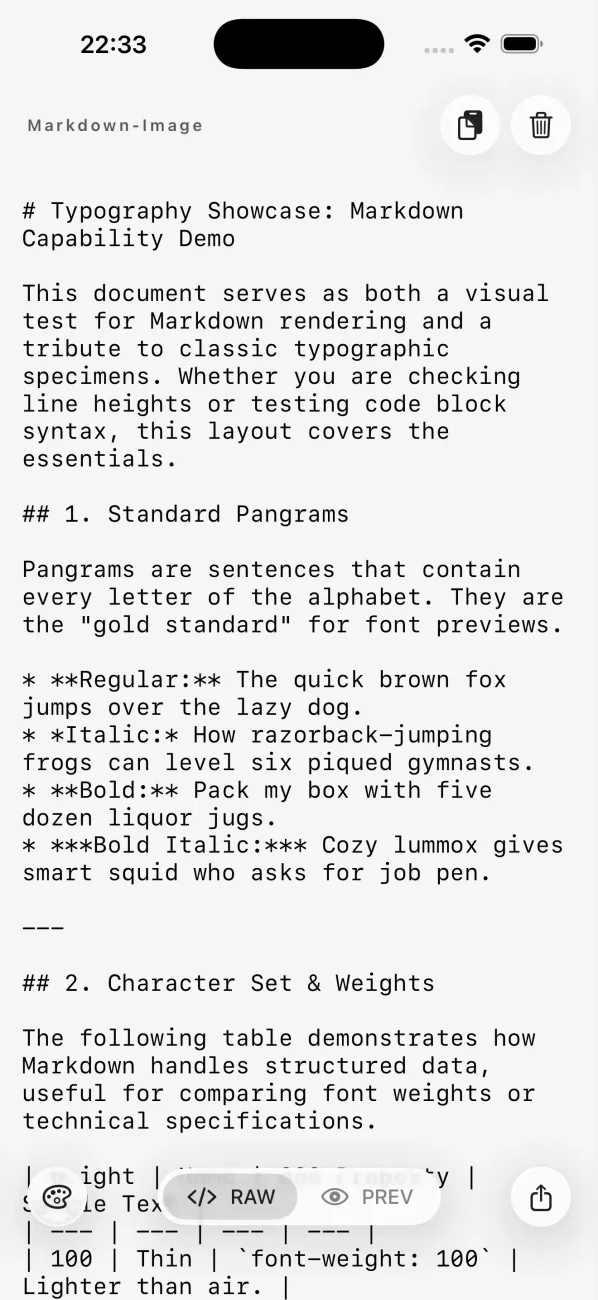
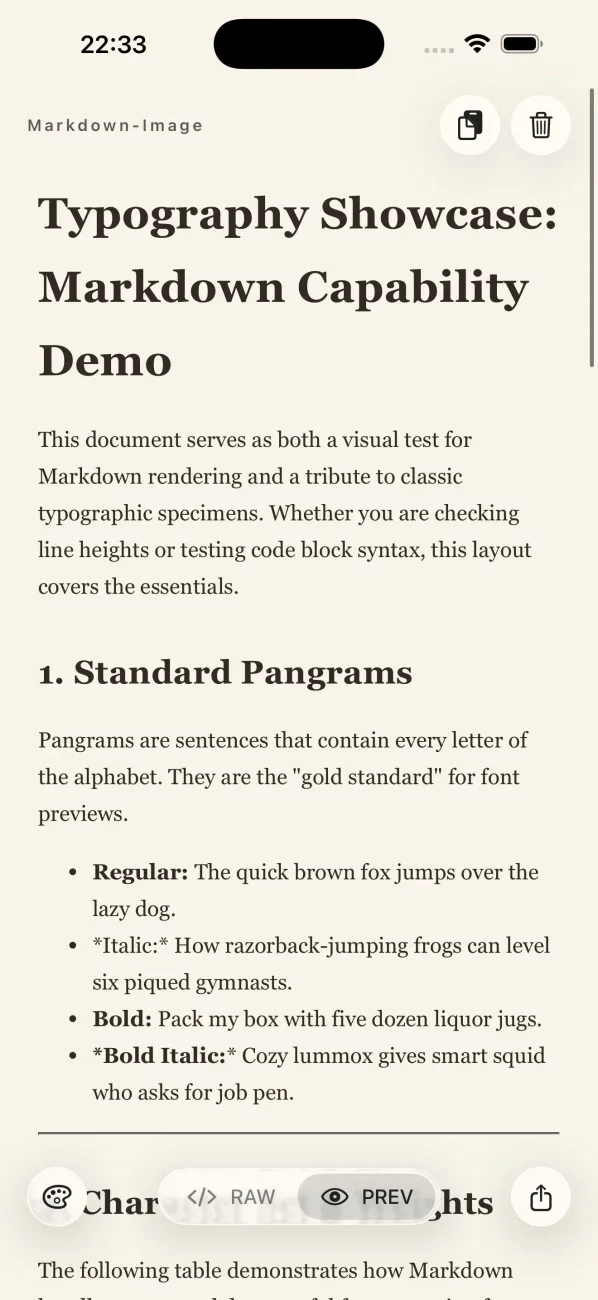
> Markdown-IMG gives you a live preview of your Markdown with instant rendering, then exports the entire document as a high-quality image. Whether it's a quick note, a code snippet, a table, or even a Mermaid diagram, the result is a clean, shareable image saved straight to your Photos.
>
> LIVE PREVIEW
> See your Markdown rendered in real time as you type. Scroll through long documents with a smooth, native preview.
>
> MERMAID DIAGRAMS
> Fenced mermaid code blocks are automatically rendered as diagrams, with styling that adapts to your chosen theme.
>
> GITHUB-STYLE TABLES
> Full table support with headers and column alignment — just like you'd write on GitHub.
>
> THREE THEMES
> Choose from Classic, Paper, or Dark. Your theme applies to both the preview and the exported image.
>
> FLEXIBLE EXPORT
> Save as PNG for lossless quality, JPEG for smaller files, or HEIC for the best of both. Images are saved directly to your photo library.
>
> LONG DOCUMENT SUPPORT
> Even lengthy Markdown documents export cleanly. A smart tiled capture system keeps memory usage low while producing a single, seamless image.
>
> NO ADS. NO SUBSCRIPTIONS. NO ACCOUNT REQUIRED.
> Just open the app, write, and export.
新機能
バージョン 1.5 · 2026/3/31
Input History
- Your pasted and exported content is now automatically saved to history
- Tap the clock icon to browse past entries — each shows the title and when it was saved
- Tap any entry to restore both the markdown text and the theme
- Swipe to delete entries you no longer need
- Smart deduplication prevents duplicate entries when pasting the same content
Redesigned Navigation
- Switched to a native iOS navigation bar with system Liquid Glass blur
- Content scrolls seamlessly behind the toolbar — just like Photos and Settings
- Paste, History, and Delete actions live in the toolbar for a cleaner layout
Visual Polish
- Soft scroll edge effects on both the editor and preview — content fades at the edges as you scroll
- Fully edge-to-edge layout from top to bottom
アプリのプライバシー
このアプリのデータの取り扱いについて、晟阳 俞がApp Storeで申告している内容です。
-
データの収集なし
開発元はこのアプリからデータを収集しません。
プライバシーの取り扱いは、ご利用の機能やお客様の年齢などに応じて異なる場合があります。
情報
- 販売元
- 晟阳 俞
- カテゴリ
- ユーティリティ
- バージョン
- 1.5
- 更新日
- 2026/3/31
- リリース
- 2026/2/25
- サイズ
- 9.6 MB
- 必要条件
- iOS 26.0以降
- 対象年齢
- 4+
- 価格
- 無料
- 言語
- 英語
- 著作権
- Copyright © 2026 Soleil. All rights reserved.
こちらもおすすめ
-
 Markdown Format Previewユーティリティ
-
 PDF to ePUB - ConvertereBook Reader
-
 Text Parser Proユーティリティ
-
 VideoHub: メディアプレーヤー&IPTVクラウド・NAS・サーバーを再生
-
 MY Pingユーティリティ
-
 Wave ScreenshotStitching together screenshots
-
 LudyVAC - 動画を音声に変換MP3コンバーター & 着信音メーカー
-
 ShortformBlockユーティリティ
-
 MiniFolder - アプリ フォルダ ランチャーウィジェット1つに複数アプリ・1タップ起動
-
 Anywhere Proxyユーティリティ