
- Classification d’âge4+
- CatégorieMusique
- Développeur伯龙 姜
- LanguesAnglais+ 1 de plus
- Taille35,9 Mo
Renvoie vers la page App Store officielle
Download.org n’héberge aucun fichier de MusicFocus. Le bouton ouvre la page de l’application sur App Store, où 伯龙 姜 la publie. Fiche vérifiée pour la dernière fois le 20/11/2026.
Captures d’écran


À propos
Le développeur n’a pas fourni ce texte dans votre langue.
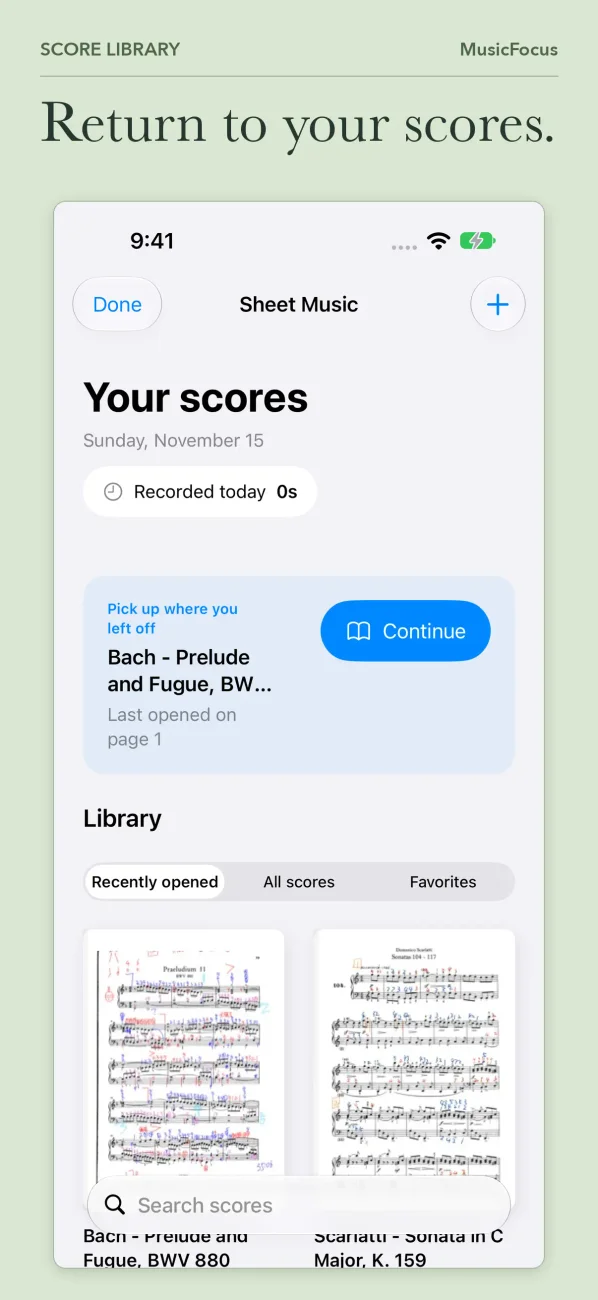
Read your own PDF sheet music, mark it as you practice, and pick up where you left off. MusicFocus brings a score library, handwritten annotations, a metronome and a practice calendar to iPad and iPhone.
MARK YOUR SCORE
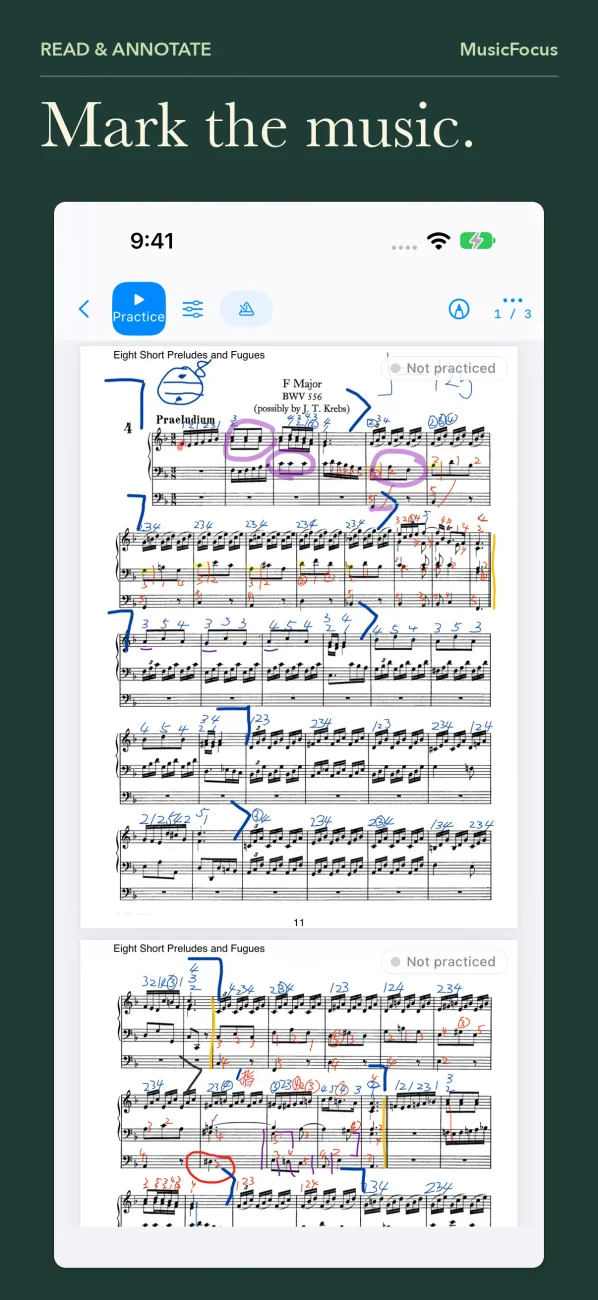
Write with Apple Pencil on a compatible iPad, or use your finger. The dedicated fingering pen turns handwritten 1–5 and circled digits into editable marks. Choose a consistent size, drag a number into place, or cover a printed fingering. Use a separate movable cover for other printed markings. Undo your changes and export an annotated PDF.
LEAVE A VOICE REMINDER
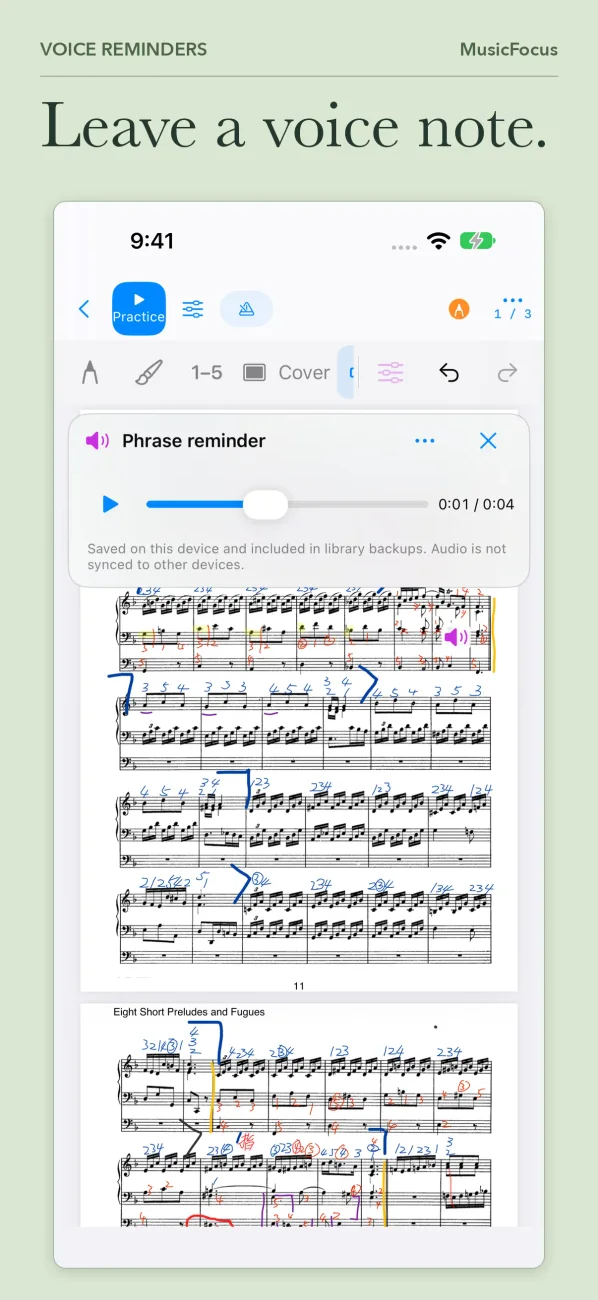
Place a colored speaker anywhere on the page to record an idea, a phrase or a short demonstration. Tap it to listen, pause or scrub.
PRACTICE AT YOUR OWN TEMPO
Keep a metronome next to your music. Choose a click sound, set accents and group beats into eighth notes, triplets or sixteenth notes. Start optional on-device practice detection with or without a score. A single-note pitch display helps you check intonation. Voice reminders pause practice timing.
REVISIT YOUR PRACTICE
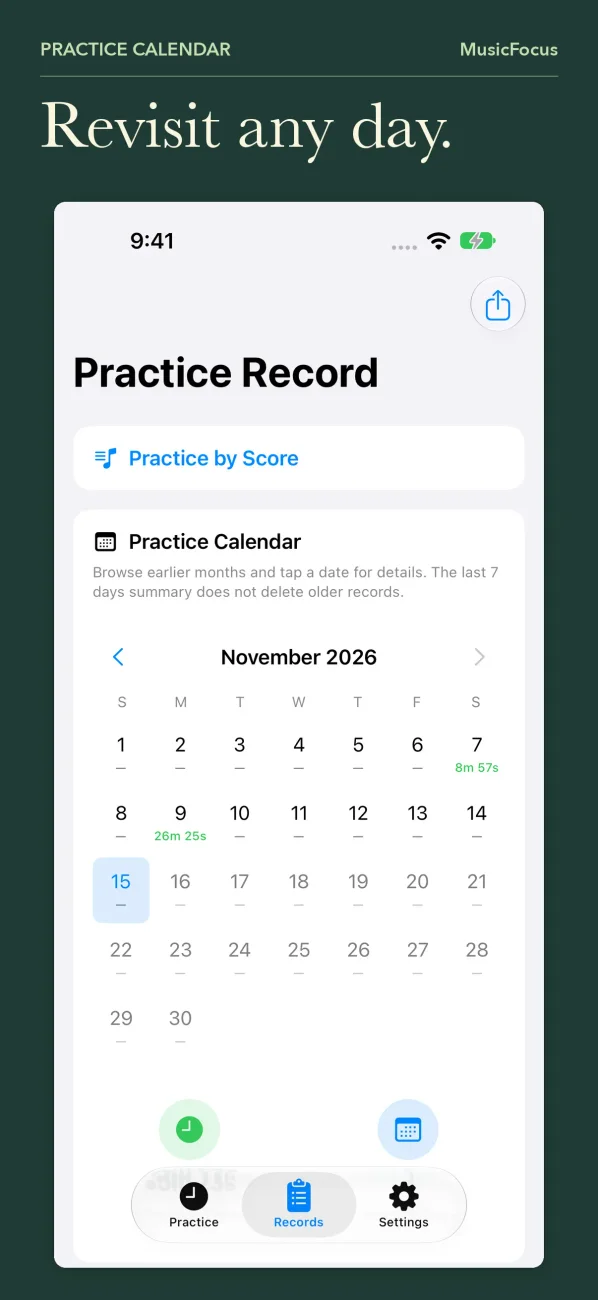
Browse the calendar by month. Tap a day to see what you practiced, then explore reading, metronome and practice time by score or page. Favorite a piece or return to a recently opened score.
KEEP YOUR MUSIC CLOSE
Scores, notes, recordings and practice records stay on your device. Export a library backup or share an annotated PDF. For nearby collaboration, open the same original PDF on both devices and connect over local Wi-Fi or Bluetooth.
No account is required. Bring your own PDF scores. Available in English and Simplified Chinese.
Nouveautés
Version 2.5 · 15/11/2026
• Place a movable, resizable cover over printed markings. Choose its color and keep it editable in your exported PDF.
• Move fingerings directly on the page. Match the first fingering in a score, choose one fixed size, or keep each handwritten size. Optional backgrounds cover printed fingerings.
• Browse practice by date. Open a day to see which scores and pages you practiced.
• Improved annotation dragging, undo after switching pens, and page-turn controls while annotating.
Confidentialité de l’application
Ce que 伯龙 姜 déclare sur l’App Store au sujet du traitement des données par cette application.
-
Données non collectées
Le développeur ne collecte aucune donnée à partir de cette application.
Les pratiques en matière de confidentialité peuvent varier, notamment en fonction des fonctionnalités que vous utilisez ou de votre âge.
Informations
- Vendeur
- 伯龙 姜
- Catégorie
- Musique
- Version
- 2.5
- Mis à jour
- 15/11/2026
- Publié
- 11/04/2025
- Taille
- 35,9 Mo
- Nécessite
- iOS 18.0 ou version ultérieure
- Classification d’âge
- 4+
- Prix
- Gratuit
- Langues
- Anglais, Chinois simplifié
- Copyright
- © 2025 姜伯龙. 保留所有权利
Vous aimerez peut-être aussi
-
 Music Timer AIMusique
-
 Only Practice - Music JournalSuivez vos progrès en musique
-
 Practice Log : Journal musicalMinuteur, métronome, accordeur
-
 练琴宝 - 你的私人练琴助手Musique
-
 Music Dictionary - Music TermsMusique
-
 Cresc Flow : Suivi de pratiqueMétronome, Accordeur, Ludique
-
 CueFlip: Tourne-page autoPartitions qui vous écoutent
-
 FlowBeats: Metronome &PracticeMusique
-
 NueCtrlGesture-Based MIDI Controller
-
 Music Practice - instrumentMusique