- Classification d’âge4+
- CatégorieProductivité
- DéveloppeurLuis Fernandez de la Vara
- LanguesAnglais+ 4 de plus
- Taille227,1 Mo
Renvoie vers la page App Store officielle
Download.org n’héberge aucun fichier de myAIPDF. Le bouton ouvre la page de l’application sur App Store, où Luis Fernandez de la Vara la publie. Fiche vérifiée pour la dernière fois le 18/11/2026.
Captures d’écran
À propos
Le développeur n’a pas fourni ce texte dans votre langue.
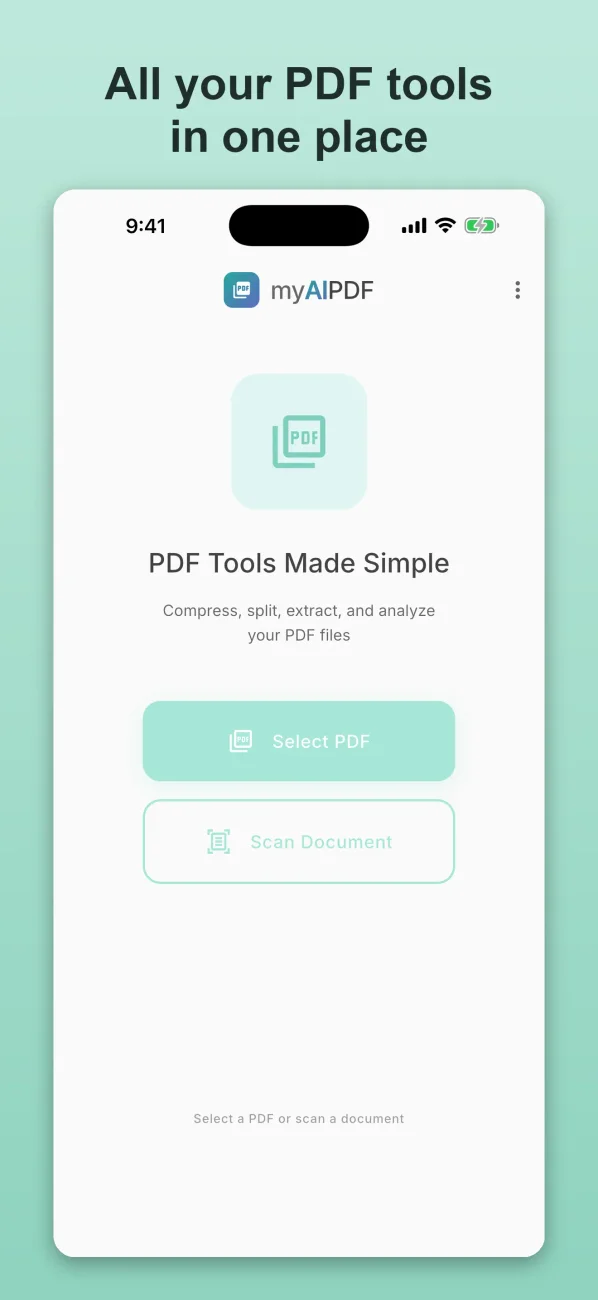
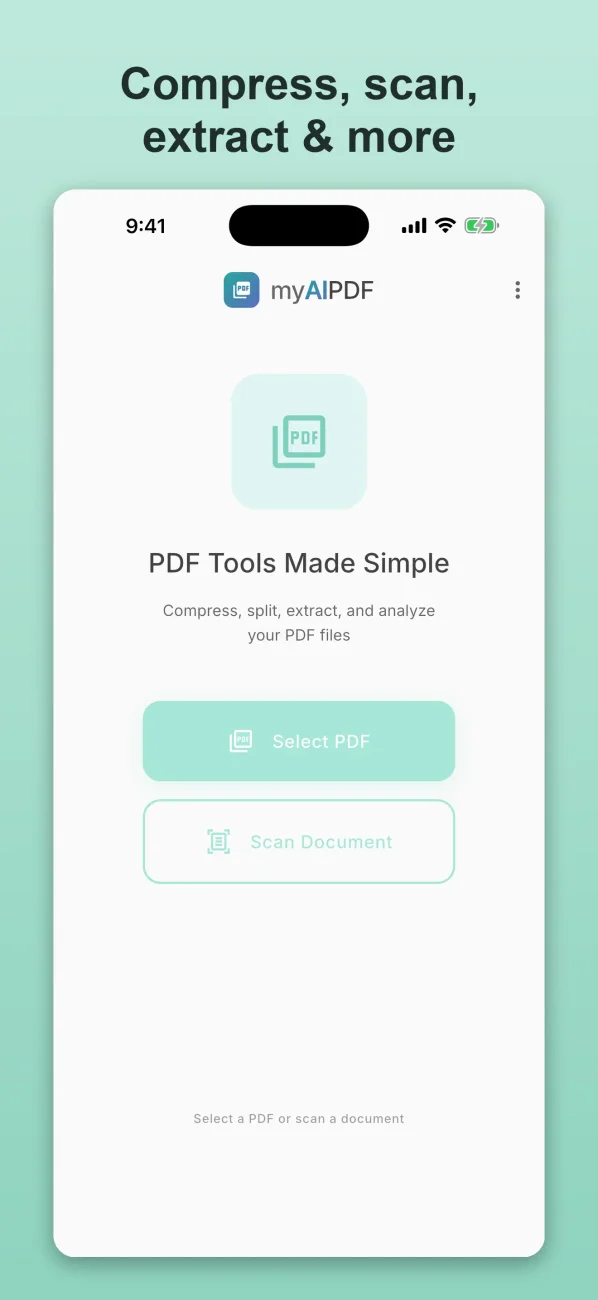
PDF Tools Made Simple
myAIPDF is the fastest way to work with PDF files on your phone. Powered by on-device AI, it handles everything you need — no account required, no files sent to the cloud.
WHAT YOU CAN DO
• Compress — Shrink large PDFs using Light, Medium, Smart, or Aggressive modes. Keeps a full history so you can track every size reduction.
• Split — Divide any PDF into parts. Choose pages visually with the built-in page picker.
• Extract Text — Pull all readable text from any PDF in seconds.
• Analyze — Get instant document insights: page count, word count, reading time, language, and more.
• Parse — Automatically find and list sections, headings, and chapters in your document.
• Scan to PDF — Use your camera to scan paper documents and convert them to searchable PDFs using ML Kit.
• File Info — View detailed metadata for any PDF.
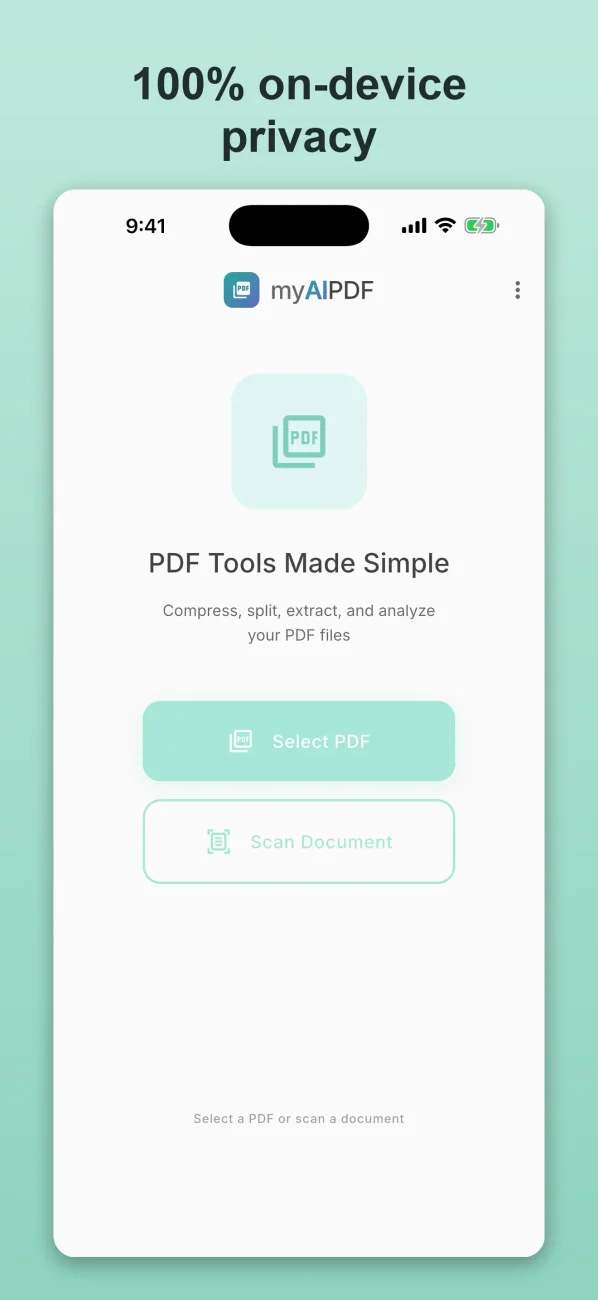
PRIVACY FIRST
All processing happens on your device. Your documents never leave your phone. No account. No sign-in. No document content collected. We use anonymous crash reporting (Sentry) and serve ads (Google AdMob) only.
FREE & AD-SUPPORTED
myAIPDF is free to download. A small banner ad appears while you work. For a completely ad-free experience, upgrade for a one-time purchase of $0.99.
MADE FOR EVERYONE
Whether you're a student scanning lecture notes, a professional reviewing contracts, or anyone dealing with PDFs every day, myAIPDF gives you a clean, fast, and reliable toolbox.
Nouveautés
Version 1.7.6 · 18/09/2026
This update repairs Fill & Sign from the moment you sign to the moment you go looking for the file again.
• Your marks are visible when you reopen a signed copy. The signature was always in the file — other apps drew it correctly — but this app's own viewer was not drawing it, so a document you had just signed looked unsigned
• Signed copies are now kept for good. They previously went to a temporary folder and were deleted within a day, with nothing warning you they were temporary
• Signed and marked-up documents have their own list in Files, under "Signed & marked up", and can be opened, shared and deleted from there like your scans
• Saving now tells you the file name and where it went, and offers an Open button instead of a message that vanished
Your marks stay real annotations, so they remain selectable and removable in other PDF apps, and the file you saved is never rewritten to make it display.
Everything still runs on your iPhone. No account, no cloud upload, no document content collected.
Confidentialité de l’application
Ce que Luis Fernandez de la Vara déclare sur l’App Store au sujet du traitement des données par cette application.
-
Données utilisées pour vous suivre
Peuvent être utilisées pour vous suivre sur des applications et des sites web appartenant à d’autres sociétés.
- Identifiants
-
Données n’établissant aucun lien avec vous
Peuvent être collectées, mais ne sont pas liées à votre identité.
- Achats
- Identifiants
- Diagnostic
Les pratiques en matière de confidentialité peuvent varier, notamment en fonction des fonctionnalités que vous utilisez ou de votre âge.
Informations
- Vendeur
- Luis Fernandez de la Vara
- Catégorie
- Productivité
- Version
- 1.7.6
- Mis à jour
- 18/09/2026
- Publié
- 18/06/2026
- Taille
- 227,1 Mo
- Nécessite
- iOS 15.0 ou version ultérieure
- Classification d’âge
- 4+
- Prix
- Gratuit
- Langues
- Anglais, Français, Allemand, Japonais, Polonais
- Copyright
- © 2026 CCL Consulting LLC
Vous aimerez peut-être aussi
-
 ArchiveLabCaptures d'écran recherchables
-
 PDF Editor — AI SummarizeProductivité
-
 PDF Reader Pro - Ebook ReaderProductivité
-
 PDF Reader 2025Productivité
-
 pdf-notes for iPhoneProductivité
-
 PDF Reader - Docs ViewerProductivité
-
 NuPhone - AI ReceptionistProductivité
-
 PDF Converter - Photo en PDFTransformer Image en PDF
-
 PDF Viewer - All PDF ReaderProductivité
-
 PDF Reader : PDF ViewerProductivité