
myAIPDF
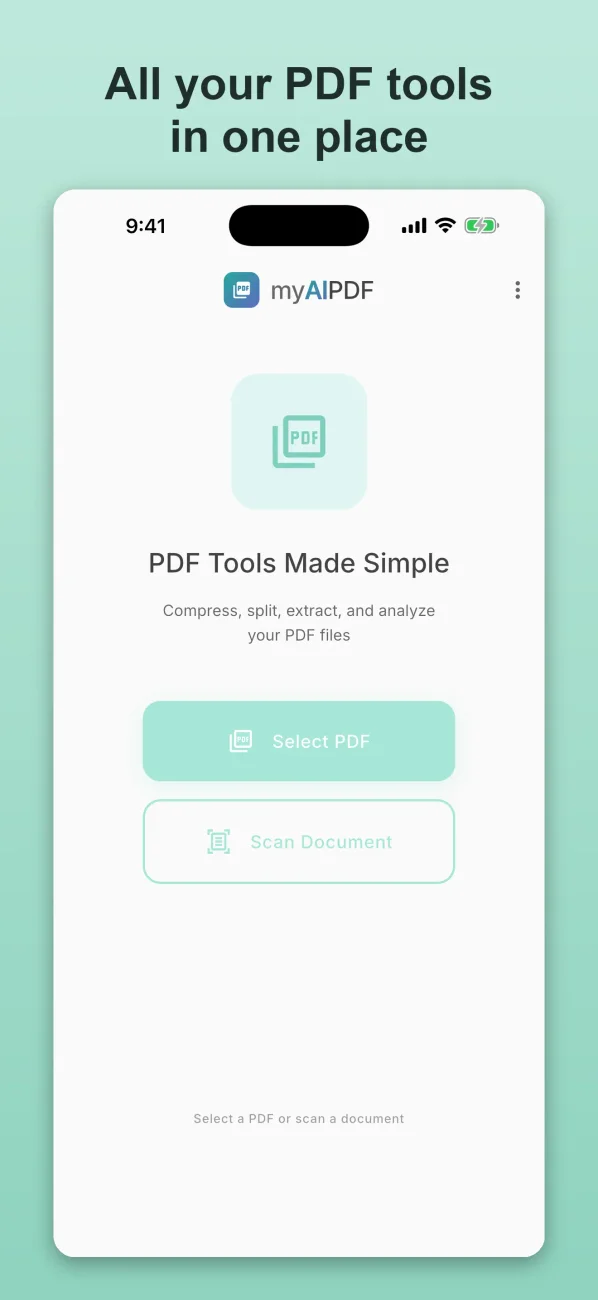
PDF Tools Made Simple
Được thiết kế cho iPhone, iPad, iPod touch
Miễn phí
- Độ tuổi4+
- Danh mụcHiệu Suất
- Nhà phát triểnLuis Fernandez de la Vara
- Ngôn ngữTiếng Anh+ 4 ngôn ngữ khác
- Kích thước227,1 MB
Liên kết đến trang App Store chính thức
Download.org không lưu trữ tệp nào của myAIPDF. Nút này mở trang ứng dụng trên App Store, nơi Luis Fernandez de la Vara phát hành ứng dụng. Trang được kiểm tra lần cuối: 18/11/2026.
Ảnh chụp màn hình
Giới thiệu
Nhà phát triển chưa cung cấp nội dung này bằng ngôn ngữ của bạn.
PDF Tools Made Simple
myAIPDF is the fastest way to work with PDF files on your phone. Powered by on-device AI, it handles everything you need — no account required, no files sent to the cloud.
WHAT YOU CAN DO
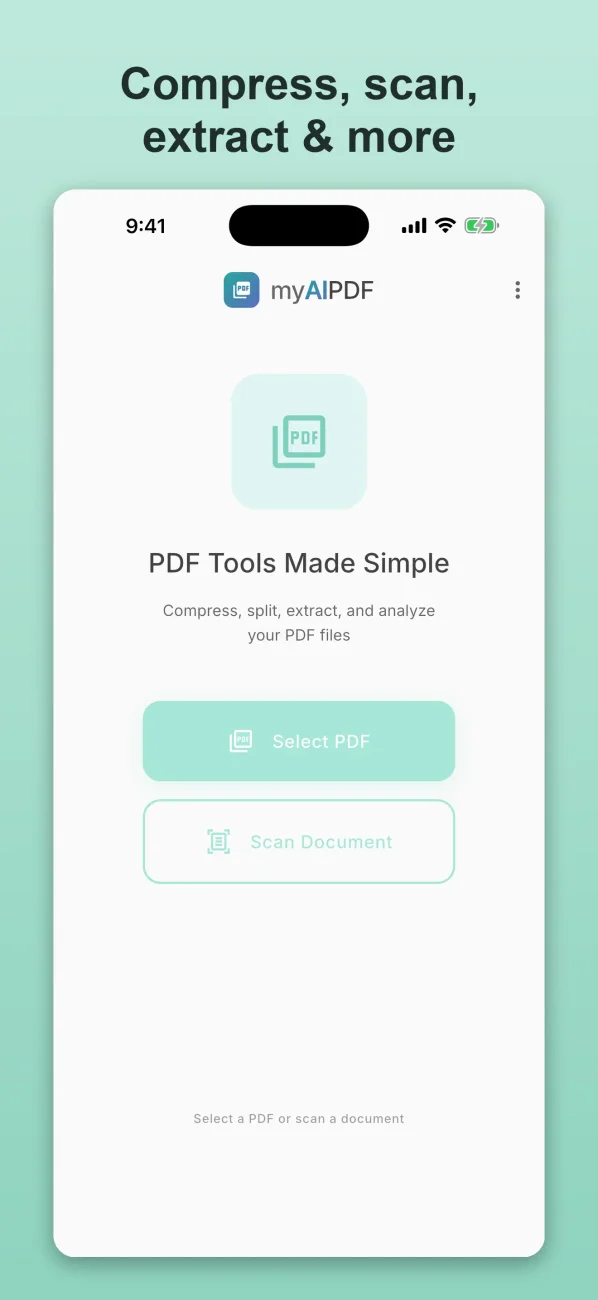
• Compress — Shrink large PDFs using Light, Medium, Smart, or Aggressive modes. Keeps a full history so you can track every size reduction.
• Split — Divide any PDF into parts. Choose pages visually with the built-in page picker.
• Extract Text — Pull all readable text from any PDF in seconds.
• Analyze — Get instant document insights: page count, word count, reading time, language, and more.
• Parse — Automatically find and list sections, headings, and chapters in your document.
• Scan to PDF — Use your camera to scan paper documents and convert them to searchable PDFs using ML Kit.
• File Info — View detailed metadata for any PDF.
PRIVACY FIRST
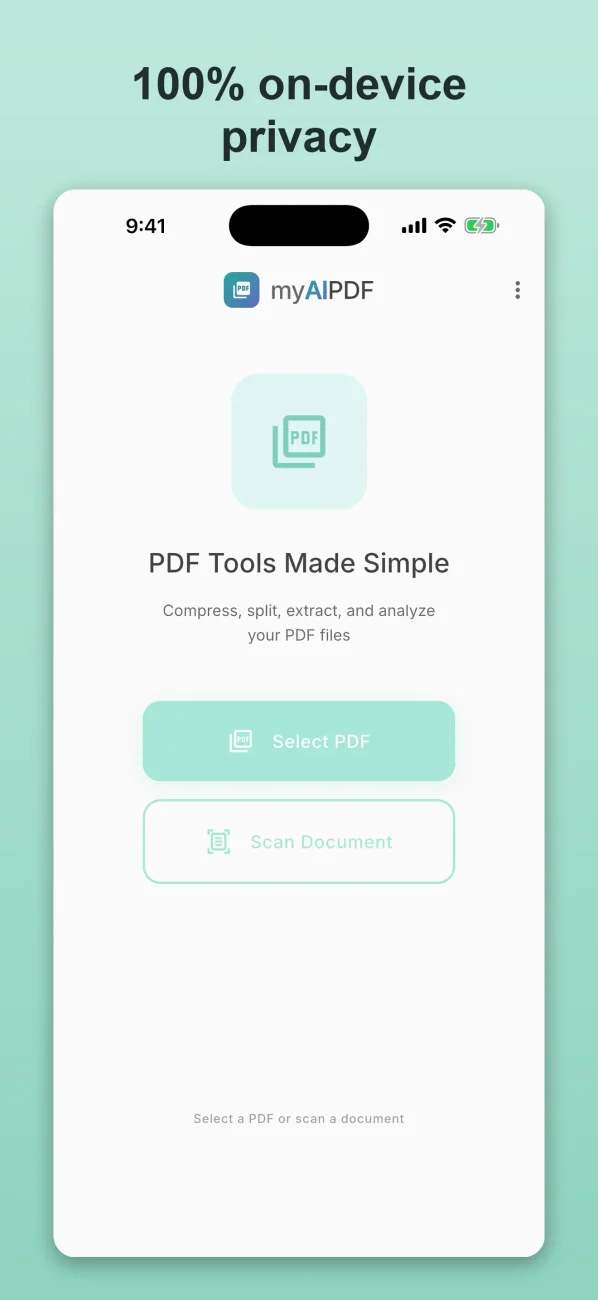
All processing happens on your device. Your documents never leave your phone. No account. No sign-in. No document content collected. We use anonymous crash reporting (Sentry) and serve ads (Google AdMob) only.
FREE & AD-SUPPORTED
myAIPDF is free to download. A small banner ad appears while you work. For a completely ad-free experience, upgrade for a one-time purchase of $0.99.
MADE FOR EVERYONE
Whether you're a student scanning lecture notes, a professional reviewing contracts, or anyone dealing with PDFs every day, myAIPDF gives you a clean, fast, and reliable toolbox.
Có gì mới
Phiên bản 1.7.6 · 18/09/2026
This update repairs Fill & Sign from the moment you sign to the moment you go looking for the file again.
• Your marks are visible when you reopen a signed copy. The signature was always in the file — other apps drew it correctly — but this app's own viewer was not drawing it, so a document you had just signed looked unsigned
• Signed copies are now kept for good. They previously went to a temporary folder and were deleted within a day, with nothing warning you they were temporary
• Signed and marked-up documents have their own list in Files, under "Signed & marked up", and can be opened, shared and deleted from there like your scans
• Saving now tells you the file name and where it went, and offers an Open button instead of a message that vanished
Your marks stay real annotations, so they remain selectable and removable in other PDF apps, and the file you saved is never rewritten to make it display.
Everything still runs on your iPhone. No account, no cloud upload, no document content collected.
Quyền riêng tư của ứng dụng
Những gì Luis Fernandez de la Vara khai báo trên App Store về cách ứng dụng này xử lý dữ liệu.
-
Dữ liệu được sử dụng để theo dõi bạn
Có thể được sử dụng để theo dõi bạn trên các ứng dụng và trang web do công ty khác sở hữu.
- Mã định danh
-
Dữ liệu không liên kết với bạn
Có thể được thu thập nhưng không liên kết với danh tính của bạn.
- Mục mua
- Mã định danh
- Chẩn đoán
Phương thức đảm bảo quyền riêng tư có thể khác nhau, chẳng hạn như tuỳ theo các tính năng bạn sử dụng hoặc độ tuổi của bạn.
Thông tin
- Người bán
- Luis Fernandez de la Vara
- Danh mục
- Hiệu Suất
- Phiên bản
- 1.7.6
- Cập nhật
- 18/09/2026
- Phát hành
- 18/06/2026
- Kích thước
- 227,1 MB
- Yêu cầu
- iOS 15.0 trở lên
- Độ tuổi
- 4+
- Giá
- Miễn phí
- Ngôn ngữ
- Tiếng Anh, Tiếng Pháp, Tiếng Đức, Tiếng Nhật, Tiếng Ba Lan
- Bản quyền
- © 2026 CCL Consulting LLC
Có thể bạn cũng thích
-
 ArchiveLabHiệu Suất
-
 PDF Editor — AI SummarizeHiệu Suất
-
 PDF Reader Pro - Ebook ReaderHiệu Suất
-
 PDF Reader 2025Hiệu Suất
-
 pdf-notes for iPhoneHiệu Suất
-
 PDF Reader - Docs ViewerHiệu Suất
-
 NuPhone - AI ReceptionistHiệu Suất
-
 Chuyển Ảnh và Excel sang PDFTrình chuyển đổi PDF sang Word
-
 PDF Viewer - All PDF ReaderHiệu Suất
-
 PDF Reader : PDF ViewerHiệu Suất