- 対象年齢4+
- カテゴリ仕事効率化
- 開発元Luis Fernandez de la Vara
- 言語英語ほか4言語
- サイズ227.1 MB
App Storeの公式ページにリンクしています
Download.orgはmyAIPDFのファイルを一切ホストしていません。ボタンを押すと、Luis Fernandez de la Varaが公開しているApp Storeのアプリページが開きます。ページの最終確認:2026/11/18。
スクリーンショット
概要
開発元はこのテキストをお使いの言語で提供していません。
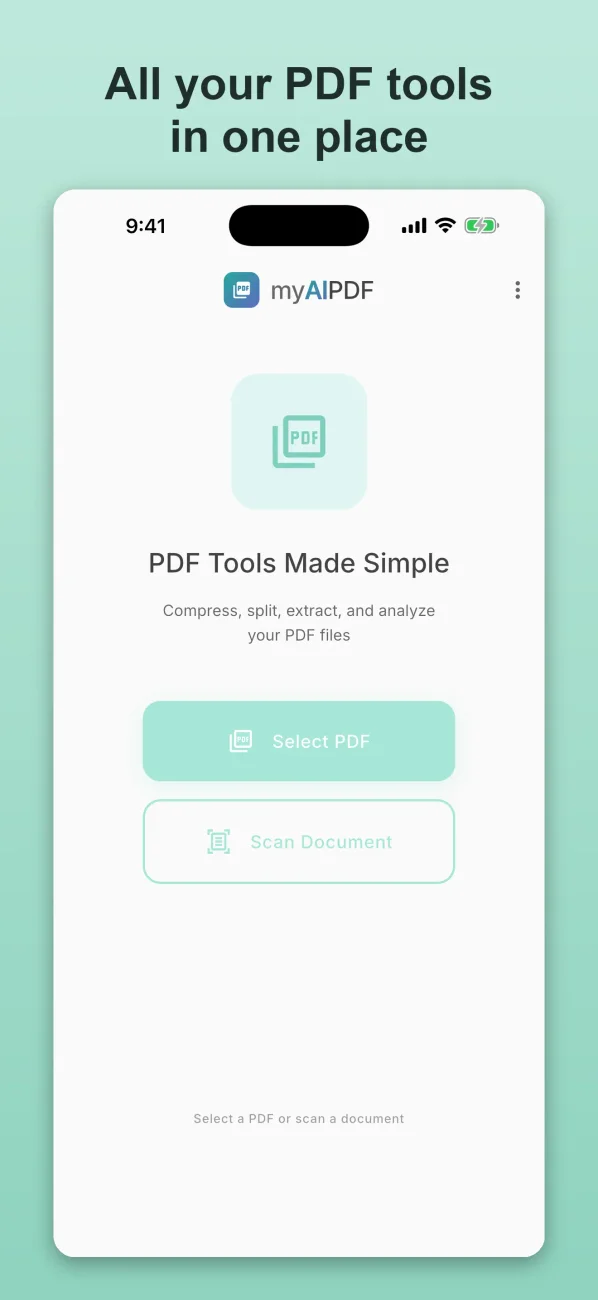
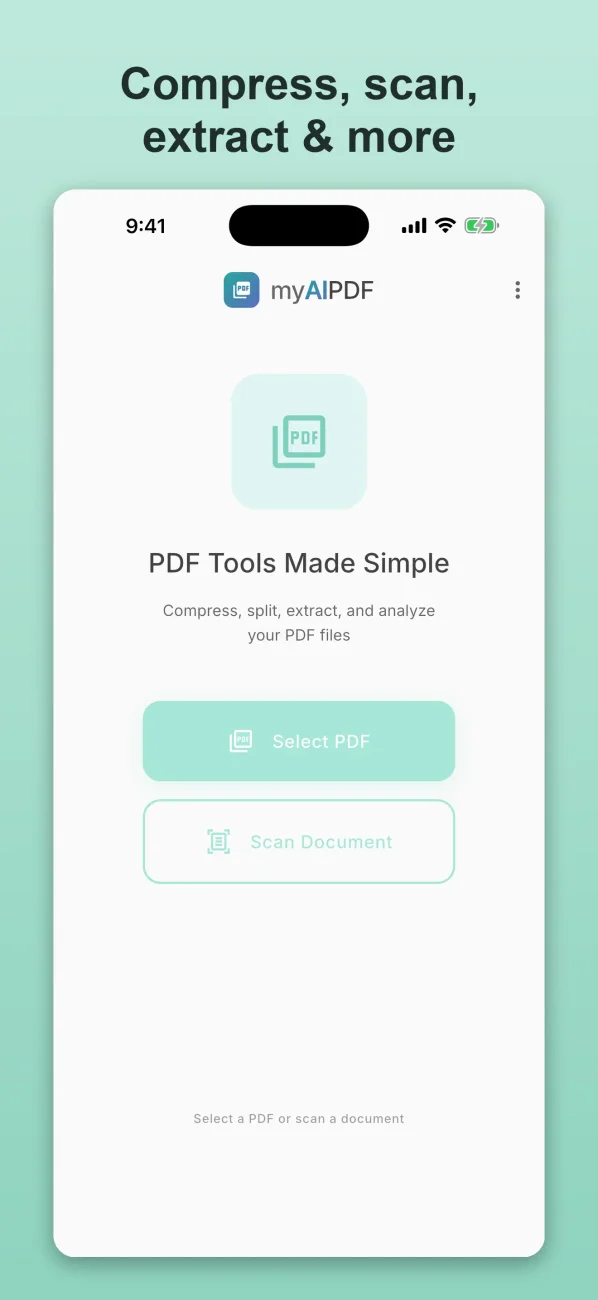
PDF Tools Made Simple
myAIPDF is the fastest way to work with PDF files on your phone. Powered by on-device AI, it handles everything you need — no account required, no files sent to the cloud.
WHAT YOU CAN DO
• Compress — Shrink large PDFs using Light, Medium, Smart, or Aggressive modes. Keeps a full history so you can track every size reduction.
• Split — Divide any PDF into parts. Choose pages visually with the built-in page picker.
• Extract Text — Pull all readable text from any PDF in seconds.
• Analyze — Get instant document insights: page count, word count, reading time, language, and more.
• Parse — Automatically find and list sections, headings, and chapters in your document.
• Scan to PDF — Use your camera to scan paper documents and convert them to searchable PDFs using ML Kit.
• File Info — View detailed metadata for any PDF.
PRIVACY FIRST
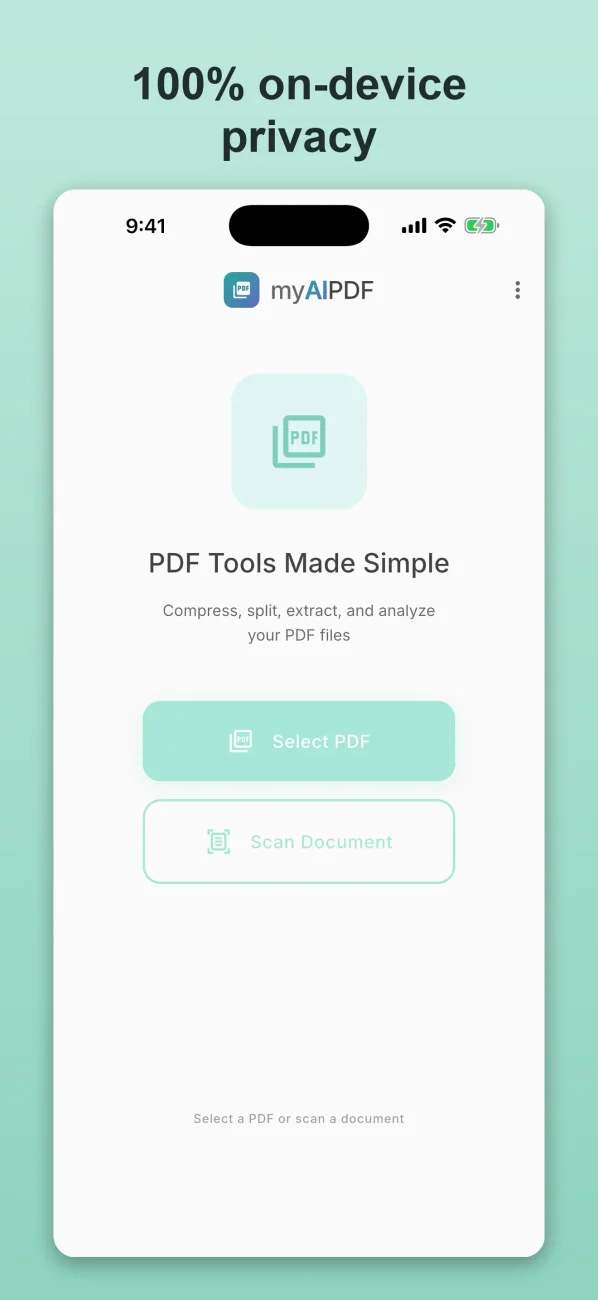
All processing happens on your device. Your documents never leave your phone. No account. No sign-in. No document content collected. We use anonymous crash reporting (Sentry) and serve ads (Google AdMob) only.
FREE & AD-SUPPORTED
myAIPDF is free to download. A small banner ad appears while you work. For a completely ad-free experience, upgrade for a one-time purchase of $0.99.
MADE FOR EVERYONE
Whether you're a student scanning lecture notes, a professional reviewing contracts, or anyone dealing with PDFs every day, myAIPDF gives you a clean, fast, and reliable toolbox.
新機能
バージョン 1.7.6 · 2026/9/18
This update repairs Fill & Sign from the moment you sign to the moment you go looking for the file again.
• Your marks are visible when you reopen a signed copy. The signature was always in the file — other apps drew it correctly — but this app's own viewer was not drawing it, so a document you had just signed looked unsigned
• Signed copies are now kept for good. They previously went to a temporary folder and were deleted within a day, with nothing warning you they were temporary
• Signed and marked-up documents have their own list in Files, under "Signed & marked up", and can be opened, shared and deleted from there like your scans
• Saving now tells you the file name and where it went, and offers an Open button instead of a message that vanished
Your marks stay real annotations, so they remain selectable and removable in other PDF apps, and the file you saved is never rewritten to make it display.
Everything still runs on your iPhone. No account, no cloud upload, no document content collected.
アプリのプライバシー
このアプリのデータの取り扱いについて、Luis Fernandez de la VaraがApp Storeで申告している内容です。
-
ユーザーのトラッキングに使用されるデータ
他社のアプリやウェブサイトを横断してユーザーをトラッキングする目的で使用される場合があります。
- ID
-
ユーザーに関連付けられないデータ
収集される場合がありますが、ユーザーの識別情報には関連付けられません。
- 購入
- ID
- 診断
プライバシーの取り扱いは、ご利用の機能やお客様の年齢などに応じて異なる場合があります。
情報
- 販売元
- Luis Fernandez de la Vara
- カテゴリ
- 仕事効率化
- バージョン
- 1.7.6
- 更新日
- 2026/9/18
- リリース
- 2026/6/18
- サイズ
- 227.1 MB
- 必要条件
- iOS 15.0以降
- 対象年齢
- 4+
- 価格
- 無料
- 言語
- 英語, フランス語, ドイツ語, 日本語, ポーランド語
- 著作権
- © 2026 CCL Consulting LLC
こちらもおすすめ
-
 ArchiveLab検索可能なスクリーンショットライブラリアプリ
-
 PDF Editor — AI Summarize仕事効率化
-
 PDF Reader Pro - Ebook Reader仕事効率化
-
 PDF Reader 2025仕事効率化
-
 pdf-notes for iPhone仕事効率化
-
 PDF Reader - Docs Viewer仕事効率化
-
 NuPhone - AI Receptionist仕事効率化
-
 写真をPDFに変換 : PDF変換画像やJPEG、JPG、PNG、Wordを簡単変換
-
 PDF Viewer - All PDF Reader仕事効率化
-
 PDF Reader : PDF Viewer仕事効率化