
- Classification d’âge4+
- CatégorieÉducation
- DéveloppeurPause Solutions LLC
- LanguesAnglais
- Taille27,7 Mo
Renvoie vers la page App Store officielle
Download.org n’héberge aucun fichier de Off The Devices. Le bouton ouvre la page de l’application sur App Store, où Pause Solutions LLC la publie. Fiche vérifiée pour la dernière fois le 18/11/2026.
Captures d’écran

À propos
Le développeur n’a pas fourni ce texte dans votre langue.
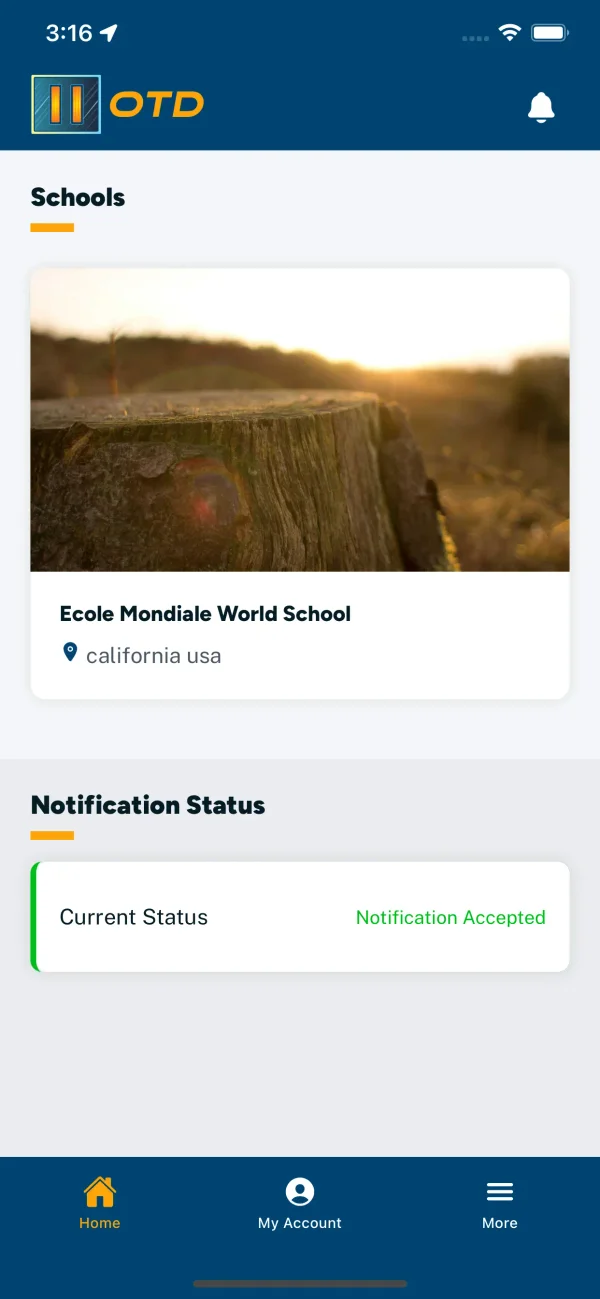
Cell phones, smartwatches, and earbuds are taking over our schools. The cost of addiction to social media and unrestricted access to the internet in schools remains unknown. Social Scientists are just beginning to study the effects of this profound societal issue. Currently, we know unrestricted use of cellphones in schools has an adverse impact on learning, socialization with peers and student mental health. School teachers and administrators are frustrated with the constant policing of smartphones. The Off the Devices app.provides schools with a systematic approach to teaching students responsible use of smart devices in school. The OTD system requires every student who brings a cell phone or smart watch to school to download the OTD application on their personal device. The OTD system uses Geofencing, the school WIFI and direct messages from school administrators to remind students to use school mode or power down their device. The school administrator dashboard shows which students took action and placed the devices in school mode. Students who did not respond receive additional notifications as necessary. The OTD application is required to be turned on and in use for each student as they start the school day.
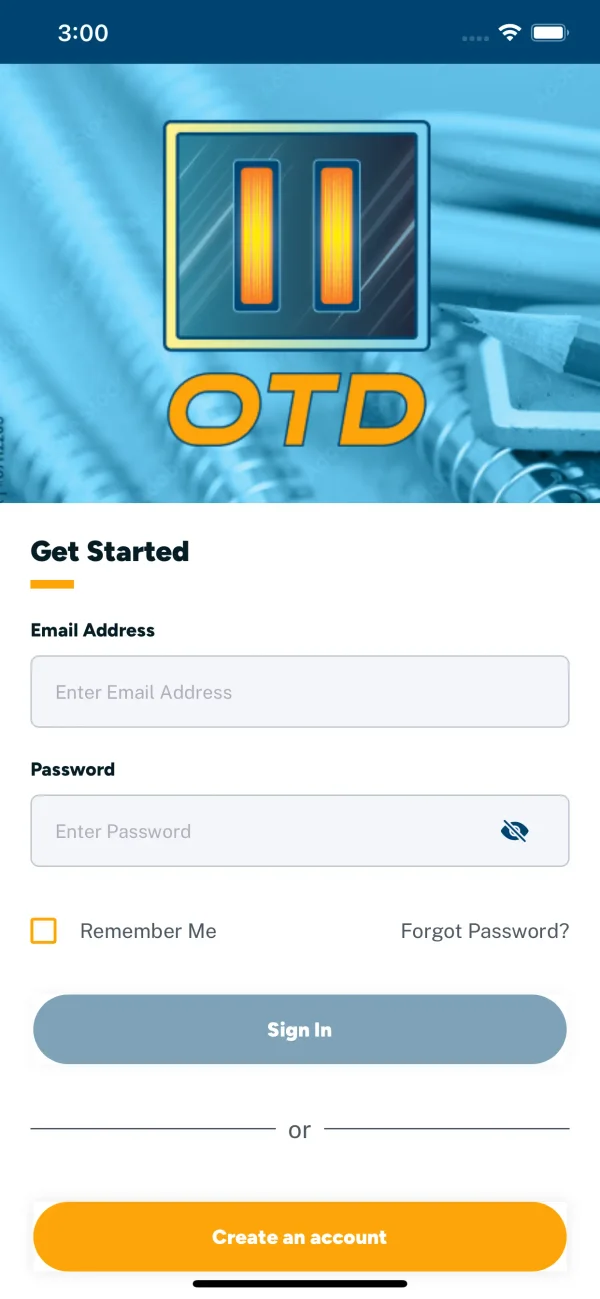
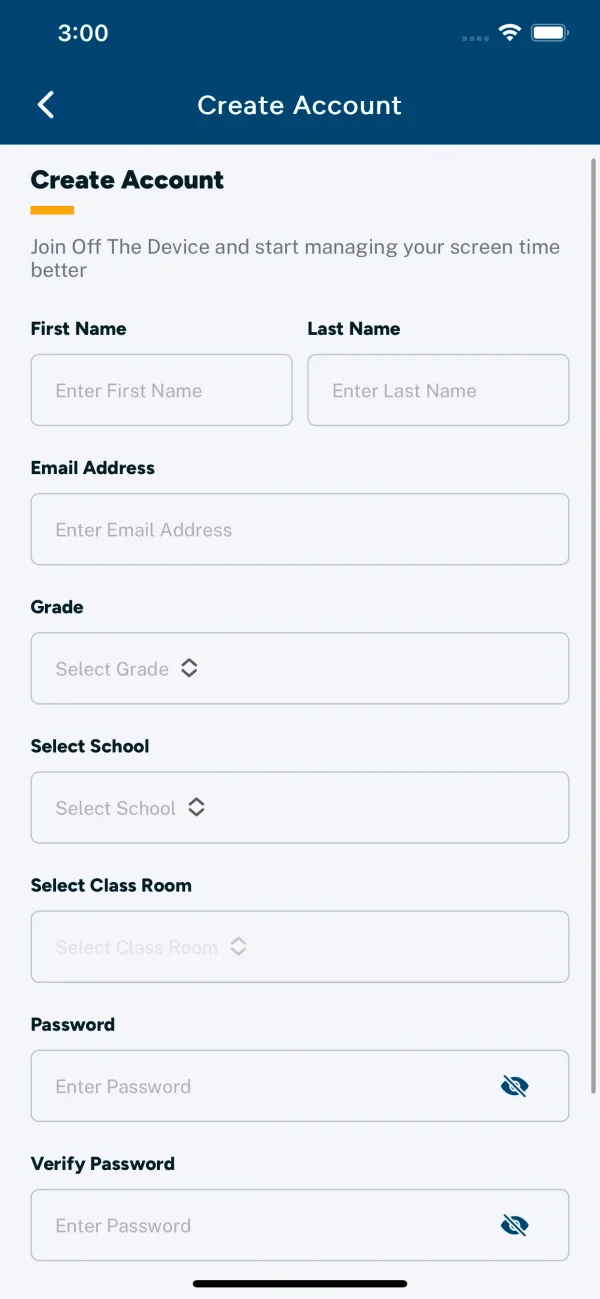
As students enter the school building, the application is installed on the students phone and running in the background. School WIFI, Geofencing or direct notification from school administration will trigger a visual and audible notification for students to power down the device or go into School Mode (airplane mode). Students can show staff as they enter the building or the classroom they are using the application and their phone is in school mode (airplane mode) or powered off. Students are expected to keep the application open and their devices powered off or in School Mode (airplane mode) from the opening bell in the morning to the final bell in the afternoon. The school may send notifications through the application periodically during the school day to monitor student compliance. Students who fail to comply with the policy will be referred to the school administration as per the school code of conduct. As students exit the school building, the device will no longer be connected to wifi or Geofencing and the application will shut down. The student can then turn off school mode (airplane mode) or power up the device. Students must sign up for the application using their first and last name, school email address and name of their school.
Nouveautés
Version 1.5 · 19/09/2025
Bug Fixed
Confidentialité de l’application
Ce que Pause Solutions LLC déclare sur l’App Store au sujet du traitement des données par cette application.
-
Données non collectées
Le développeur ne collecte aucune donnée à partir de cette application.
Les pratiques en matière de confidentialité peuvent varier, notamment en fonction des fonctionnalités que vous utilisez ou de votre âge.
Informations
- Vendeur
- DMB Equipment LLC
- Catégorie
- Éducation
- Version
- 1.5
- Mis à jour
- 19/09/2025
- Publié
- 29/07/2025
- Taille
- 27,7 Mo
- Nécessite
- iOS 14.0 ou version ultérieure
- Classification d’âge
- 4+
- Prix
- Gratuit
- Langues
- Anglais
- Copyright
- © Pause Solutions LLC