
- Age rating4+
- CategoryEducation
- DeveloperPause Solutions LLC
- LanguagesEnglish
- Size27.7 MB
Links to the official App Store page
Download.org hosts no file of Off The Devices. The button opens its official App Store page, published by Pause Solutions LLC. Listing last checked on Nov 18, 2026.
Screenshots

About
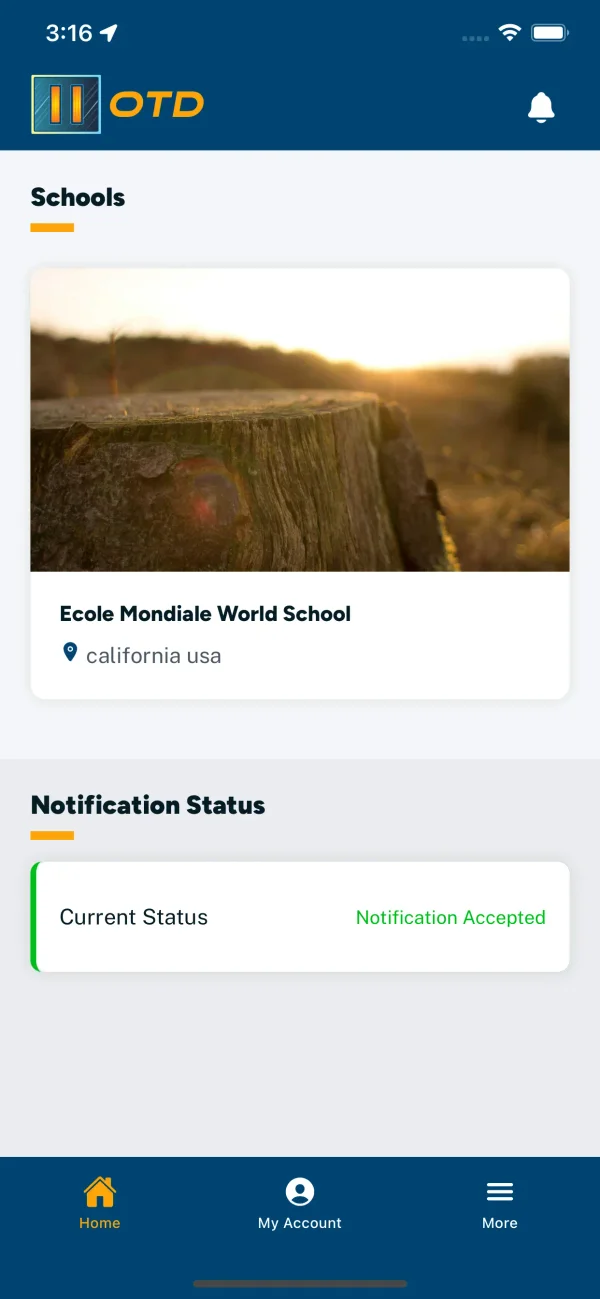
Cell phones, smartwatches, and earbuds are taking over our schools. The cost of addiction to social media and unrestricted access to the internet in schools remains unknown. Social Scientists are just beginning to study the effects of this profound societal issue. Currently, we know unrestricted use of cellphones in schools has an adverse impact on learning, socialization with peers and student mental health. School teachers and administrators are frustrated with the constant policing of smartphones. The Off the Devices app.provides schools with a systematic approach to teaching students responsible use of smart devices in school. The OTD system requires every student who brings a cell phone or smart watch to school to download the OTD application on their personal device. The OTD system uses Geofencing, the school WIFI and direct messages from school administrators to remind students to use school mode or power down their device. The school administrator dashboard shows which students took action and placed the devices in school mode. Students who did not respond receive additional notifications as necessary. The OTD application is required to be turned on and in use for each student as they start the school day.
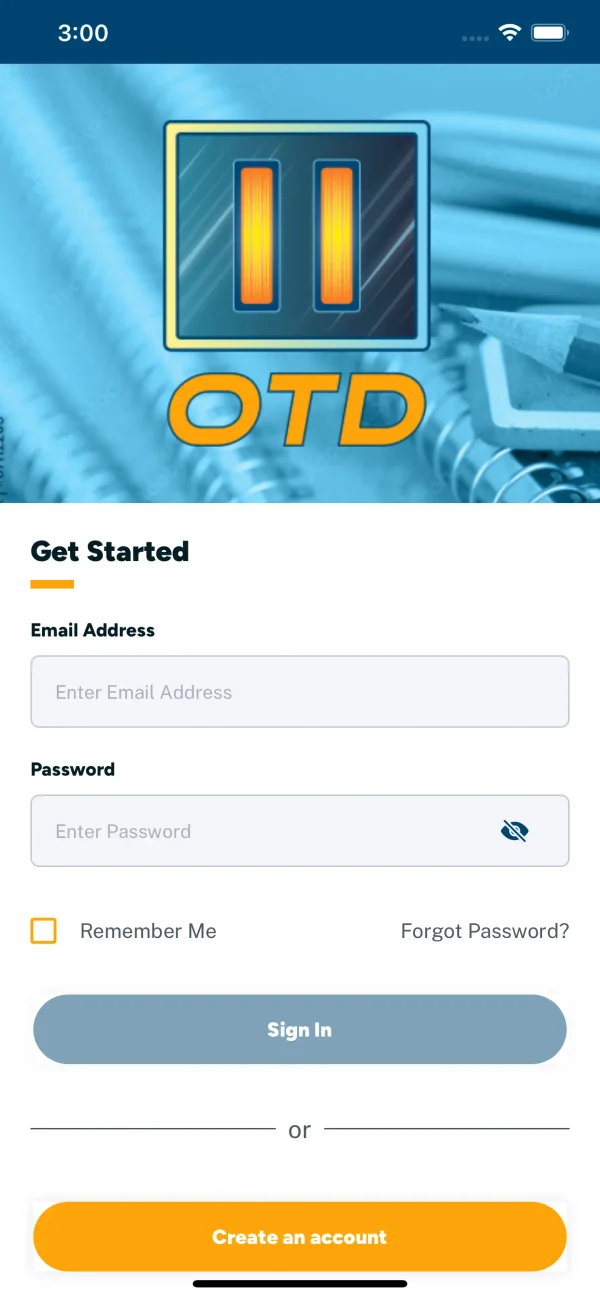
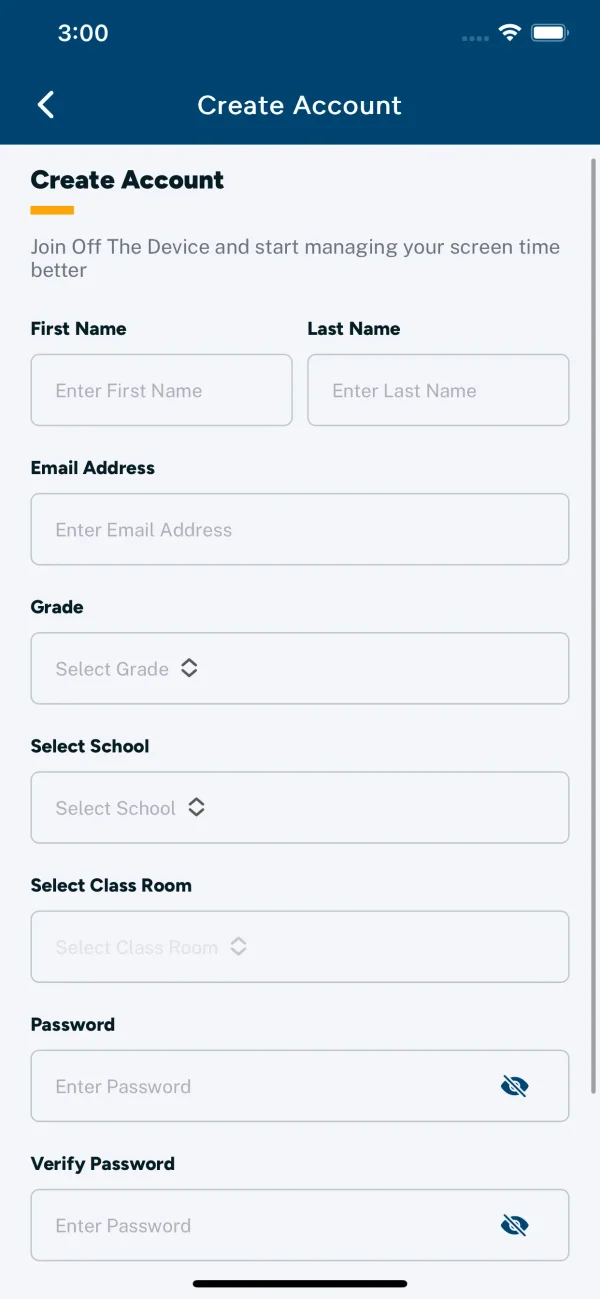
As students enter the school building, the application is installed on the students phone and running in the background. School WIFI, Geofencing or direct notification from school administration will trigger a visual and audible notification for students to power down the device or go into School Mode (airplane mode). Students can show staff as they enter the building or the classroom they are using the application and their phone is in school mode (airplane mode) or powered off. Students are expected to keep the application open and their devices powered off or in School Mode (airplane mode) from the opening bell in the morning to the final bell in the afternoon. The school may send notifications through the application periodically during the school day to monitor student compliance. Students who fail to comply with the policy will be referred to the school administration as per the school code of conduct. As students exit the school building, the device will no longer be connected to wifi or Geofencing and the application will shut down. The student can then turn off school mode (airplane mode) or power up the device. Students must sign up for the application using their first and last name, school email address and name of their school.
What’s new
Version 1.5 · Sep 19, 2025
Bug Fixed
App privacy
What Pause Solutions LLC declares on the App Store about how this app handles data.
-
Data not collected
The developer does not collect any data from this app.
Privacy practices may vary, for example with the features you use or your age.
Information
- Seller
- DMB Equipment LLC
- Category
- Education
- Version
- 1.5
- Updated
- Sep 19, 2025
- Released
- Jul 29, 2025
- Size
- 27.7 MB
- Requires
- iOS 14.0 or later
- Age rating
- 4+
- Price
- Free
- Languages
- English
- Copyright
- © Pause Solutions LLC
You might also like
-
 ArtCartDrawing, painting, printmaking
-
 DEtrisGerman grammar, block by block
-
 BuildWise – Play & LearnEducation
-
 ClassWiseEducation
-
 AASPA EventsReference
-
 ICEF EventsYour Event Companion
-
 UCATReference
-
 Organic Chemistry ChallengeEducation
-
 SWIS SuiteEducation
-
 Galaxy Kids - Learning EnglishEnglish Speaking App for Kids