- Độ tuổi4+
- Danh mụcGiáo Dục
- Nhà phát triểnPause Solutions LLC
- Ngôn ngữTiếng Anh
- Kích thước27,7 MB
Liên kết đến trang App Store chính thức
Download.org không lưu trữ tệp nào của Off The Devices. Nút này mở trang ứng dụng trên App Store, nơi Pause Solutions LLC phát hành ứng dụng. Trang được kiểm tra lần cuối: 18/11/2026.
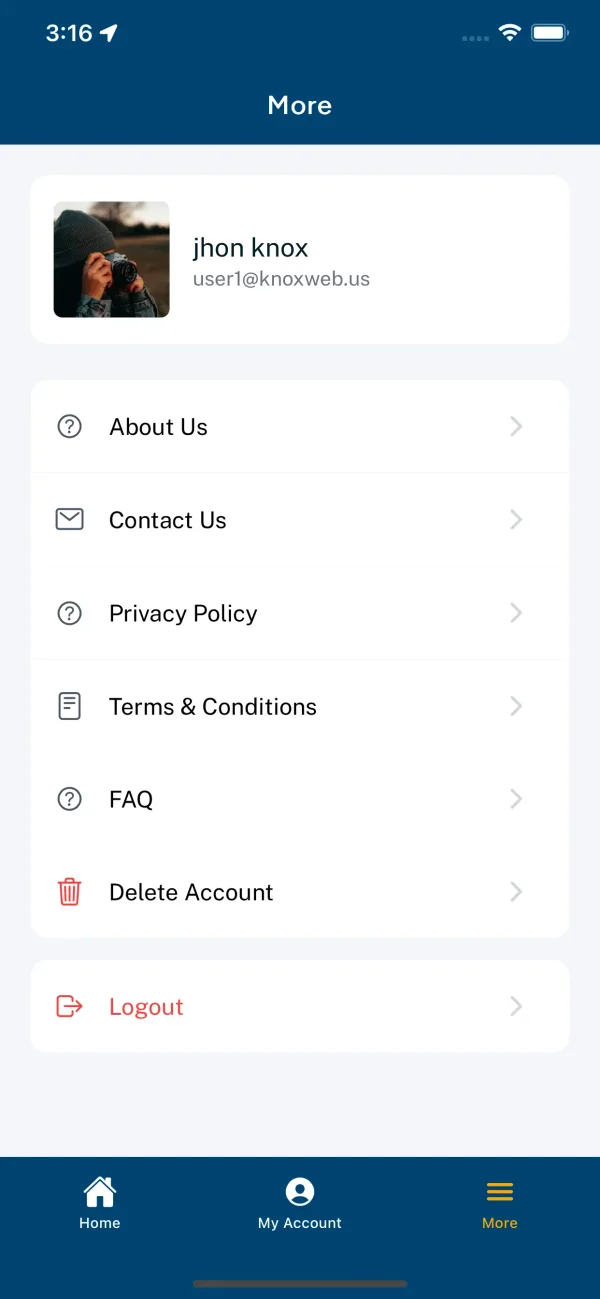
Ảnh chụp màn hình

Giới thiệu
Nhà phát triển chưa cung cấp nội dung này bằng ngôn ngữ của bạn.
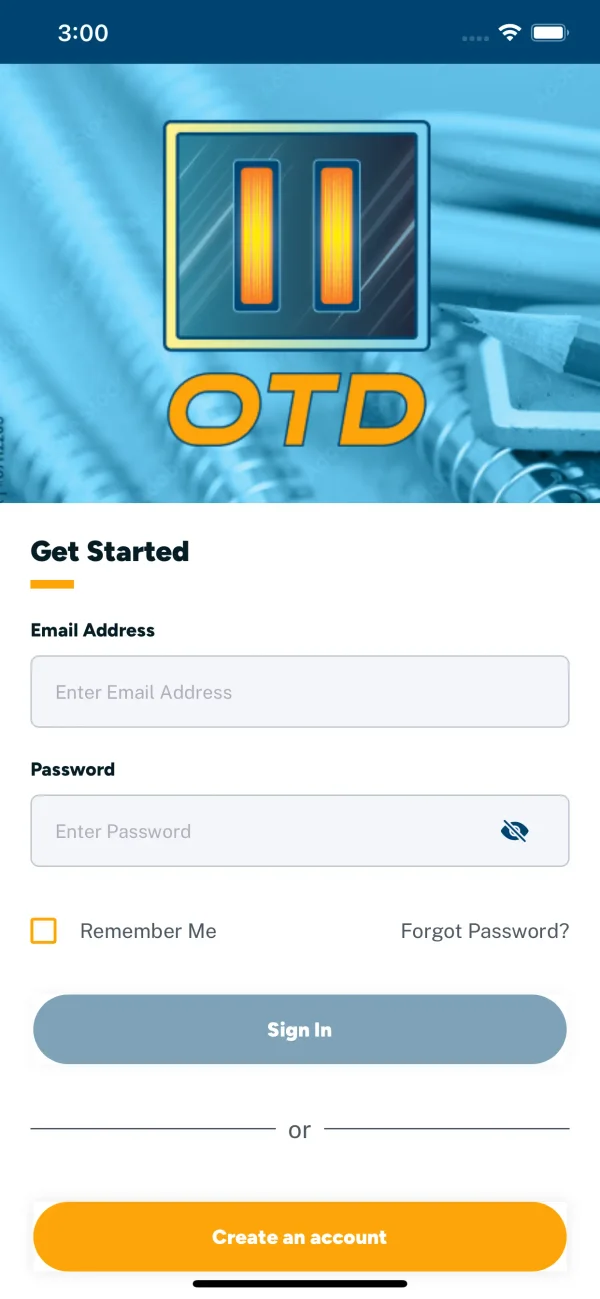
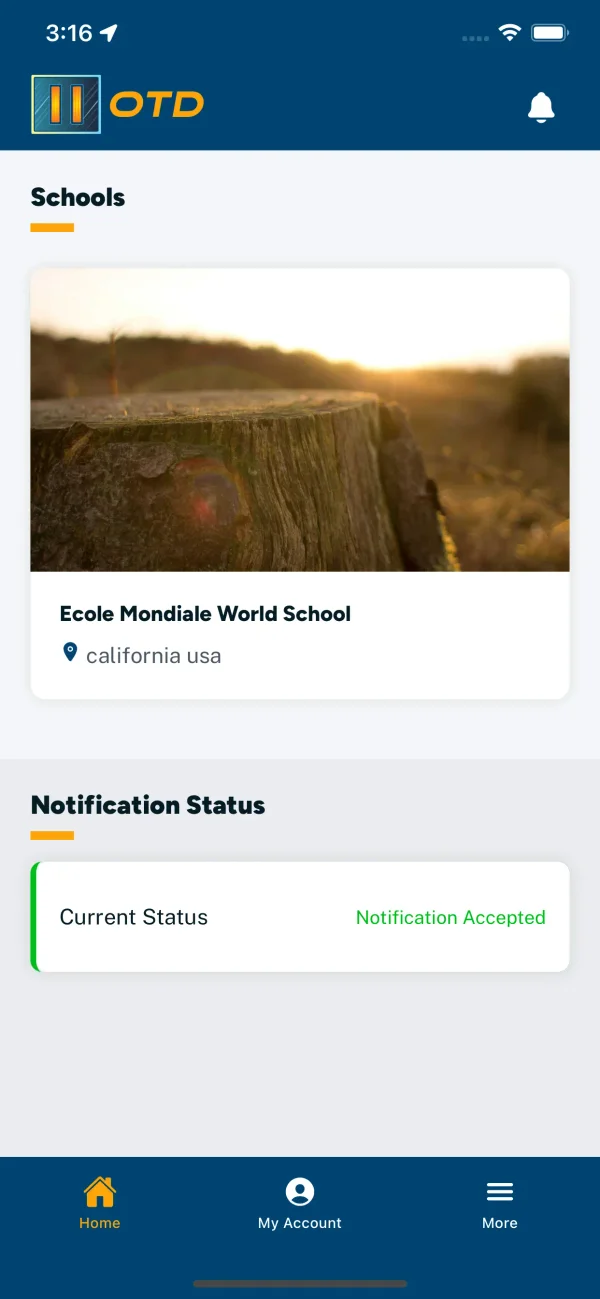
Cell phones, smartwatches, and earbuds are taking over our schools. The cost of addiction to social media and unrestricted access to the internet in schools remains unknown. Social Scientists are just beginning to study the effects of this profound societal issue. Currently, we know unrestricted use of cellphones in schools has an adverse impact on learning, socialization with peers and student mental health. School teachers and administrators are frustrated with the constant policing of smartphones. The Off the Devices app.provides schools with a systematic approach to teaching students responsible use of smart devices in school. The OTD system requires every student who brings a cell phone or smart watch to school to download the OTD application on their personal device. The OTD system uses Geofencing, the school WIFI and direct messages from school administrators to remind students to use school mode or power down their device. The school administrator dashboard shows which students took action and placed the devices in school mode. Students who did not respond receive additional notifications as necessary. The OTD application is required to be turned on and in use for each student as they start the school day.
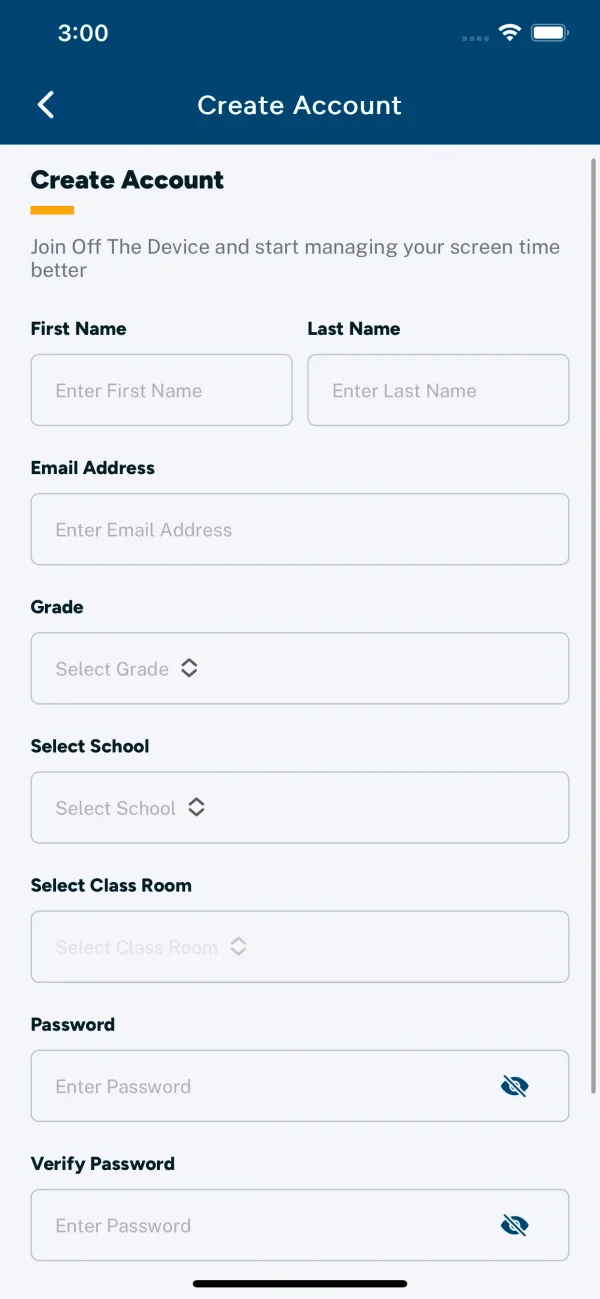
As students enter the school building, the application is installed on the students phone and running in the background. School WIFI, Geofencing or direct notification from school administration will trigger a visual and audible notification for students to power down the device or go into School Mode (airplane mode). Students can show staff as they enter the building or the classroom they are using the application and their phone is in school mode (airplane mode) or powered off. Students are expected to keep the application open and their devices powered off or in School Mode (airplane mode) from the opening bell in the morning to the final bell in the afternoon. The school may send notifications through the application periodically during the school day to monitor student compliance. Students who fail to comply with the policy will be referred to the school administration as per the school code of conduct. As students exit the school building, the device will no longer be connected to wifi or Geofencing and the application will shut down. The student can then turn off school mode (airplane mode) or power up the device. Students must sign up for the application using their first and last name, school email address and name of their school.
Có gì mới
Phiên bản 1.5 · 19/09/2025
Bug Fixed
Quyền riêng tư của ứng dụng
Những gì Pause Solutions LLC khai báo trên App Store về cách ứng dụng này xử lý dữ liệu.
-
Dữ liệu không được thu thập
Nhà phát triển không thu thập bất kỳ dữ liệu nào từ ứng dụng này.
Phương thức đảm bảo quyền riêng tư có thể khác nhau, chẳng hạn như tuỳ theo các tính năng bạn sử dụng hoặc độ tuổi của bạn.
Thông tin
- Người bán
- DMB Equipment LLC
- Danh mục
- Giáo Dục
- Phiên bản
- 1.5
- Cập nhật
- 19/09/2025
- Phát hành
- 29/07/2025
- Kích thước
- 27,7 MB
- Yêu cầu
- iOS 14.0 trở lên
- Độ tuổi
- 4+
- Giá
- Miễn phí
- Ngôn ngữ
- Tiếng Anh
- Bản quyền
- © Pause Solutions LLC