- Classification d’âge4+
- CatégorieUtilitaires
- Développeurkushal patel
- LanguesAnglais
- Taille16,4 Mo
Renvoie vers la page App Store officielle
Download.org n’héberge aucun fichier de PDF Editor Master. Le bouton ouvre la page de l’application sur App Store, où kushal patel la publie. Fiche vérifiée pour la dernière fois le 13/11/2026.
Captures d’écran
À propos
Le développeur n’a pas fourni ce texte dans votre langue.
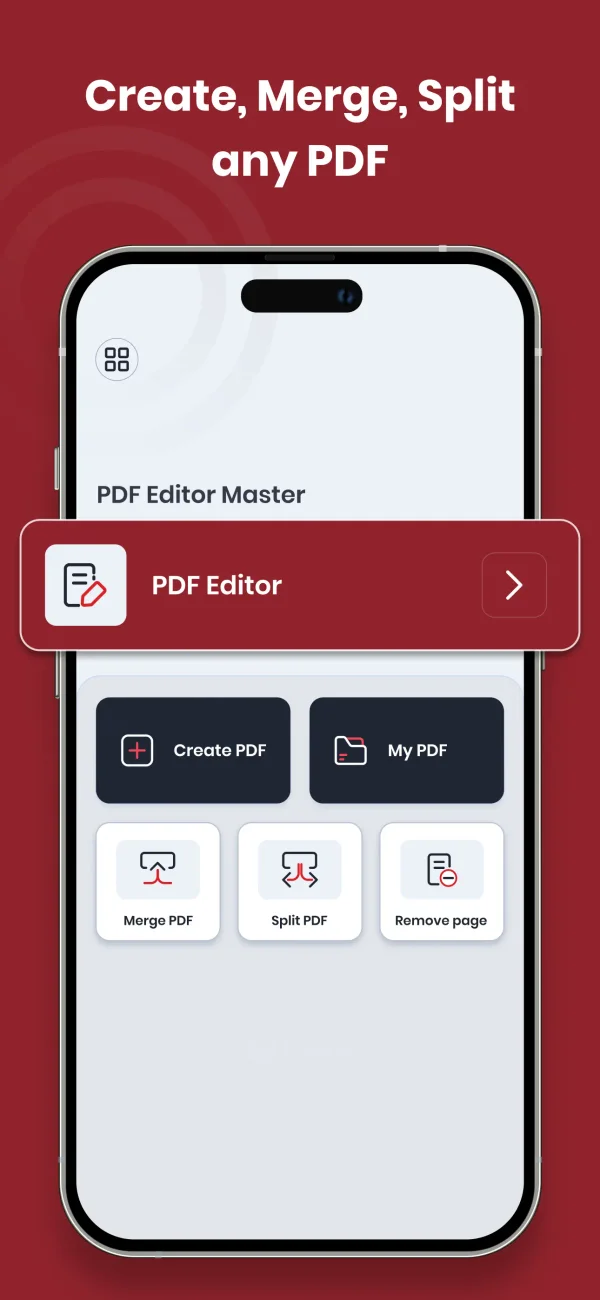
Welcome to PDF Editor, your all-in-one solution for editing, creating, merging, splitting, and removing pages from PDF files. With a comprehensive set of features, PDF Editor empowers you to efficiently manage and customise your PDF documents. Discover the powerful capabilities of PDF Editor and streamline your PDF editing tasks like never before.
1.PDF Editor:
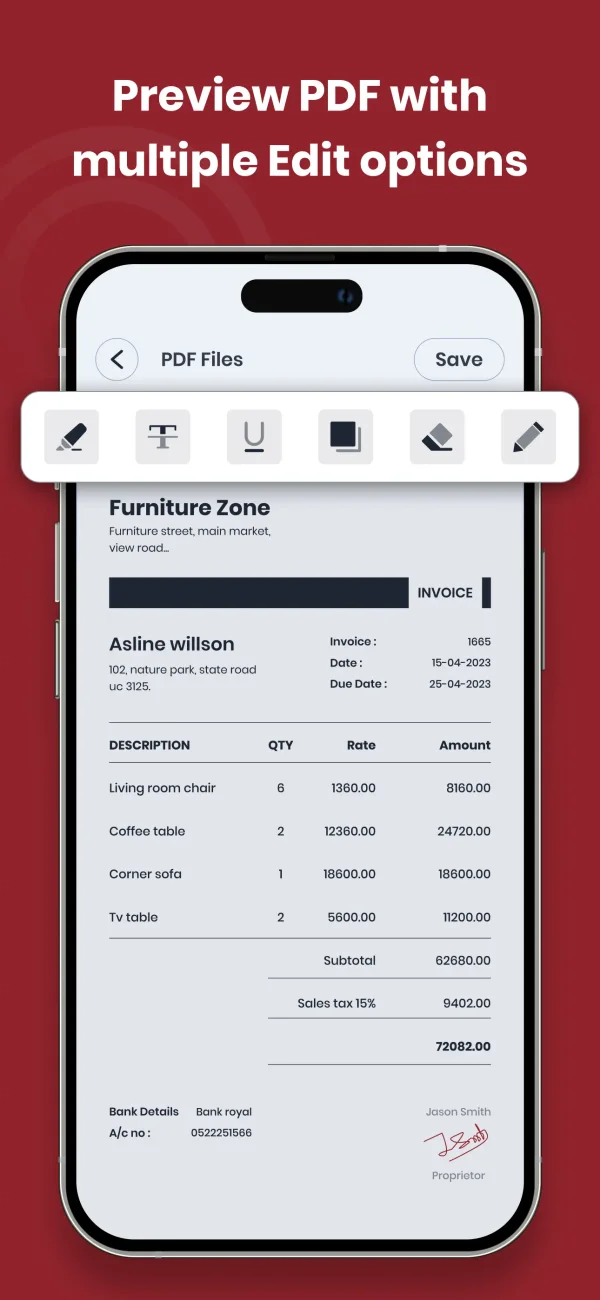
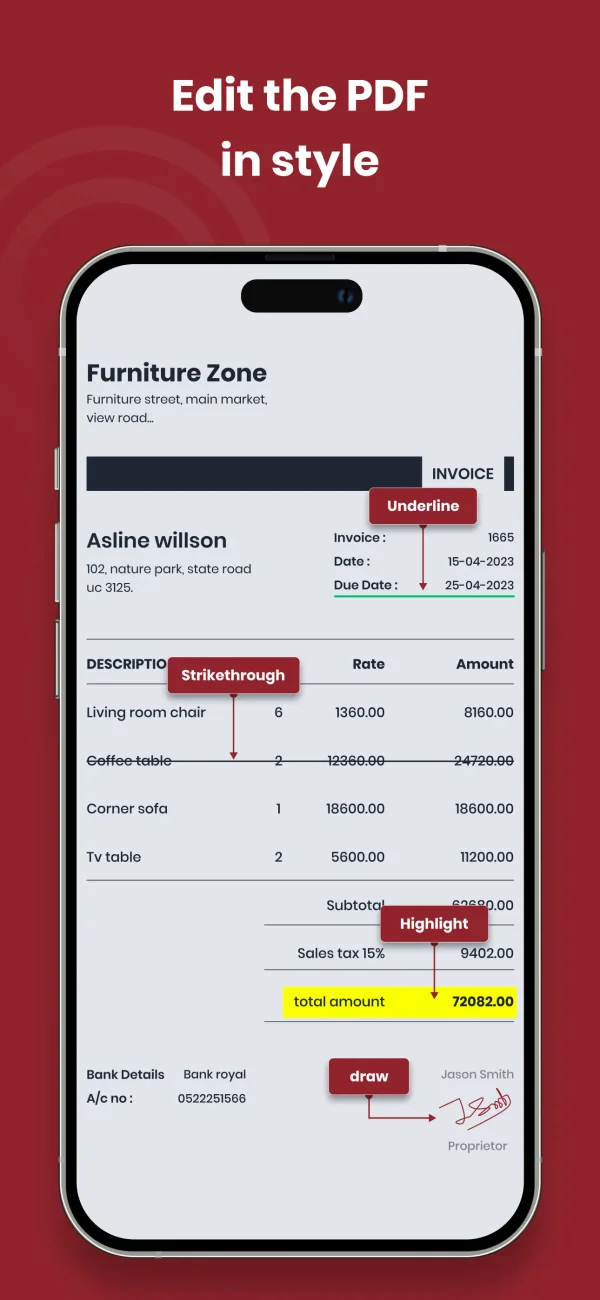
Edit your PDF files with ease using a range of options. Underline or strikethrough text to highlight important information. Draw or write on your PDFs to add annotations or comments. Copy text from your PDFs for further use. Erase specific text to make revisions. Save your edited PDFs and even rename them for easy organisation.
2.Create PDF:
Effortlessly create PDFs with a customised title. Arrange the position of text with options for left, centre, or right alignment. Add descriptions to provide context. Preview your PDFs before finalizing and creating them. Create professional-looking PDFs tailored to your needs.
3.My PDF:
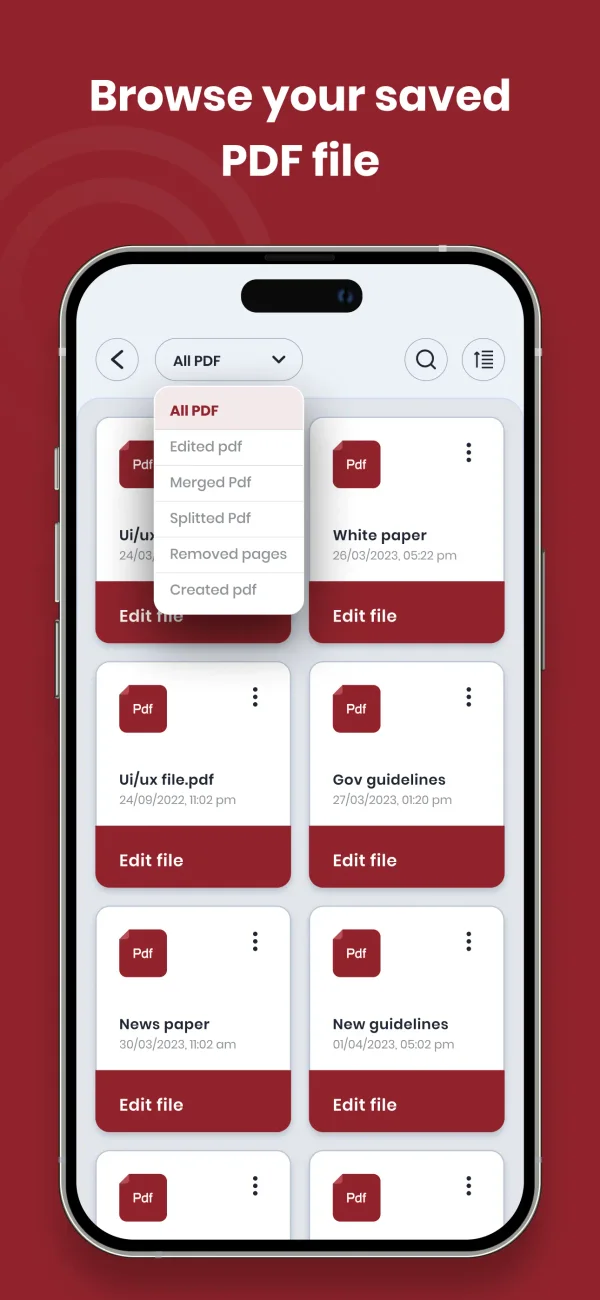
Access all your saved PDFs in one place. Easily locate specific PDFs by applying filters based on importance. Quickly find all PDFs, edited PDFs, merged PDFs, spliced PDFs, removed pages, and created PDFs. Simplify your PDF management and retrieval process.
4.Merge PDF:
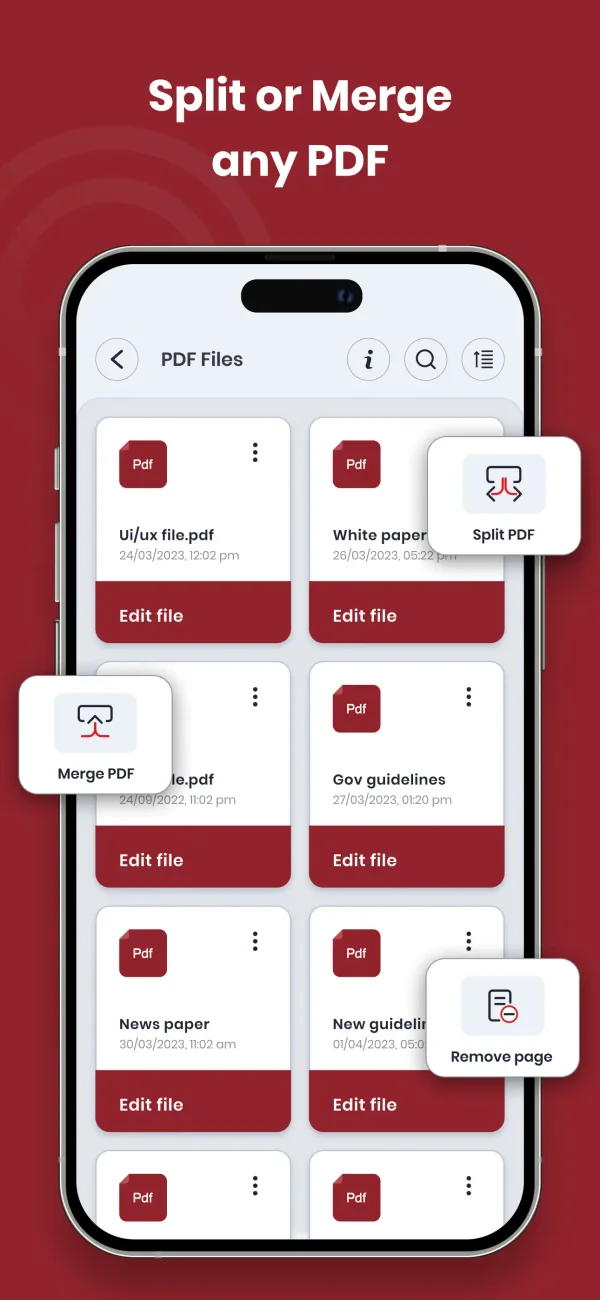
Combine multiple PDFs into a single document seamlessly. Select the PDFs you want to merge and save the merged file. Consolidate related content and streamline your PDF collection.
5.Split PDF:
Efficiently split PDFs into separate files based on your requirements. Choose to split by single pages, specific page ranges, or by entering specific page numbers. Customise your PDF splitting process to extract the necessary content effortlessly.
6.Remove Page:
Easily remove specific pages from your PDFs. Browse through your PDFs, view all pages, and selectively remove particular pages. Refine your PDF content by removing unwanted or irrelevant pages.
Download app now and unlock a world of possibilities for managing and customising your PDF documents. Enhance your productivity, organisation, and document management with this versatile PDF editing app.
Features:
• Powerful PDF editing capabilities, including underlining, striking, drawing, writing, copying, and erasing text
• Create customised PDFs with title, text positioning, and descriptions
• Convenient access to all saved PDFs with filters for easy navigation
• Merge multiple PDFs into a single document
• Split PDFs by single pages, specific page ranges, or page numbers
• Remove specific pages from PDFs for refined content
Nouveautés
Version 1.1.2 · 27/03/2025
Bug fix and performance improvements.
Confidentialité de l’application
Ce que kushal patel déclare sur l’App Store au sujet du traitement des données par cette application.
-
Données utilisées pour vous suivre
Peuvent être utilisées pour vous suivre sur des applications et des sites web appartenant à d’autres sociétés.
- Données d’utilisation
-
Données n’établissant aucun lien avec vous
Peuvent être collectées, mais ne sont pas liées à votre identité.
- Données d’utilisation
Les pratiques en matière de confidentialité peuvent varier, notamment en fonction des fonctionnalités que vous utilisez ou de votre âge.
Informations
- Vendeur
- kushal patel
- Catégorie
- Utilitaires
- Version
- 1.1.2
- Mis à jour
- 27/03/2025
- Publié
- 02/07/2023
- Taille
- 16,4 Mo
- Nécessite
- iOS 14.0 ou version ultérieure
- Classification d’âge
- 4+
- Prix
- Gratuit
- Achats intégrés
- Oui
- Langues
- Anglais
- Copyright
- © Kushal Patel
Vous aimerez peut-être aussi
-
 PDF To Text: PDF EditorUtilitaires
-
 PDF Reader & PDF Viewer AppUtilitaires
-
 Éditeur PDF : Modifier TexteSigner, Remplir & Annoter
-
 Éditeur PDF simpleModifiez le PDF facilement!
-
 Scanner PDF Documents - OCRÉditeur et convertisseur PDF
-
 Éditeur PDF - Lire & Edit PDFLecteur et Signer
-
 GBWhatsPro+Utilitaires
-
 PDF ÉditeurLecteur PDF, scanner & signer
-
 Quickteller - Payment & WalletUtilitaires
-
 PDF Reader - Éditeur & lecteurÉditeur Convertisseur OCR