
- 対象年齢4+
- カテゴリユーティリティ
- 開発元kushal patel
- 言語英語
- サイズ16.4 MB
App Storeの公式ページにリンクしています
Download.orgはPDF Editor Masterのファイルを一切ホストしていません。ボタンを押すと、kushal patelが公開しているApp Storeのアプリページが開きます。ページの最終確認:2026/11/13。
スクリーンショット

概要
開発元はこのテキストをお使いの言語で提供していません。
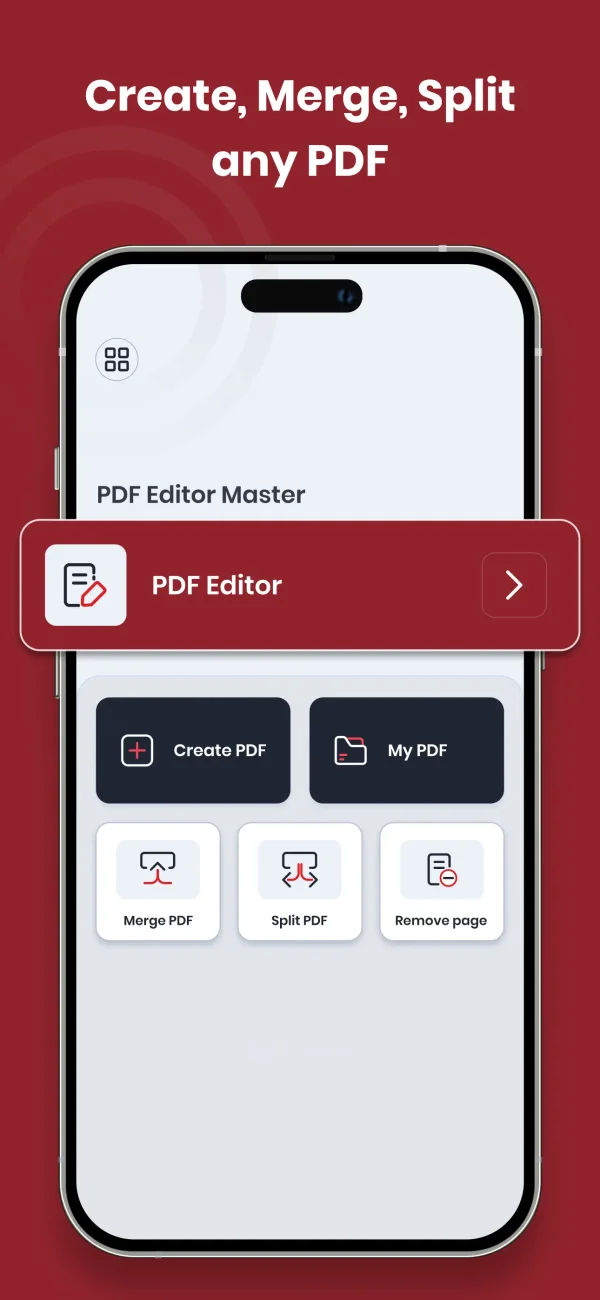
Welcome to PDF Editor, your all-in-one solution for editing, creating, merging, splitting, and removing pages from PDF files. With a comprehensive set of features, PDF Editor empowers you to efficiently manage and customise your PDF documents. Discover the powerful capabilities of PDF Editor and streamline your PDF editing tasks like never before.
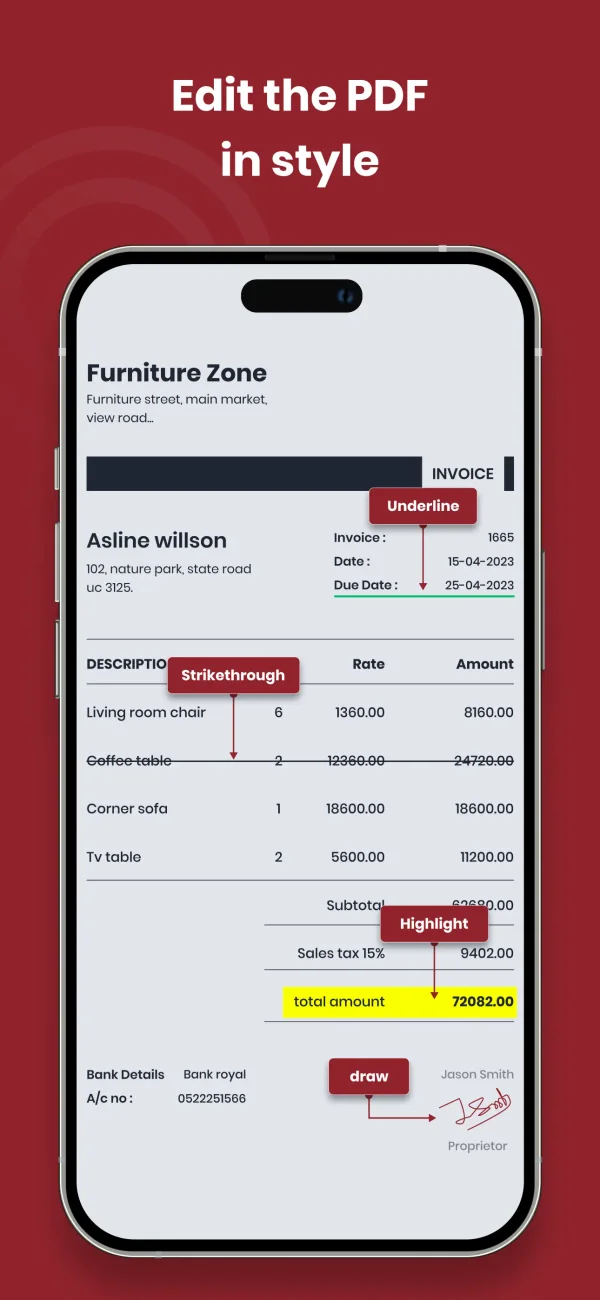
1.PDF Editor:
Edit your PDF files with ease using a range of options. Underline or strikethrough text to highlight important information. Draw or write on your PDFs to add annotations or comments. Copy text from your PDFs for further use. Erase specific text to make revisions. Save your edited PDFs and even rename them for easy organisation.
2.Create PDF:
Effortlessly create PDFs with a customised title. Arrange the position of text with options for left, centre, or right alignment. Add descriptions to provide context. Preview your PDFs before finalizing and creating them. Create professional-looking PDFs tailored to your needs.
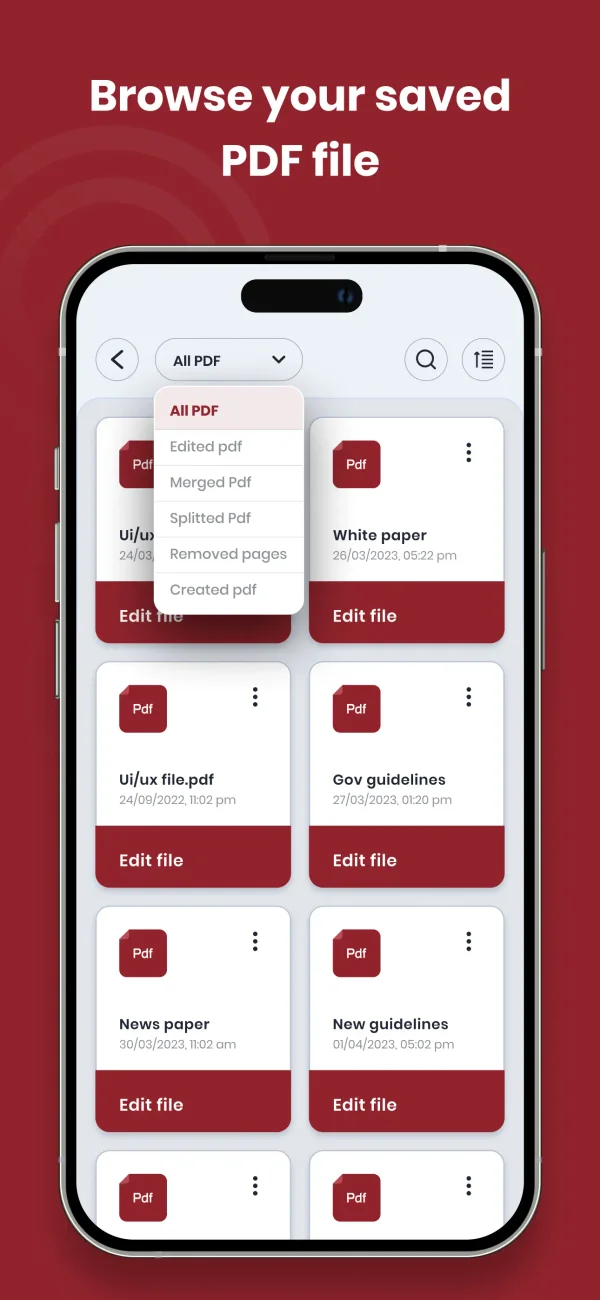
3.My PDF:
Access all your saved PDFs in one place. Easily locate specific PDFs by applying filters based on importance. Quickly find all PDFs, edited PDFs, merged PDFs, spliced PDFs, removed pages, and created PDFs. Simplify your PDF management and retrieval process.
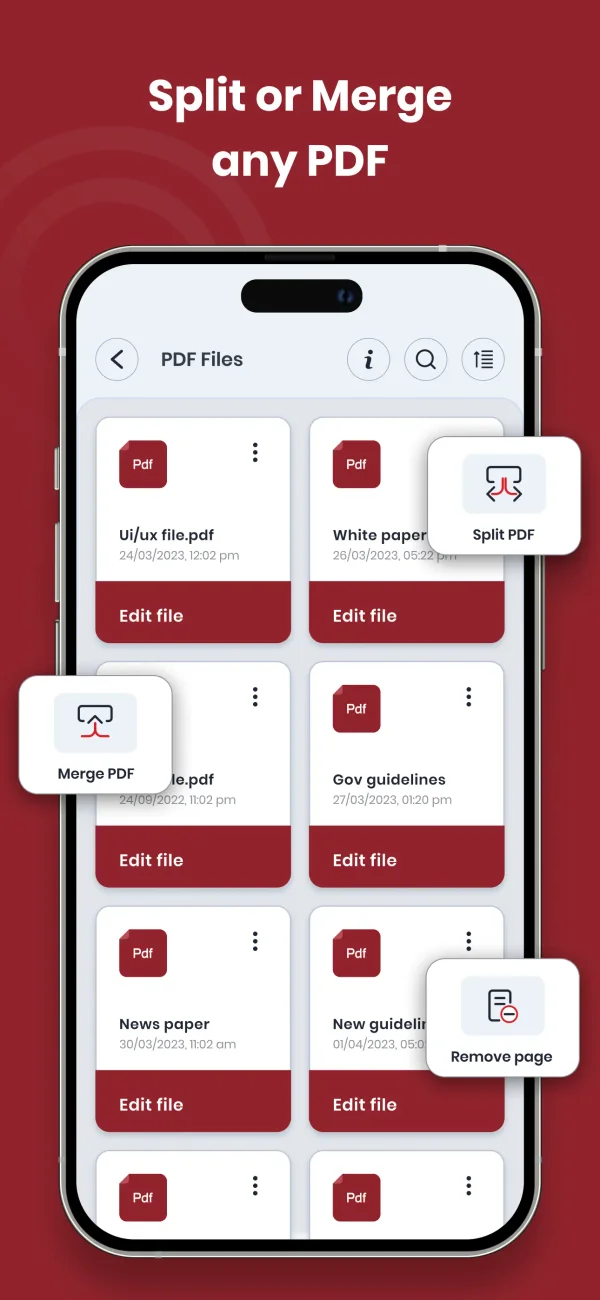
4.Merge PDF:
Combine multiple PDFs into a single document seamlessly. Select the PDFs you want to merge and save the merged file. Consolidate related content and streamline your PDF collection.
5.Split PDF:
Efficiently split PDFs into separate files based on your requirements. Choose to split by single pages, specific page ranges, or by entering specific page numbers. Customise your PDF splitting process to extract the necessary content effortlessly.
6.Remove Page:
Easily remove specific pages from your PDFs. Browse through your PDFs, view all pages, and selectively remove particular pages. Refine your PDF content by removing unwanted or irrelevant pages.
Download app now and unlock a world of possibilities for managing and customising your PDF documents. Enhance your productivity, organisation, and document management with this versatile PDF editing app.
Features:
• Powerful PDF editing capabilities, including underlining, striking, drawing, writing, copying, and erasing text
• Create customised PDFs with title, text positioning, and descriptions
• Convenient access to all saved PDFs with filters for easy navigation
• Merge multiple PDFs into a single document
• Split PDFs by single pages, specific page ranges, or page numbers
• Remove specific pages from PDFs for refined content
新機能
バージョン 1.1.2 · 2025/3/27
Bug fix and performance improvements.
アプリのプライバシー
このアプリのデータの取り扱いについて、kushal patelがApp Storeで申告している内容です。
-
ユーザーのトラッキングに使用されるデータ
他社のアプリやウェブサイトを横断してユーザーをトラッキングする目的で使用される場合があります。
- 使用状況データ
-
ユーザーに関連付けられないデータ
収集される場合がありますが、ユーザーの識別情報には関連付けられません。
- 使用状況データ
プライバシーの取り扱いは、ご利用の機能やお客様の年齢などに応じて異なる場合があります。
情報
- 販売元
- kushal patel
- カテゴリ
- ユーティリティ
- バージョン
- 1.1.2
- 更新日
- 2025/3/27
- リリース
- 2023/7/2
- サイズ
- 16.4 MB
- 必要条件
- iOS 14.0以降
- 対象年齢
- 4+
- 価格
- 無料
- アプリ内課金
- あり
- 言語
- 英語
- 著作権
- © Kushal Patel
こちらもおすすめ
-
 PDF To Text: PDF Editorユーティリティ
-
 PDF Reader & PDF Viewer Appユーティリティ
-
 PDF編集:文字を編集署名・注釈してフォーム記入
-
 簡単PDF編集PDFを簡単に編集できる!
-
 PDFスキャンアプリ- OCRテキストスキャンドキュメントのスキャン、PDF リーダー
-
 PDF Editor - 読む と 編集 PDFファイルの編集、保存 署名記入
-
 GBWhatsPro+ユーティリティ
-
 pdfエディタPDFリーダー・スキャン・署名
-
 Quickteller - Payment & Walletユーティリティ
-
 PDF Reader - PDFの編集・閲覧・作成・署名エディター コンバーター OCR(光学文字認識)