
PDF Editor Master
Dirancang untuk iPhone, iPod touch
Gratis · Pembelian dalam aplikasi
- Batasan usia4+
- KategoriKegunaan
- Pengembangkushal patel
- BahasaInggris
- Ukuran16,4 MB
Tertaut ke halaman resmi App Store
Download.org tidak menyimpan file PDF Editor Master apa pun. Tombol ini membuka halaman aplikasi di App Store, tempat kushal patel menerbitkannya. Halaman terakhir diperiksa pada 13/11/2026.
Tangkapan layar

Tentang
Pengembang belum menyediakan teks ini dalam bahasa Anda.
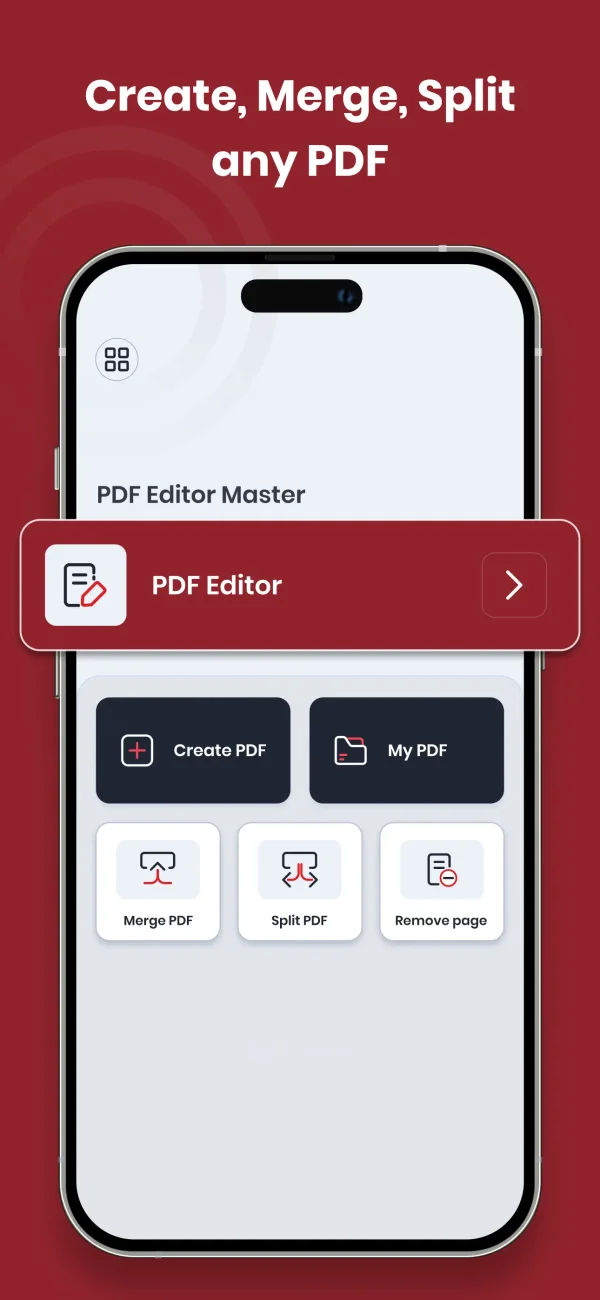
Welcome to PDF Editor, your all-in-one solution for editing, creating, merging, splitting, and removing pages from PDF files. With a comprehensive set of features, PDF Editor empowers you to efficiently manage and customise your PDF documents. Discover the powerful capabilities of PDF Editor and streamline your PDF editing tasks like never before.
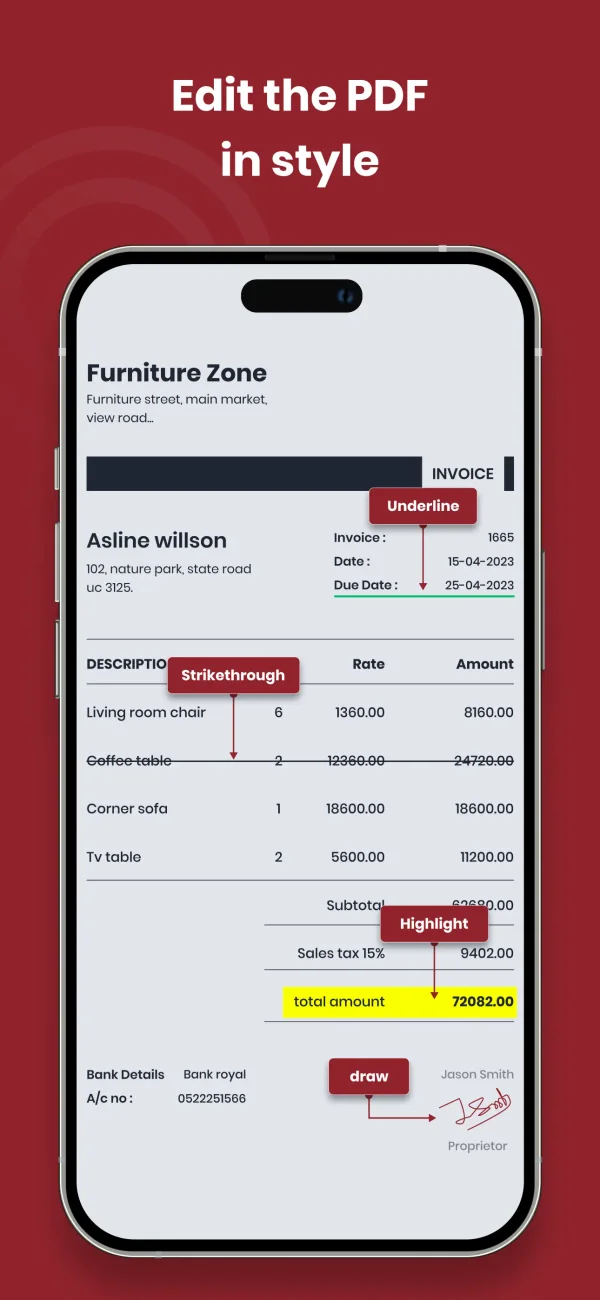
1.PDF Editor:
Edit your PDF files with ease using a range of options. Underline or strikethrough text to highlight important information. Draw or write on your PDFs to add annotations or comments. Copy text from your PDFs for further use. Erase specific text to make revisions. Save your edited PDFs and even rename them for easy organisation.
2.Create PDF:
Effortlessly create PDFs with a customised title. Arrange the position of text with options for left, centre, or right alignment. Add descriptions to provide context. Preview your PDFs before finalizing and creating them. Create professional-looking PDFs tailored to your needs.
3.My PDF:
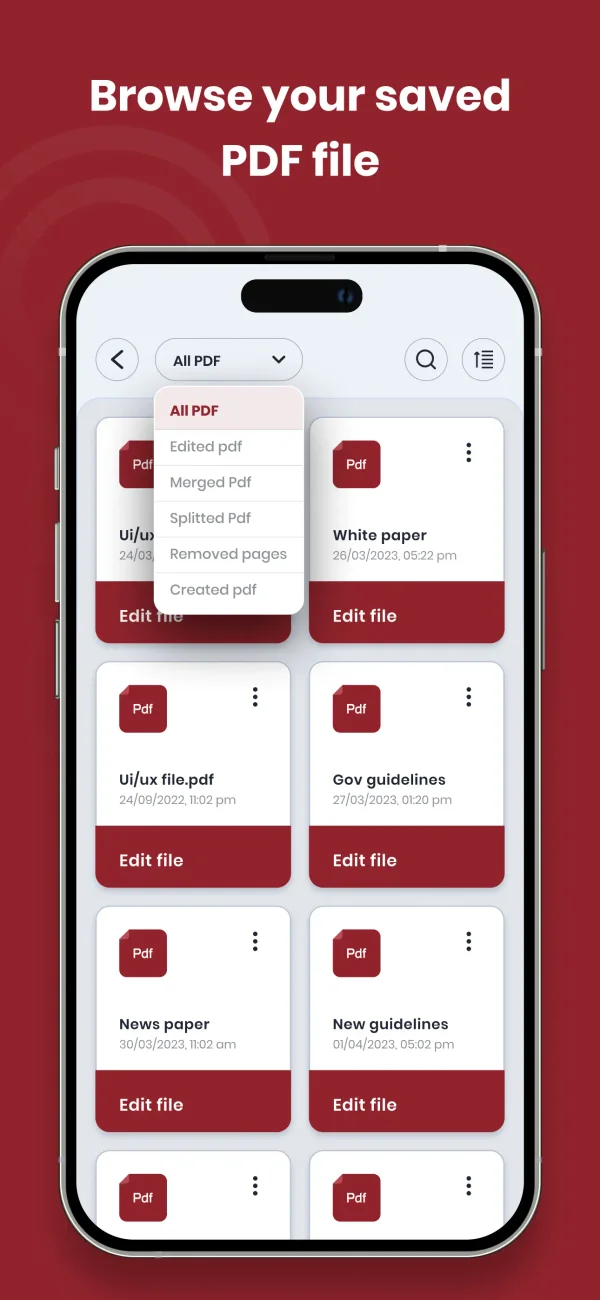
Access all your saved PDFs in one place. Easily locate specific PDFs by applying filters based on importance. Quickly find all PDFs, edited PDFs, merged PDFs, spliced PDFs, removed pages, and created PDFs. Simplify your PDF management and retrieval process.
4.Merge PDF:
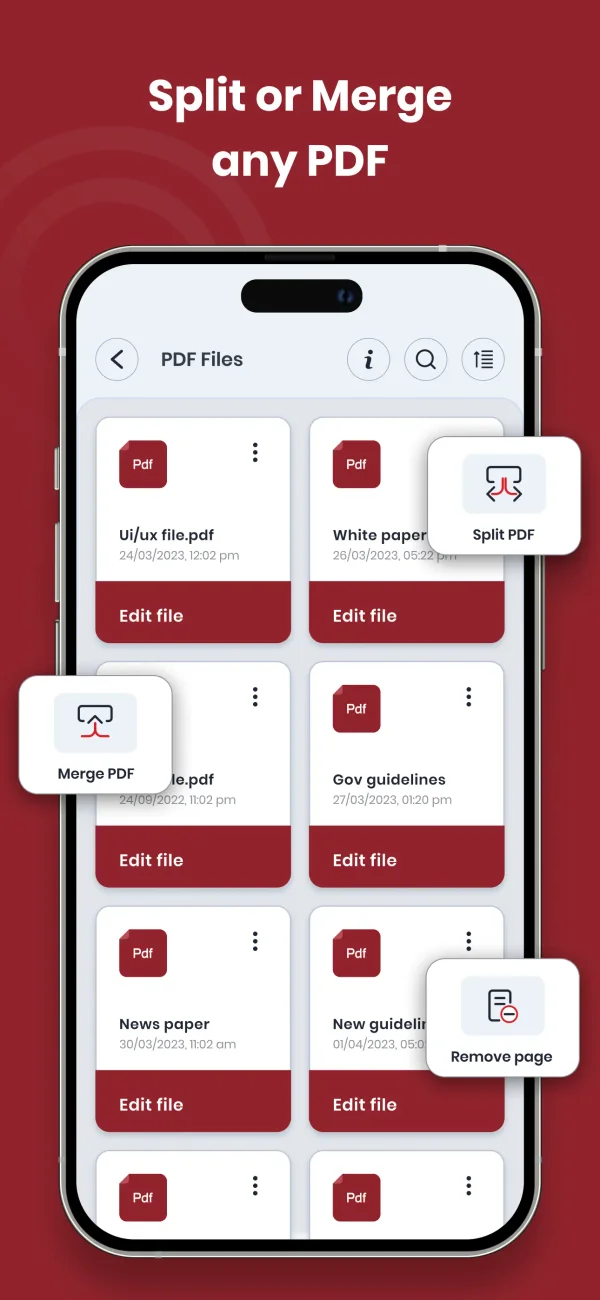
Combine multiple PDFs into a single document seamlessly. Select the PDFs you want to merge and save the merged file. Consolidate related content and streamline your PDF collection.
5.Split PDF:
Efficiently split PDFs into separate files based on your requirements. Choose to split by single pages, specific page ranges, or by entering specific page numbers. Customise your PDF splitting process to extract the necessary content effortlessly.
6.Remove Page:
Easily remove specific pages from your PDFs. Browse through your PDFs, view all pages, and selectively remove particular pages. Refine your PDF content by removing unwanted or irrelevant pages.
Download app now and unlock a world of possibilities for managing and customising your PDF documents. Enhance your productivity, organisation, and document management with this versatile PDF editing app.
Features:
• Powerful PDF editing capabilities, including underlining, striking, drawing, writing, copying, and erasing text
• Create customised PDFs with title, text positioning, and descriptions
• Convenient access to all saved PDFs with filters for easy navigation
• Merge multiple PDFs into a single document
• Split PDFs by single pages, specific page ranges, or page numbers
• Remove specific pages from PDFs for refined content
Yang baru
Versi 1.1.2 · 27/3/2025
Bug fix and performance improvements.
Privasi aplikasi
Yang dinyatakan kushal patel di App Store tentang cara aplikasi ini menangani data.
-
Data yang digunakan untuk melacak Anda
Dapat digunakan untuk melacak Anda di aplikasi dan situs web milik perusahaan lain.
- Data penggunaan
-
Data yang tidak ditautkan dengan Anda
Dapat dikumpulkan, tetapi tidak ditautkan dengan identitas Anda.
- Data penggunaan
Praktik privasi dapat bervariasi, misalnya berdasarkan fitur yang Anda gunakan atau usia Anda.
Informasi
- Penjual
- kushal patel
- Kategori
- Kegunaan
- Versi
- 1.1.2
- Diperbarui
- 27/3/2025
- Dirilis
- 2/7/2023
- Ukuran
- 16,4 MB
- Memerlukan
- iOS 14.0 atau yang lebih baru
- Batasan usia
- 4+
- Harga
- Gratis
- Pembelian dalam aplikasi
- Ya
- Bahasa
- Inggris
- Hak cipta
- © Kushal Patel
Mungkin Anda juga suka
-
 PDF To Text: PDF EditorKegunaan
-
 PDF Reader & PDF Viewer AppKegunaan
-
 Editor PDF: Edit TeksAnotasi, Tanda Tangan & Isi
-
 Simple PDF EditorYou can easily edit the PDF!
-
 PDF Scanner - Scan DocumnetsEditor, Convert Photos to PDF
-
 PDF Editor - Baca & Edit PDFEdit, tandatangan dan ubah PDF
-
 GBWhatsPro+Kegunaan
-
 PDF Editor ,PDF Book Reader ®Kegunaan
-
 Quickteller - Payment & WalletKegunaan
-
 PDF Reader - Editor & ViewerKegunaan