
PDF Scanner • Document Scanner
Scan, Share, Email PDF or JPG
Conçue pour iPhone, iPod touch
Gratuit · Achats intégrés
- Classification d’âge4+
- CatégorieÉconomie et entreprise
- DéveloppeurGolden Mind Services LTD
- LanguesAnglais
- Taille20,8 Mo
Renvoie vers la page App Store officielle
Download.org n’héberge aucun fichier de PDF Scanner • Document Scanner. Le bouton ouvre la page de l’application sur App Store, où Golden Mind Services LTD la publie. Fiche vérifiée pour la dernière fois le 27/11/2026.
Captures d’écran

À propos
Le développeur n’a pas fourni ce texte dans votre langue.
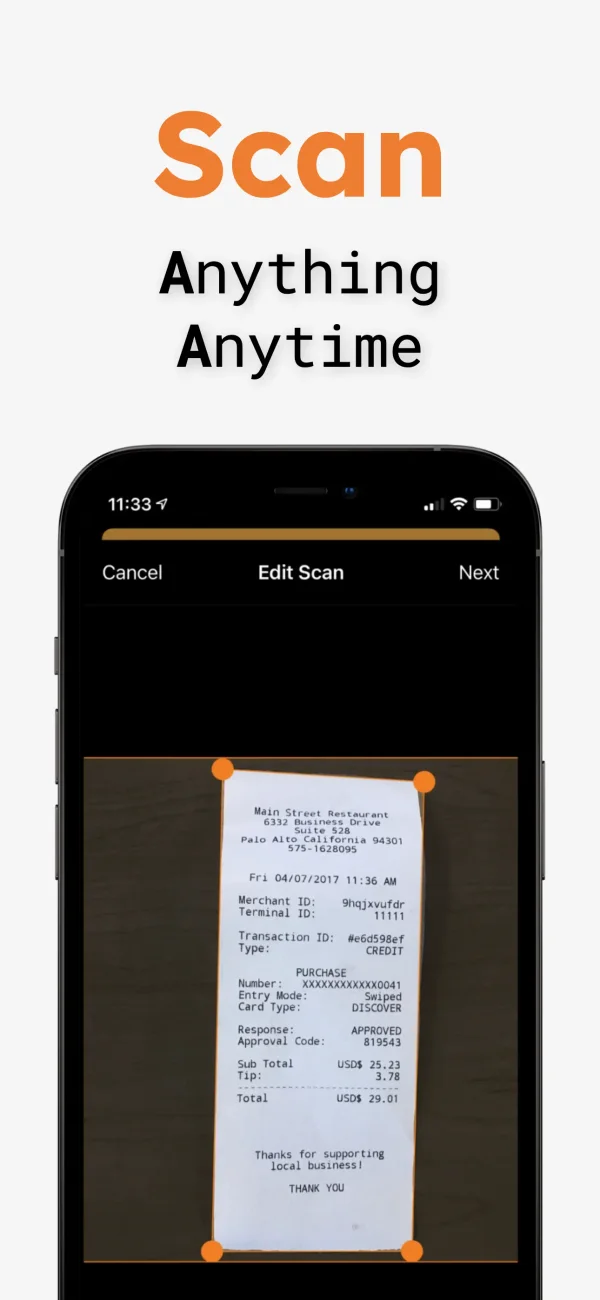
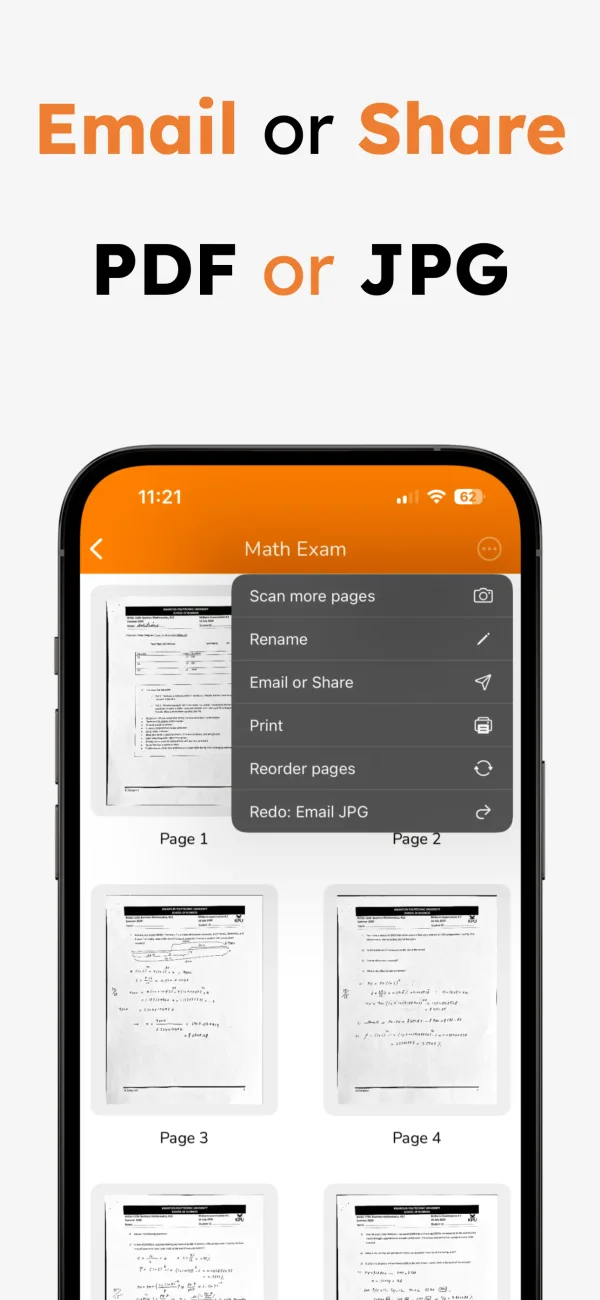
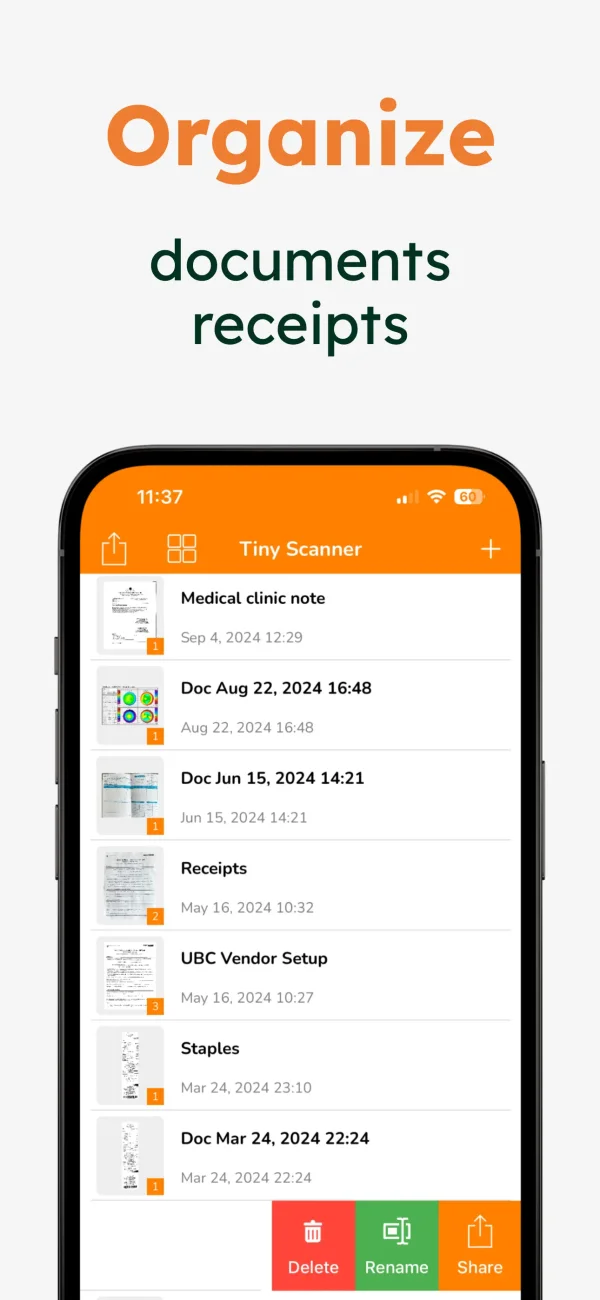
Scan any document in seconds and seamlessly export, share, or email it as a PDF or JPG – all at no cost. This app is designed to be your go-to solution for document management, offering advanced features that are and always will be free.
Key Features:
• Multi-Page Scanning: Effortlessly scan multiple pages into a single document.
• Flexible Document Editing: Rearrange pages before exporting to ensure everything is in order.
• Various Export Options: Choose to export or share your document as a single PDF or multiple JPGs.
• Easy File Importing: Import image files from your gallery or iCloud Drive, and even open PDFs directly from iCloud.
• Smart OCR Technology: Extract text from any page using our state-of-the-art Optical Character Recognition (OCR).
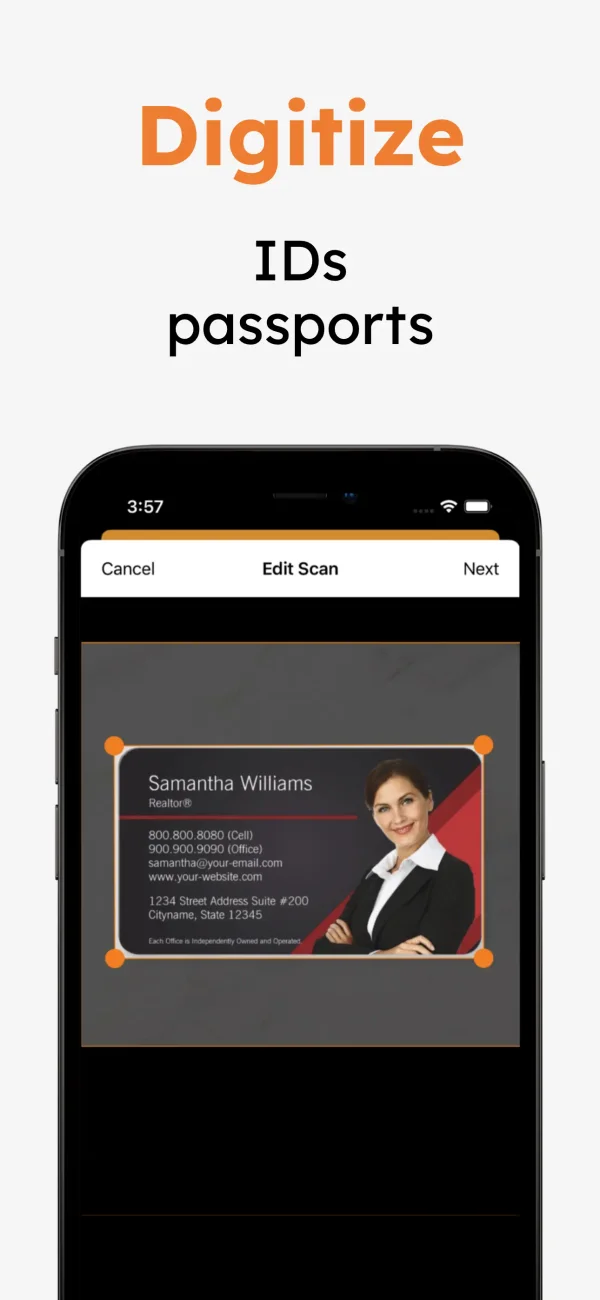
• Precision Border Detection: Automatically recognize document edges with options for manual adjustments.
• Instant Printing: Print your documents directly from your phone in just a few taps.
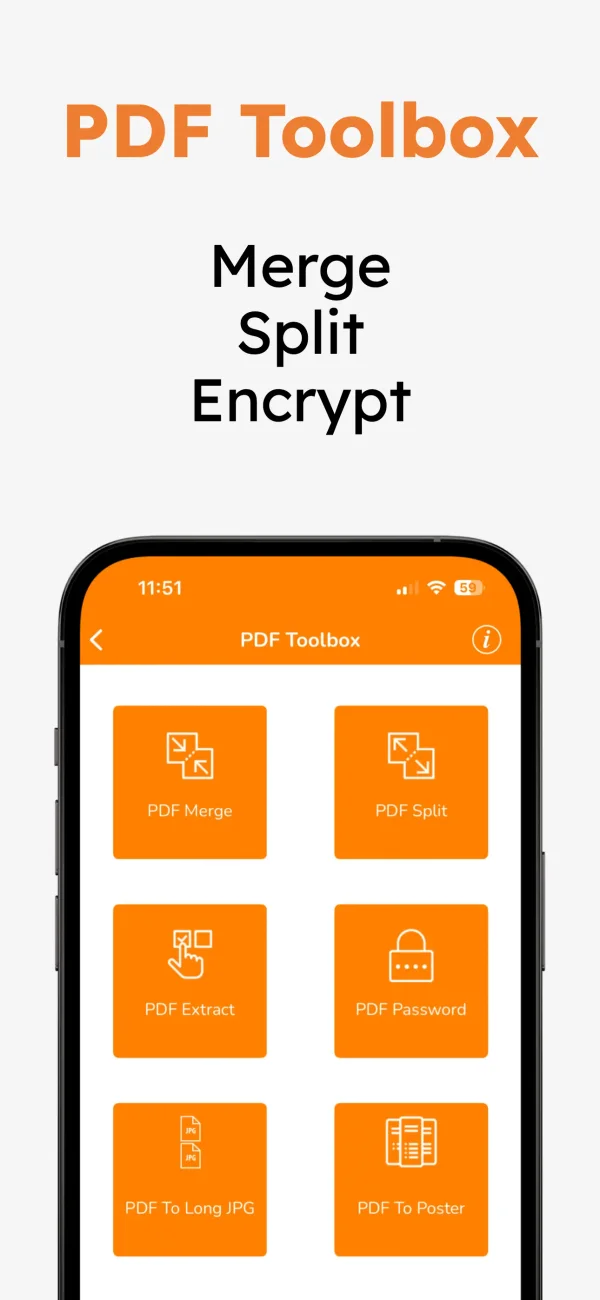
All-in-One PDF Toolbox:
PDF Scanner also includes a built-in PDF toolbox, offering the following powerful tools:
• Merge PDFs: Combine two or more PDFs into a single file.
• Split PDFs: Divide a PDF into multiple files effortlessly.
• Extract Pages: Select and export specific pages from a PDF.
• Encrypt PDFs: Add a password to protect sensitive files.
• PDF to Long JPG: Convert an entire PDF into one continuous JPG image.
• Create Posters: Turn your PDF into a poster by selecting the number of columns.
PDF Scanner is built on trusted technology, including OCR support from SwiftyTesseract, available under the MIT license (see details: https://github.com/SwiftyTesseract/SwiftyTesseract).
Get scanning with PDF Scanner today – the only scanning app you’ll ever need!
Terms of Use: https://www.apple.com/legal/internet-services/itunes/dev/stdeula/
Nouveautés
Version 6.6 · 16/06/2026
• We have updated the metadata
Confidentialité de l’application
Ce que Golden Mind Services LTD déclare sur l’App Store au sujet du traitement des données par cette application.
-
Données utilisées pour vous suivre
Peuvent être utilisées pour vous suivre sur des applications et des sites web appartenant à d’autres sociétés.
- Identifiants
- Données d’utilisation
-
Données n’établissant aucun lien avec vous
Peuvent être collectées, mais ne sont pas liées à votre identité.
- Identifiants
- Données d’utilisation
Les pratiques en matière de confidentialité peuvent varier, notamment en fonction des fonctionnalités que vous utilisez ou de votre âge.
Informations
- Vendeur
- Golden Mind Services LTD
- Catégorie
- Économie et entreprise
- Version
- 6.6
- Mis à jour
- 16/06/2026
- Publié
- 25/11/2019
- Taille
- 20,8 Mo
- Nécessite
- iOS 14.0 ou version ultérieure
- Classification d’âge
- 4+
- Prix
- Gratuit
- Achats intégrés
- Oui
- Langues
- Anglais
- Copyright
- © 2026 Golden Mind Services LTD.
Vous aimerez peut-être aussi
-
 SCAN ACE · PDF Scanner AppScanner et convertir en PDF
-
 Tiny Scanner: PDF Scanner AppScanner et convertir en PDF
-
 Scan Now: PDF Document ScannerÉconomie et entreprise
-
 Scanner PDF : Remplir & SignerSignature de documents et OCR
-
 Scanner Mini – Scanner et FaxScanner de documents, photos
-
 eScan: Scanner PDF, DocumentsNumériser, signer et modifier
-
 Vinlocity DriverÉconomie et entreprise
-
 Zap Scan: Photo to PDF ScannerProductivité
-
 Scanner de documents en PDFNumériser des photos・Convertir
-
 Camera Scanner - PDFÉconomie et entreprise