
PDF Scanner • Document Scanner
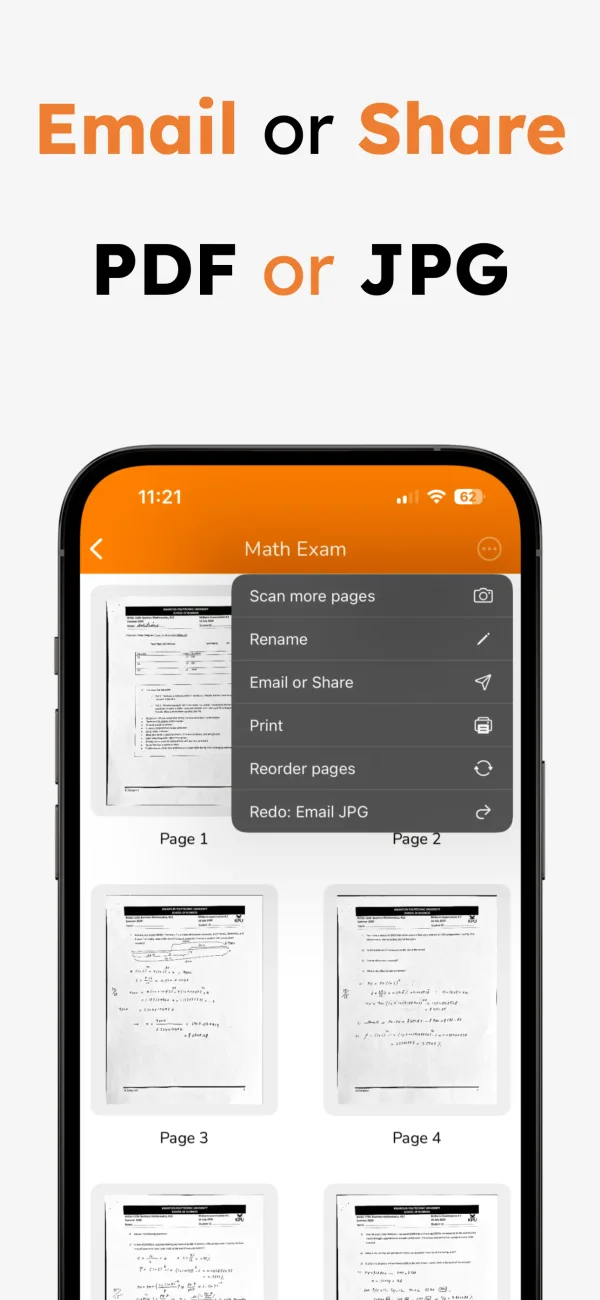
Scan, Share, Email PDF or JPG
iPhone, iPod touch向けに設計
無料 · アプリ内課金
- 対象年齢4+
- カテゴリビジネス
- 開発元Golden Mind Services LTD
- 言語英語
- サイズ20.8 MB
App Storeの公式ページにリンクしています
Download.orgはPDF Scanner • Document Scannerのファイルを一切ホストしていません。ボタンを押すと、Golden Mind Services LTDが公開しているApp Storeのアプリページが開きます。ページの最終確認:2026/11/27。
スクリーンショット
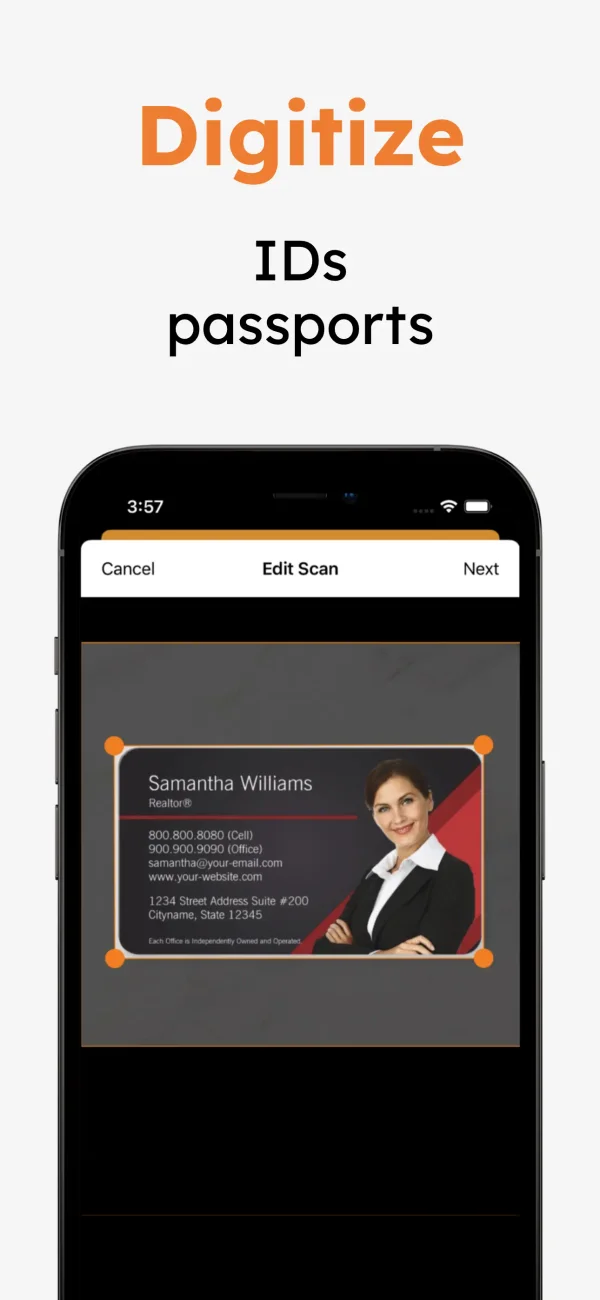
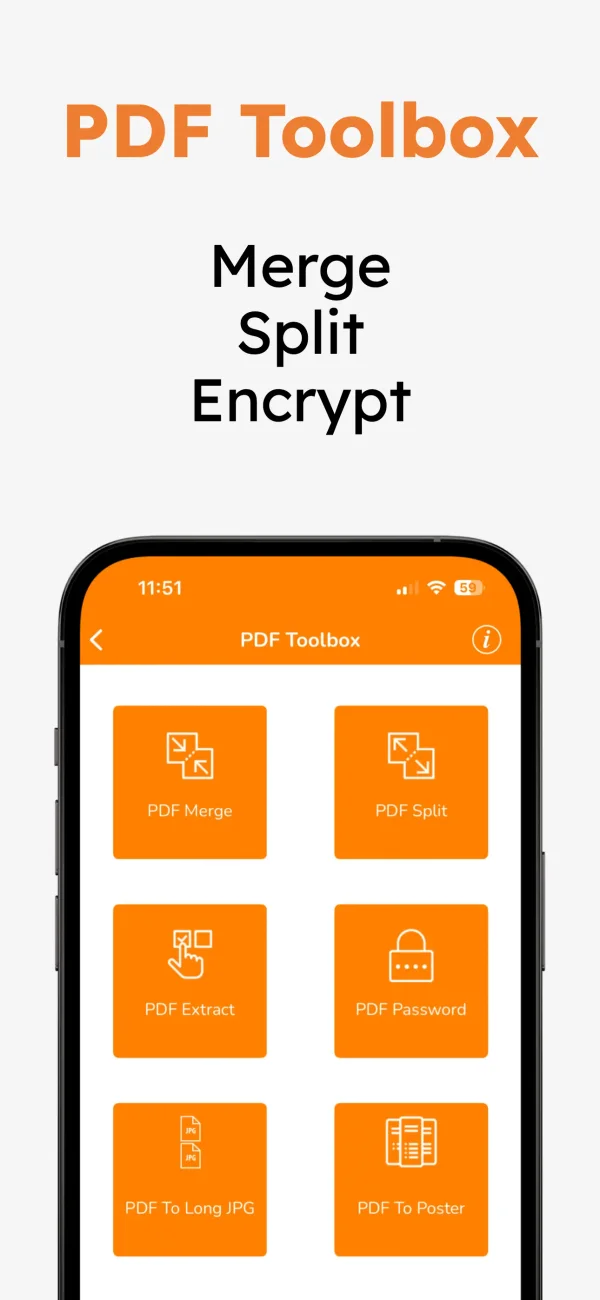
概要
開発元はこのテキストをお使いの言語で提供していません。
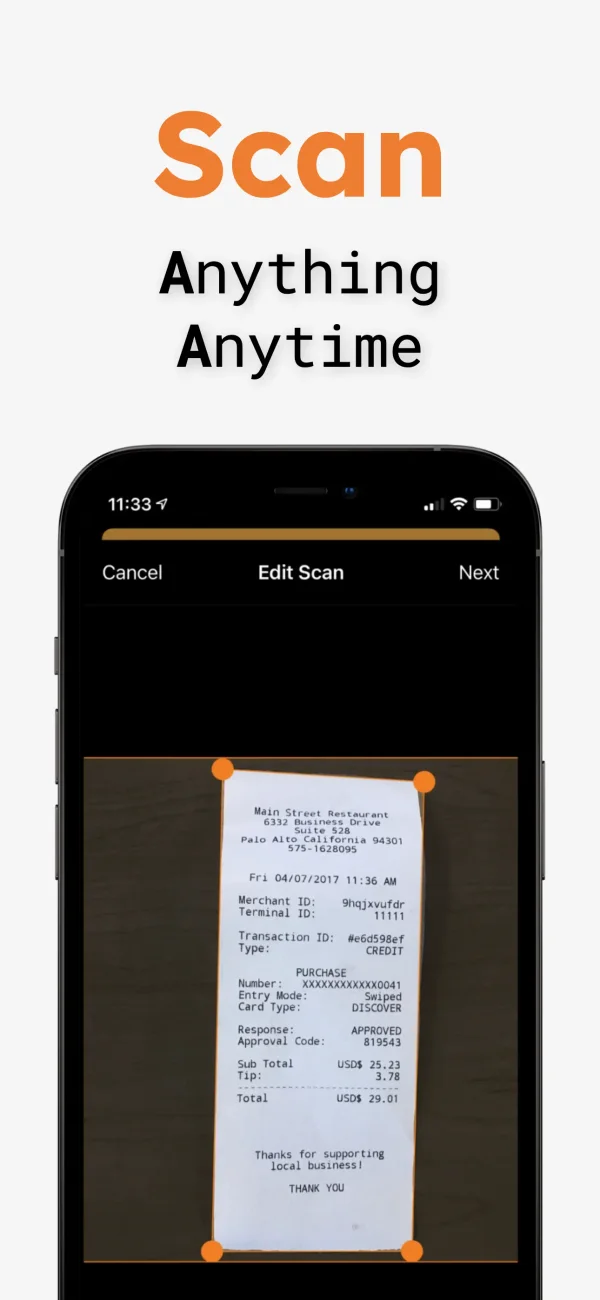
Scan any document in seconds and seamlessly export, share, or email it as a PDF or JPG – all at no cost. This app is designed to be your go-to solution for document management, offering advanced features that are and always will be free.
Key Features:
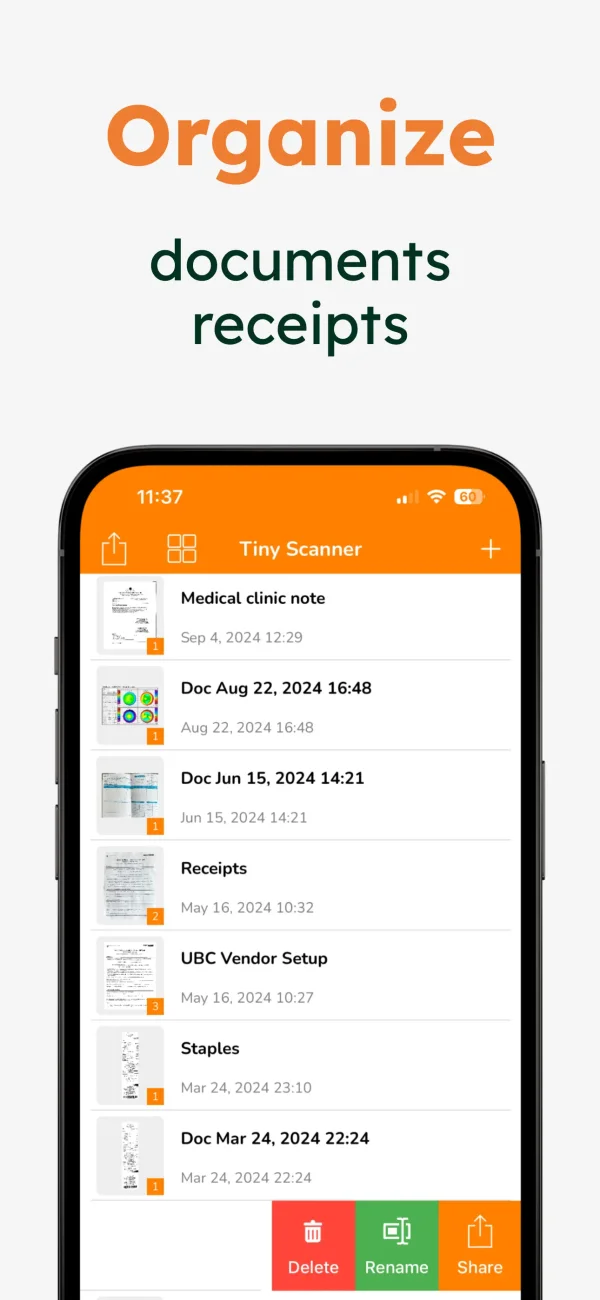
• Multi-Page Scanning: Effortlessly scan multiple pages into a single document.
• Flexible Document Editing: Rearrange pages before exporting to ensure everything is in order.
• Various Export Options: Choose to export or share your document as a single PDF or multiple JPGs.
• Easy File Importing: Import image files from your gallery or iCloud Drive, and even open PDFs directly from iCloud.
• Smart OCR Technology: Extract text from any page using our state-of-the-art Optical Character Recognition (OCR).
• Precision Border Detection: Automatically recognize document edges with options for manual adjustments.
• Instant Printing: Print your documents directly from your phone in just a few taps.
All-in-One PDF Toolbox:
PDF Scanner also includes a built-in PDF toolbox, offering the following powerful tools:
• Merge PDFs: Combine two or more PDFs into a single file.
• Split PDFs: Divide a PDF into multiple files effortlessly.
• Extract Pages: Select and export specific pages from a PDF.
• Encrypt PDFs: Add a password to protect sensitive files.
• PDF to Long JPG: Convert an entire PDF into one continuous JPG image.
• Create Posters: Turn your PDF into a poster by selecting the number of columns.
PDF Scanner is built on trusted technology, including OCR support from SwiftyTesseract, available under the MIT license (see details: https://github.com/SwiftyTesseract/SwiftyTesseract).
Get scanning with PDF Scanner today – the only scanning app you’ll ever need!
Terms of Use: https://www.apple.com/legal/internet-services/itunes/dev/stdeula/
新機能
バージョン 6.6 · 2026/6/16
• We have updated the metadata
アプリのプライバシー
このアプリのデータの取り扱いについて、Golden Mind Services LTDがApp Storeで申告している内容です。
-
ユーザーのトラッキングに使用されるデータ
他社のアプリやウェブサイトを横断してユーザーをトラッキングする目的で使用される場合があります。
- ID
- 使用状況データ
-
ユーザーに関連付けられないデータ
収集される場合がありますが、ユーザーの識別情報には関連付けられません。
- ID
- 使用状況データ
プライバシーの取り扱いは、ご利用の機能やお客様の年齢などに応じて異なる場合があります。
情報
- 販売元
- Golden Mind Services LTD
- カテゴリ
- ビジネス
- バージョン
- 6.6
- 更新日
- 2026/6/16
- リリース
- 2019/11/25
- サイズ
- 20.8 MB
- 必要条件
- iOS 14.0以降
- 対象年齢
- 4+
- 価格
- 無料
- アプリ内課金
- あり
- 言語
- 英語
- 著作権
- © 2026 Golden Mind Services LTD.
こちらもおすすめ
-
 スキャン エース · PDF変換、OCRドキュメントをスキャン、編集、署名します
-
 Tiny Scanner: スキャン、PDF変換、OCRドキュメントをスキャン、PDF変換と編集、名刺と領収書を管理
-
 Scan Now: PDF Document Scannerビジネス
-
 スキャナー PDF作成・サイン書類スキャン・PDF書き込み・署名
-
 スキャナーミニ by Readdle書類・名刺・レシートスキャナー
-
 eScan: PDFスキャナー 書類スキャン写真をPDF化・署名・文字認識OCR
-
 Vinlocity Driverビジネス
-
 Zap Scan: Photo to PDF Scanner仕事効率化
-
 PDFスキャナーアプリ:ドキュメントスキャン文書スキャン・署名、編集、OCR
-
 Camera Scanner - PDFビジネス