PDF Scanner , Document Scanner
Scanner, Image to PDF with OCR
Conçue pour iPhone, iPad, iPod touch
Gratuit · Achats intégrés
- Classification d’âge4+
- CatégorieÉconomie et entreprise
- DéveloppeurAhmet Bacak
- LanguesAnglais+ 30 de plus
- Taille20,9 Mo
Renvoie vers la page App Store officielle
Download.org n’héberge aucun fichier de PDF Scanner , Document Scanner. Le bouton ouvre la page de l’application sur App Store, où Ahmet Bacak la publie. Fiche vérifiée pour la dernière fois le 14/11/2026.
Captures d’écran
À propos
Le développeur n’a pas fourni ce texte dans votre langue.
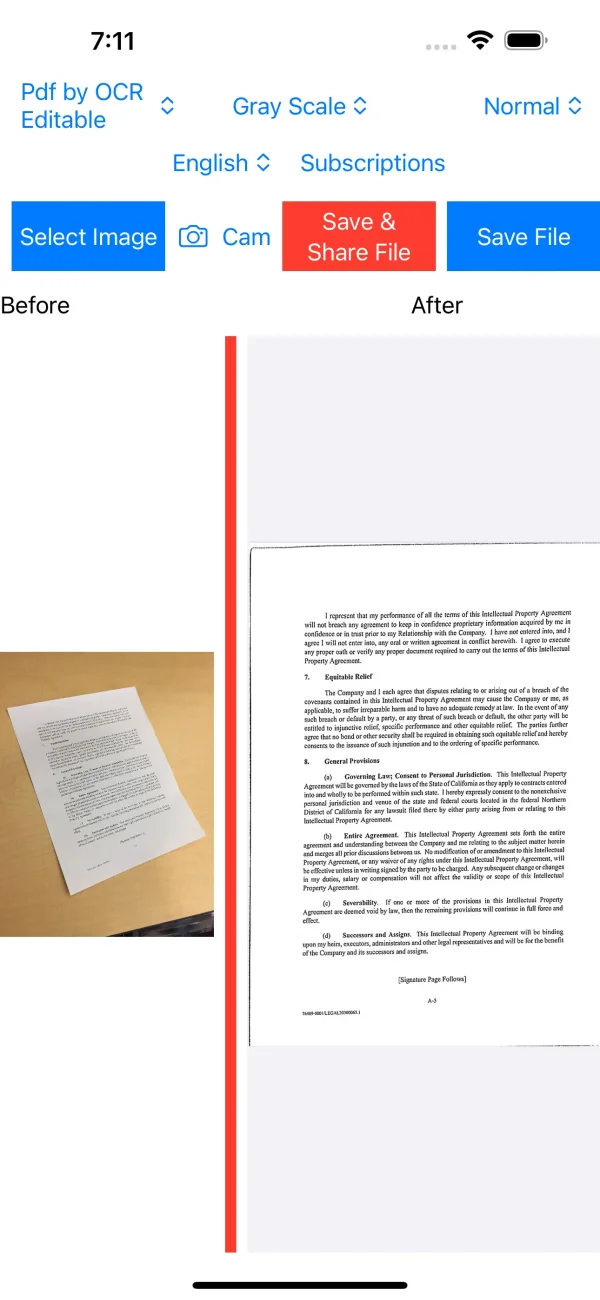
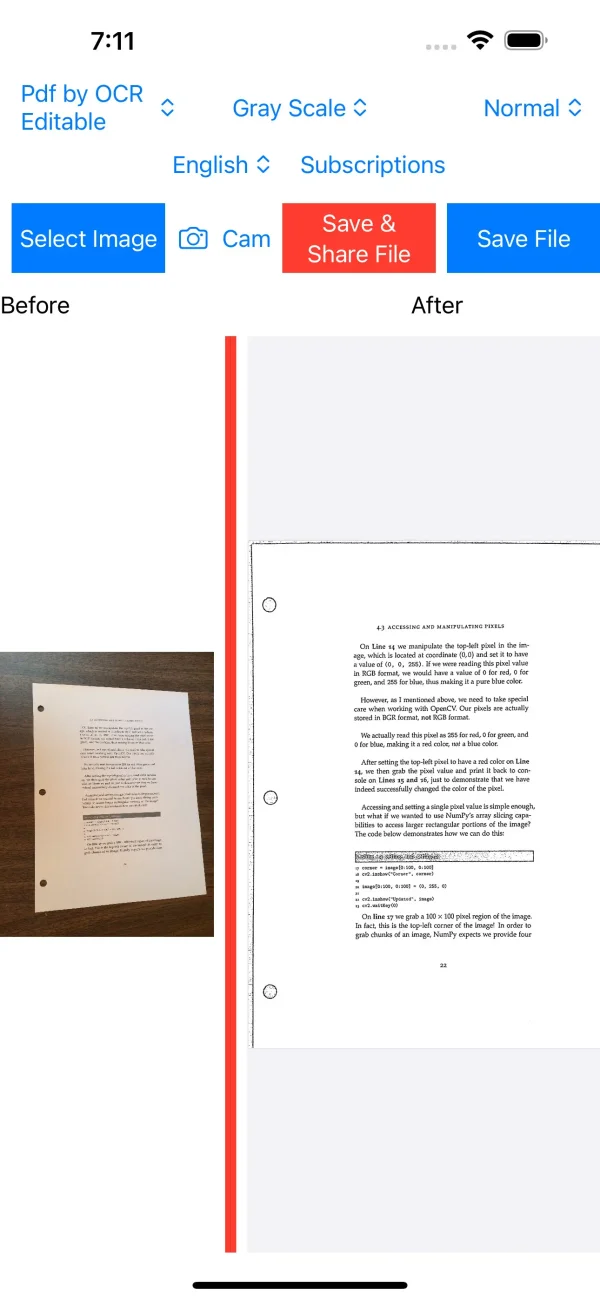
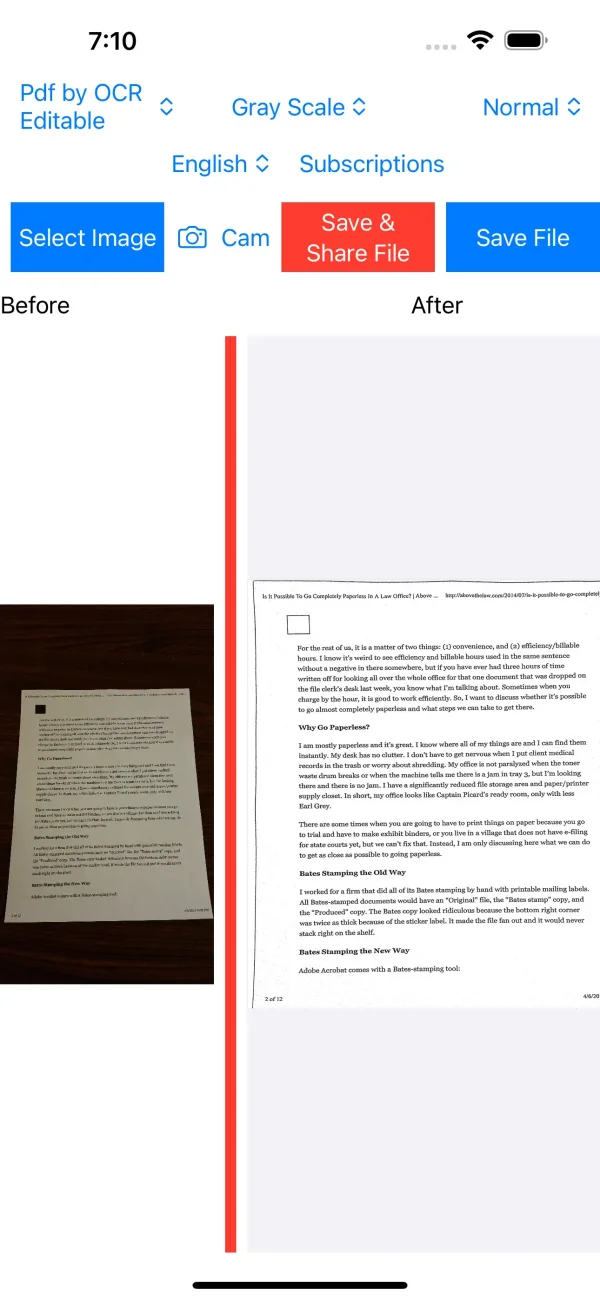
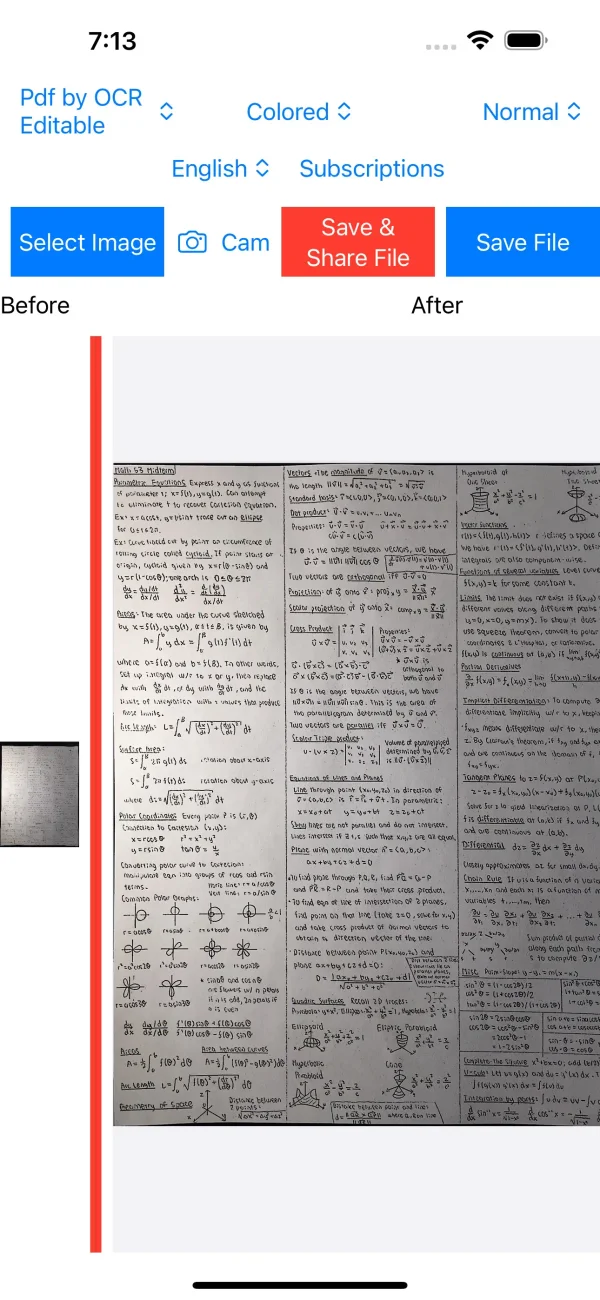
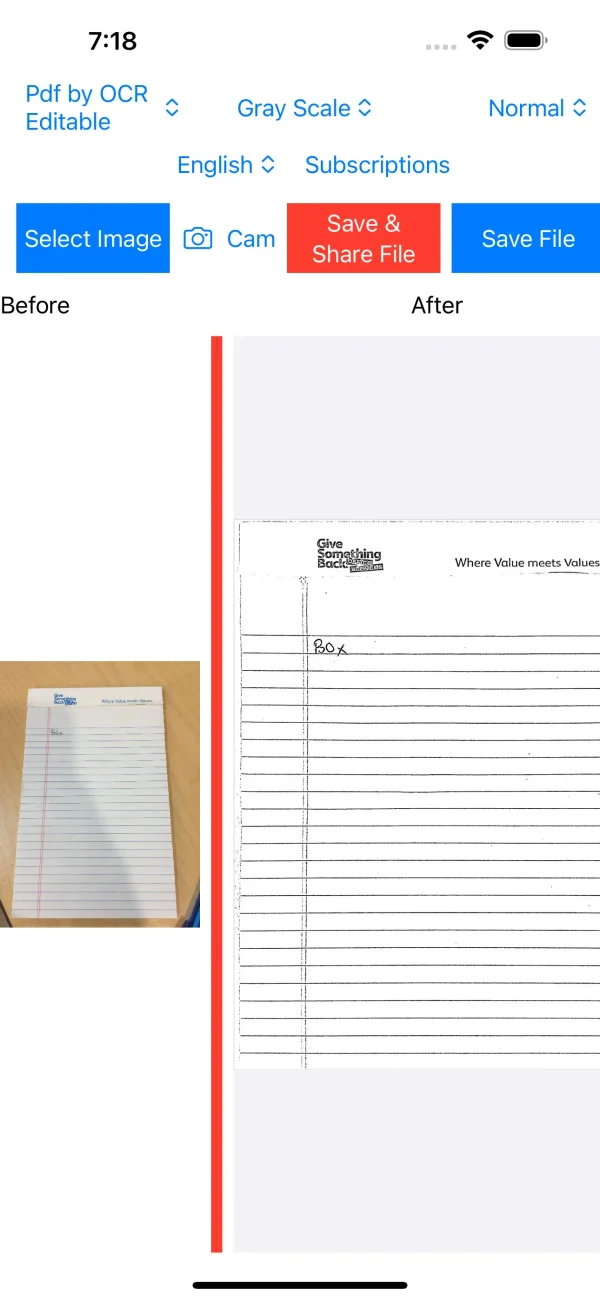
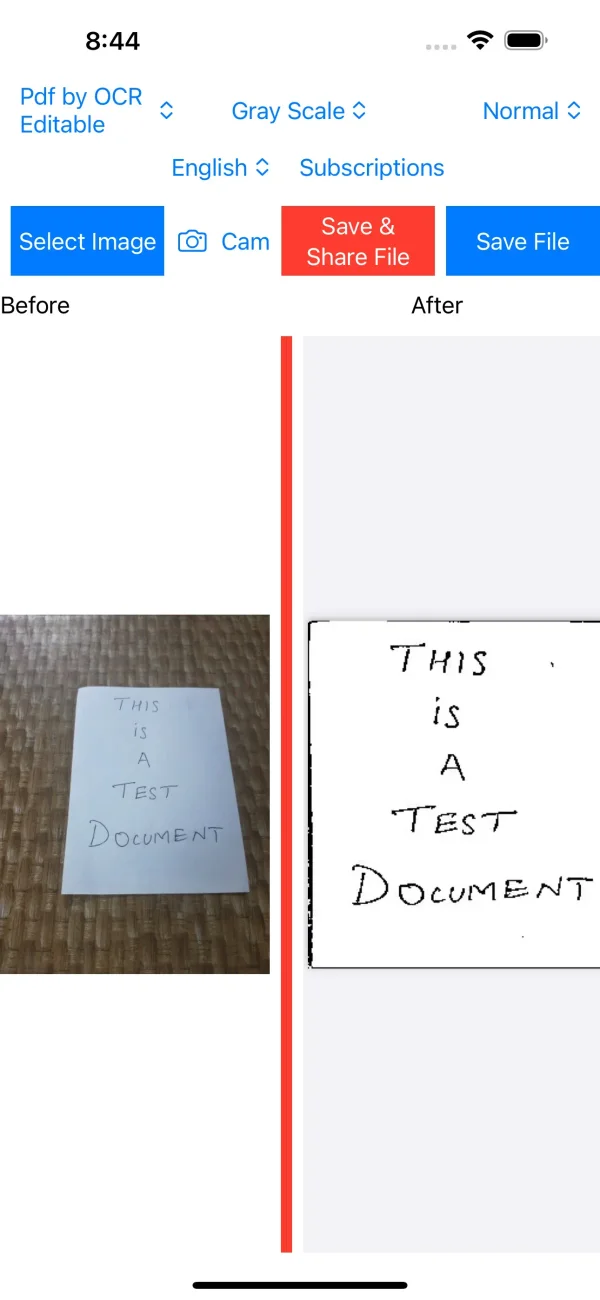
PDF Scanner & Document Scanner to correct image perspective, sharpen handwritten or printed text, and remove glare and shadows
It uses artificial intelligence and Image processing. With OCR image to text technology, editable pdf is created using both text content and format.
Welcome PDF scanning and document digitization tool - PDF Scanner & Document Scanner with OCR app! If you've been on the lookout for a versatile and robust PDF scanner that effortlessly converts physical documents, images, and photos into high-quality PDFs, your search concludes right here.
Key Features:
PDF Scanner with OCR :
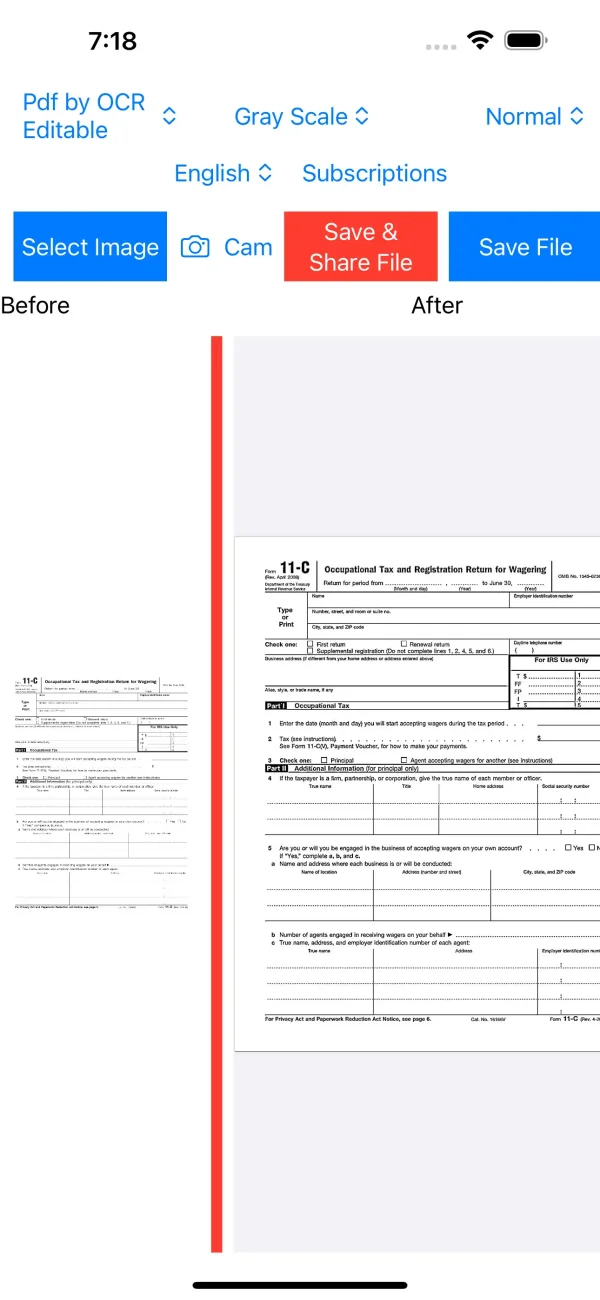
This PDF Scanner is equipped OCR technology, enabling you to convert scanned documents into fully editable PDFs. Easily extract text from your scanned documents, making it simple to find and edit your content.
Image to PDF Converter:
With the Image to PDF feature, you can transform photos and images from your gallery into PDF files. Whether it's receipts, or sketches, this app can convert them all into easily shareable PDF documents.
JPG to PDF & PNG to PDF Conversion:
Convert your JPG and PNG files to PDF effortlessly. While preserving image quality, with this PDF conversion tool.
Gray Scale or Colored Scanner Mode
You can scan images as PDF in both colored and gray scale mode.
Different Output Format:
You can obtain document scanning results in 3 formats: PDF with OCR (editable), Image and PDF No OCR .
OCR Multi-Language Support: PDF Converter & PDF Scanner with OCR app recognizes text in more than 100 languages around the world and extracts text and formats from the image and converts pdf files. You can instantly obtain your pdf with editable by choosing different languages according to your needs. English, Spanish, French, Portuguese, German, Japanese, Korean, Arabic, Russian, Turkish, Bengali, Chinese, Croatian, Danish, Dutch, Hebrew, Hindi, Indonesian, Italian, Latvian, It also supports common languages such as Lithuanian, Marathi, Norwegian, Polish, Romanian, Slovak, Slovenian, Tamil, Telugu, Urdu, Vietnamese.
Scan PDF & Scan Document:
Scan any type of document, be it a text document, receipt, or handwritten note. This scanner provides high-quality results with automatic edge detection and perspective correction.
Lightning-Fast Processing:
Experience lightning-fast scanning and processing speeds, ensuring that you can digitize your documents.
Easy Sharing Options:
Share your scanned PDFs and documents directly from the app. Email, print, or share them with just a few taps.
Download the PDF Scanner & Document Scanner with OCR app now and unlock the full potential of your mobile device. Simplify your life, improve your productivity, and make the most of every document with this powerful scanning and PDF conversion tool.
If you have any questions , feedback, or suggestions about PDF Scanner & Document Scanner, please contact this support team at smartmobileappdeveloper@gmail.com
Get the PDF Scanner & Document Scanner with OCR app today and experience the transformation firsthand!
Free Version Features:
• Only 20 Image Scans per month
Pro Version Features (includes Free Version Features):
• Unlimited Scanning
• PDF with OCR output
• 100 languages OCR
• Scanning with Camera
• Color Scanning, QR-Scanner.
Upgrade to the Pro Version to unlock all premium features.
Weekly, monthly, 2 monthly, 3 monthly, 6 monthly and annual (12 monthly) subscription packages are available. There is also a One-Time Purchase for the Pro Version.
Trials and subscriptions can be cancelled anytime. To avoid being charged, cancellation at least 24 hours before the renewal date is recommended.
Terms of Use: https://www.apple.com/legal/internet-services/itunes/dev/stdeula/
Nouveautés
Version 9.7 · 12/08/2026
Minor updates
Confidentialité de l’application
Ce que Ahmet Bacak déclare sur l’App Store au sujet du traitement des données par cette application.
-
Données utilisées pour vous suivre
Peuvent être utilisées pour vous suivre sur des applications et des sites web appartenant à d’autres sociétés.
- Identifiants
-
Données n’établissant aucun lien avec vous
Peuvent être collectées, mais ne sont pas liées à votre identité.
- Achats
- Emplacement
- Contenu utilisateur
- Identifiants
- Diagnostic
Les pratiques en matière de confidentialité peuvent varier, notamment en fonction des fonctionnalités que vous utilisez ou de votre âge.
Informations
- Vendeur
- Ahmet Bacak
- Catégorie
- Économie et entreprise
- Version
- 9.7
- Mis à jour
- 12/08/2026
- Publié
- 19/09/2023
- Taille
- 20,9 Mo
- Nécessite
- iOS 15.0 ou version ultérieure
- Classification d’âge
- 4+
- Prix
- Gratuit
- Achats intégrés
- Oui
- Langues
- Anglais, Arabe, Croate, Tchèque, Danois, Néerlandais, Finnois, Français, Allemand, Grec, Hébreu, Hindi + 19 de plus
- Copyright
- © 2026 Ahmet Bacak
Vous aimerez peut-être aussi
-
 Scanner PDF : Lecteur, EditeurModifier et Convertir Document
-
 Scanner PDF ㅤNumériser document & photo
-
 Scanneur PDF: Documents au PDFConvertir photo et jpg en PDF
-
 Convertisseur PDF et LecteurConvertir PDF en Word Fichier
-
 SuperScan - PDF Doc ScannerQR Scanner, Image to Text OCR
-
 FineReader: PDF Scanner & OCRÉconomie et entreprise
-
 Convertisseur PDF - Foto a PDFConvertir Photo en PDF en JPG
-
 Office Word Editor:Docs, ShareProductivité
-
 comprésser pdf, pdf compressorCompresser en masse un PDF
-
 Numériser Documents: ID en PDFCopier Document Depuis Photo