PDF Scanner , Document Scanner
Scanner, Image to PDF with OCR
Designed for iPhone, iPad, iPod touch
Free · In-app purchases
- Age rating4+
- CategoryBusiness
- DeveloperAhmet Bacak
- LanguagesEnglish+ 30 more
- Size20.9 MB
Links to the official App Store page
Download.org hosts no file of PDF Scanner , Document Scanner. The button opens its official App Store page, published by Ahmet Bacak. Listing last checked on Nov 14, 2026.
Screenshots
About
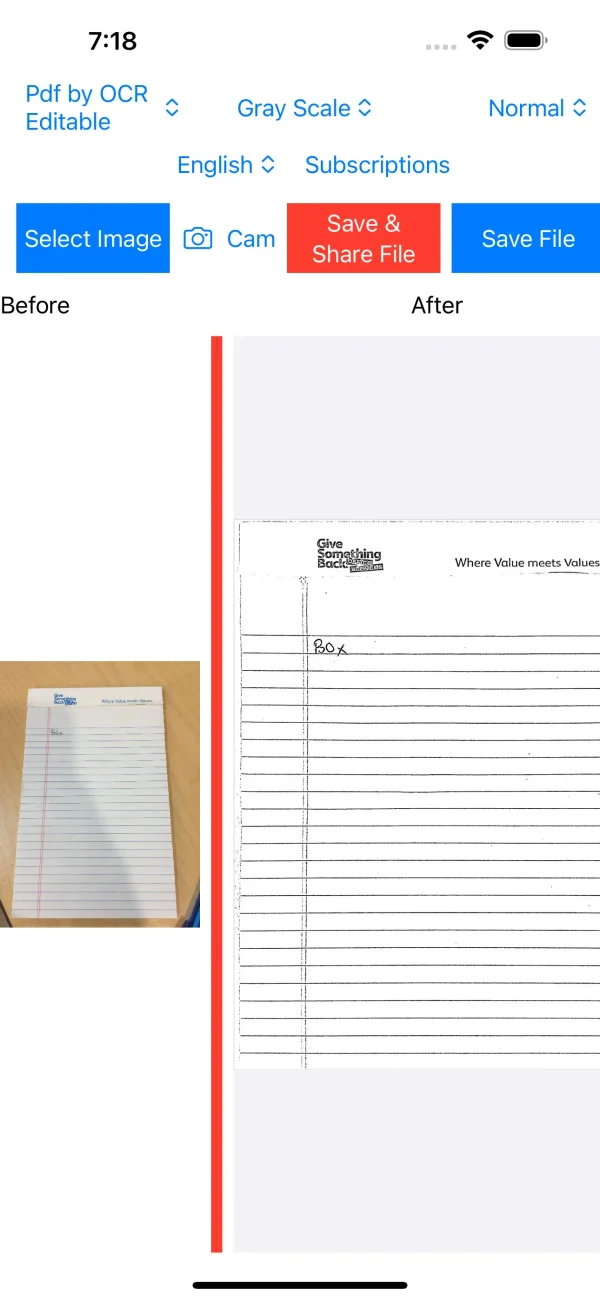
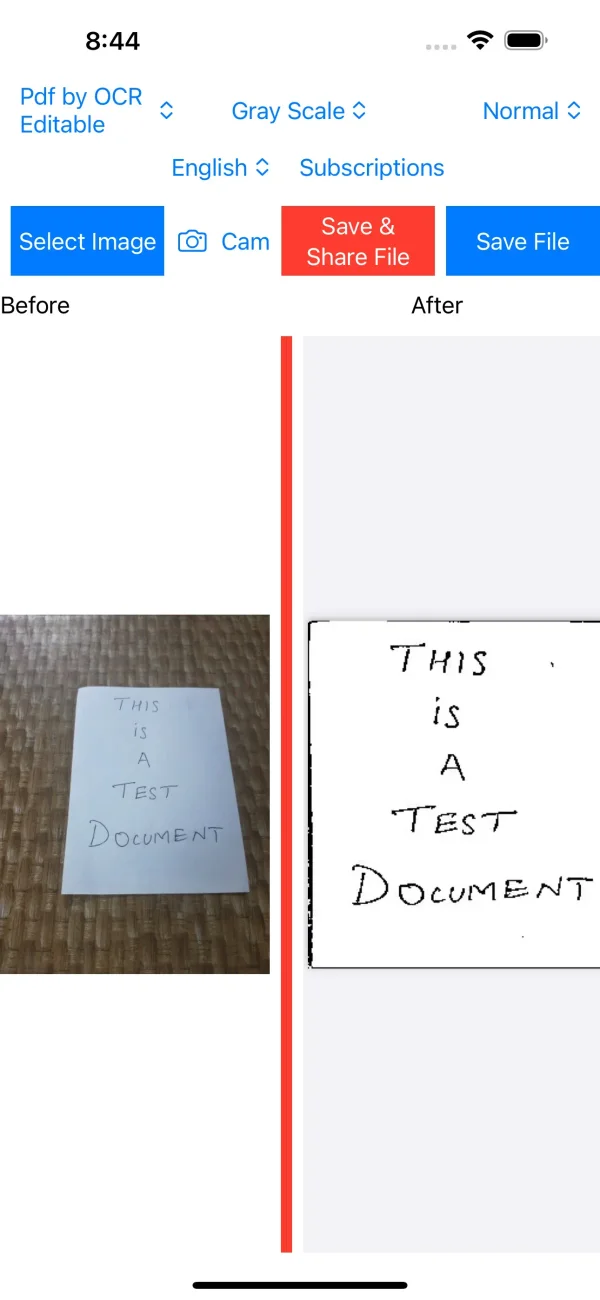
PDF Scanner & Document Scanner to correct image perspective, sharpen handwritten or printed text, and remove glare and shadows
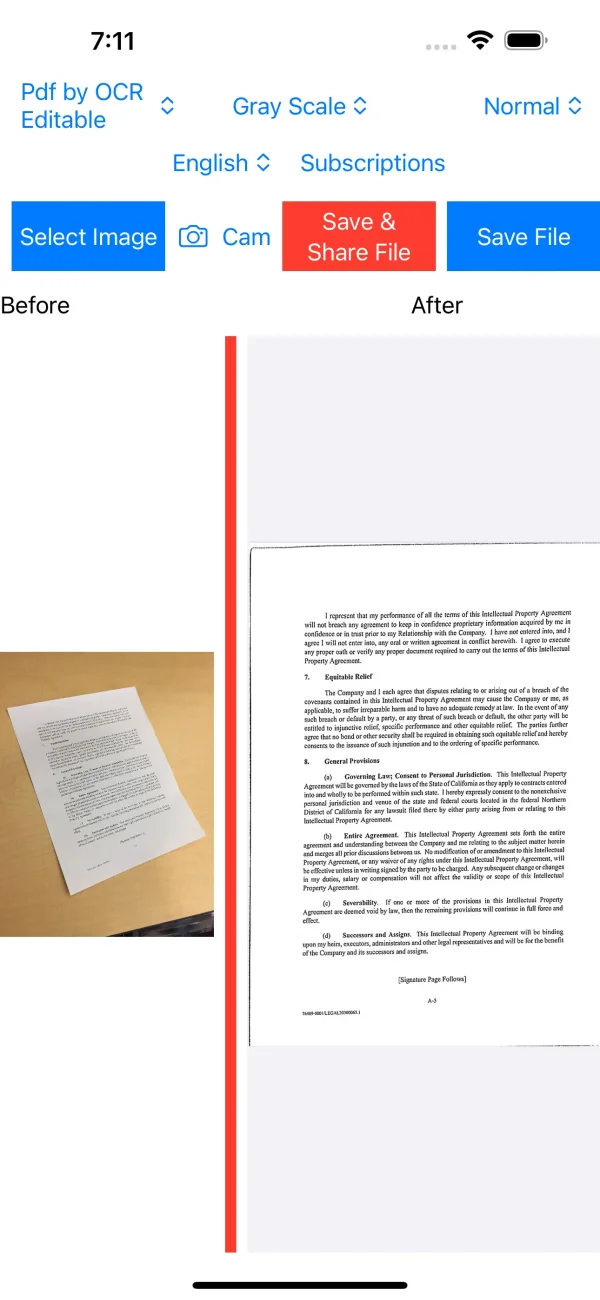
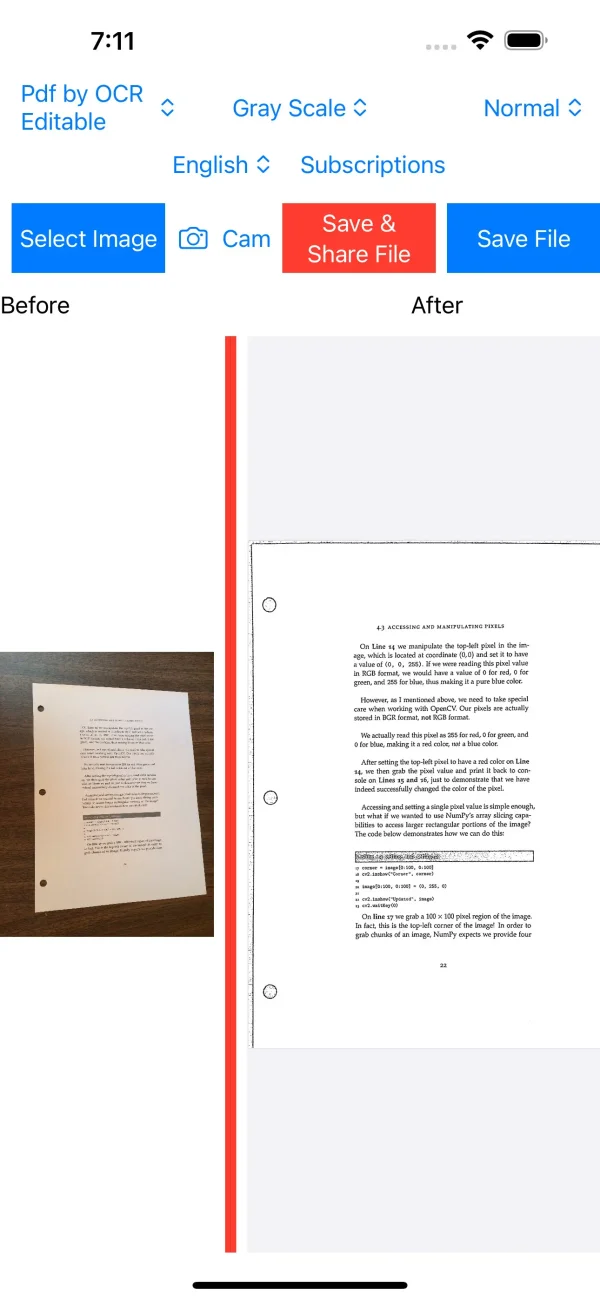
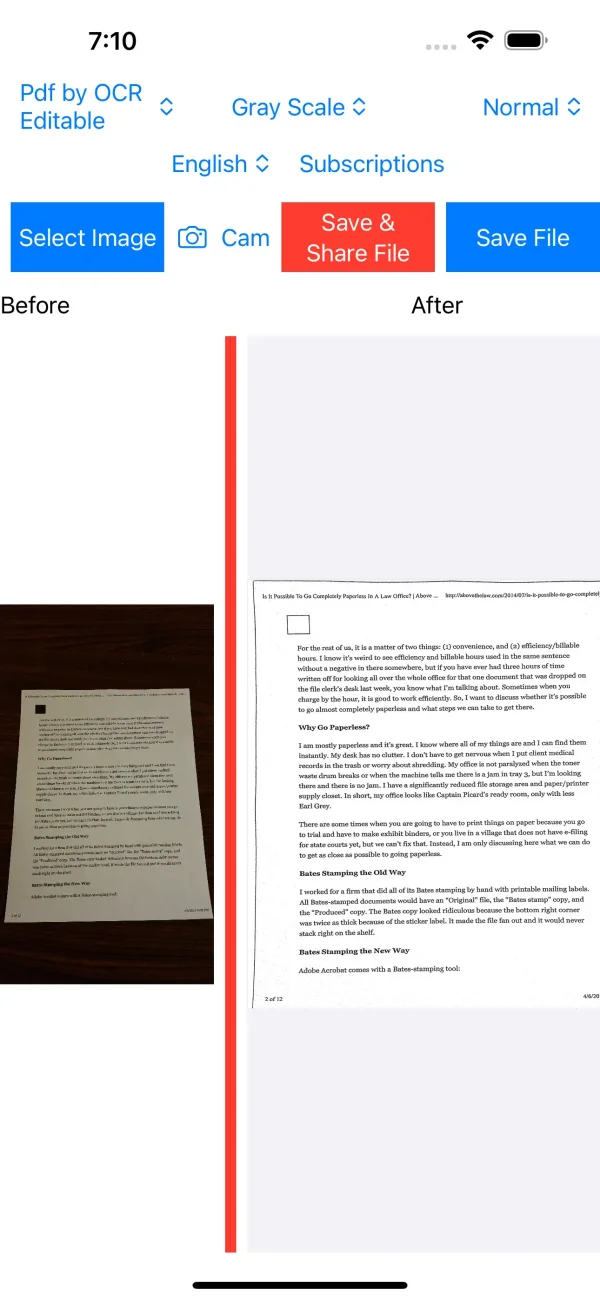
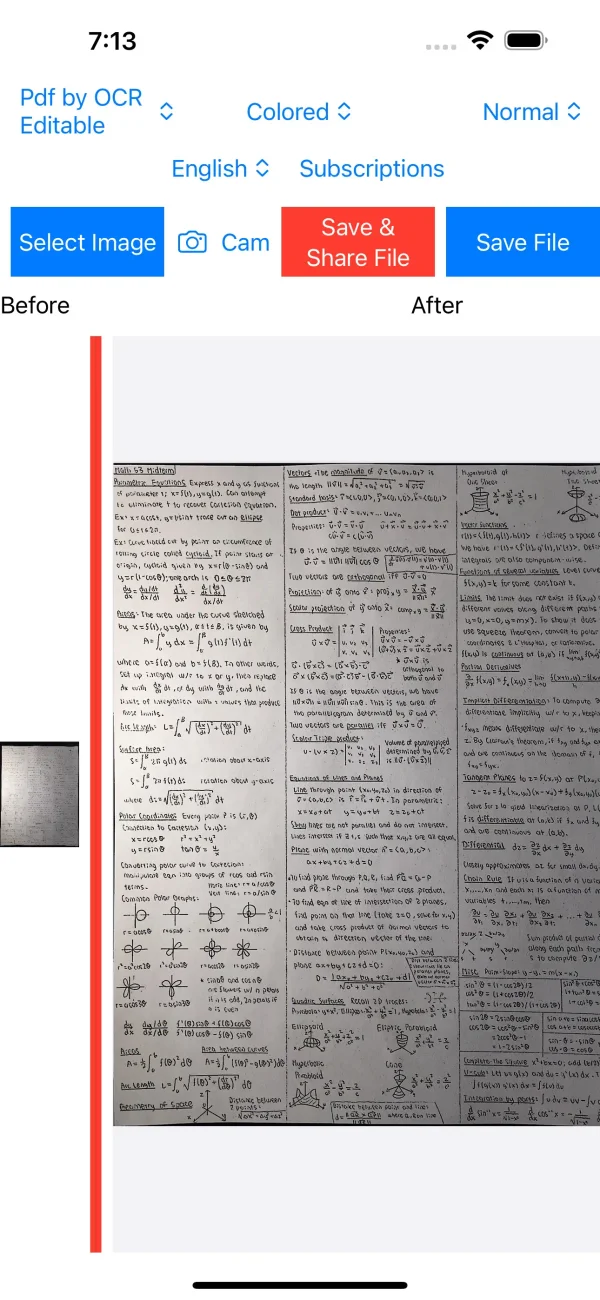
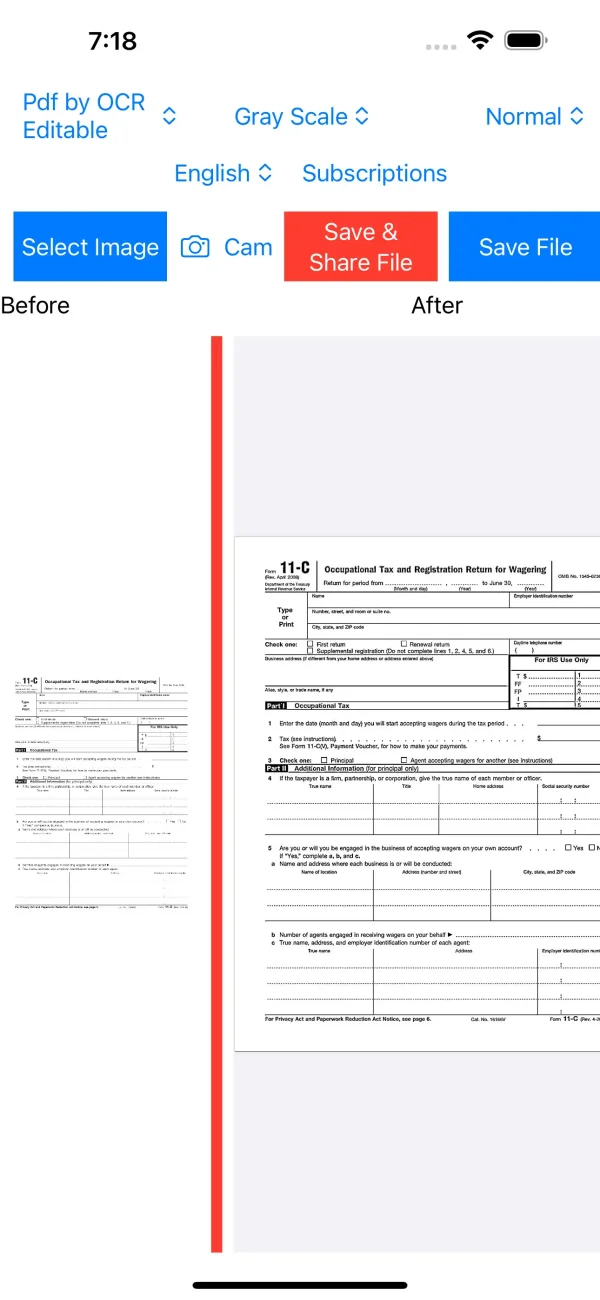
It uses artificial intelligence and Image processing. With OCR image to text technology, editable pdf is created using both text content and format.
Welcome PDF scanning and document digitization tool - PDF Scanner & Document Scanner with OCR app! If you've been on the lookout for a versatile and robust PDF scanner that effortlessly converts physical documents, images, and photos into high-quality PDFs, your search concludes right here.
Key Features:
PDF Scanner with OCR :
This PDF Scanner is equipped OCR technology, enabling you to convert scanned documents into fully editable PDFs. Easily extract text from your scanned documents, making it simple to find and edit your content.
Image to PDF Converter:
With the Image to PDF feature, you can transform photos and images from your gallery into PDF files. Whether it's receipts, or sketches, this app can convert them all into easily shareable PDF documents.
JPG to PDF & PNG to PDF Conversion:
Convert your JPG and PNG files to PDF effortlessly. While preserving image quality, with this PDF conversion tool.
Gray Scale or Colored Scanner Mode
You can scan images as PDF in both colored and gray scale mode.
Different Output Format:
You can obtain document scanning results in 3 formats: PDF with OCR (editable), Image and PDF No OCR .
OCR Multi-Language Support: PDF Converter & PDF Scanner with OCR app recognizes text in more than 100 languages around the world and extracts text and formats from the image and converts pdf files. You can instantly obtain your pdf with editable by choosing different languages according to your needs. English, Spanish, French, Portuguese, German, Japanese, Korean, Arabic, Russian, Turkish, Bengali, Chinese, Croatian, Danish, Dutch, Hebrew, Hindi, Indonesian, Italian, Latvian, It also supports common languages such as Lithuanian, Marathi, Norwegian, Polish, Romanian, Slovak, Slovenian, Tamil, Telugu, Urdu, Vietnamese.
Scan PDF & Scan Document:
Scan any type of document, be it a text document, receipt, or handwritten note. This scanner provides high-quality results with automatic edge detection and perspective correction.
Lightning-Fast Processing:
Experience lightning-fast scanning and processing speeds, ensuring that you can digitize your documents.
Easy Sharing Options:
Share your scanned PDFs and documents directly from the app. Email, print, or share them with just a few taps.
Download the PDF Scanner & Document Scanner with OCR app now and unlock the full potential of your mobile device. Simplify your life, improve your productivity, and make the most of every document with this powerful scanning and PDF conversion tool.
If you have any questions , feedback, or suggestions about PDF Scanner & Document Scanner, please contact this support team at smartmobileappdeveloper@gmail.com
Get the PDF Scanner & Document Scanner with OCR app today and experience the transformation firsthand!
Free Version Features:
• Only 20 Image Scans per month
Pro Version Features (includes Free Version Features):
• Unlimited Scanning
• PDF with OCR output
• 100 languages OCR
• Scanning with Camera
• Color Scanning, QR-Scanner.
Upgrade to the Pro Version to unlock all premium features.
Weekly, monthly, 2 monthly, 3 monthly, 6 monthly and annual (12 monthly) subscription packages are available. There is also a One-Time Purchase for the Pro Version.
Trials and subscriptions can be cancelled anytime. To avoid being charged, cancellation at least 24 hours before the renewal date is recommended.
Terms of Use: https://www.apple.com/legal/internet-services/itunes/dev/stdeula/
What’s new
Version 9.7 · Aug 12, 2026
Minor updates
App privacy
What Ahmet Bacak declares on the App Store about how this app handles data.
-
Data used to track you
May be used to track you across apps and websites owned by other companies.
- Identifiers
-
Data not linked to you
May be collected but is not linked to your identity.
- Purchases
- Location
- User content
- Identifiers
- Diagnostics
Privacy practices may vary, for example with the features you use or your age.
Information
- Seller
- Ahmet Bacak
- Category
- Business
- Version
- 9.7
- Updated
- Aug 12, 2026
- Released
- Sep 19, 2023
- Size
- 20.9 MB
- Requires
- iOS 15.0 or later
- Age rating
- 4+
- Price
- Free
- In-app purchases
- Yes
- Languages
- English, Arabic, Croatian, Czech, Danish, Dutch, Finnish, French, German, Greek, Hebrew, Hindi + 19 more
- Copyright
- © 2026 Ahmet Bacak
You might also like
-
 PDF Scanner: Editor, ConverterScan, Sign and Edit Documents
-
 Scanner ㅤScan PDF Documents
-
 Scan to PDF・Document ScannerThe PDF Converter Apр
-
 Word to PDF Converter - ReaderConvert PDF to Word,JPG to PDF
-
 SuperScan - PDF Scanner AppDocument Scanner PDF Converter
-
 FineReader: PDF Scanner & OCRDocument and Photo Scan App
-
 PDF Converter, Image to PDFPDF Maker - Picture to PDF
-
 Office Word Editor:Docs, ShareWord Document Editor made easy
-
 pdf compressor & compress pdfOffline compress PDF documents
-
 PDF Scanner・Scan Documents AppScan Photo, Passport, ID: Sign