PDF Scanner - Scan Edit Docs
Convert Documents to PDF, Sign
Conçue pour iPhone
Gratuit · Achats intégrés
- Classification d’âge4+
- CatégorieUtilitaires
- DéveloppeurXiaoyou Interactive
- LanguesAnglais+ 6 de plus
- Taille34,4 Mo
Renvoie vers la page App Store officielle
Download.org n’héberge aucun fichier de PDF Scanner - Scan Edit Docs. Le bouton ouvre la page de l’application sur App Store, où Xiaoyou Interactive la publie. Fiche vérifiée pour la dernière fois le 23/11/2026.
Captures d’écran
À propos
Le développeur n’a pas fourni ce texte dans votre langue.
This app is an AI-powered document scanner that transforms your iPhone into a powerful mobile scanning tool with OCR recognition, PDF conversion, editing, and e-signature features. It helps you quickly scan documents, extract text, create PDFs, and manage files anytime, anywhere.
Designed for office work, business tasks, studying, and daily document management, the app supports offline OCR and local file processing. Your scanned documents are stored securely on your device and are never automatically uploaded to the cloud, helping protect sensitive files such as IDs, contracts, receipts, and personal documents.
Key Features
1. AI HD Document Scanning:
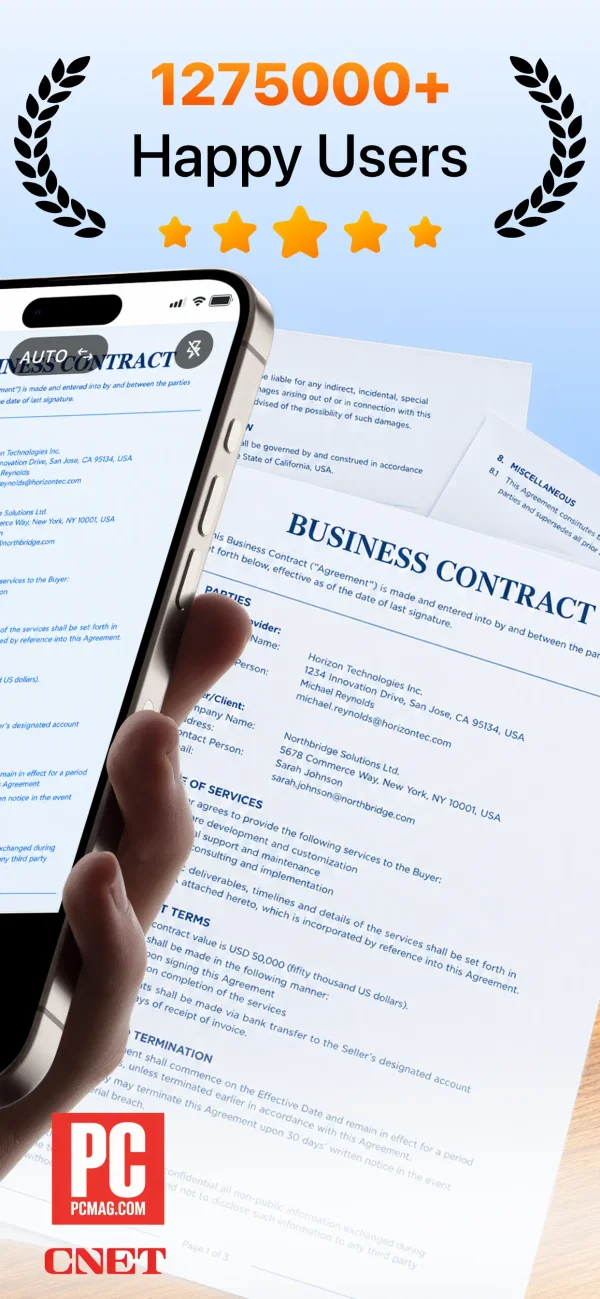
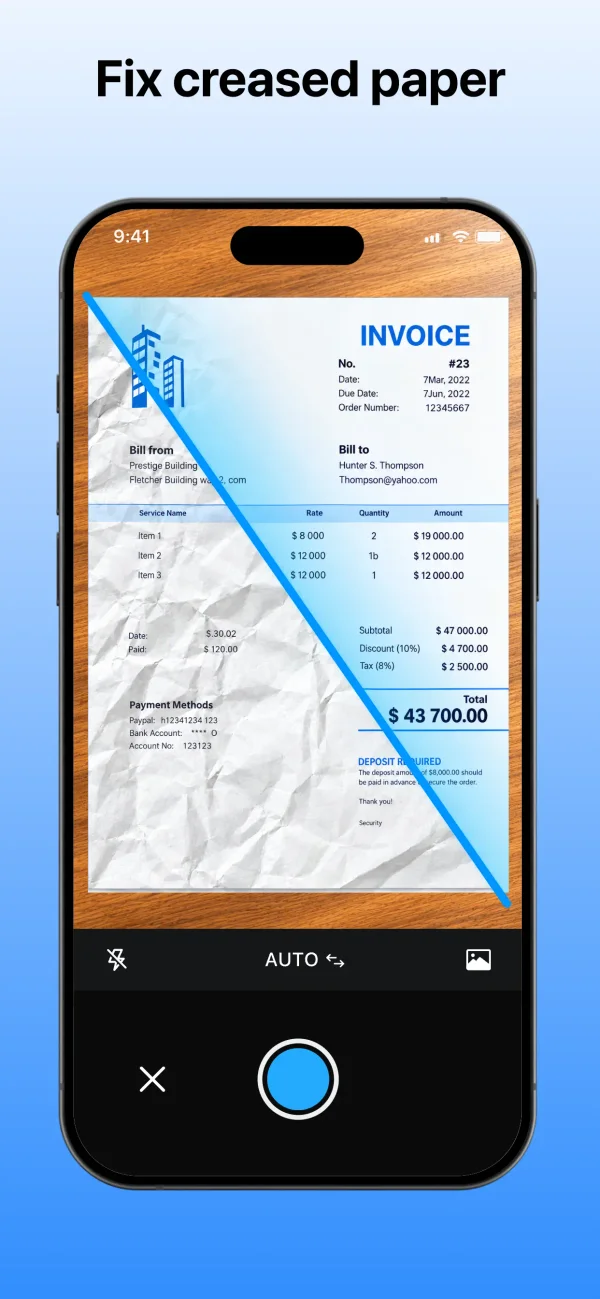
Automatically detect document edges, correct perspective distortion, and remove backgrounds. Scan receipts, contracts, business cards, notes, and other documents while preserving original text clarity and layout.
2. Multi-mode Scanning:
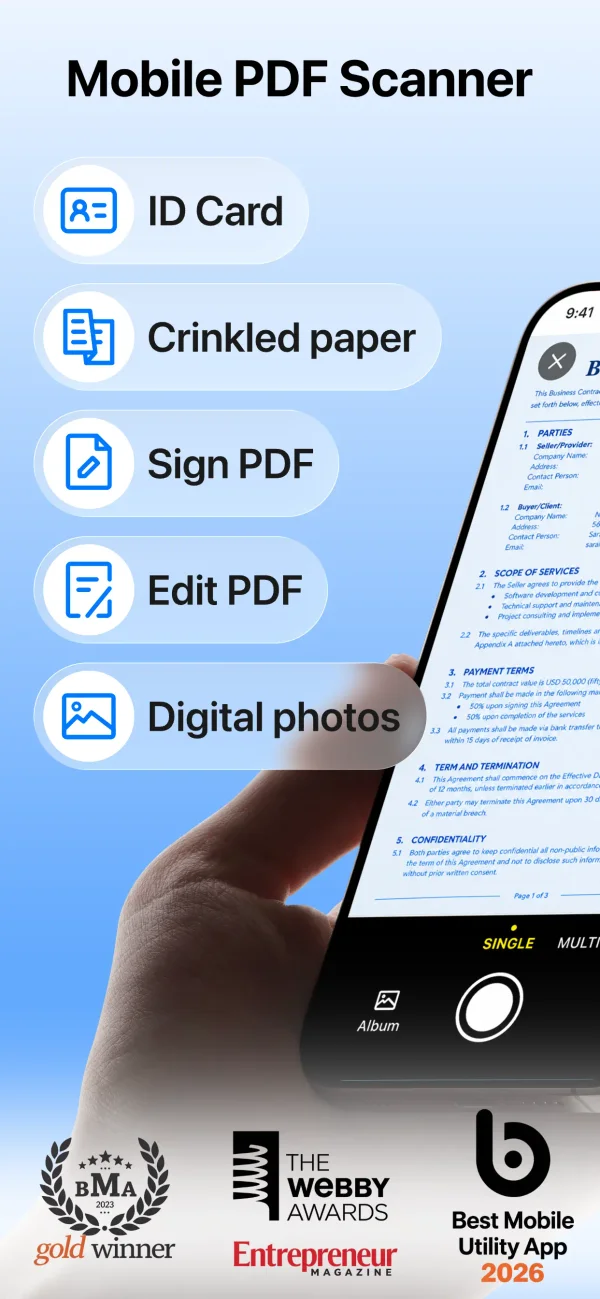
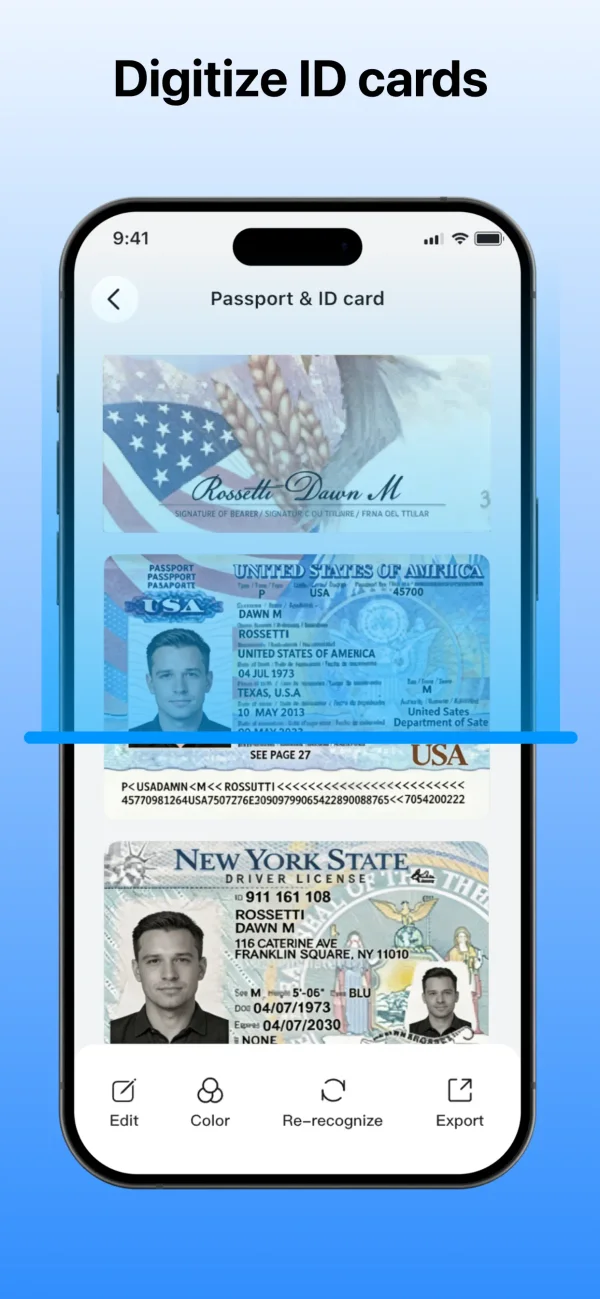
Supports standard documents, ID cards, and batch scanning modes. Capture multiple pages, automatically merge them, and quickly create organized PDF files.
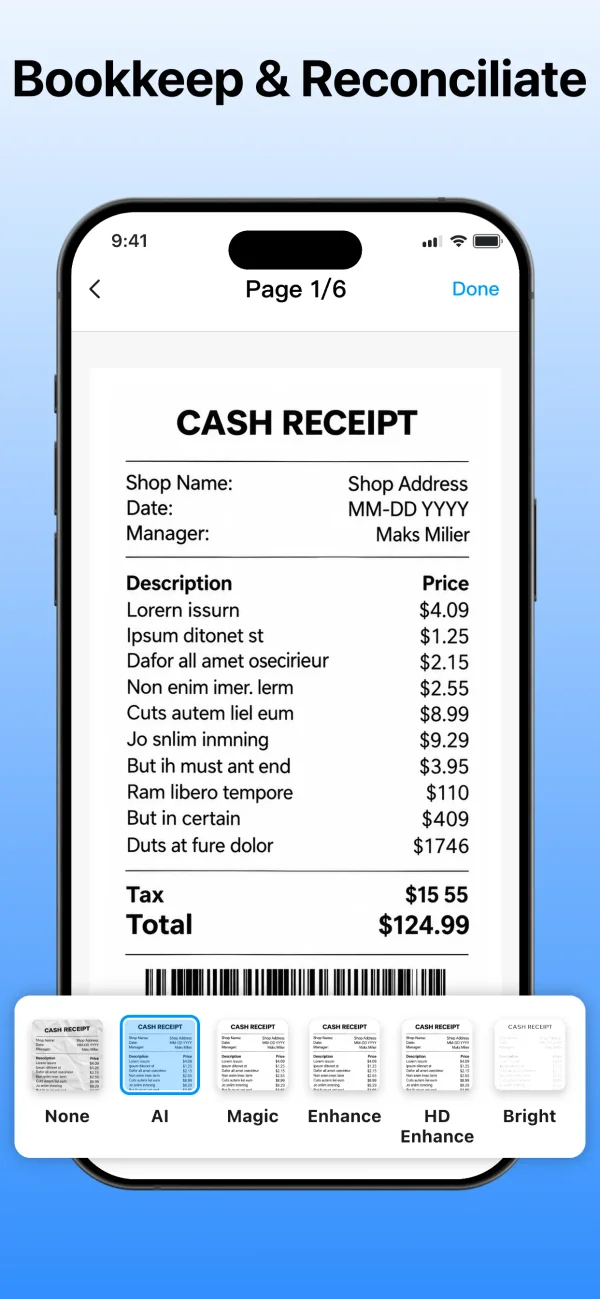
3. Smart Image Enhancement:
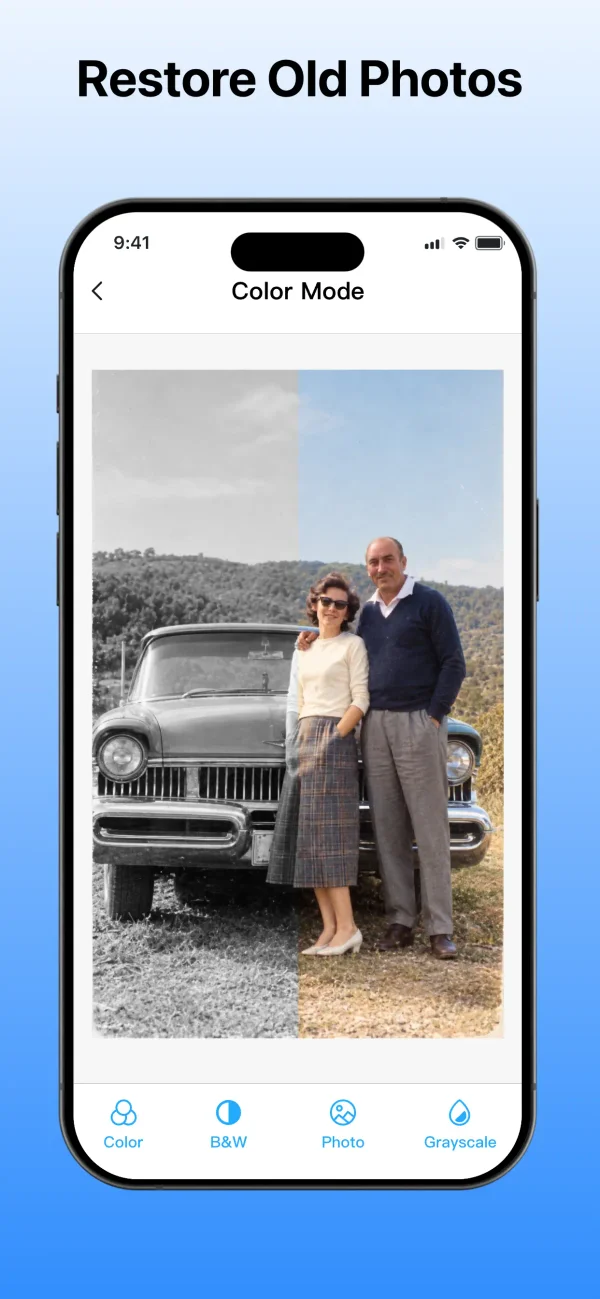
Improve scan quality with brightness adjustment, shadow removal, noise reduction, and detail enhancement. Create clear, print-ready scans even in challenging lighting conditions.
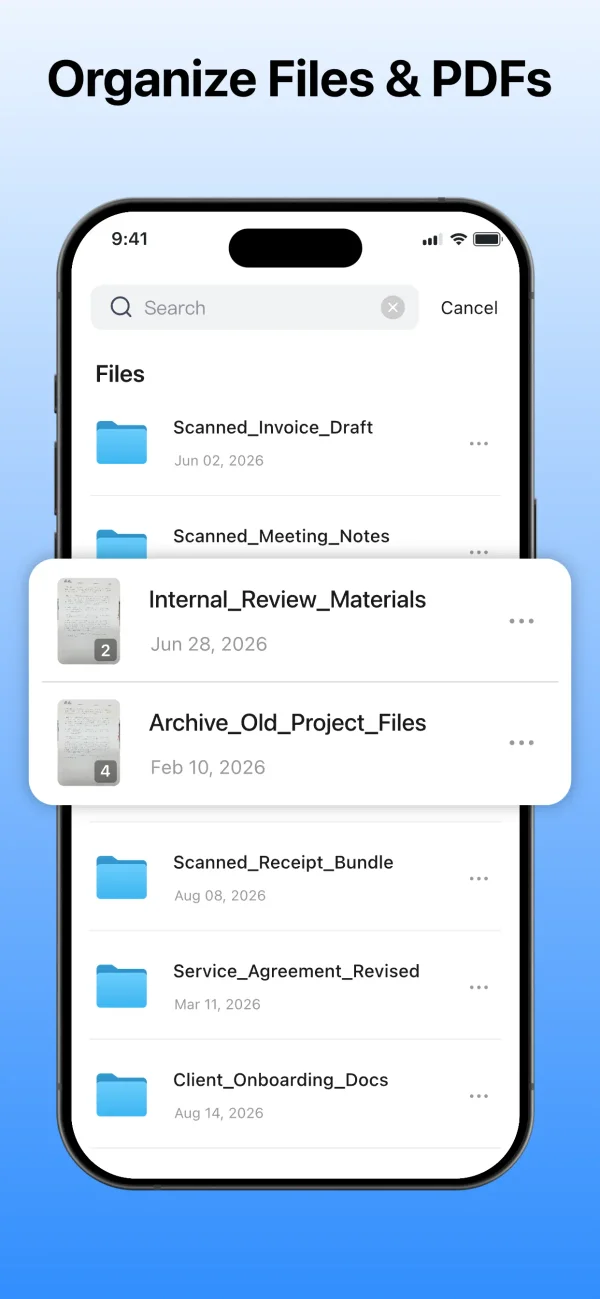
4. Flexible PDF Conversion:
Convert images into PDF files instantly. Manage documents with features like PDF merging, splitting, page rearranging, and format conversion for easier workflow.
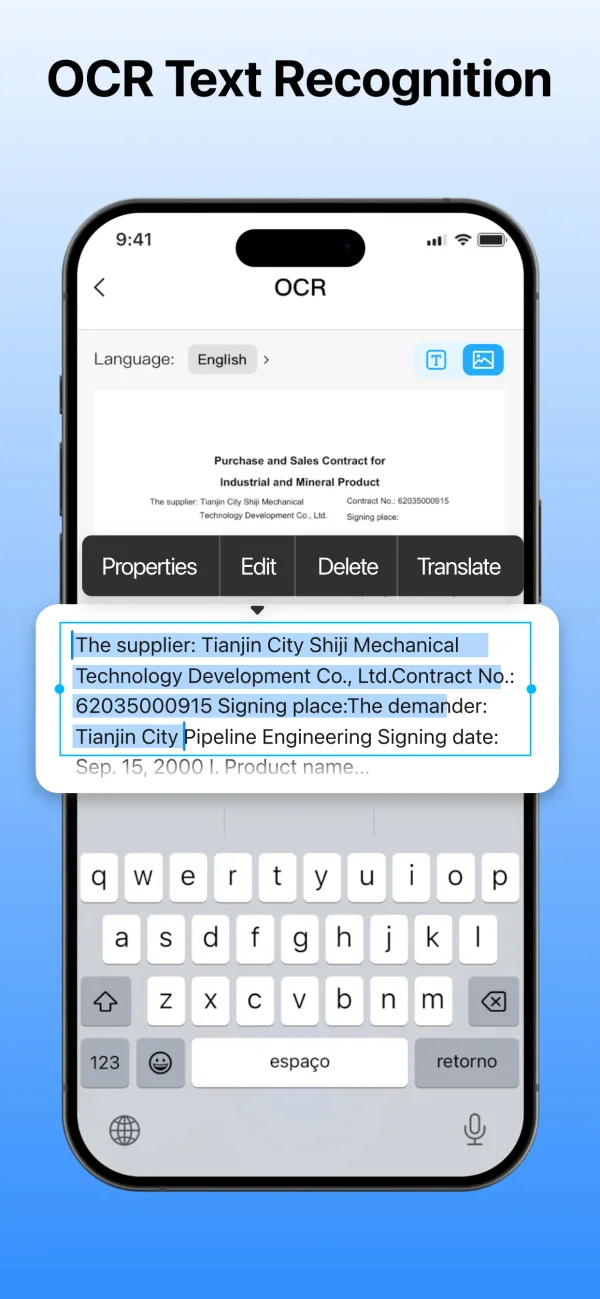
5. Offline Multilingual OCR:
Recognize printed and handwritten text in multiple languages, including Chinese, English, Japanese, and Korean. Extracted text can be copied, edited, and reused without manual typing.
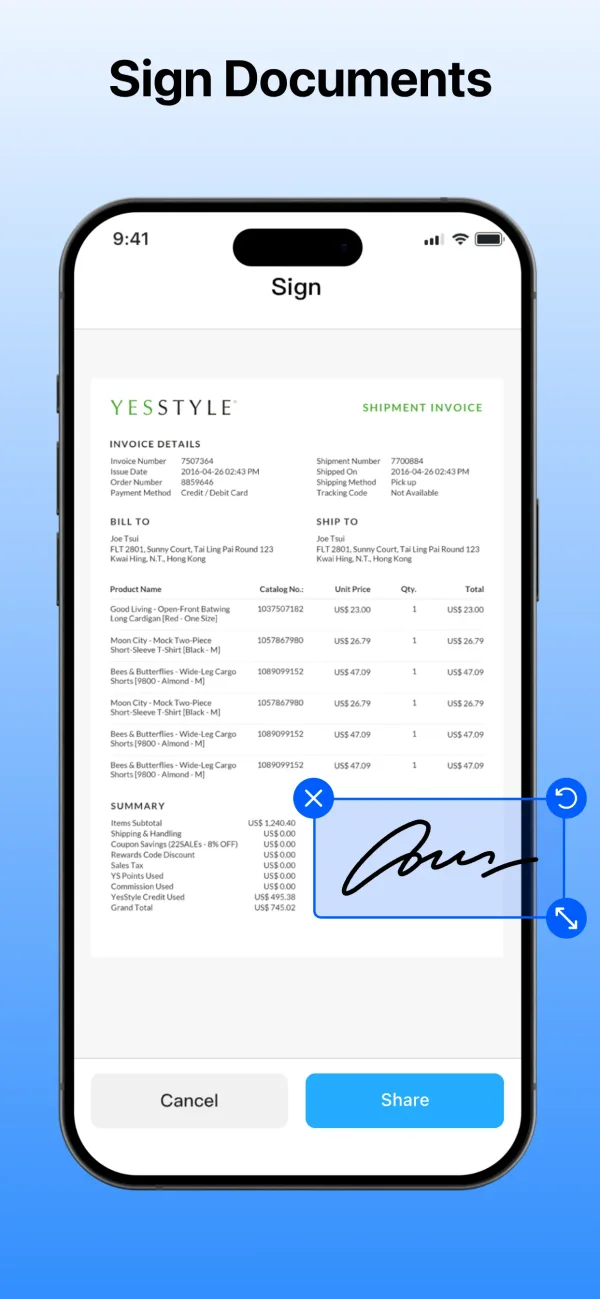
6. PDF Signing & Annotation:
Sign documents directly from your device with handwritten signatures or digital stamps. Add highlights, notes, and marks to contracts and important files without printing.
7. Complete PDF Editing Tools:
Edit PDFs with cropping, rotation, page adding, page deletion, watermark insertion, and page numbering. All operations are processed locally on your device.
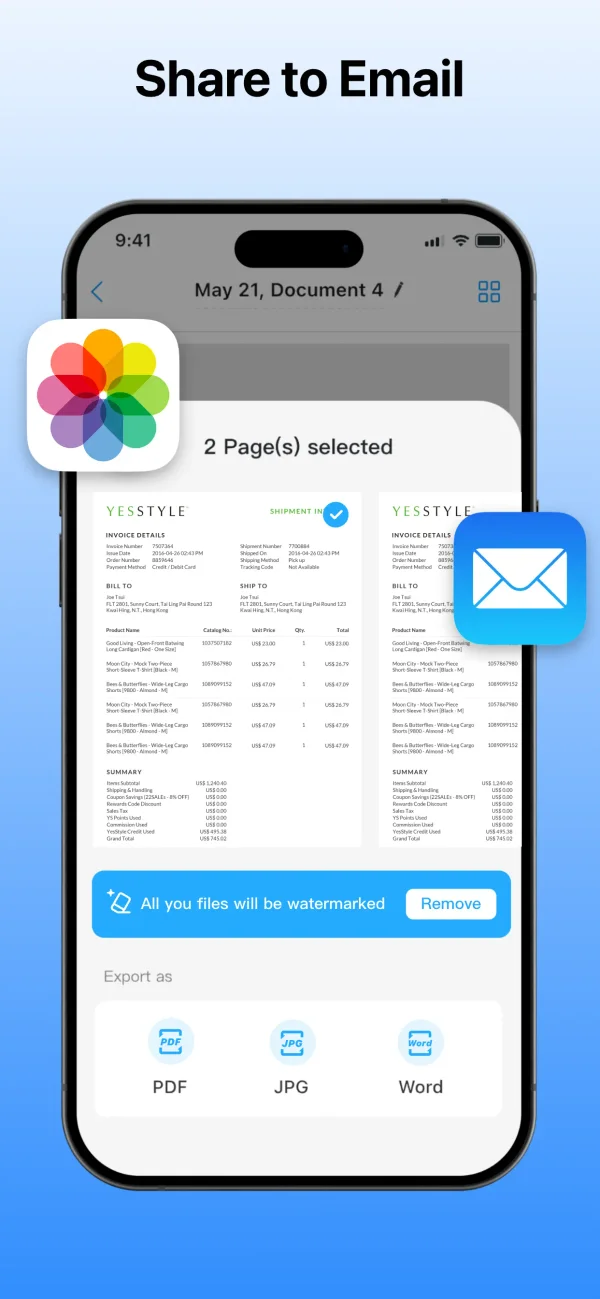
8. Easy Export & Sharing:
Save files locally and share documents through email, messaging apps, cloud storage, or other platforms. Adjust export quality and file size based on your needs.
9. Secure Local Storage:
Scanned and edited files remain on your device without automatic cloud uploads. Keep sensitive documents such as financial records, contracts, receipts, and IDs protected.
Use Cases
Perfect for office workers managing expense reports, invoices, and meeting documents; HR teams organizing employee records and contracts; business professionals scanning, signing, and sharing agreements on the go; students extracting text from notes and study materials; field workers digitizing documents remotely; and merchants organizing receipts and business records.
Whether for studying, office productivity, business operations, or everyday document management, this app provides a complete mobile scanning solution.
Premium Subscription Information。
Upgrade to PDF Scanner Premium and remove daily limits to unlock the full power of our document scanner! ► Unlimited document scanning & offline multilingual OCR
► Higher scan precision, enhanced image optimization engine
► Full access to all PDF editing, conversion and annotation features
► Batch scanning, advanced PDF tools without restrictions
► No watermarks on exported files
Subscription Plans
• Weekly Subscription: $4.99
• Standard Annual Subscription: $39.99
• Limited-Time Discount Annual Subscription: $29.99 (Best Value)
Contact Information
For more information or app support, please contact us at:
fengtao56@sina.com
Terms of Use:
https://www.xiaoyouhd.com/xypdf_user.html
Privacy Policy:
https://www.xiaoyouhd.com/xypdf_privacy.html
Nouveautés
Version 1.1.8 · 23/11/2026
Update content: Improve user experience and fix known issues
Confidentialité de l’application
Ce que Xiaoyou Interactive déclare sur l’App Store au sujet du traitement des données par cette application.
-
Données utilisées pour vous suivre
Peuvent être utilisées pour vous suivre sur des applications et des sites web appartenant à d’autres sociétés.
- Identifiants
-
Données établissant un lien avec vous
Peuvent être collectées et liées à votre identité.
- Identifiants
-
Données n’établissant aucun lien avec vous
Peuvent être collectées, mais ne sont pas liées à votre identité.
- Identifiants
Les pratiques en matière de confidentialité peuvent varier, notamment en fonction des fonctionnalités que vous utilisez ou de votre âge.
Informations
- Vendeur
- Beijing Xiaoyou Interactive Technology Co., Ltd
- Catégorie
- Utilitaires
- Version
- 1.1.8
- Mis à jour
- 23/11/2026
- Publié
- 02/09/2026
- Taille
- 34,4 Mo
- Nécessite
- iOS 17.0 ou version ultérieure
- Classification d’âge
- 4+
- Prix
- Gratuit
- Achats intégrés
- Oui
- Langues
- Anglais, Néerlandais, Français, Allemand, Japonais, Chinois traditionnel, Turc
- Copyright
- © 2026 xiaoyouhd Inc.
Vous aimerez peut-être aussi
-
 Scanner PDF: Numérisation docsOCR, convertir des PDF
-
 World Mobile: Phone & eSIMUtilitaires
-
 SELFUtilitaires
-
 Cloud Storage Drive Backup AppUtilitaires
-
 TidyClean:Photo Clean&CompressBest Cleaner for Photo&Contact
-
 PDF Converter: Scanner DocsScan, OCR, signer & fusionner
-
 PDF Scan & SignUtilitaires
-
 HP Smart Printer app FREEUtilitaires
-
 Decluttr AI: Nettoyeur PhotosLibérez du stockage, doublons
-
 PhotoSurePhoto Cleanup & Privacy Space