- 対象年齢4+
- カテゴリユーティリティ
- 開発元Xiaoyou Interactive
- 言語英語ほか6言語
- サイズ34.4 MB
App Storeの公式ページにリンクしています
Download.orgはPDF Scanner - Scan Edit Docsのファイルを一切ホストしていません。ボタンを押すと、Xiaoyou Interactiveが公開しているApp Storeのアプリページが開きます。ページの最終確認:2026/11/23。
スクリーンショット
概要
開発元はこのテキストをお使いの言語で提供していません。
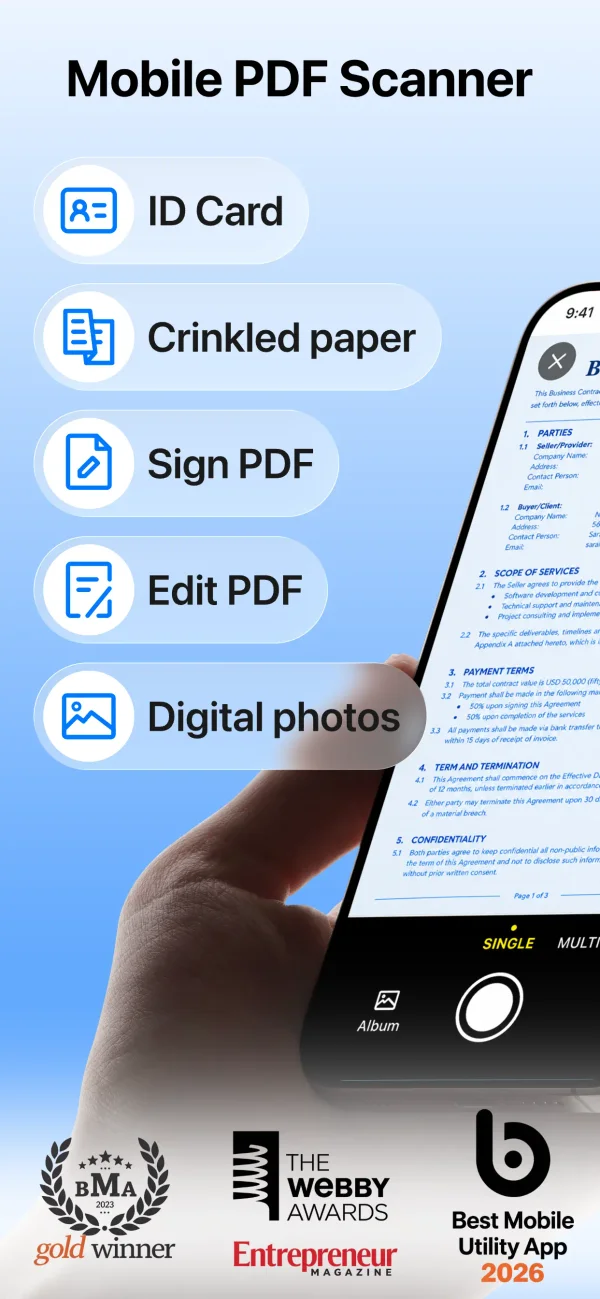
This app is an AI-powered document scanner that transforms your iPhone into a powerful mobile scanning tool with OCR recognition, PDF conversion, editing, and e-signature features. It helps you quickly scan documents, extract text, create PDFs, and manage files anytime, anywhere.
Designed for office work, business tasks, studying, and daily document management, the app supports offline OCR and local file processing. Your scanned documents are stored securely on your device and are never automatically uploaded to the cloud, helping protect sensitive files such as IDs, contracts, receipts, and personal documents.
Key Features
1. AI HD Document Scanning:
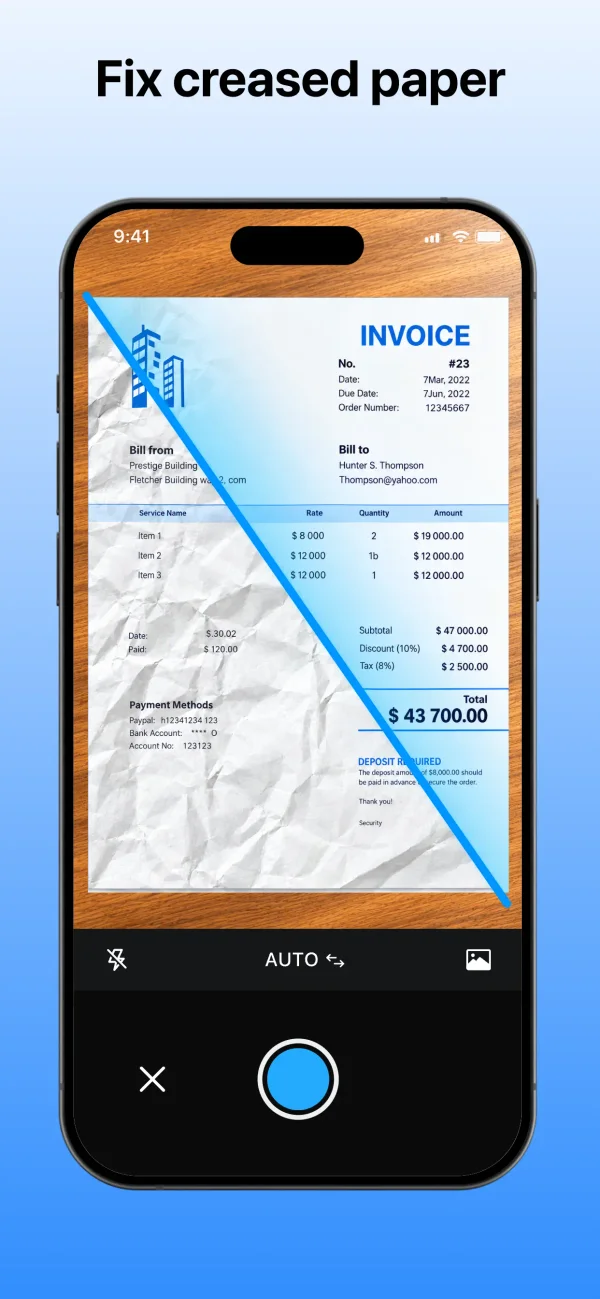
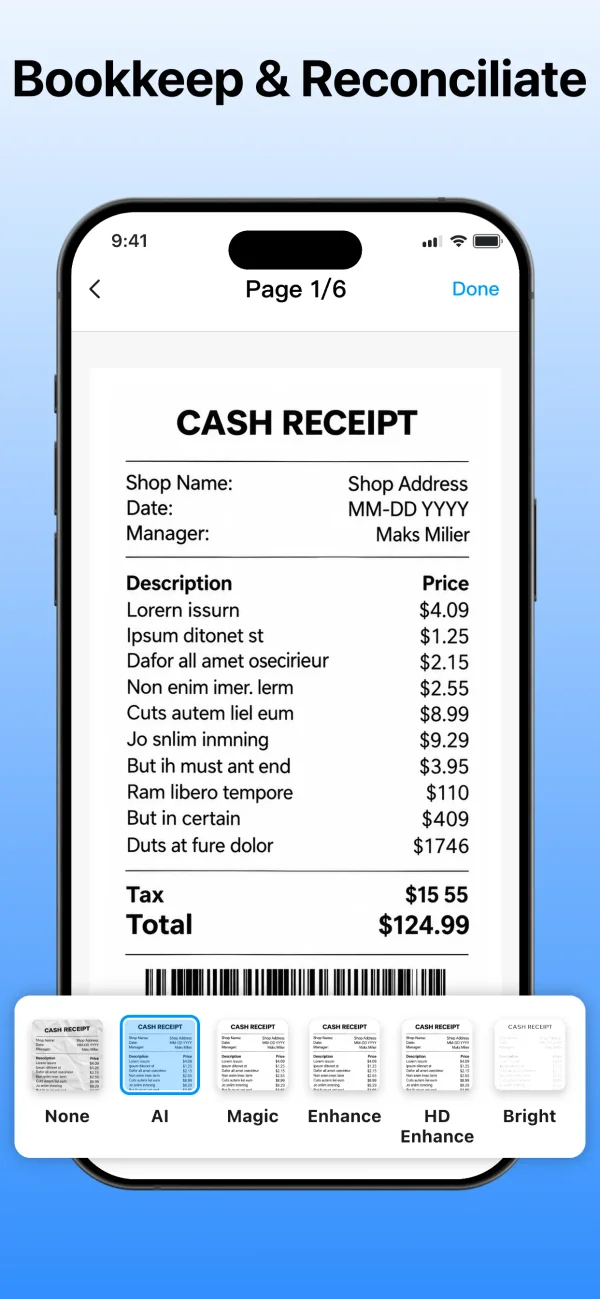
Automatically detect document edges, correct perspective distortion, and remove backgrounds. Scan receipts, contracts, business cards, notes, and other documents while preserving original text clarity and layout.
2. Multi-mode Scanning:
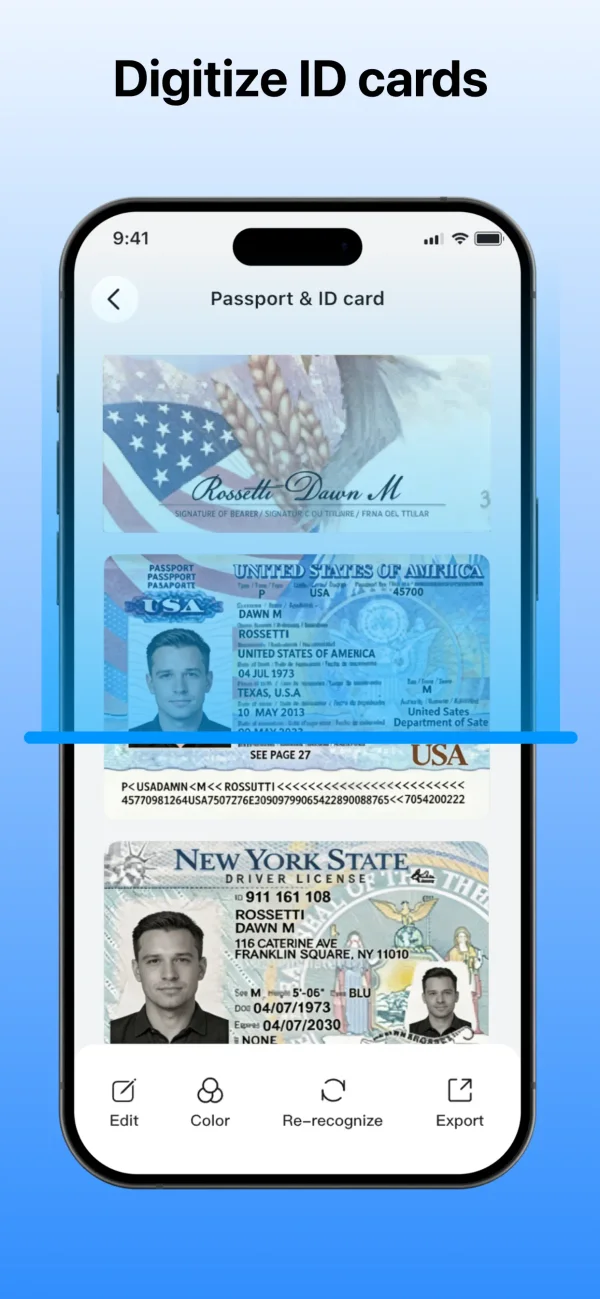
Supports standard documents, ID cards, and batch scanning modes. Capture multiple pages, automatically merge them, and quickly create organized PDF files.
3. Smart Image Enhancement:
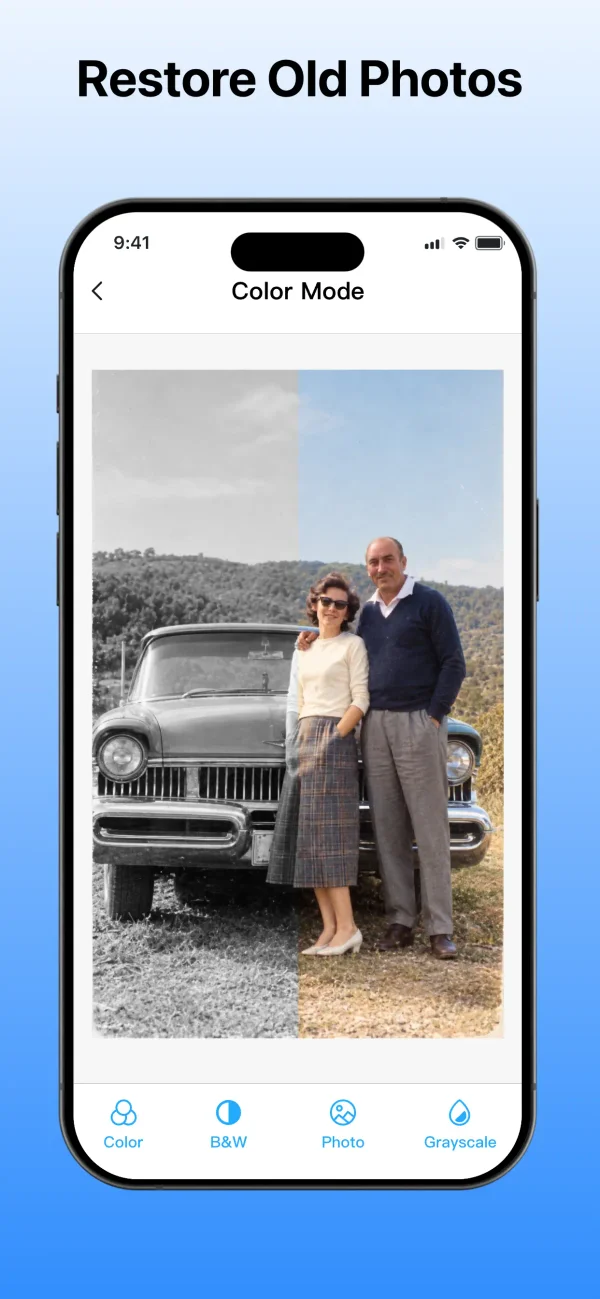
Improve scan quality with brightness adjustment, shadow removal, noise reduction, and detail enhancement. Create clear, print-ready scans even in challenging lighting conditions.
4. Flexible PDF Conversion:
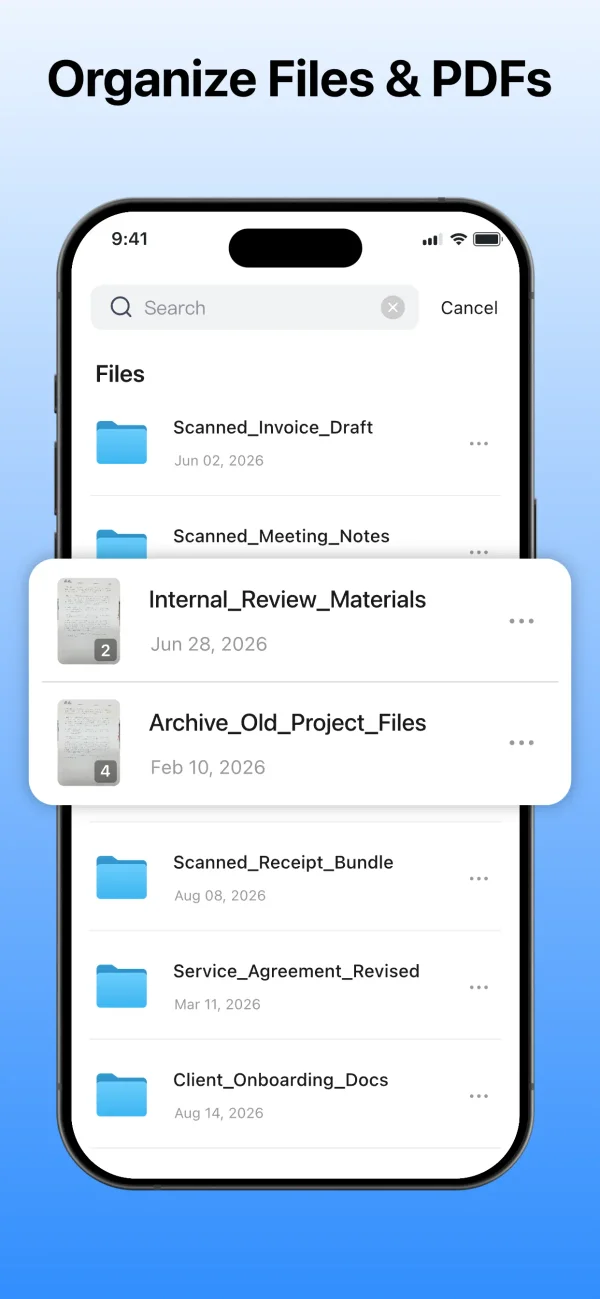
Convert images into PDF files instantly. Manage documents with features like PDF merging, splitting, page rearranging, and format conversion for easier workflow.
5. Offline Multilingual OCR:
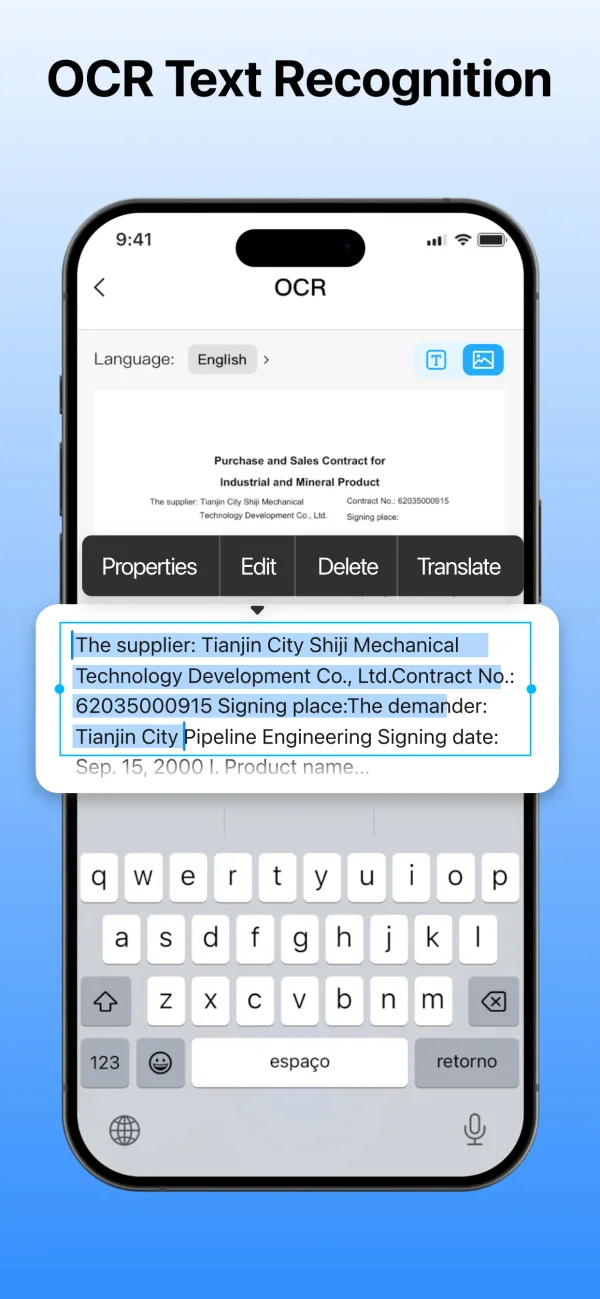
Recognize printed and handwritten text in multiple languages, including Chinese, English, Japanese, and Korean. Extracted text can be copied, edited, and reused without manual typing.
6. PDF Signing & Annotation:
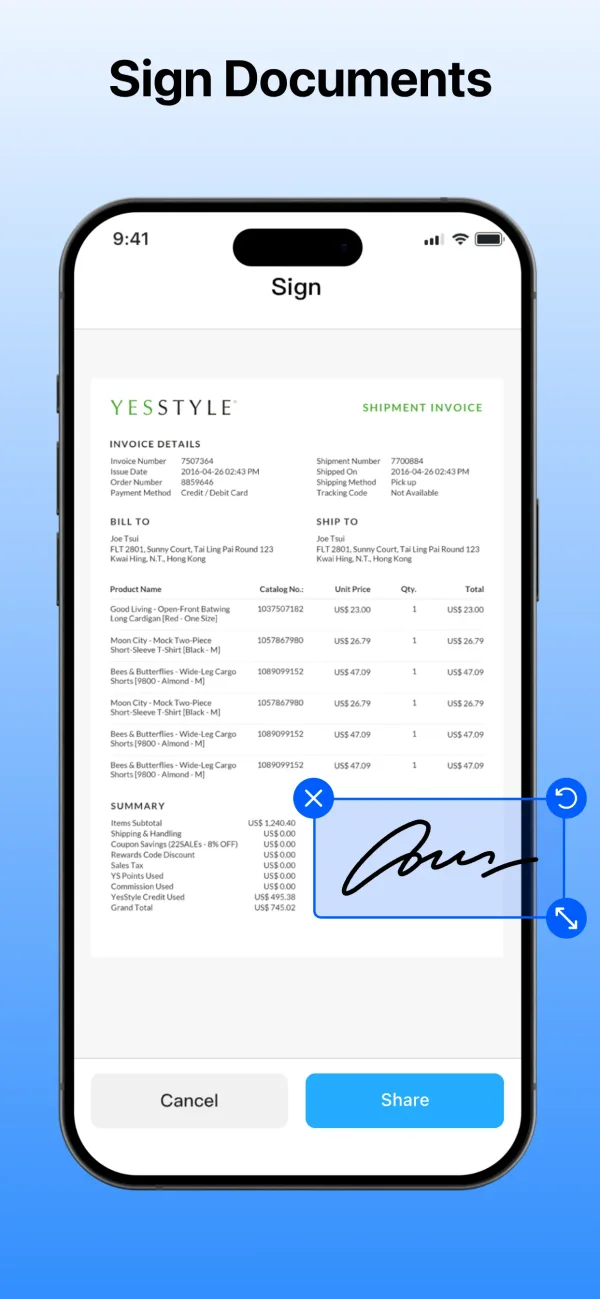
Sign documents directly from your device with handwritten signatures or digital stamps. Add highlights, notes, and marks to contracts and important files without printing.
7. Complete PDF Editing Tools:
Edit PDFs with cropping, rotation, page adding, page deletion, watermark insertion, and page numbering. All operations are processed locally on your device.
8. Easy Export & Sharing:
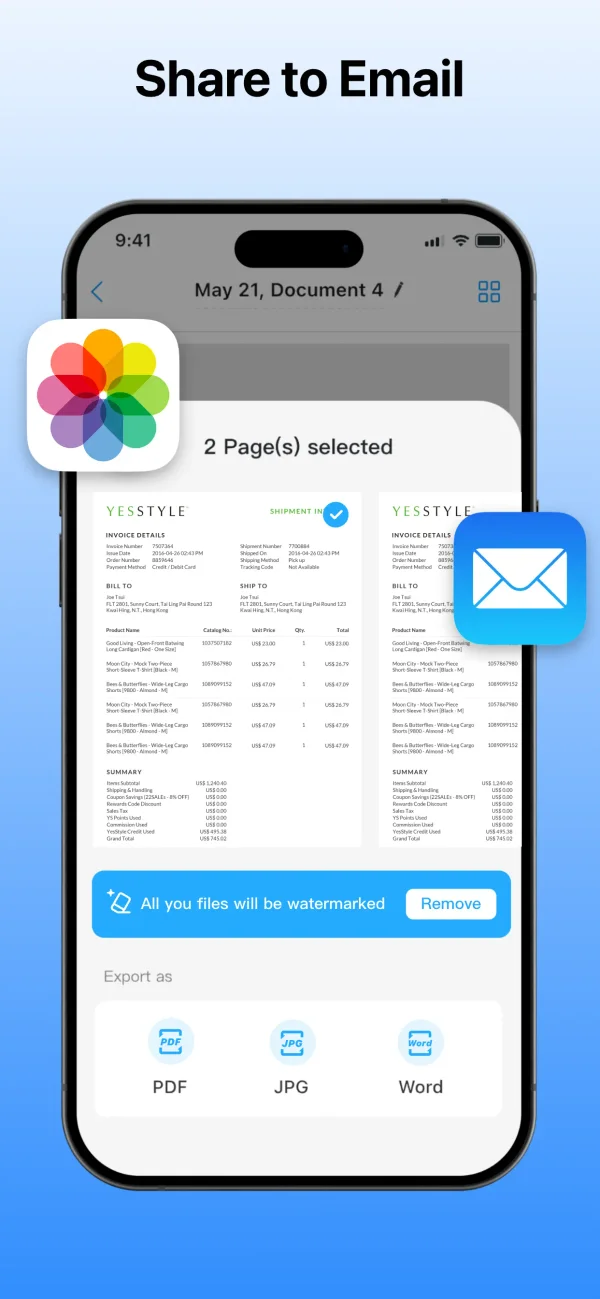
Save files locally and share documents through email, messaging apps, cloud storage, or other platforms. Adjust export quality and file size based on your needs.
9. Secure Local Storage:
Scanned and edited files remain on your device without automatic cloud uploads. Keep sensitive documents such as financial records, contracts, receipts, and IDs protected.
Use Cases
Perfect for office workers managing expense reports, invoices, and meeting documents; HR teams organizing employee records and contracts; business professionals scanning, signing, and sharing agreements on the go; students extracting text from notes and study materials; field workers digitizing documents remotely; and merchants organizing receipts and business records.
Whether for studying, office productivity, business operations, or everyday document management, this app provides a complete mobile scanning solution.
Premium Subscription Information。
Upgrade to PDF Scanner Premium and remove daily limits to unlock the full power of our document scanner! ► Unlimited document scanning & offline multilingual OCR
► Higher scan precision, enhanced image optimization engine
► Full access to all PDF editing, conversion and annotation features
► Batch scanning, advanced PDF tools without restrictions
► No watermarks on exported files
Subscription Plans
• Weekly Subscription: $4.99
• Standard Annual Subscription: $39.99
• Limited-Time Discount Annual Subscription: $29.99 (Best Value)
Contact Information
For more information or app support, please contact us at:
fengtao56@sina.com
Terms of Use:
https://www.xiaoyouhd.com/xypdf_user.html
Privacy Policy:
https://www.xiaoyouhd.com/xypdf_privacy.html
新機能
バージョン 1.1.8 · 2026/11/23
Update content: Improve user experience and fix known issues
アプリのプライバシー
このアプリのデータの取り扱いについて、Xiaoyou InteractiveがApp Storeで申告している内容です。
-
ユーザーのトラッキングに使用されるデータ
他社のアプリやウェブサイトを横断してユーザーをトラッキングする目的で使用される場合があります。
- ID
-
ユーザーに関連付けられたデータ
収集され、ユーザーの識別情報に関連付けられる場合があります。
- ID
-
ユーザーに関連付けられないデータ
収集される場合がありますが、ユーザーの識別情報には関連付けられません。
- ID
プライバシーの取り扱いは、ご利用の機能やお客様の年齢などに応じて異なる場合があります。
情報
- 販売元
- Beijing Xiaoyou Interactive Technology Co., Ltd
- カテゴリ
- ユーティリティ
- バージョン
- 1.1.8
- 更新日
- 2026/11/23
- リリース
- 2026/9/2
- サイズ
- 34.4 MB
- 必要条件
- iOS 17.0以降
- 対象年齢
- 4+
- 価格
- 無料
- アプリ内課金
- あり
- 言語
- 英語, オランダ語, フランス語, ドイツ語, 日本語, 繁体字中国語, トルコ語
- 著作権
- © 2026 xiaoyouhd Inc.
こちらもおすすめ
-
 PDFスキャナー:書類をスキャンOCR、PDF変換、編集・署名
-
 World Mobile: Phone & eSIMユーティリティ
-
 SELFユーティリティ
-
 Cloud Storage Drive Backup Appユーティリティ
-
 TidyClean:Photo Clean&CompressBest Cleaner for Photo&Contact
-
 PDF Converter: 書類スキャンスキャン、OCR、署名、Word変換
-
 PDF Scan & Signユーティリティ
-
 HP Smart Printer app FREEユーティリティ
-
 Decluttr AI: 写真整理・スマホ容量クリーナー重複・似た写真を削除、動画圧縮でストレージ節約
-
 PhotoSurePhoto Cleanup & Privacy Space