PDF Scanner - Scan Edit Docs
Convert Documents to PDF, Sign
Được thiết kế cho iPhone
Miễn phí · Mua hàng trong ứng dụng
- Độ tuổi4+
- Danh mụcTiện Ích
- Nhà phát triểnXiaoyou Interactive
- Ngôn ngữTiếng Anh+ 6 ngôn ngữ khác
- Kích thước34,4 MB
Liên kết đến trang App Store chính thức
Download.org không lưu trữ tệp nào của PDF Scanner - Scan Edit Docs. Nút này mở trang ứng dụng trên App Store, nơi Xiaoyou Interactive phát hành ứng dụng. Trang được kiểm tra lần cuối: 23/11/2026.
Ảnh chụp màn hình
Giới thiệu
Nhà phát triển chưa cung cấp nội dung này bằng ngôn ngữ của bạn.
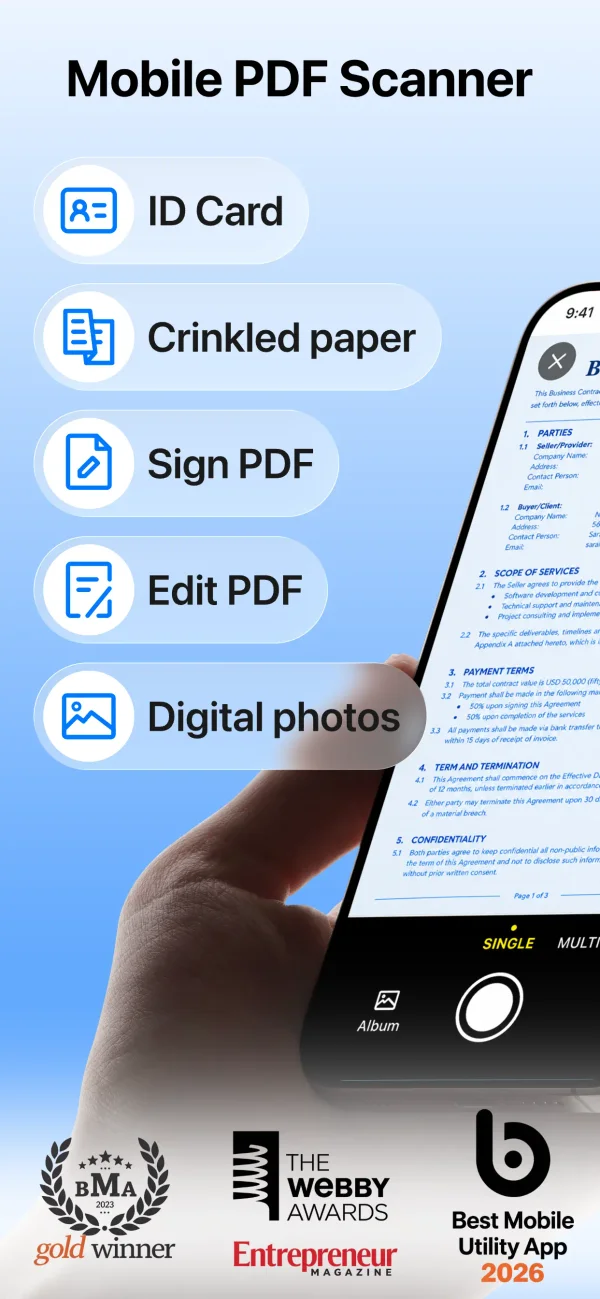
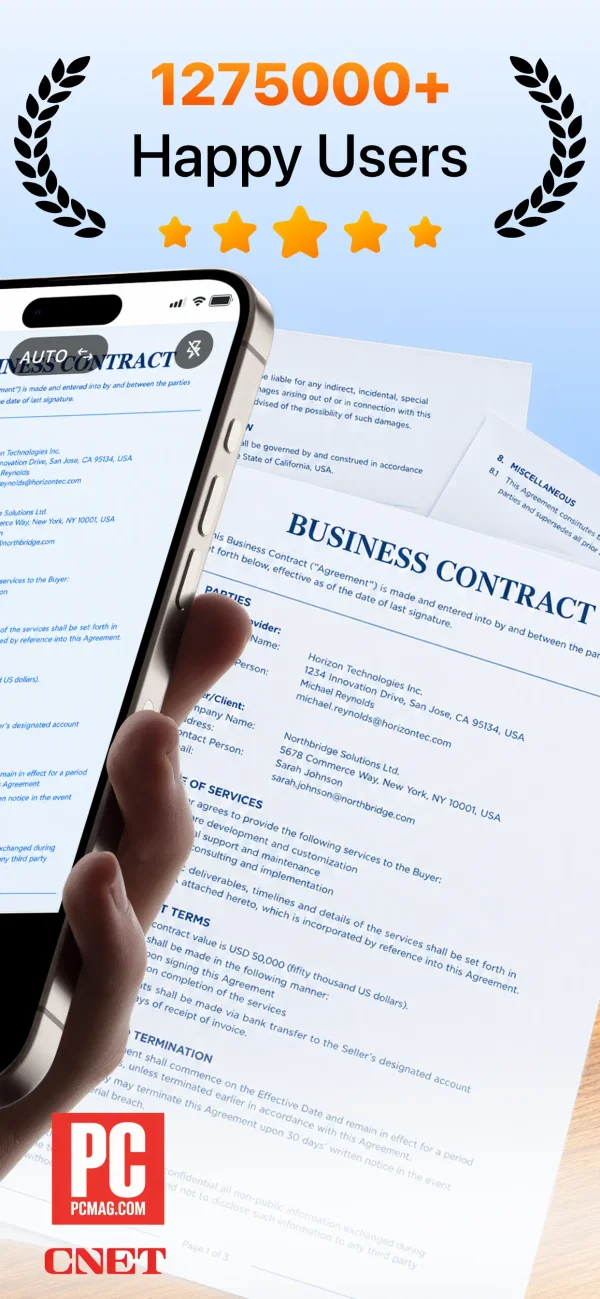
This app is an AI-powered document scanner that transforms your iPhone into a powerful mobile scanning tool with OCR recognition, PDF conversion, editing, and e-signature features. It helps you quickly scan documents, extract text, create PDFs, and manage files anytime, anywhere.
Designed for office work, business tasks, studying, and daily document management, the app supports offline OCR and local file processing. Your scanned documents are stored securely on your device and are never automatically uploaded to the cloud, helping protect sensitive files such as IDs, contracts, receipts, and personal documents.
Key Features
1. AI HD Document Scanning:
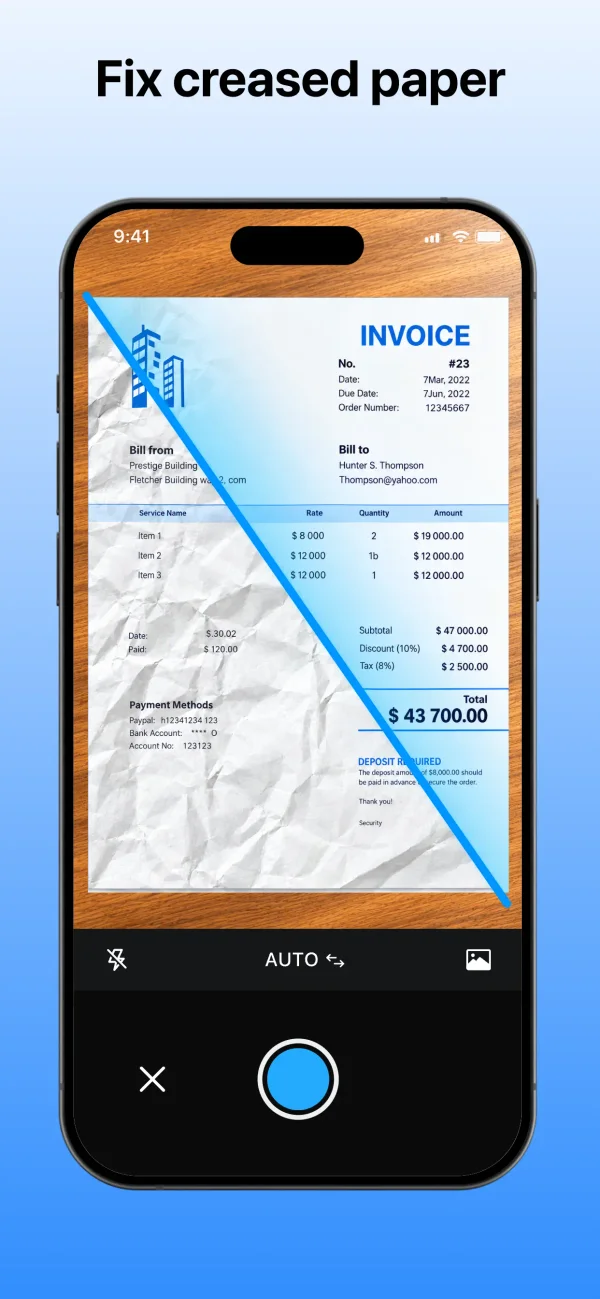
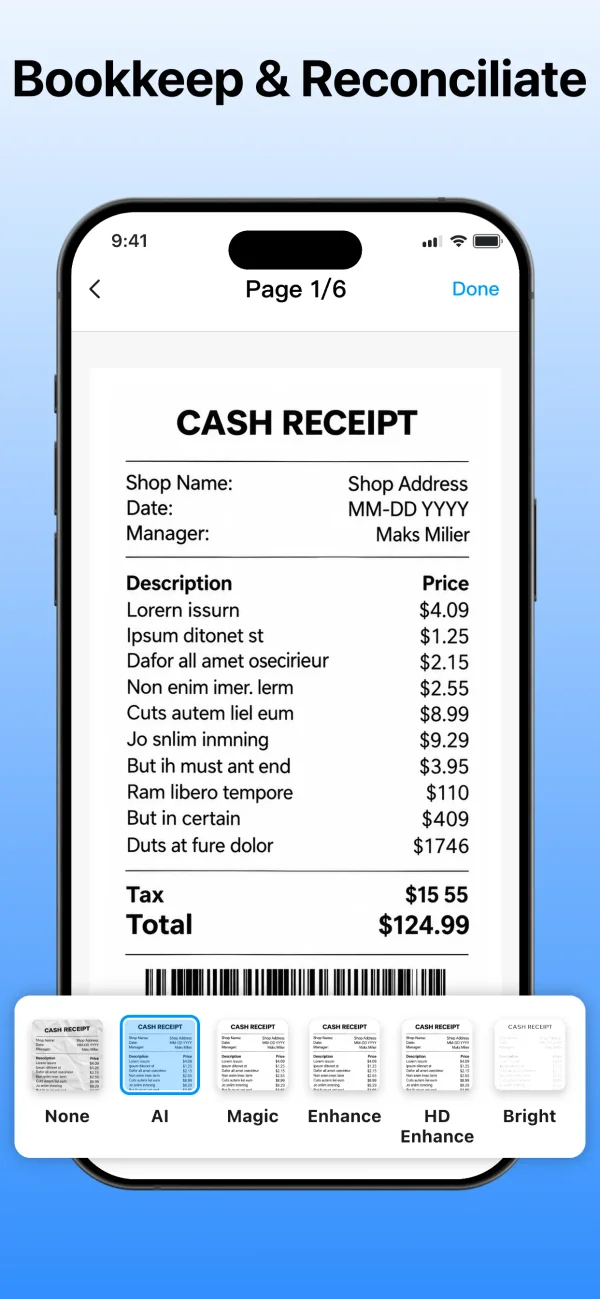
Automatically detect document edges, correct perspective distortion, and remove backgrounds. Scan receipts, contracts, business cards, notes, and other documents while preserving original text clarity and layout.
2. Multi-mode Scanning:
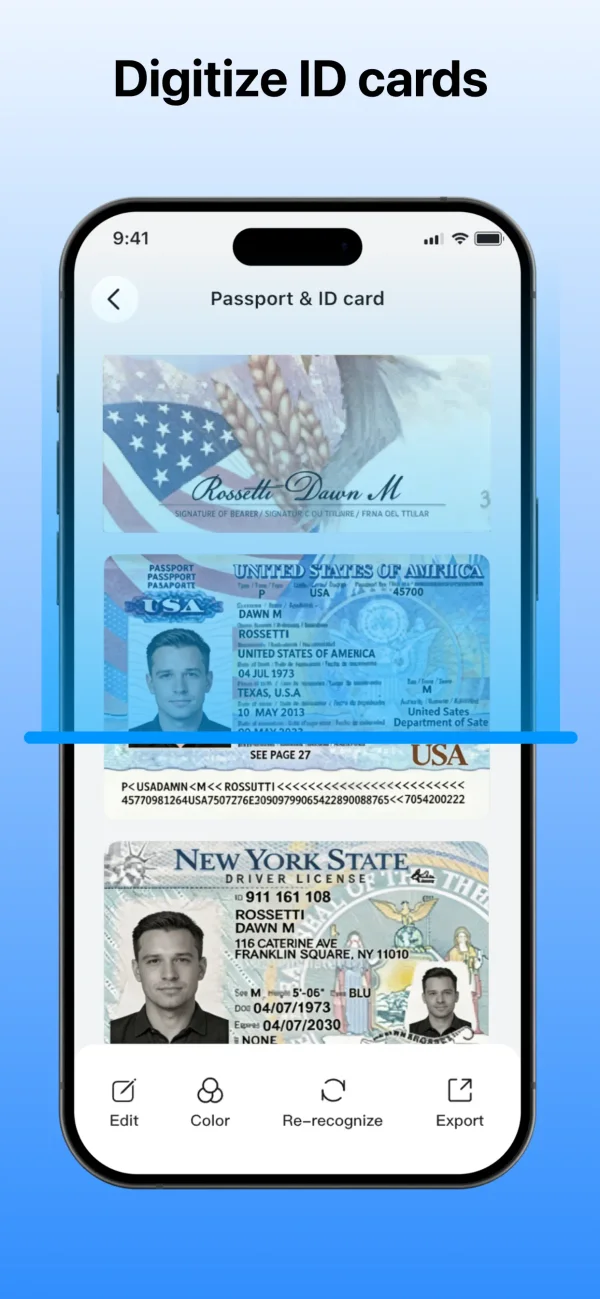
Supports standard documents, ID cards, and batch scanning modes. Capture multiple pages, automatically merge them, and quickly create organized PDF files.
3. Smart Image Enhancement:
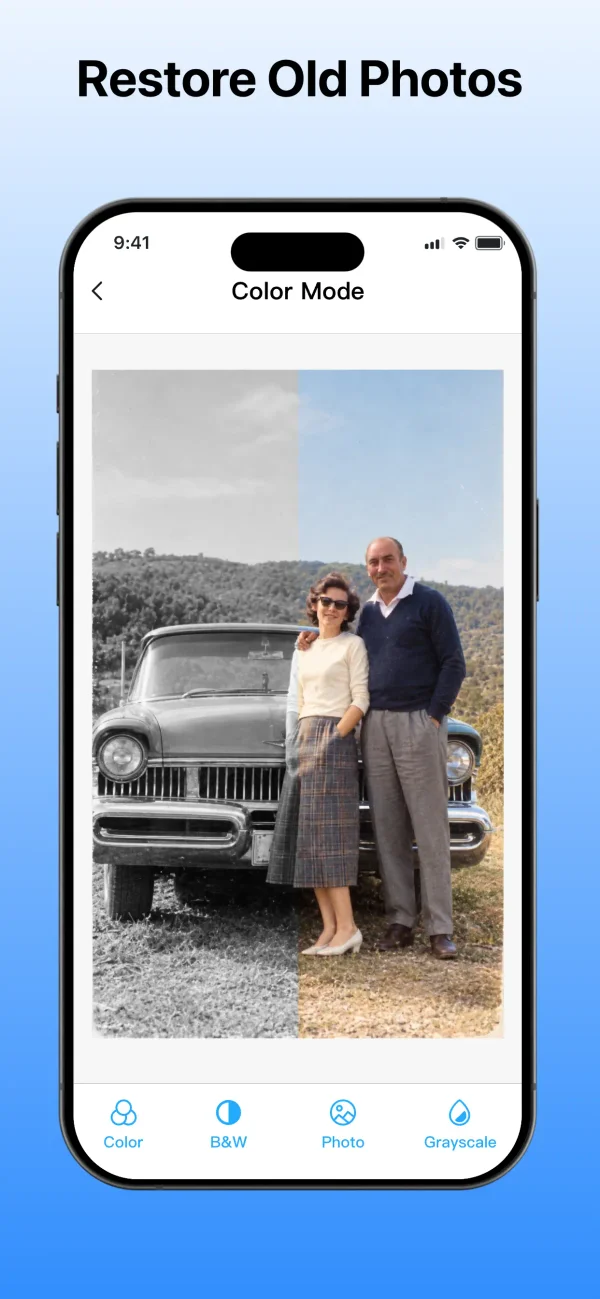
Improve scan quality with brightness adjustment, shadow removal, noise reduction, and detail enhancement. Create clear, print-ready scans even in challenging lighting conditions.
4. Flexible PDF Conversion:
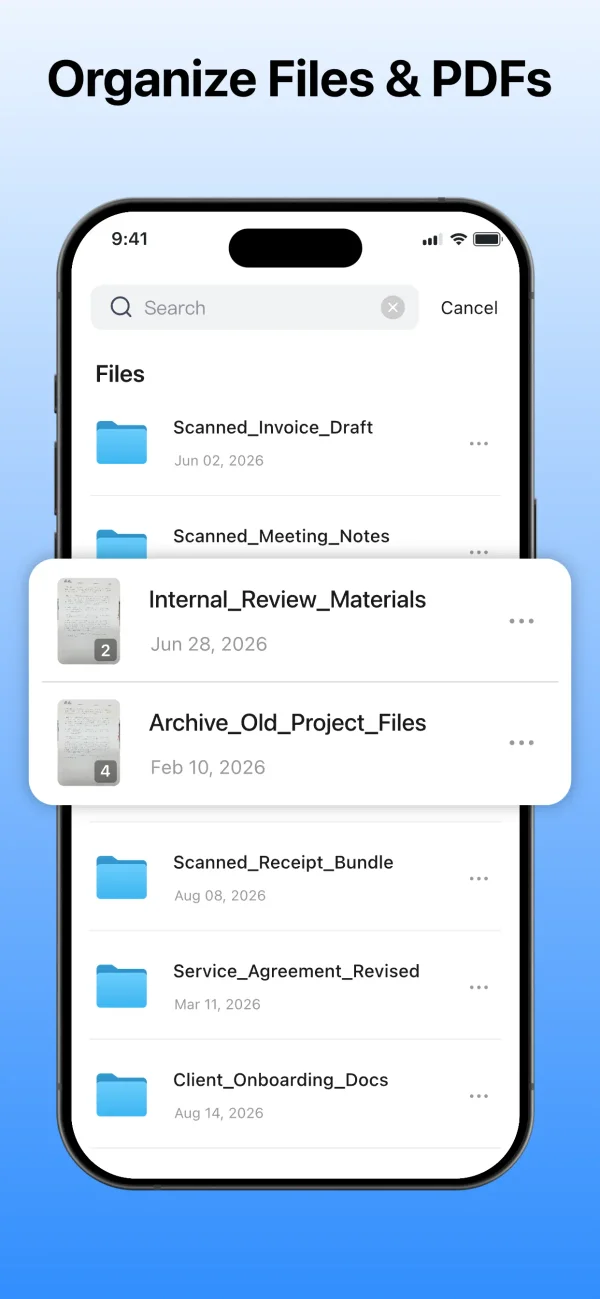
Convert images into PDF files instantly. Manage documents with features like PDF merging, splitting, page rearranging, and format conversion for easier workflow.
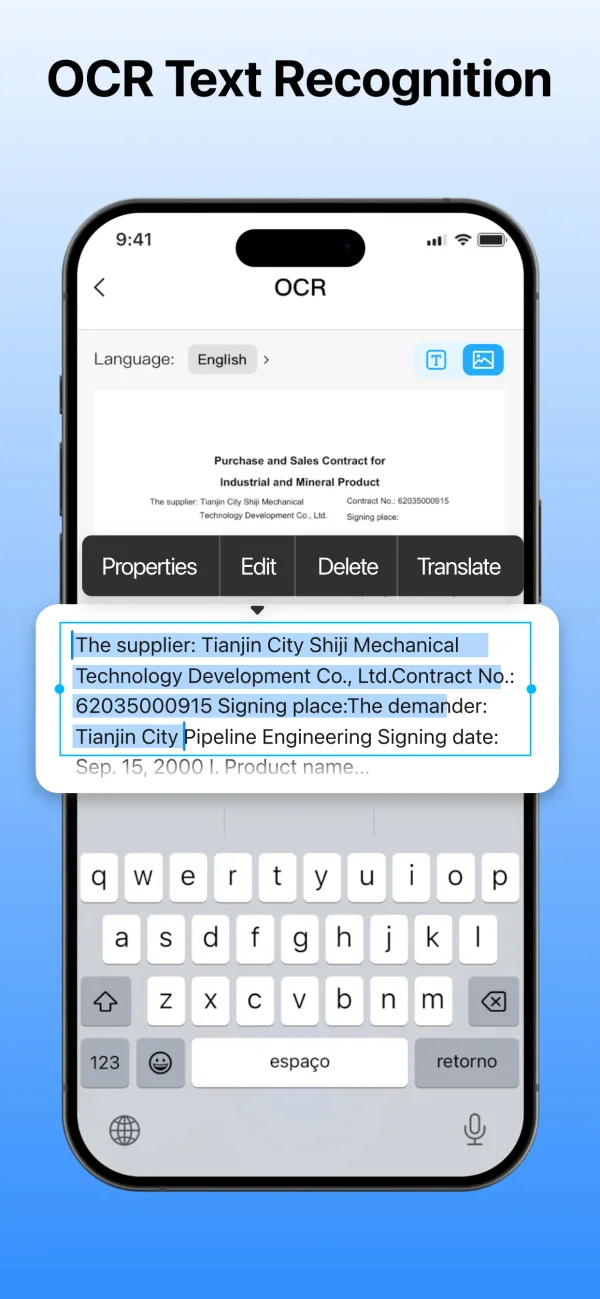
5. Offline Multilingual OCR:
Recognize printed and handwritten text in multiple languages, including Chinese, English, Japanese, and Korean. Extracted text can be copied, edited, and reused without manual typing.
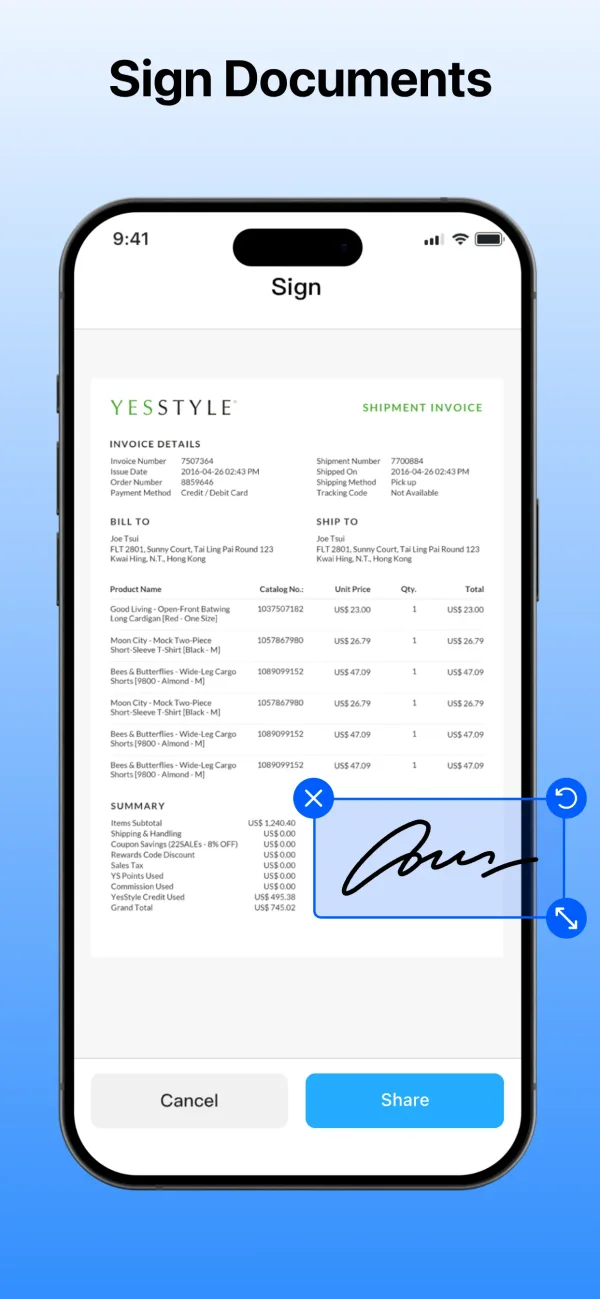
6. PDF Signing & Annotation:
Sign documents directly from your device with handwritten signatures or digital stamps. Add highlights, notes, and marks to contracts and important files without printing.
7. Complete PDF Editing Tools:
Edit PDFs with cropping, rotation, page adding, page deletion, watermark insertion, and page numbering. All operations are processed locally on your device.
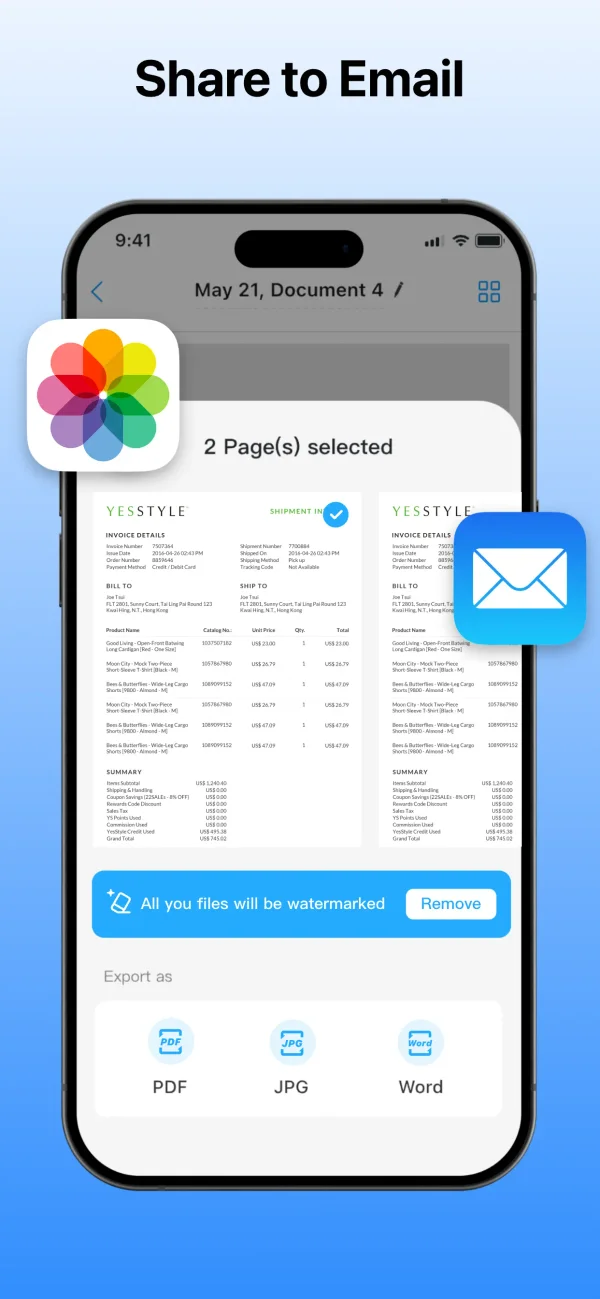
8. Easy Export & Sharing:
Save files locally and share documents through email, messaging apps, cloud storage, or other platforms. Adjust export quality and file size based on your needs.
9. Secure Local Storage:
Scanned and edited files remain on your device without automatic cloud uploads. Keep sensitive documents such as financial records, contracts, receipts, and IDs protected.
Use Cases
Perfect for office workers managing expense reports, invoices, and meeting documents; HR teams organizing employee records and contracts; business professionals scanning, signing, and sharing agreements on the go; students extracting text from notes and study materials; field workers digitizing documents remotely; and merchants organizing receipts and business records.
Whether for studying, office productivity, business operations, or everyday document management, this app provides a complete mobile scanning solution.
Premium Subscription Information。
Upgrade to PDF Scanner Premium and remove daily limits to unlock the full power of our document scanner! ► Unlimited document scanning & offline multilingual OCR
► Higher scan precision, enhanced image optimization engine
► Full access to all PDF editing, conversion and annotation features
► Batch scanning, advanced PDF tools without restrictions
► No watermarks on exported files
Subscription Plans
• Weekly Subscription: $4.99
• Standard Annual Subscription: $39.99
• Limited-Time Discount Annual Subscription: $29.99 (Best Value)
Contact Information
For more information or app support, please contact us at:
fengtao56@sina.com
Terms of Use:
https://www.xiaoyouhd.com/xypdf_user.html
Privacy Policy:
https://www.xiaoyouhd.com/xypdf_privacy.html
Có gì mới
Phiên bản 1.1.8 · 23/11/2026
Update content: Improve user experience and fix known issues
Quyền riêng tư của ứng dụng
Những gì Xiaoyou Interactive khai báo trên App Store về cách ứng dụng này xử lý dữ liệu.
-
Dữ liệu được sử dụng để theo dõi bạn
Có thể được sử dụng để theo dõi bạn trên các ứng dụng và trang web do công ty khác sở hữu.
- Mã định danh
-
Dữ liệu liên kết với bạn
Có thể được thu thập và liên kết với danh tính của bạn.
- Mã định danh
-
Dữ liệu không liên kết với bạn
Có thể được thu thập nhưng không liên kết với danh tính của bạn.
- Mã định danh
Phương thức đảm bảo quyền riêng tư có thể khác nhau, chẳng hạn như tuỳ theo các tính năng bạn sử dụng hoặc độ tuổi của bạn.
Thông tin
- Người bán
- Beijing Xiaoyou Interactive Technology Co., Ltd
- Danh mục
- Tiện Ích
- Phiên bản
- 1.1.8
- Cập nhật
- 23/11/2026
- Phát hành
- 02/09/2026
- Kích thước
- 34,4 MB
- Yêu cầu
- iOS 17.0 trở lên
- Độ tuổi
- 4+
- Giá
- Miễn phí
- Mua hàng trong ứng dụng
- Có
- Ngôn ngữ
- Tiếng Anh, Tiếng Hà Lan, Tiếng Pháp, Tiếng Đức, Tiếng Nhật, Tiếng Trung Phồn thể, Tiếng Thổ Nhĩ Kỳ
- Bản quyền
- © 2026 xiaoyouhd Inc.
Có thể bạn cũng thích
-
 PDF Scanner:Scan for DocumentsTiện Ích
-
 World Mobile: Phone & eSIMTiện Ích
-
 SELFTiện Ích
-
 Cloud Storage Drive Backup AppTiện Ích
-
 TidyClean:Photo Clean&CompressTiện Ích
-
 PDF Converter: Docs ScannerQuét, OCR, ký, chỉnh sửa, gộp
-
 PDF Scan & SignTiện Ích
-
 HP Smart Printer app FREETiện Ích
-
 Decluttr AI: Storage CleanerTiện Ích
-
 PhotoSureTiện Ích