PDF SuperApp: Reader & AI
Listen, Summarize & Edit
Conçue pour iPhone, iPad, iPod touch
Gratuit · Achats intégrés
- Classification d’âge4+
- CatégorieProductivité
- DéveloppeurAariz Rasheed
- LanguesAnglais
- Taille51,7 Mo
Renvoie vers la page App Store officielle
Download.org n’héberge aucun fichier de PDF SuperApp: Reader & AI. Le bouton ouvre la page de l’application sur App Store, où Aariz Rasheed la publie. Fiche vérifiée pour la dernière fois le 12/11/2026.
Captures d’écran

À propos
Le développeur n’a pas fourni ce texte dans votre langue.
Read, listen to, understand, edit, and share PDFs from one focused workspace — with every feature free.
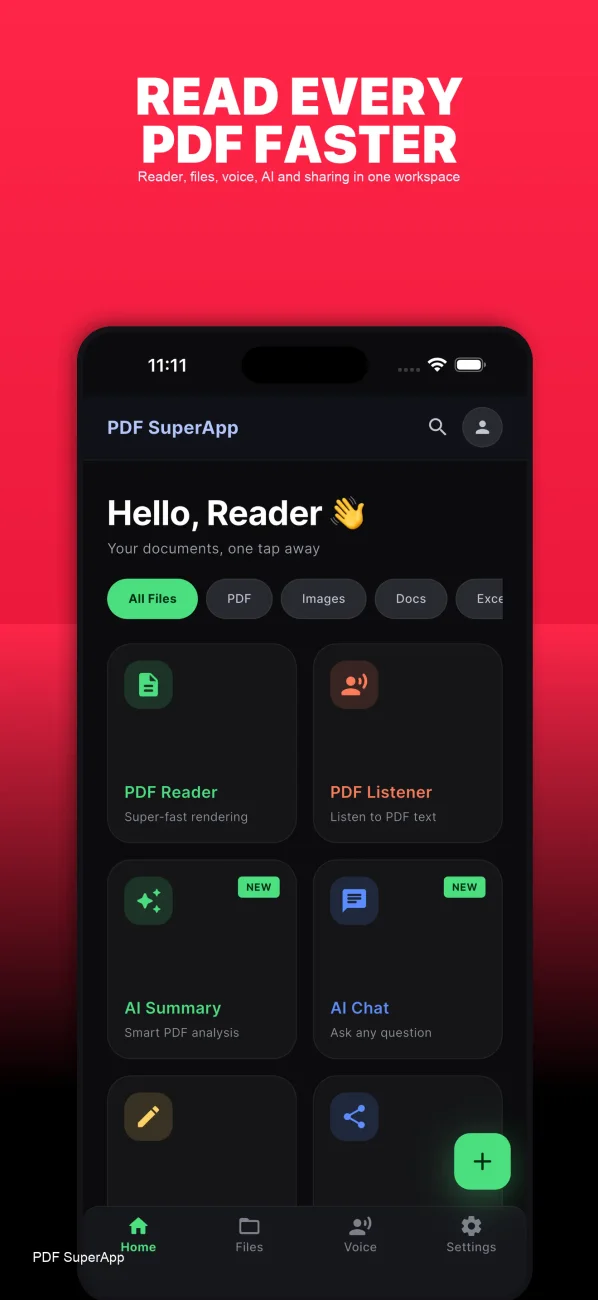
PDF SuperApp combines a fast PDF reader with read-aloud controls, AI summaries, study notes, document chat, page editing, and clean sharing. It is built for students, professionals, researchers, and anyone who wants to get through long documents with less friction.
EVERY FEATURE IS FREE
- No subscription, no locked tools, and no watermarks on what you share
- Page editing, AI summaries and document chat are all included
READ AND RESUME
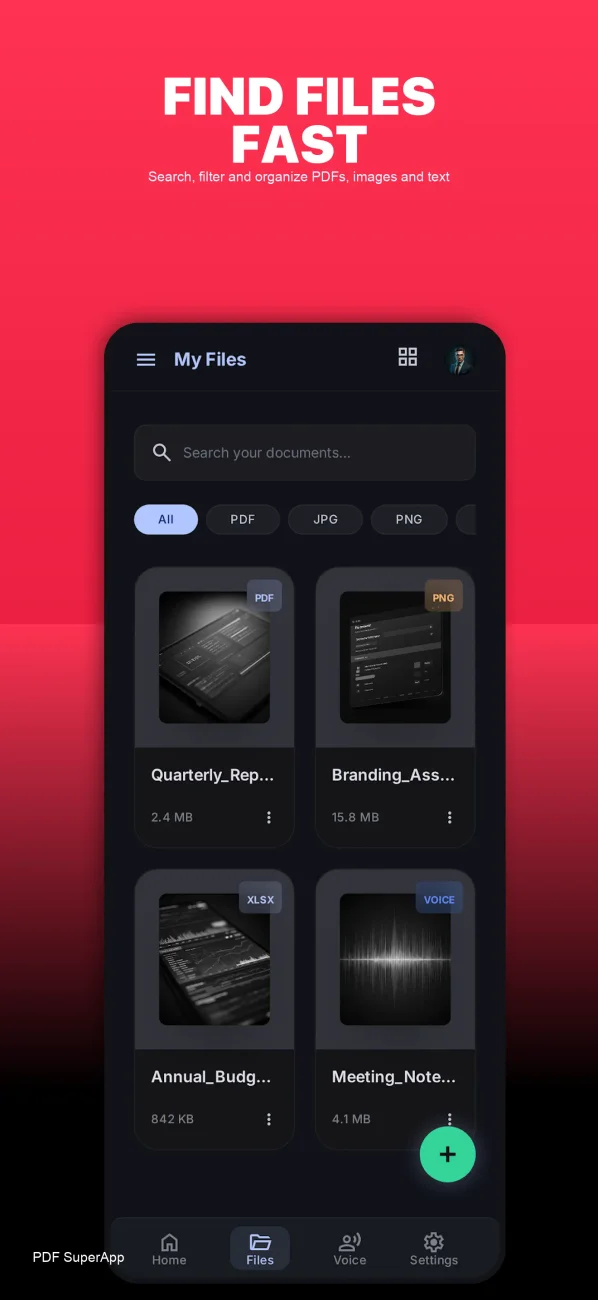
- Open PDFs with smooth scrolling, zoom, page jumping, and thumbnail navigation
- Choose vertical or horizontal scrolling, page snap, and comfortable reading themes
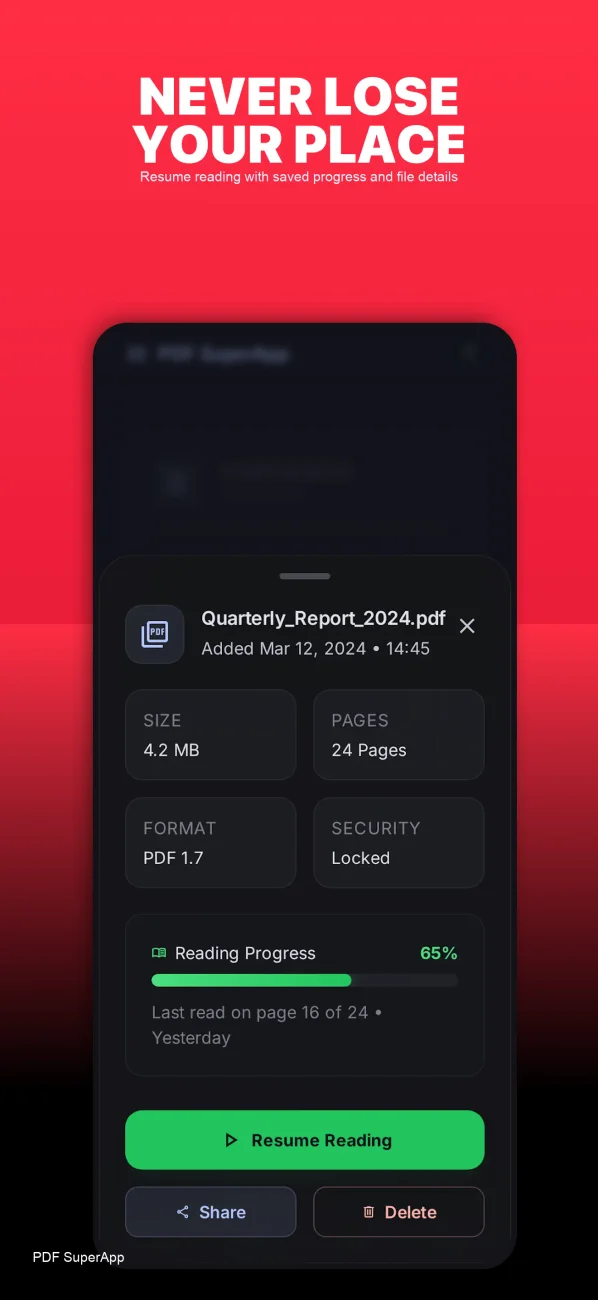
- Continue from your saved reading position
- Organize recent files and search by file name
- View imported JPG, PNG, and TXT files
LISTEN TO PDF TEXT
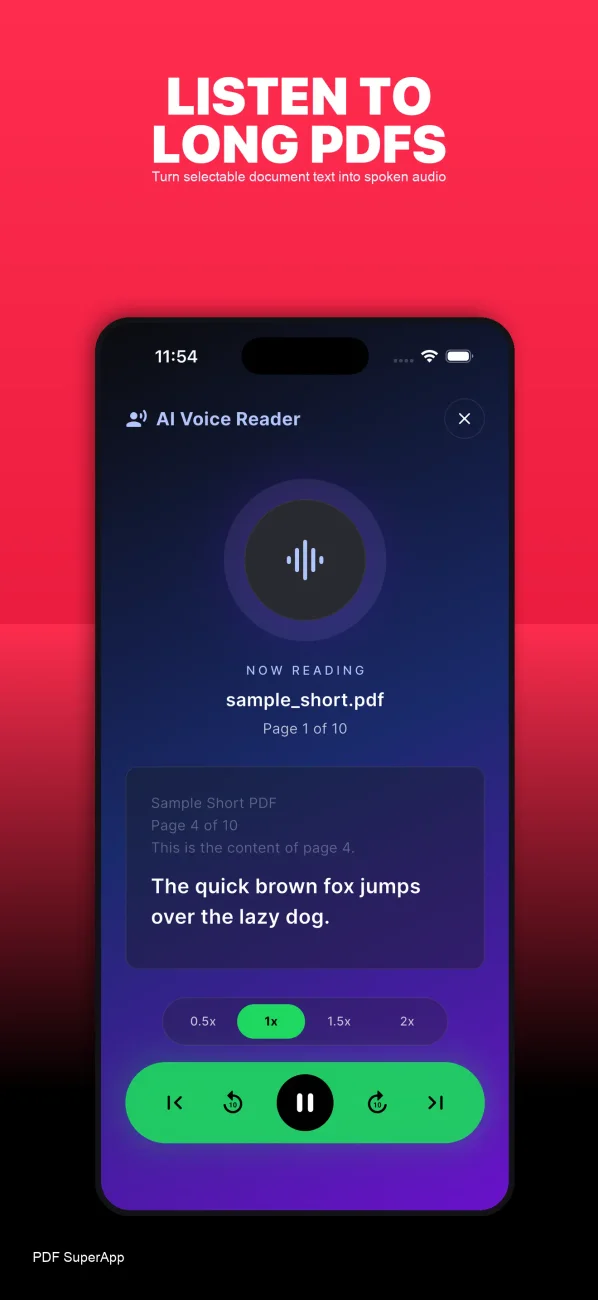
- Turn selectable PDF text into spoken audio using text-to-speech voices available on your device
- Choose playback speeds from 0.5x to 2x
- Pause, resume, or move between text sections
UNDERSTAND DOCUMENTS WITH AI
- Create a concise AI summary from selectable PDF text
- Generate structured study notes with key concepts, quick quizzes, and takeaways
- Surface key metrics when the source document includes measurable values
- Ask questions and receive answers grounded in the document text
AI features require an internet connection and work with PDFs that contain extractable text. Image-only or scanned pages are not converted with OCR.
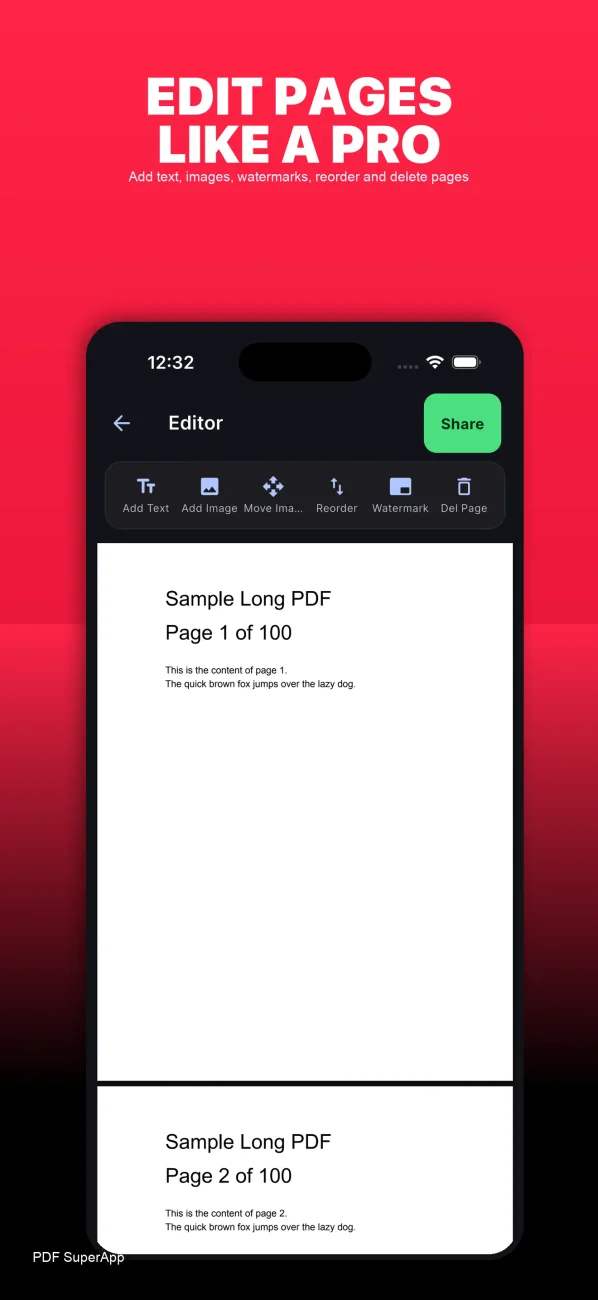
EDIT PAGES
- Add text to a PDF
- Insert images as pages or position an image on a page
- Reorder and delete pages
- Add a custom watermark
- Save and share your edited copy
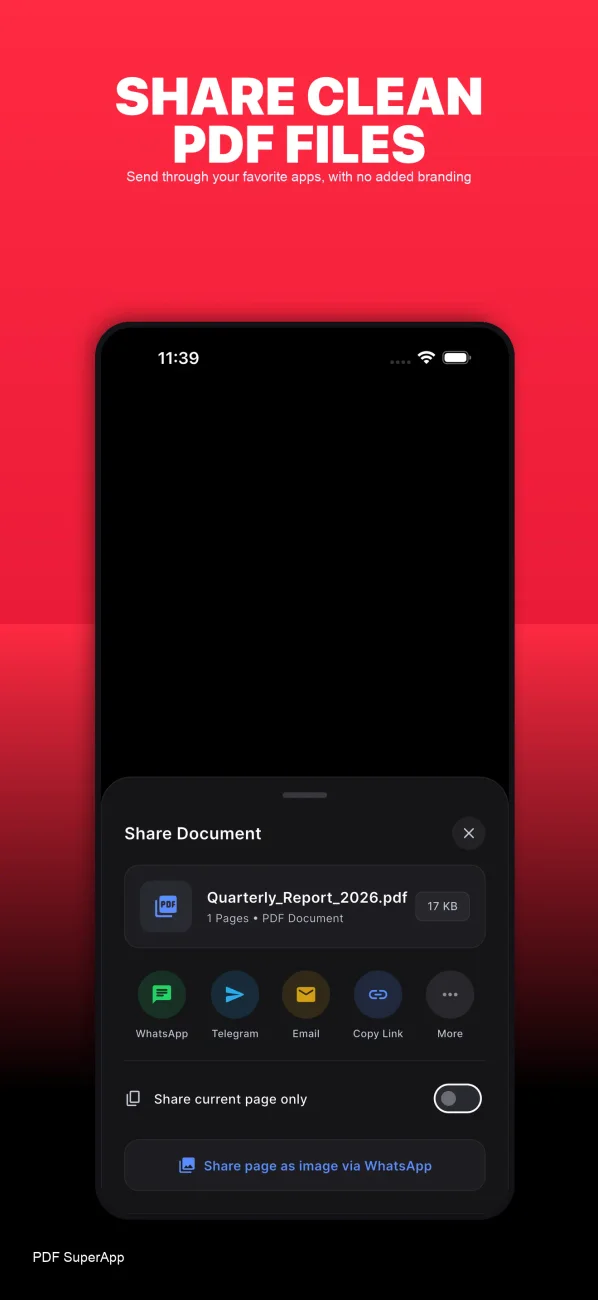
SHARE YOUR WAY
Share through the apps available on your device. Documents are shared as they are, with no added branding page.
Imported files are copied to app storage. When you choose an AI feature, extracted document text is sent for processing to generate the requested result.
Terms of Use: https://www.apple.com/legal/internet-services/itunes/dev/stdeula/
Privacy Policy: https://www.pdfsuperapp.com/privacy
Support: https://www.pdfsuperapp.com/support
Nouveautés
Version 1.0.5 · 08/08/2026
PDF SuperApp is now completely free. Page editing, AI summaries, document chat and clean sharing are unlocked for everyone — no subscription, no locked tools, and no branding page added to what you share.
Confidentialité de l’application
Ce que Aariz Rasheed déclare sur l’App Store au sujet du traitement des données par cette application.
-
Données n’établissant aucun lien avec vous
Peuvent être collectées, mais ne sont pas liées à votre identité.
- Achats
- Identifiants
Les pratiques en matière de confidentialité peuvent varier, notamment en fonction des fonctionnalités que vous utilisez ou de votre âge.
Informations
- Vendeur
- Aariz Rasheed
- Catégorie
- Productivité
- Version
- 1.0.5
- Mis à jour
- 08/08/2026
- Publié
- 10/06/2026
- Taille
- 51,7 Mo
- Nécessite
- iOS 13.0 ou version ultérieure
- Classification d’âge
- 4+
- Prix
- Gratuit
- Achats intégrés
- Oui
- Langues
- Anglais
- Copyright
- © 2026 PDF SuperApp
Vous aimerez peut-être aussi
-
 ParsleyPDF : Discuter PDF IARésumer, scanner & analyser
-
 Gravy: AI Chat NotebookProductivité
-
 Scanify Live Text ScannerProductivité
-
 NousPDF – Convertisseur PDFPhoto en PDF — scan gratuit
-
 Zokan: PDF Scanner & OCRProductivité
-
 SimpPDF ReaderProductivité
-
 PDF Toolkit: Scan & ConvertProductivité
-
 InnoScan: PDF Scanner & OCRProductivité
-
 VoiceCap: AI Meeting RecorderProductivité
-
 Red PDF ReaderProductivité