PDF SuperApp: Reader & AI
Listen, Summarize & Edit
Designed for iPhone, iPad, iPod touch
In-app purchases
- Age rating4+
- CategoryProductivity
- DeveloperAariz Rasheed
- LanguagesEnglish
- Size51.7 MB
Links to the official App Store page
Download.org hosts no file of PDF SuperApp: Reader & AI. The button opens its official App Store page, published by Aariz Rasheed. Listing last checked on Nov 12, 2026.
Screenshots




About
Read, listen to, understand, edit, and share PDFs from one focused workspace — with every feature free.
PDF SuperApp combines a fast PDF reader with read-aloud controls, AI summaries, study notes, document chat, page editing, and clean sharing. It is built for students, professionals, researchers, and anyone who wants to get through long documents with less friction.
EVERY FEATURE IS FREE
- No subscription, no locked tools, and no watermarks on what you share
- Page editing, AI summaries and document chat are all included
READ AND RESUME
- Open PDFs with smooth scrolling, zoom, page jumping, and thumbnail navigation
- Choose vertical or horizontal scrolling, page snap, and comfortable reading themes
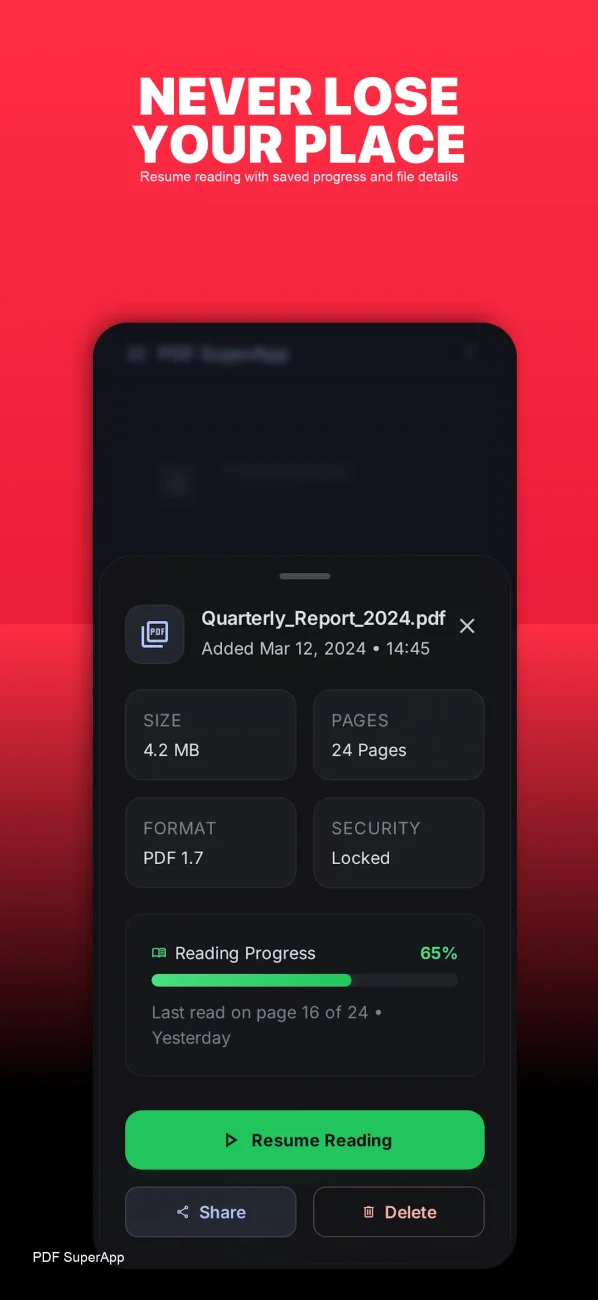
- Continue from your saved reading position
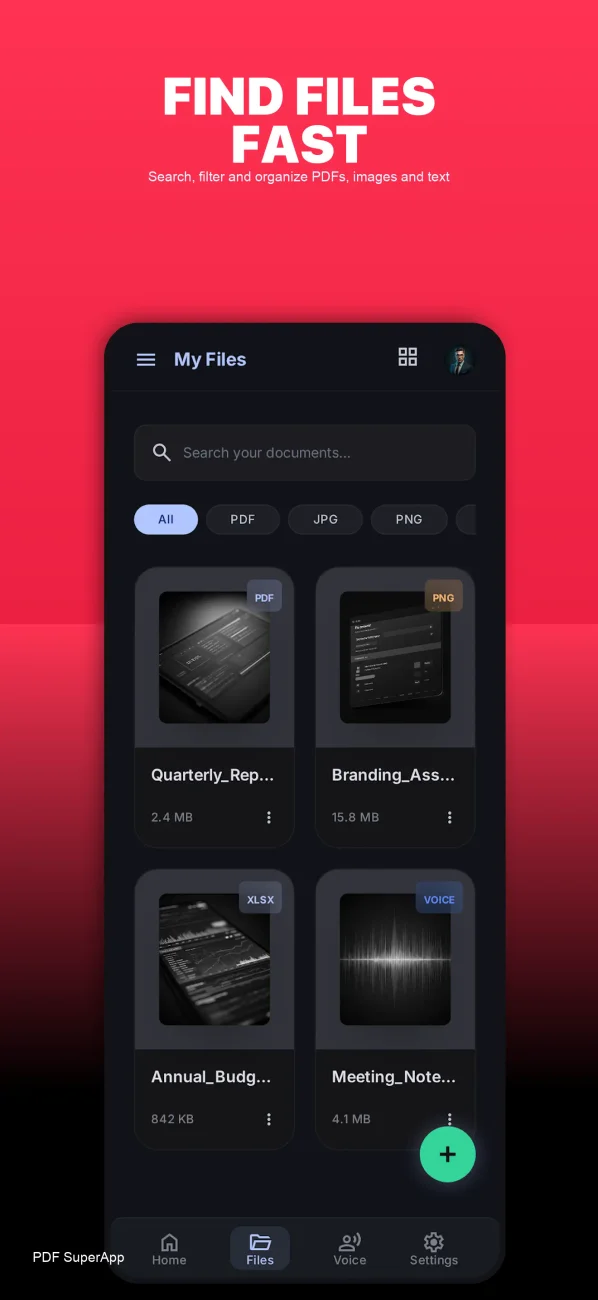
- Organize recent files and search by file name
- View imported JPG, PNG, and TXT files
LISTEN TO PDF TEXT
- Turn selectable PDF text into spoken audio using text-to-speech voices available on your device
- Choose playback speeds from 0.5x to 2x
- Pause, resume, or move between text sections
UNDERSTAND DOCUMENTS WITH AI
- Create a concise AI summary from selectable PDF text
- Generate structured study notes with key concepts, quick quizzes, and takeaways
- Surface key metrics when the source document includes measurable values
- Ask questions and receive answers grounded in the document text
AI features require an internet connection and work with PDFs that contain extractable text. Image-only or scanned pages are not converted with OCR.
EDIT PAGES
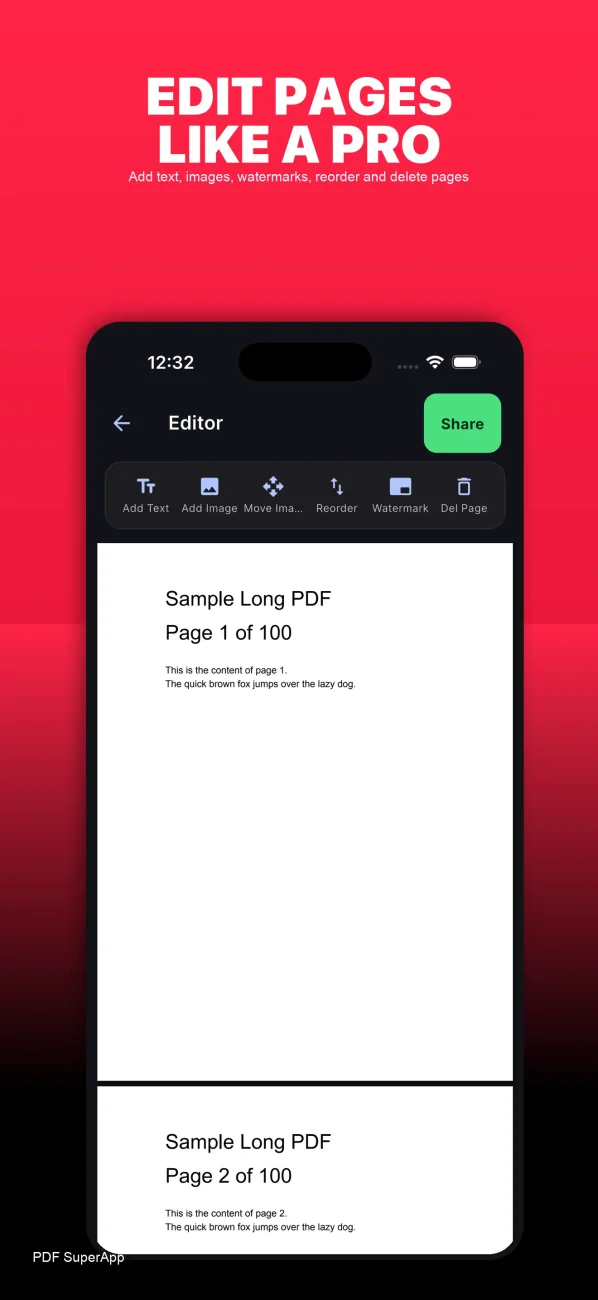
- Add text to a PDF
- Insert images as pages or position an image on a page
- Reorder and delete pages
- Add a custom watermark
- Save and share your edited copy
SHARE YOUR WAY
Share through the apps available on your device. Documents are shared as they are, with no added branding page.
Imported files are copied to app storage. When you choose an AI feature, extracted document text is sent for processing to generate the requested result.
Terms of Use: https://www.apple.com/legal/internet-services/itunes/dev/stdeula/
Privacy Policy: https://www.pdfsuperapp.com/privacy
Support: https://www.pdfsuperapp.com/support
What’s new
Version 1.0.5 · Aug 8, 2026
PDF SuperApp is now completely free. Page editing, AI summaries, document chat and clean sharing are unlocked for everyone — no subscription, no locked tools, and no branding page added to what you share.
App privacy
What Aariz Rasheed declares on the App Store about how this app handles data.
-
Data not linked to you
May be collected but is not linked to your identity.
- Purchases
- Identifiers
Privacy practices may vary, for example with the features you use or your age.
Information
- Seller
- Aariz Rasheed
- Category
- Productivity
- Version
- 1.0.5
- Updated
- Aug 8, 2026
- Released
- Jun 10, 2026
- Size
- 51.7 MB
- Requires
- iOS 13.0 or later
- Age rating
- 4+
- In-app purchases
- Yes
- Languages
- English
- Copyright
- © 2026 PDF SuperApp
You might also like
-
 ParsleyPDF: Chat with PDF AISummarizer, Reader & Quiz
-
 Gravy: AI Chat NotebookSmart Notes for AI Insights.
-
 Scanify Live Text ScannerInstant OCR, PDF & Photo Copy
-
 NousPDF: PDF Converter & ScanConvert Photo & JPG to PDF
-
 Zokan: PDF Scanner & OCRScan docs on-device, private
-
 SimpPDF ReaderPrivate local PDF reader
-
 PDF Toolkit: Scan & ConvertScan, Convert & Secure PDFs
-
 InnoScan: PDF Scanner & OCRConvert PDF to Excel & Word
-
 VoiceCap: AI Meeting RecorderIn-person notes & transcripts
-
 Red PDF ReaderPick up where you left off