PDF Tool
Merge, split & sign PDFs
Conçue pour iPhone, iPad, Mac, iPod touch
Gratuit
- Classification d’âge4+
- CatégorieProductivité
- DéveloppeurEachut Incorporation
- LanguesAnglais
- Taille29,9 Mo
Renvoie vers la page App Store officielle
Download.org n’héberge aucun fichier de PDF Tool. Le bouton ouvre la page de l’application sur App Store, où Eachut Incorporation la publie. Fiche vérifiée pour la dernière fois le 12/11/2026.
Captures d’écran
À propos
Le développeur n’a pas fourni ce texte dans votre langue.
PDF Tool puts essential PDF tools in one app. Merge, split, compress, protect, sign, and edit PDFs on your device—no account, no ads, and your files stay private.
WHAT YOU CAN DO
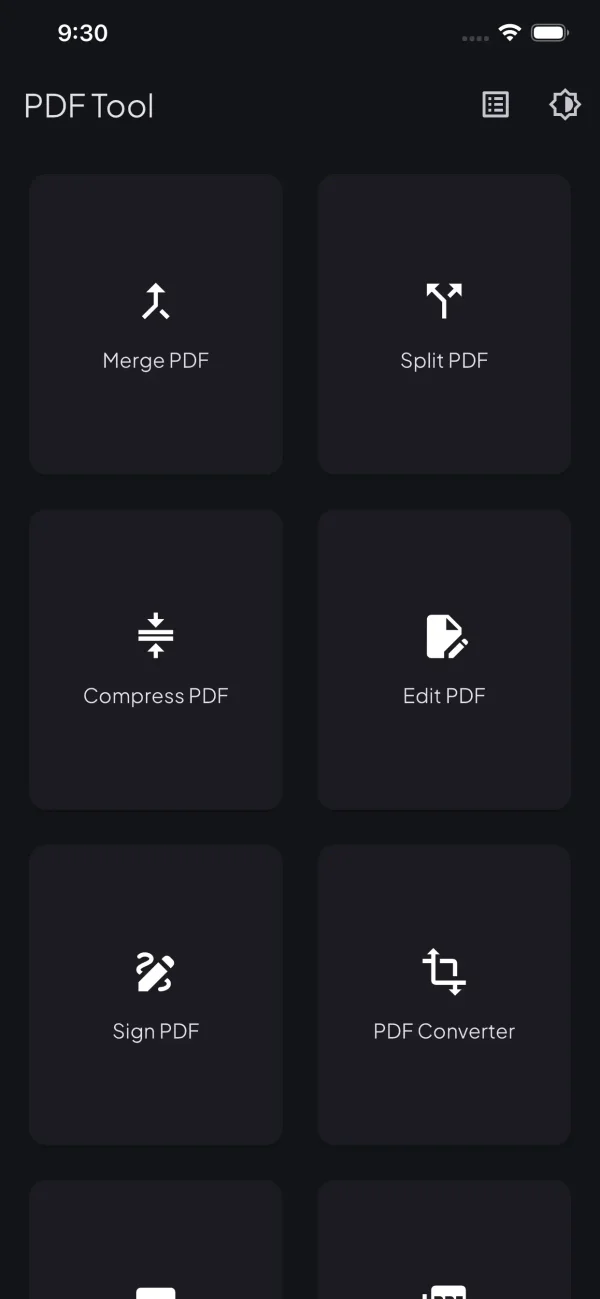
• Merge PDFs – Combine multiple PDFs into one file
• Split PDF – Extract pages or split by range into separate files
• Compress PDF – Reduce file size
• Protect PDF – Add a password to lock your document
• Unlock PDF – Remove password protection (when you know the password)
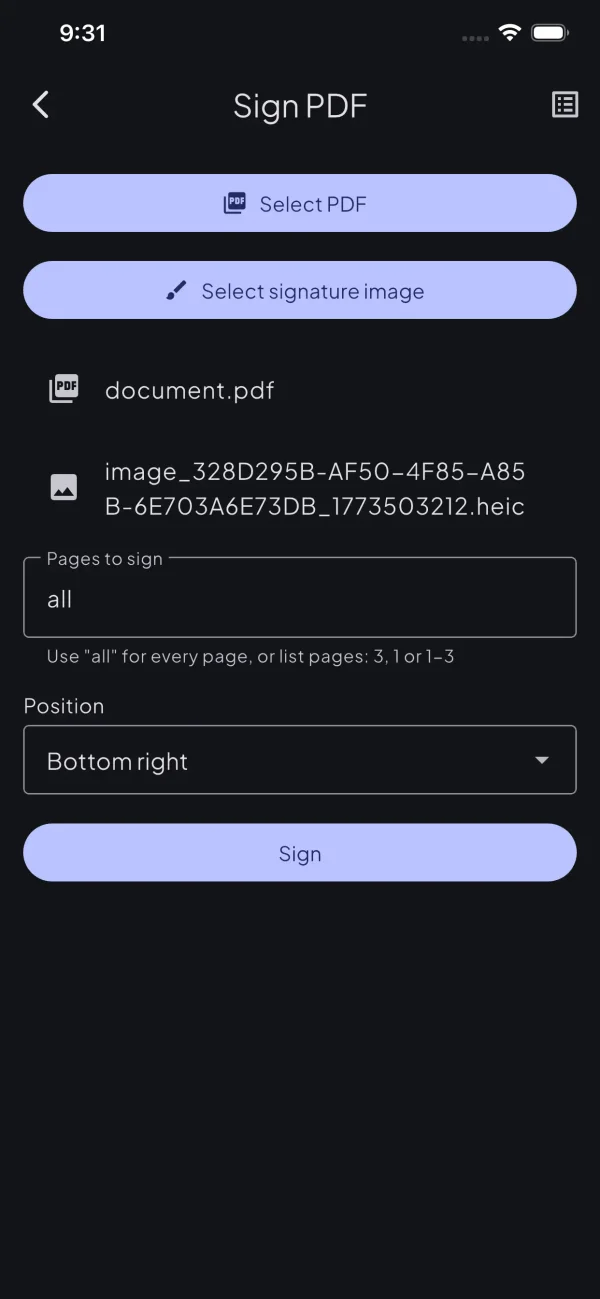
• Sign PDF – Draw or add your signature to documents
• Edit PDF – Remove, extract, or rearrange pages
• Rotate PDF pages – Fix orientation
• Add watermark – Text or image watermarks
• Add page numbers – Number your pages
• Images to PDF – Turn photos or images into a PDF
• PDF to Images – Export PDF pages as images
• Extract PDF images – Pull out embedded images
• Webpage to PDF – Save a webpage as a PDF
• PDF OCR – Extract text from scanned PDFs (where supported)
• Redact PDF – Permanently remove sensitive text
• Compare PDFs – See differences between two PDFs
• Web optimize PDF – Optimize for web viewing
• PDF Overlay – Overlay one PDF on another
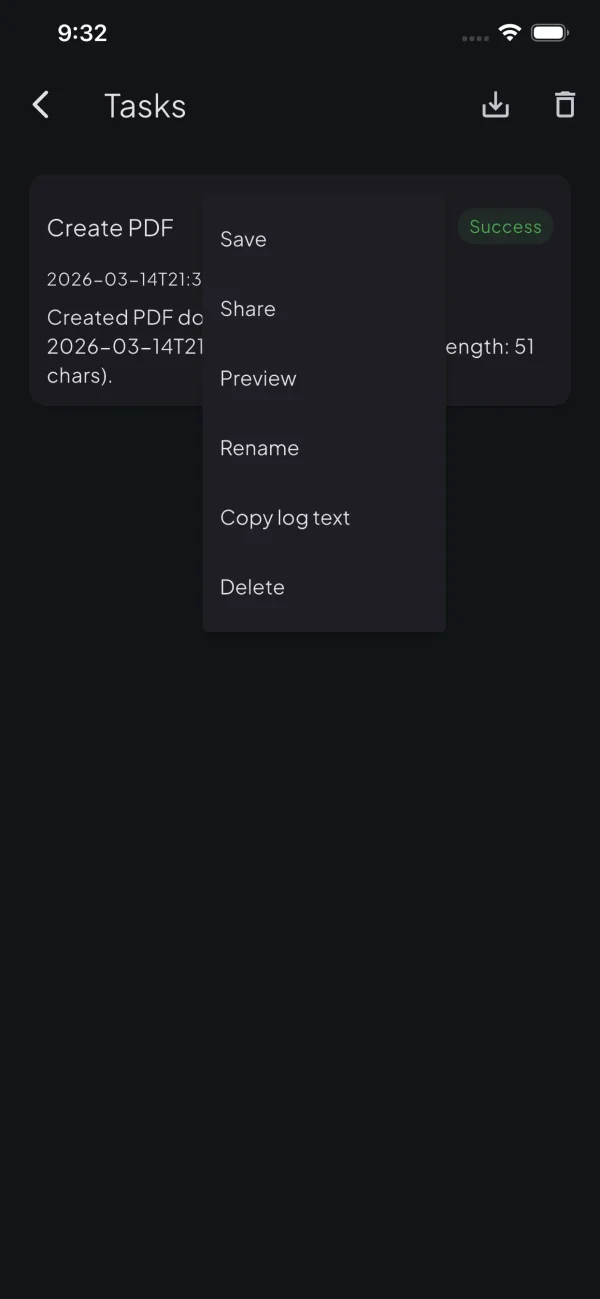
• Create PDF – Create a new PDF from scratch
PRIVACY & OFFLINE
• No account required – use the app immediately
• Your files stay on your device – we don’t upload or store your PDFs
• Works offline – most tools run without internet
• No ads – focus on your documents
• No watermark – clean document as you like
• No tracking – we don’t collect analytics or sell your data
Internet is only used when you choose features that need it (e.g. Webpage to PDF or loading fonts). Passwords for Protect/Unlock PDF are used only on your device and are never sent to us.
Built for everyday PDF tasks: contracts, forms, reports, and personal documents. No subscriptions—just the tools you need, when you need them.
Nouveautés
Version 1.2 · 27/07/2026
Compress and Web Optimize now produce noticeably sharper PDFs — no more blurry text or muddy images, even at high compression.
Confidentialité de l’application
Ce que Eachut Incorporation déclare sur l’App Store au sujet du traitement des données par cette application.
-
Données non collectées
Le développeur ne collecte aucune donnée à partir de cette application.
Les pratiques en matière de confidentialité peuvent varier, notamment en fonction des fonctionnalités que vous utilisez ou de votre âge.
Informations
- Vendeur
- Eachut Incorporation
- Catégorie
- Productivité
- Version
- 1.2
- Mis à jour
- 27/07/2026
- Publié
- 18/03/2026
- Taille
- 29,9 Mo
- Nécessite
- iOS 13.0 ou version ultérieure
- Classification d’âge
- 4+
- Prix
- Gratuit
- Langues
- Anglais
- Copyright
- © @Eachut
Vous aimerez peut-être aussi
-
 PDF Genius : Modifier PDF IARemplir, signer et scanner
-
 PDF Scanner & Éditeur: PrivioSigner, Convertir, Fusionner
-
 Booklet Maker: Livret PDFBrochure, Imposition PDF
-
 PDF Tool - Edit, Convert, SignConvert, Compress & File Maker
-
 PDF Editor: Scanner & SignMerge, Split, Compress, OCR
-
 PDF to Word Convertisseur DOCXWord PDF hors ligne: Texte OCR
-
 Inkfluence - eBook MakerProductivité
-
 Self Care TrackerProductivité
-
 PDF Converter For Adobe PDF.Photo to PDF Maker・Word to PDF
-
 Split: Web Browser ViewProductivité