- 対象年齢4+
- カテゴリ仕事効率化
- 開発元Eachut Incorporation
- 言語英語
- サイズ29.9 MB
App Storeの公式ページにリンクしています
Download.orgはPDF Toolのファイルを一切ホストしていません。ボタンを押すと、Eachut Incorporationが公開しているApp Storeのアプリページが開きます。ページの最終確認:2026/11/12。
スクリーンショット
概要
開発元はこのテキストをお使いの言語で提供していません。
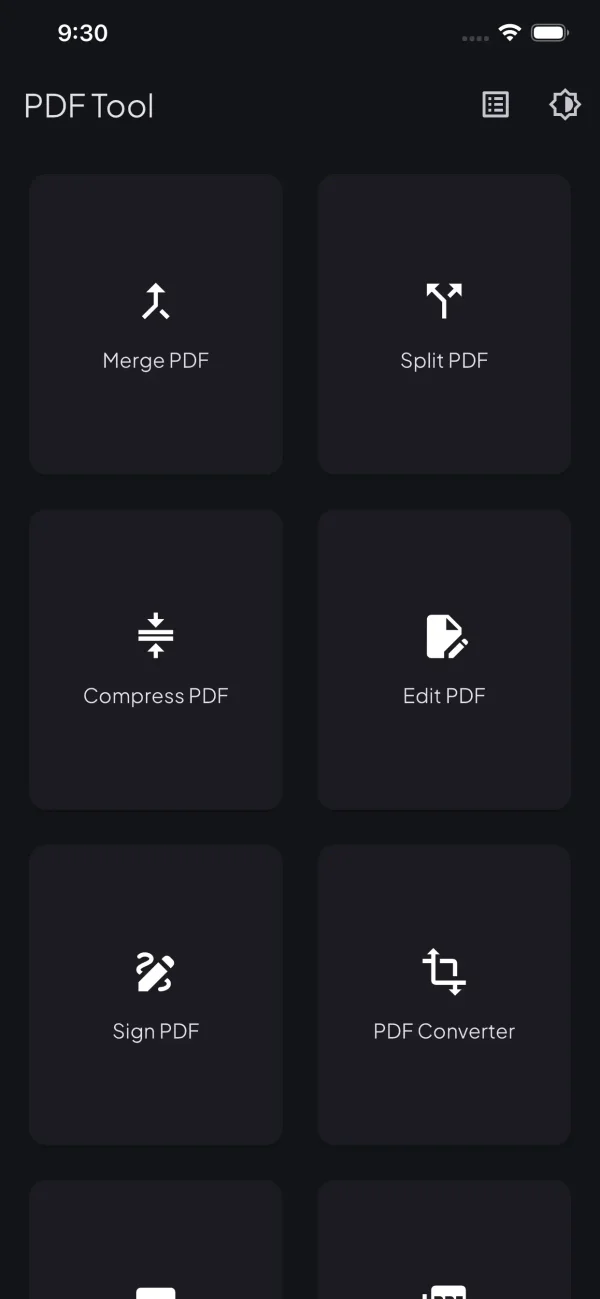
PDF Tool puts essential PDF tools in one app. Merge, split, compress, protect, sign, and edit PDFs on your device—no account, no ads, and your files stay private.
WHAT YOU CAN DO
• Merge PDFs – Combine multiple PDFs into one file
• Split PDF – Extract pages or split by range into separate files
• Compress PDF – Reduce file size
• Protect PDF – Add a password to lock your document
• Unlock PDF – Remove password protection (when you know the password)
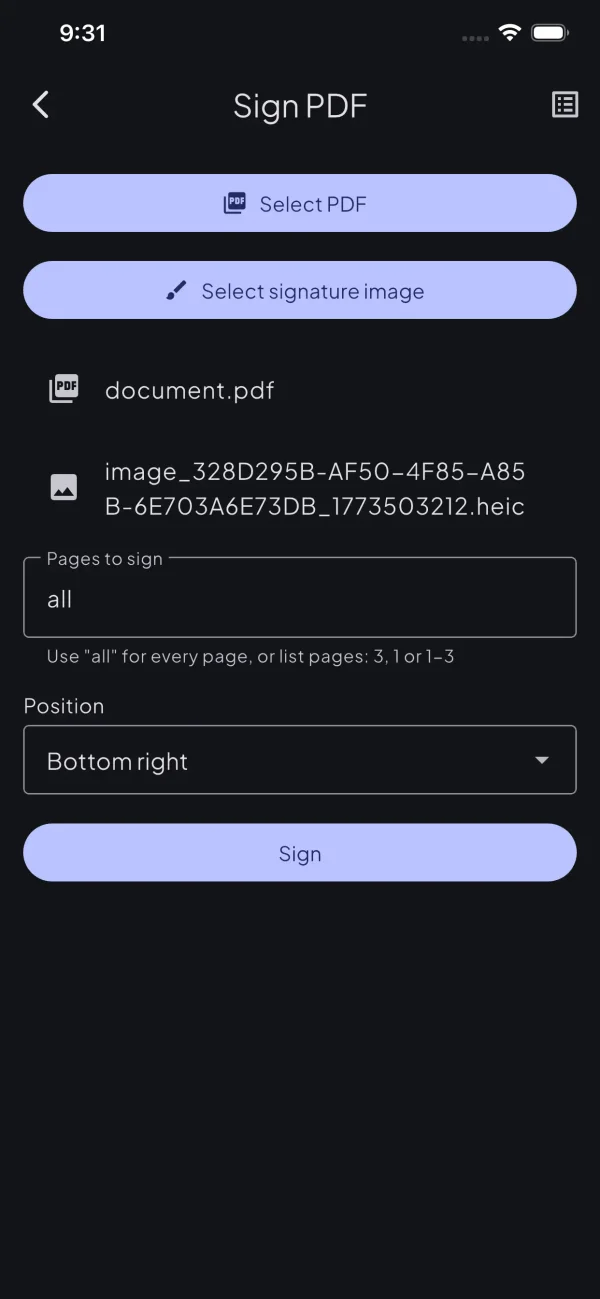
• Sign PDF – Draw or add your signature to documents
• Edit PDF – Remove, extract, or rearrange pages
• Rotate PDF pages – Fix orientation
• Add watermark – Text or image watermarks
• Add page numbers – Number your pages
• Images to PDF – Turn photos or images into a PDF
• PDF to Images – Export PDF pages as images
• Extract PDF images – Pull out embedded images
• Webpage to PDF – Save a webpage as a PDF
• PDF OCR – Extract text from scanned PDFs (where supported)
• Redact PDF – Permanently remove sensitive text
• Compare PDFs – See differences between two PDFs
• Web optimize PDF – Optimize for web viewing
• PDF Overlay – Overlay one PDF on another
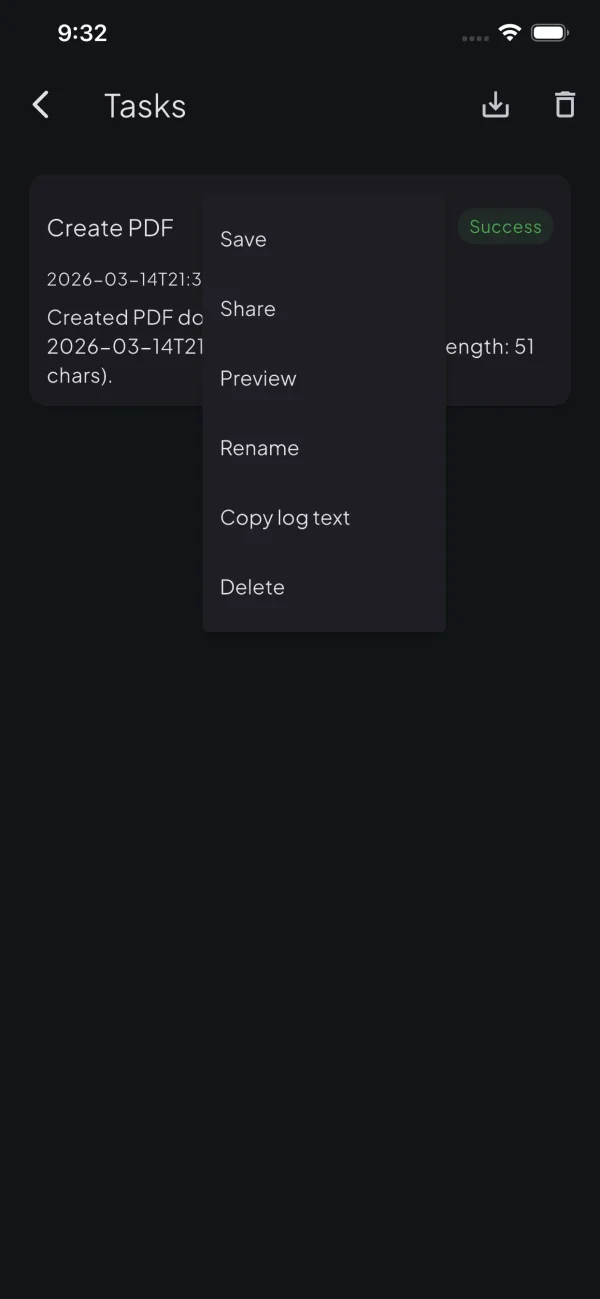
• Create PDF – Create a new PDF from scratch
PRIVACY & OFFLINE
• No account required – use the app immediately
• Your files stay on your device – we don’t upload or store your PDFs
• Works offline – most tools run without internet
• No ads – focus on your documents
• No watermark – clean document as you like
• No tracking – we don’t collect analytics or sell your data
Internet is only used when you choose features that need it (e.g. Webpage to PDF or loading fonts). Passwords for Protect/Unlock PDF are used only on your device and are never sent to us.
Built for everyday PDF tasks: contracts, forms, reports, and personal documents. No subscriptions—just the tools you need, when you need them.
新機能
バージョン 1.2 · 2026/7/27
Compress and Web Optimize now produce noticeably sharper PDFs — no more blurry text or muddy images, even at high compression.
アプリのプライバシー
このアプリのデータの取り扱いについて、Eachut IncorporationがApp Storeで申告している内容です。
-
データの収集なし
開発元はこのアプリからデータを収集しません。
プライバシーの取り扱いは、ご利用の機能やお客様の年齢などに応じて異なる場合があります。
情報
- 販売元
- Eachut Incorporation
- カテゴリ
- 仕事効率化
- バージョン
- 1.2
- 更新日
- 2026/7/27
- リリース
- 2026/3/18
- サイズ
- 29.9 MB
- 必要条件
- iOS 13.0以降
- 対象年齢
- 4+
- 価格
- 無料
- 言語
- 英語
- 著作権
- © @Eachut
こちらもおすすめ
-
 PDF Genius: PDF編集・書き込みAIスキャン・署名・変換・要約
-
 PDF スキャナー & 編集: Privio署名・変換・編集・OCR・結合
-
 Booklet Maker: PDF小冊子作成PDF印刷・面付け・製本
-
 PDF Tool - Edit, Convert, SignConvert, Compress & File Maker
-
 PDF Editor: Scanner & SignMerge, Split, Compress, OCR
-
 PDFをWordに変換 - ワード・PDF変換・オフラインWordをPDFに変換・OCR文字認識・DOCX
-
 Inkfluence - eBook Maker仕事効率化
-
 Self Care Tracker仕事効率化
-
 PDF変換: 写真 PDF編集, HEIC & 写真PDF化ドキュメントを管理-PDFの作成, 入力と署名, PDF写真
-
 分割画面: デュアルビューウィンドウマルチタスクデュエル Web ブラウザ